
1. Introduction
This manual provides essential instructions for the setup, operation, and maintenance of your ZURU Mini Brands Fill The Fridge Playset. This playset allows you to organize and display your collection of ZURU Mini Brands miniatures within a miniature refrigerator, featuring a functional UV light for creating custom mini items.
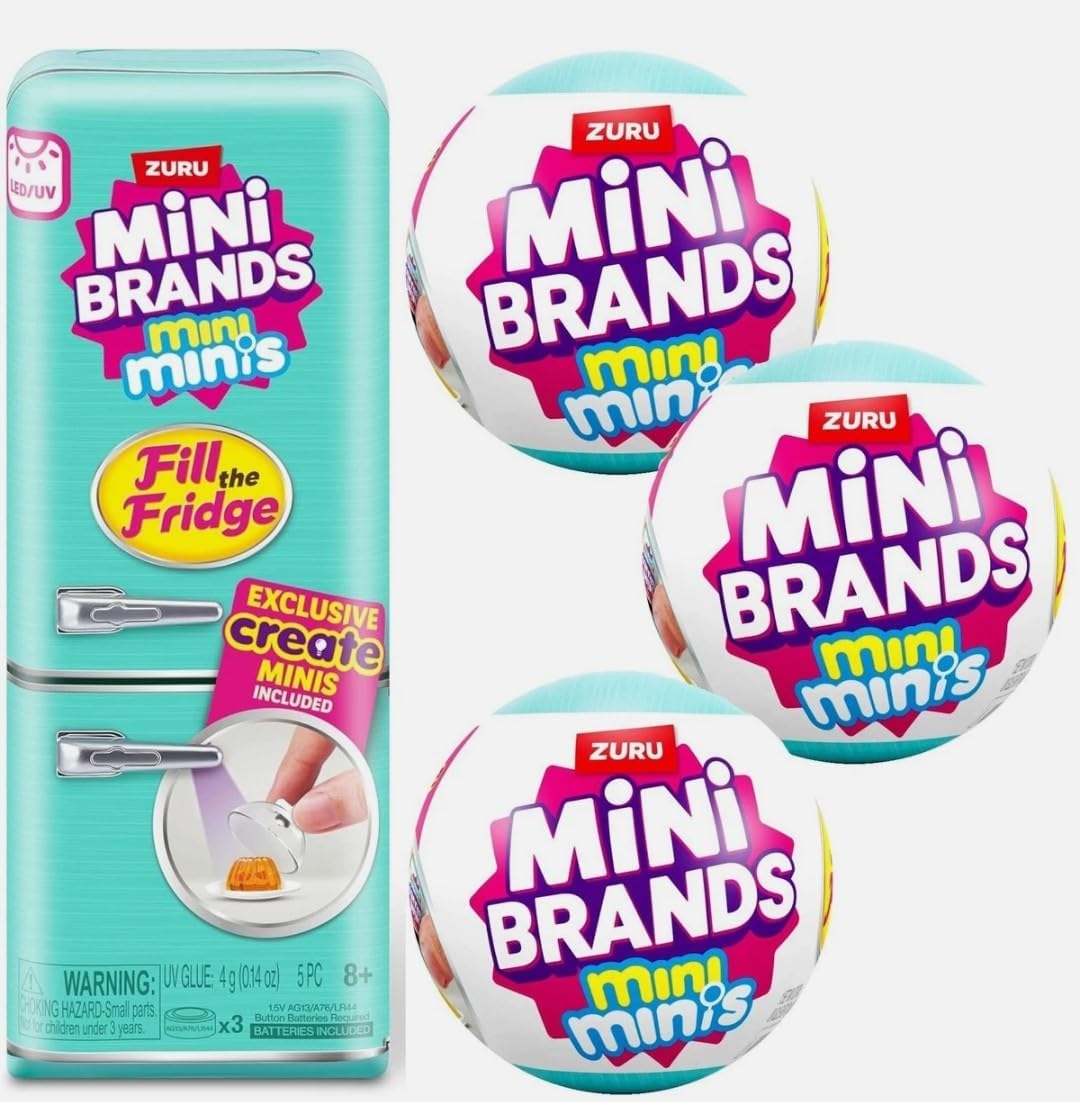
Image 1.1: ZURU Mini Brands Fill The Fridge Playset, including the miniature refrigerator and three surprise capsules.
2. Safety Information
- Small Parts: This product contains small parts and is not suitable for children under 3 years due to choking hazards.
- External Use Only: The included liquid for creating miniatures is for external use only. Do not ingest.
- Battery Safety: The refrigerator uses button cell batteries. Ensure the battery compartment is securely closed. Keep batteries out of reach of small children.
3. Package Contents
Your ZURU Mini Brands Fill The Fridge Playset package includes the following items:
- 1 x Miniature Refrigerator
- 3 x Mini Brands Surprise Capsules (S1)
- Assorted miniature accessories (e.g., shelves, drawers, magnets, miniature food items, tools for creation)
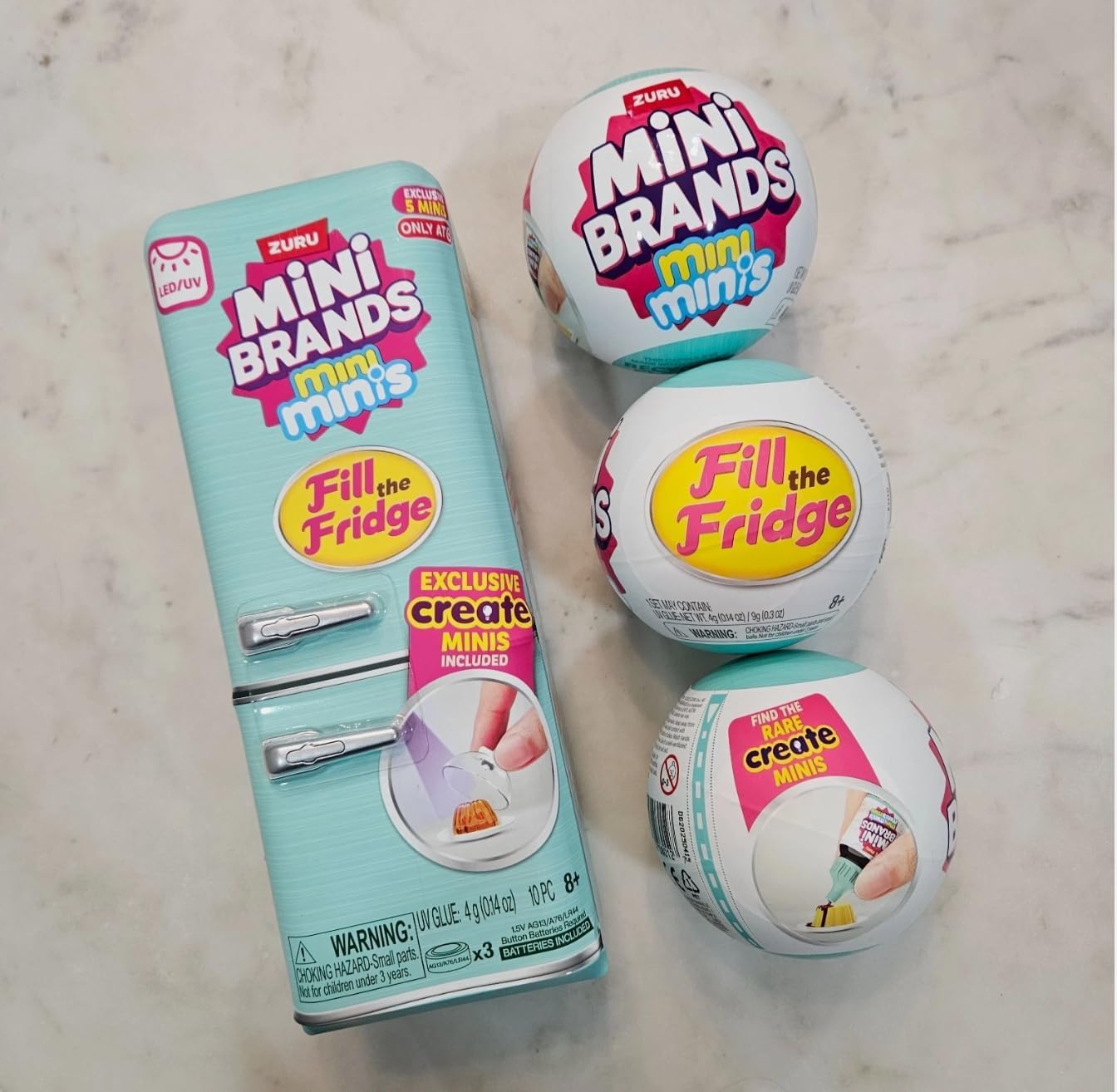
Image 3.1: The complete ZURU Mini Brands Fill The Fridge Playset, showcasing the refrigerator and included capsules.
4. Setup
- Unpack the Refrigerator: Carefully remove the miniature refrigerator from its packaging. The refrigerator comes with pre-installed batteries, so no additional battery installation is required for initial use.
- Install Shelves and Drawers: The refrigerator's main compartment shelves and door shelves may need to be inserted. The freezer compartment drawers are typically pre-installed. Refer to the diagram below for proper placement.
- Activate UV Light: Locate the small switch on the back of the refrigerator. This switch toggles between normal interior lighting and UV light mode. Ensure it is in the desired position.
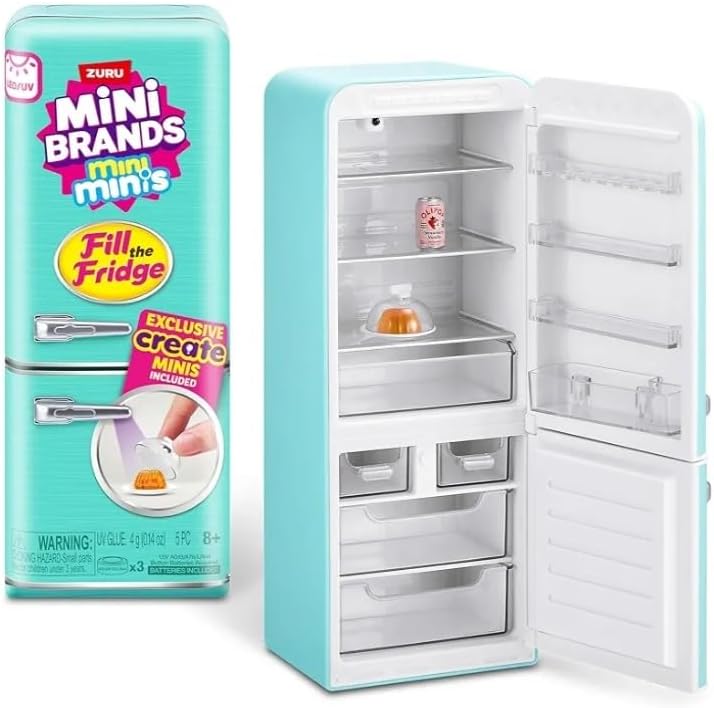
Image 4.1: The interior of the miniature refrigerator, demonstrating the placement of shelves and drawers.
5. Operating Instructions
5.1. Unboxing Miniatures
Each playset includes three Mini Brands surprise capsules. Carefully unwrap each capsule to reveal various miniature food items and accessories. Some capsules may contain components for creating custom mini items.

Image 5.1: Example contents found within a ZURU Mini Brands capsule.
5.2. Creating Custom Miniatures (UV Light Feature)
Some capsules include liquid resin and molds for creating unique miniature food items. Follow these steps:
- Prepare the Mold: Place the liquid resin into the provided mold.
- Activate UV Light: Switch the refrigerator to UV light mode using the switch on the back.
- Cure the Miniature: Place the mold with the liquid resin inside the refrigerator under the UV light. Close the door and allow the UV light to cure the resin for approximately 10-15 minutes.
- Remove and Display: Once cured, carefully remove the hardened miniature from the mold. It is now ready for display in your mini fridge.

Image 5.2: Visual guide for creating custom miniatures with the UV light feature.
5.3. Arranging Your Miniatures
Utilize the adjustable shelves and drawers to arrange your Mini Brands collection. The door also features compartments for smaller items. Magnets can be used to decorate the exterior of the refrigerator.

Image 5.3: A diverse collection of ZURU Mini Brands miniatures ready for display.
6. Maintenance
- Cleaning: Wipe the exterior and interior of the refrigerator with a soft, dry cloth. Do not use abrasive cleaners or immerse the unit in water.
- Battery Replacement: If the lights (normal or UV) begin to dim or stop working, the pre-installed button cell batteries may need replacement. Carefully open the battery compartment on the back of the unit and replace with new batteries of the same type (1.5V AG13/LR44 x3). Ensure correct polarity.
- Storage: When not in use, store the playset in a cool, dry place away from direct sunlight.
7. Troubleshooting
| Problem | Possible Cause | Solution |
|---|---|---|
| Lights not working | Dead batteries or switch in OFF position. | Check the battery switch on the back. Replace batteries if necessary. |
| Miniatures not hardening under UV light | Insufficient curing time or UV light not activated. | Ensure the UV light is switched ON and allow 10-15 minutes for curing. Check battery strength. |
| Refrigerator door not closing properly | Obstruction or misaligned door. | Check for any items blocking the door. Gently adjust the door if it appears misaligned. |
8. Specifications
- Product Dimensions: 2 x 2 x 2 inches
- Item Weight: 2.2 pounds
- Manufacturer: Zuru
- Recommended Age: 4 months - 5 years (Note: Contains small parts, adult supervision recommended for younger children)
- Power Source: 3 x 1.5V AG13/LR44 Button Cell Batteries (pre-installed)
9. Warranty and Support
For warranty information, product support, or to inquire about replacement parts, please contact ZURU customer service. Visit the official ZURU website for contact details and further assistance.
Official ZURU Website: www.zuru.com


