1. Introduction
The Colourbing RG36PRO is a portable retro handheld game console designed to provide access to a vast library of classic games. Featuring an open-source system, a 3.5-inch IPS screen, and a 3000mAh battery, this device offers an engaging gaming experience on the go. This manual provides essential information for setting up, operating, and maintaining your RG36PRO console.
2. Package Contents
Please verify that all items listed below are included in your package:
- 1 x Colourbing RG36PRO Retro Handheld Game Console
- 1 x 64GB TF Card (pre-installed)
- 1 x Type-C Charging Cable
- 1 x User Manual (this document)

Image: The RG36PRO console, a 64GB memory card, a Type-C charging cable, and a small instruction manual are shown together.
3. Product Overview
Familiarize yourself with the various components and controls of your RG36PRO console.
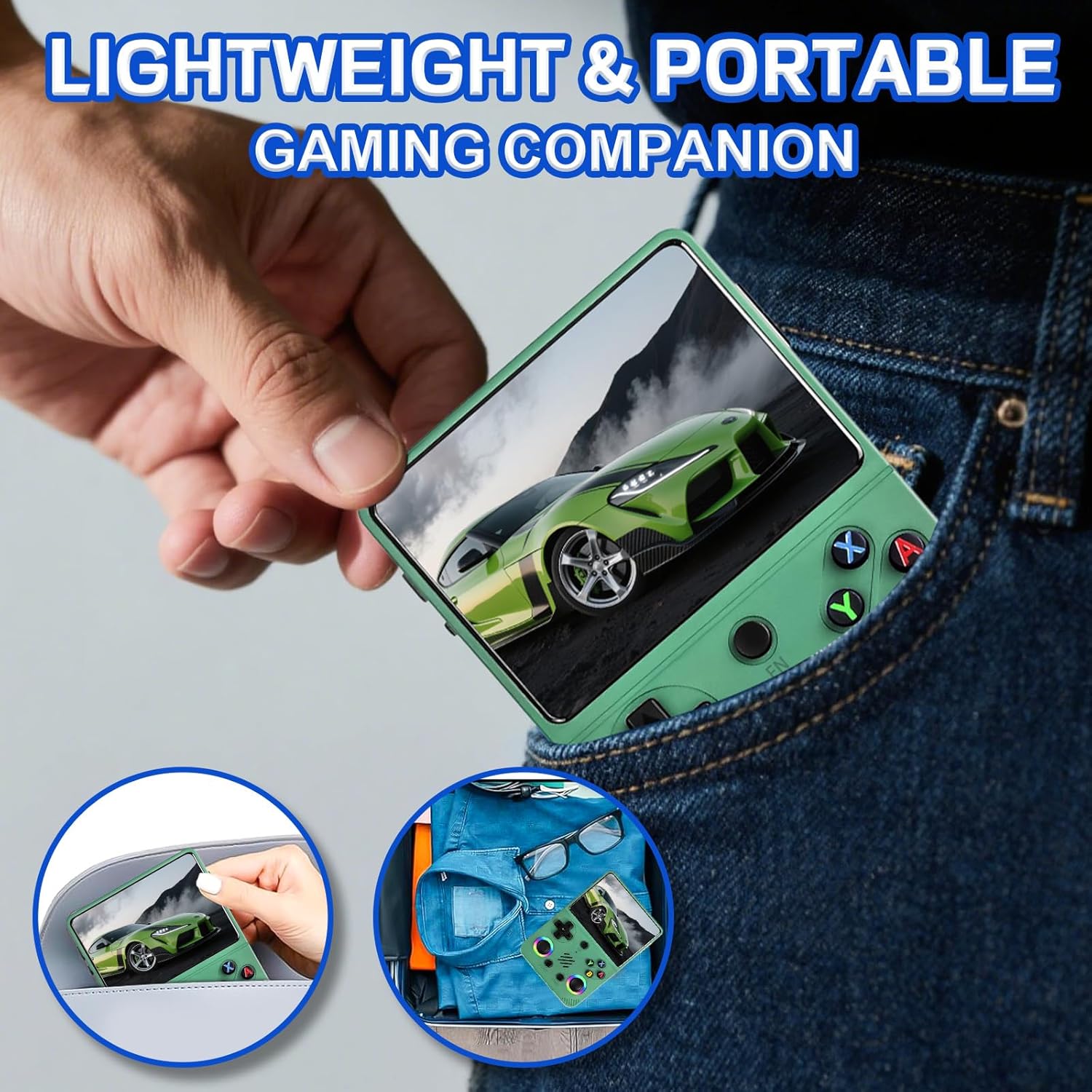
Image: A detailed diagram of the RG36PRO console highlighting its various buttons, joysticks, and ports, including Power, Reset, Volume keys, TF1(OS) and TF2(GAME) card slots, FN button, Left Joystick (L3), Select, Start, Right Joystick (R3), A/B/X/Y buttons, DC charging port, Type-C Headphone Jack, and OTG port, along with R1/R2/L1/L2 shoulder buttons.
Controls and Ports:
- Power Button: Located on the top left, used to turn the device on or off.
- Reset Button: Located near the Power button, used to restart the console.
- Volume Keys: Located on the right side, used to adjust audio output.
- TF1 (OS) Slot: MicroSD card slot for the operating system.
- TF2 (GAME) Slot: MicroSD card slot for game storage.
- FN Button: Function button for system-specific actions.
- Left/Right Joysticks (L3/R3): Analog sticks for precise movement, with RGB lighting. Pressing them down activates L3/R3 functions.
- D-Pad: Directional pad for navigation.
- A/B/X/Y Buttons: Standard action buttons.
- Select/Start Buttons: For in-game and system menu selections.
- DC Port: Dedicated port for charging the device.
- Type-C Headphone Jack: For audio output to headphones.
- OTG Port: For connecting external peripherals.
- R1/R2/L1/L2: Shoulder buttons for additional in-game controls.
4. Setup
4.1 Initial Charging
Before first use, fully charge your RG36PRO console. Connect the provided Type-C charging cable to the DC port on the console and to a power adapter (not included). For efficient charging, use a charger with an output of at least 5V/2A (10W) or higher.

Image: The RG36PRO console is shown with a charging cable inserted into its DC port, emphasizing the recommended charging specifications of 5V/2A (10W).
4.2 TF Card Installation
The 64GB TF card containing the operating system and pre-loaded games is typically inserted into the console upon receipt. Ensure both TF1 (OS) and TF2 (GAME) cards are securely in their respective slots before powering on the device.
5. Operating Instructions
5.1 Power On/Off
- To Power On: Press and hold the Power button until the screen illuminates.
- To Power Off: Navigate to the system menu and select the shutdown option, or press and hold the Power button until the device powers down.
5.2 Navigation
Use the D-pad or the Left Joystick to navigate through the system menus and game lists. The A button typically confirms selections, while the B button usually acts as a back or cancel function.
5.3 Playing Games
The console comes with over 30,000 pre-loaded classic games across various emulators. To play a game:
- From the main menu, select the desired console emulator (e.g., PlayStation, Game Boy Advance, Nintendo 64).
- Browse the list of available games using the D-pad or joystick.
- Press the A button to launch the selected game.
- In-game controls will vary by game and emulator. Refer to the on-screen prompts or experiment with the buttons.

Image: The RG36PRO console screen shows a vibrant display of various game titles and console emulators, indicating a large library of over 30,000 classic games.
5.4 Adding Games
The open-source system allows for adding more games. To do so, remove the TF2 (GAME) card from the console and insert it into a computer. Copy compatible game ROMs into the appropriate system folders on the card. Reinsert the TF2 card into the console to access the new games.
5.5 Connectivity
The RG36PRO supports internet connectivity, allowing for system updates and multiplayer gaming with friends. Use the provided cable to connect to a network or compatible devices for these features.
6. Maintenance
- Cleaning: Use a soft, dry cloth to clean the console's exterior. Avoid abrasive cleaners or solvents.
- Storage: Store the console in a cool, dry place away from direct sunlight and extreme temperatures.
- Battery Care: To prolong battery life, avoid fully discharging the battery frequently. Charge the device regularly, even if not in use for extended periods.
- TF Cards: Handle TF cards carefully. Avoid bending or exposing them to static electricity.
7. Troubleshooting
If you encounter issues with your RG36PRO, refer to the following common solutions:
- Console Freezes/Crashes: If the console becomes unresponsive or a game freezes, press the Reset button to restart the device. This action typically does not delete saved game data.
- Games Not Loading/Broken: Some pre-loaded games may not function correctly or may have incorrect names. This is a known issue with large game libraries. Try other versions of the game if available, or source alternative ROMs.
- Charging Issues: Ensure you are using a 5V/2A (10W) or higher charger and connecting it to the dedicated DC port. If the device still does not charge, try a different compatible cable and power adapter.
- No Sound: Check the volume settings using the volume keys. Ensure headphones are properly connected if in use.
- Screen Issues: If the screen is dim or unresponsive, ensure the device is charged. If issues persist, a system reset may be required.
8. Specifications
| Product Dimensions | 4"L x 1.3"W x 6.5"H |
| Controller Type | Action Buttons, Built-in Game Controls, D-pad |
| Screen Size | 3.5 Inches |
| Power Source | Rechargeable Battery |
| Battery Description | Built-in Rechargeable Lithium Battery (3000mAh) |
| Display Type | LCD (IPS) |
| Material | Plastic |
| Memory Storage Capacity | 64 GB (TF Card) |
| Form Factor | Handheld |
| Item Weight | 12.3 ounces |
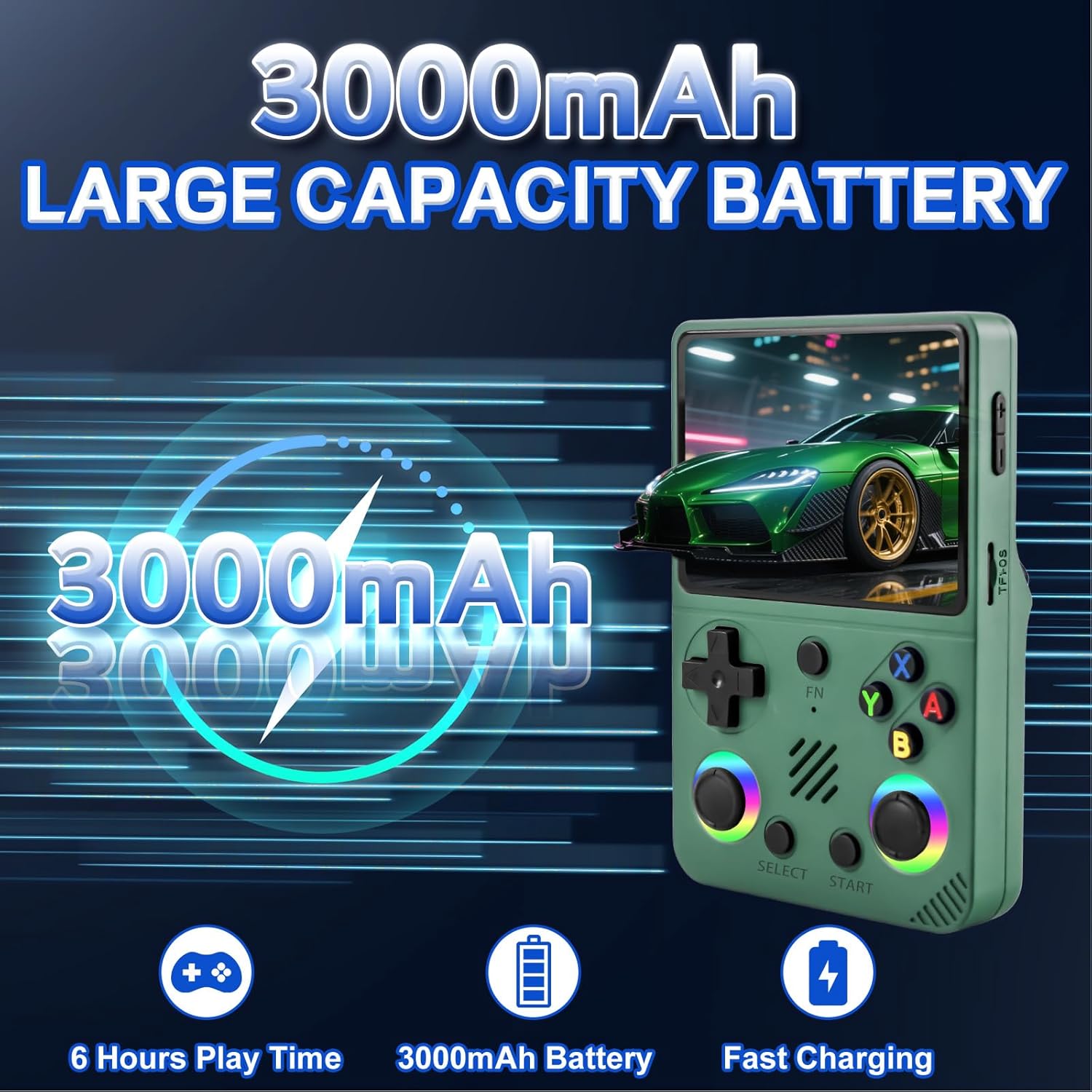
Image: The RG36PRO console's 3.5-inch IPS screen is highlighted, showing its 640x480 pixel resolution and vibrant display quality.
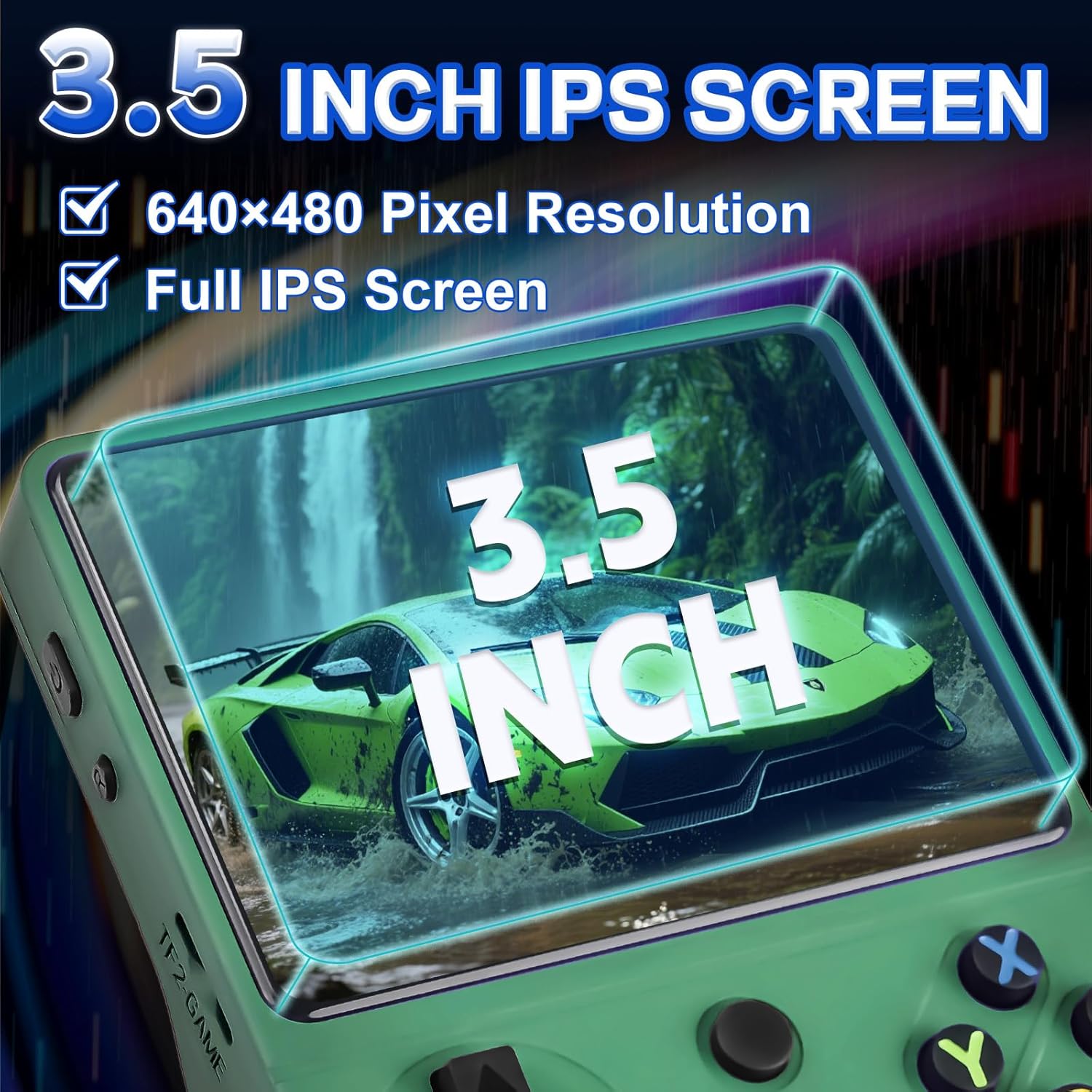
Image: A close-up view of the RG36PRO's RGB-lit 3D joysticks, illustrating their design and customizable lighting feature.
Image: The RG36PRO console is shown being easily slipped into a pocket and placed in a bag, emphasizing its lightweight and portable design for on-the-go gaming.
9. Safety Information
No specific safety information was provided beyond general product usage guidelines. Always handle electronic devices with care. Avoid exposing the console to water, extreme temperatures, or direct impact. Keep out of reach of small children due to small parts.
10. Warranty and Support
For warranty information and customer support, please refer to the documentation included with your purchase or contact Colourbing customer service directly. Details can often be found on the manufacturer's official website or through your retailer.