1. Safety Information
WARNING: CHOKING HAZARD – Small parts. Not suitable for children under 3 years. This product contains small components that could pose a choking risk if swallowed. Adult supervision is recommended during assembly and use.
The recommended voltage for this light kit is less than 5V. Ensure power sources comply with this specification to prevent damage or safety hazards.
2. Package Contents
Before beginning installation, please verify that all components listed below are present in your package. If any items are missing or damaged, please contact BrickBling customer support.
- Light Kit components
- Power Supply unit
- Remote Control
- Connecting Cables
- Expansion Boards
- Online Instruction Booklet (with website details for PDF/Video instructions)

Image: Contents of the BrickBling LED Light Kit package, including light components, connecting cables, expansion board, remote control, power supply, and an instruction booklet.

Image: A visual guide clarifying that the Lego model is not included with the light kit. The image shows a Lego ship marked 'Not Included' and the light components marked 'Included'.
3. Setup and Installation
This light kit is designed for integration with the Lego Black Pearl 10365 model. The Lego model itself is not included and must be purchased separately. For detailed, step-by-step installation instructions, please refer to the online PDF and video guides.
3.1 Accessing Online Instructions
A physical paper manual is not included. To access the comprehensive installation guide (PDF and video), please follow these steps:
- Locate the website address printed in the small booklet included in your package.
- Visit the specified website.
- Enter the model number (10365) or the unique label characters found on the back of your package into the search bar to find the specific instructions for your kit.

Image: Illustration showing how to access the online PDF and video instructions by visiting a website and entering a product code.
3.2 General Installation Notes
- Preparation: Ensure your Lego model is fully assembled before installing the light kit.
- Wire Management: The light wires are designed to be thin and easily hidden within the Lego structure. Carefully route wires to avoid pinching or damage.
- Component Placement: Follow the online instructions precisely for optimal placement of LED lights and connecting components.
- Power Connection: Connect the power supply unit to a USB power source (e.g., power bank, USB wall adapter, computer USB port). The recommended voltage is less than 5V.
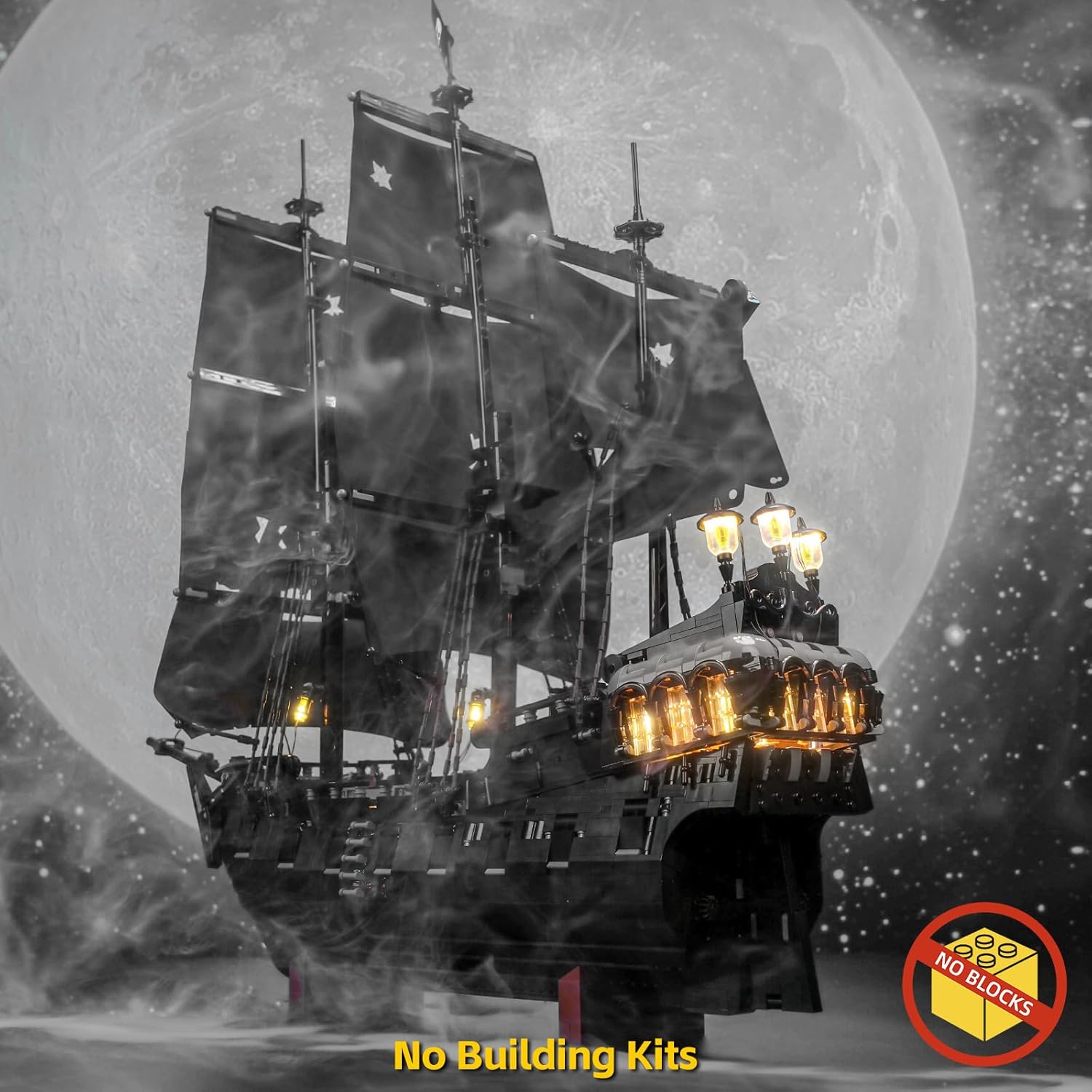
Image: The Lego Black Pearl model illuminated by the BrickBling LED Light Kit, showcasing the overall lighting effect.
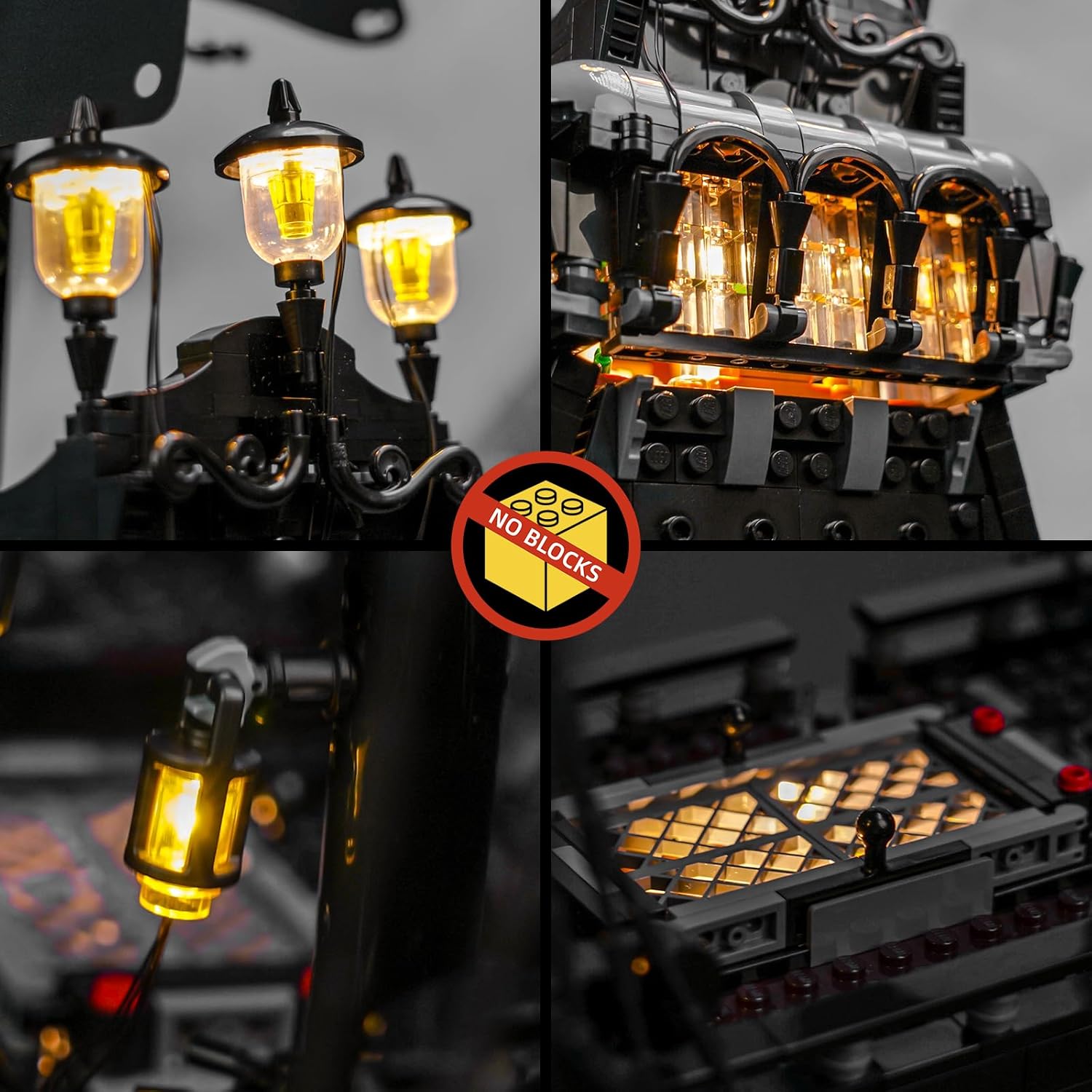
Image: Detailed close-up views of various sections of the Lego Black Pearl model, highlighting the intricate placement and illumination provided by the BrickBling LED lights, including lanterns and interior lighting.
4. Operating Instructions (RC Version)
This RC (Remote Control) version allows for convenient control of your light kit.
4.1 Powering On/Off
- Connect the power supply to a compatible USB power source.
- Use the 'ON/OFF' button on the remote control to switch the lights on or off.
4.2 Remote Control Functions
The remote control provides various functions to customize your lighting experience. Refer to the online instructions for a detailed diagram of the remote and its specific button functions, which may include:
- Brightness adjustment
- Lighting modes (e.g., steady, flashing, pulsing)
- Color selection (if applicable to your specific kit)

Image: The illuminated Lego Black Pearl model with the remote control visible in the corner, indicating the remote-controlled functionality of the light kit.
5. Maintenance
Proper maintenance ensures the longevity and optimal performance of your BrickBling LED Light Kit.
- Cleaning: Use a soft, dry cloth to gently wipe dust from the LED lights and wires. Avoid using liquid cleaners directly on the electrical components.
- Handling: Handle the light kit and the illuminated Lego model with care to prevent damage to the delicate wires and LEDs.
- Storage: If storing the model for an extended period, disconnect the power supply. Store in a cool, dry place away from direct sunlight.
6. Troubleshooting
If you encounter issues with your BrickBling LED Light Kit, please refer to the following common solutions:
- Lights Not Turning On:
- Ensure the power supply is securely connected to both the light kit and a working USB power source.
- Verify that the USB power source is providing power (e.g., try a different USB port or adapter).
- Check all cable connections between the light components and expansion boards for looseness or incorrect insertion.
- Confirm the remote control batteries are functional and correctly inserted.
- Some Lights Not Working:
- Inspect the specific non-working light and its connecting wire for any visible damage or disconnections.
- Ensure the light is properly seated in its connector on the expansion board.
- Remote Control Not Responding:
- Replace the batteries in the remote control.
- Ensure there are no obstructions between the remote and the light kit's receiver.
If these steps do not resolve the issue, please consult the detailed troubleshooting section in the online instructions or contact BrickBling customer support for further assistance.
7. Specifications
| Feature | Detail |
|---|---|
| Product Model | RC Version Light Kit |
| Compatibility | Lego Icons Captain Jack Sparrow's Pirate Ship / Lego Black Pearl 10365 |
| Power Source | USB (Power bank, socket, computer, etc.) |
| Recommended Voltage | Less than 5V |
| Control Method | Remote Control |
| Materials | High-grade ABS, Copper |
| Product Dimensions | 6.1 x 4.15 x 1.18 inches |
| Item Weight | 7 ounces |
8. Warranty and Support
For warranty information, technical support, or any inquiries regarding your BrickBling LED Light Kit, please refer to the contact details provided in the online instruction booklet or visit the official BrickBling website.
BrickBling is committed to providing high-quality products and customer satisfaction. Do not hesitate to reach out if you require assistance.


