
1. Introduction
Thank you for choosing the YOHOOLYO PC02 Kids Instant Print Camera. This camera is designed to provide a fun and creative photography experience for children aged 3-12. It features instant thermal printing, 1080P HD video recording, a 2.4-inch screen, and various creative modes. Please read this manual carefully to ensure proper use and maintenance of your camera.
2. Safety Information
- This product is intended for children aged 3 and above. Adult supervision is recommended.
- Do not disassemble or attempt to repair the camera yourself. Contact customer support for assistance.
- Keep the camera away from water, moisture, and extreme temperatures.
- Use only the provided USB cable for charging.
- Ensure the paper compartment is securely closed after loading paper to prevent damage.
3. Package Contents
Verify that all items are present in your package:
- YOHOOLYO Kids Instant Print Camera (PC02) x1
- Printing Paper Rolls x3 (one pre-loaded)
- Colored Pens x6
- Adjustable Lanyard x1
- 32GB Micro SD Card x1
- USB Type-C Cable x1
- User Manual x1
- Cute Sticker Sheets x3

4. Camera Overview
Familiarize yourself with the camera's features and controls.

4.1. Screen and Display
The camera features a 2.4-inch IPS LCD screen for clear viewing of photos, videos, and menu options.

4.2. Control Buttons
The camera has intuitive buttons for easy navigation and operation:
- Power/Mode Button: Long press to power on/off. Short press to switch between photo, video, and playback modes.
- Shutter/OK Button: Press to take a photo or start/stop video recording. Also used to confirm selections in menus.
- Navigation Buttons (Up/Down/Left/Right): Used to navigate menus, zoom in/out, and select options.
- Print Button: In photo mode, press to print the current photo. In settings, used to adjust print options.
5. Setup
5.1. Charging the Camera
Before first use, fully charge the camera using the provided USB Type-C cable. Connect the cable to the camera's charging port and a compatible USB power source. The charging indicator light will show the charging status.
5.2. Inserting the SD Card
The camera comes with a 32GB Micro SD card. Locate the SD card slot on the side of the camera. Insert the Micro SD card with the gold contacts facing down until it clicks into place. The camera supports up to 128GB SD cards.
5.3. Loading Print Paper
The camera uses thermal printing paper. Follow these steps to load a new roll:
- Open the paper compartment cover on the side of the camera.
- Insert the paper roll with the paper tip extending approximately 2.5-5 cm out of the exit slot. Ensure the paper is oriented correctly for printing.
- Close the cover securely until it clicks.
6. Operating the Camera
6.1. Power On/Off
Long press the Power/Mode button to turn the camera on or off.
6.2. Navigation
Use the Navigation Buttons (Up/Down/Left/Right) to move through menu options and settings. Press the Shutter/OK button to confirm a selection.
6.3. Photo Mode
Short press the Power/Mode button to switch to Photo Mode. The screen will display the live view.
- Taking Photos: Press the Shutter/OK button to capture a photo.
- Zoom: Use the Up/Down navigation buttons to adjust the 16x digital zoom.
- Flash: The camera has a built-in flash for low-light conditions. The flash can be toggled on or off via the settings menu or a dedicated button (if available).

6.4. Video Mode
Short press the Power/Mode button to switch to Video Mode. Press the Shutter/OK button to start recording. Press again to stop. The camera records in 1080P HD resolution.
6.5. Printing
After taking a photo, you can instantly print it. The camera uses thermal printing technology, requiring no ink.
- Instant Print: In photo mode, if the print icon is enabled, photos will print automatically after capture.
- Adjusting Print Density: You can adjust the print density (7 levels) and choose between Grayscale or Dot-Matrix print modes in the camera's settings menu.

Video 1: Adjusting Printing Mode and Density. This video demonstrates how to navigate the camera's settings to change the printing mode (Grayscale or Dot-Matrix) and adjust the print density for desired output.
6.6. Creative Features
Enhance your photos with various built-in creative options:
- Photo Frames & Filters: Choose from 18 photo frames, 6 color filters, and 6 mirror effects to personalize your pictures.
- Time-Lapse & Burst Shooting: Set a 3, 5, or 10-second delay for time-lapse photos, or use burst mode to capture 3 or 5 photos in a row.
- Doodling & Stickers: Use the included colored pens to draw on your printed photos and decorate them with the fun sticker sheets.


6.7. Other Features
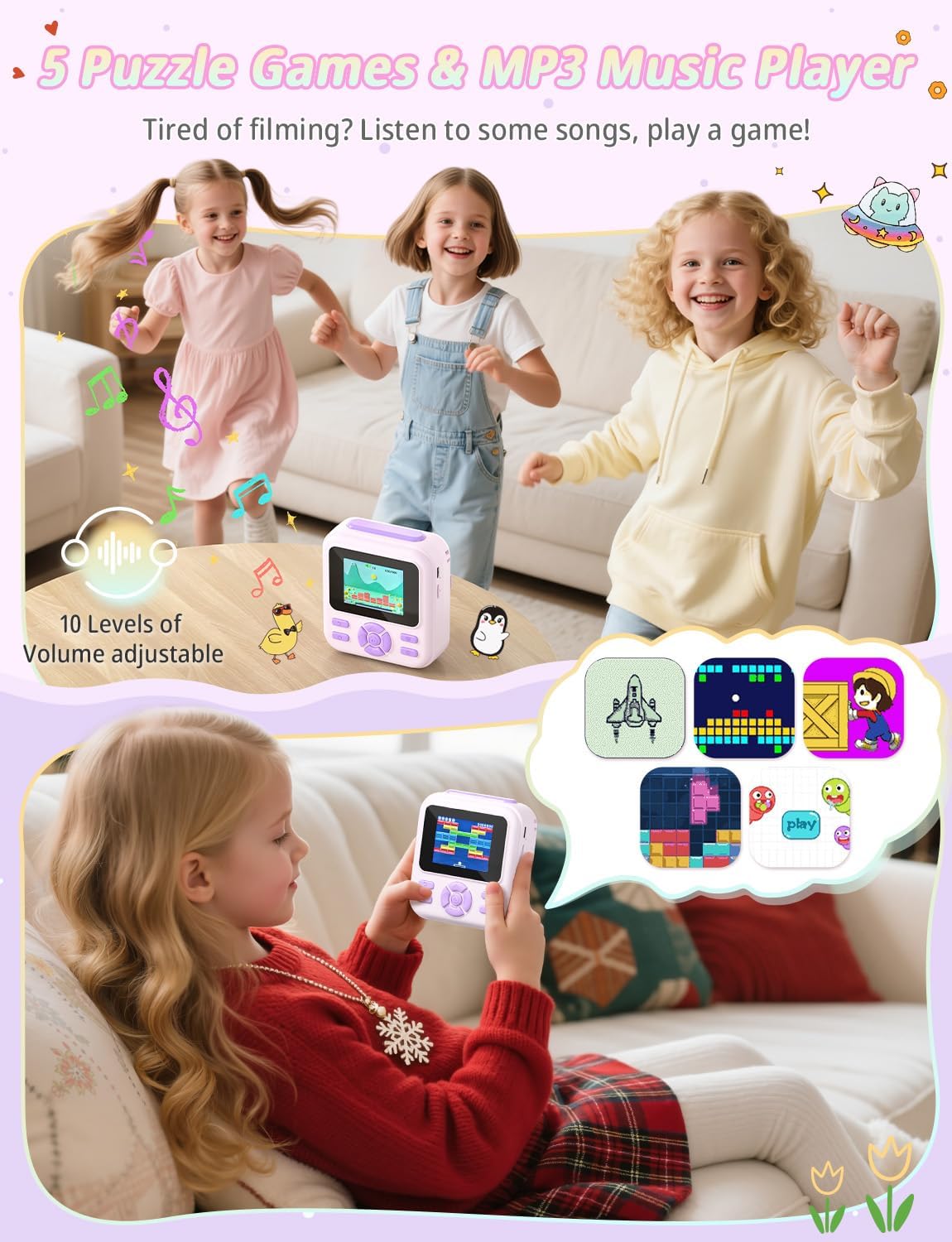
- MP3 Player: The camera includes a built-in MP3 player for listening to music.
- Educational Games: Enjoy 5 pre-loaded educational games for entertainment.
- Language Settings: The camera supports multiple languages, including French, allowing children to operate it independently.

7. Maintenance
- Cleaning: Use a soft, dry cloth to clean the camera body and screen. Do not use liquid cleaners.
- Battery Care: The 1500mAh rechargeable battery provides up to 5 hours of standby time. For optimal battery life, avoid fully discharging the battery frequently.
- Storage: Store the camera in a cool, dry place away from direct sunlight when not in use.

8. Troubleshooting
- Camera not turning on: Ensure the battery is charged. Connect the camera to a power source using the USB cable.
- Poor print quality (too dark/light): Adjust the print density in the camera's settings menu. Ensure the paper roll is loaded correctly.
- Paper jam: Open the paper compartment and carefully remove any jammed paper. Reload the paper roll correctly.
- SD card error: Ensure the SD card is inserted correctly. Try reformatting the SD card through the camera's settings (this will erase all data).
9. Specifications
| Feature | Specification |
|---|---|
| Model Name | PC02 |
| Screen Size | 2.4-inch IPS LCD |
| Video Resolution | 1080P HD |
| Zoom | 16x Digital Zoom |
| Printing Technology | Thermal Printing (Ink-Free) |
| Print Modes | Grayscale, Dot-Matrix |
| Print Density Levels | 7 |
| Battery Capacity | 1500mAh |
| Memory Card | 32GB Micro SD (included), supports up to 128GB |
| Special Features | MP3 Player, Educational Games, Color Filters, Photo Frames, Mirror Effects, Time-Lapse, Burst Shooting |
| Recommended Age | 3-12 years |
| Dimensions | 14 x 13.1 x 6.5 cm |
| Weight | 370 g |
10. Warranty and Support
Your YOHOOLYO PC02 Kids Instant Print Camera comes with a standard manufacturer's warranty. For detailed warranty information, please refer to the product packaging or contact YOHOOLYO customer support. If you encounter any issues or have questions about your camera, please reach out to our support team for assistance.