
Introduction
Thank you for choosing the Maglite Mini Maglite 2AA Incandescent Flashlight. This manual provides instructions for the proper setup, operation, and maintenance of your flashlight and its accessories. Please read this manual thoroughly before using your product.
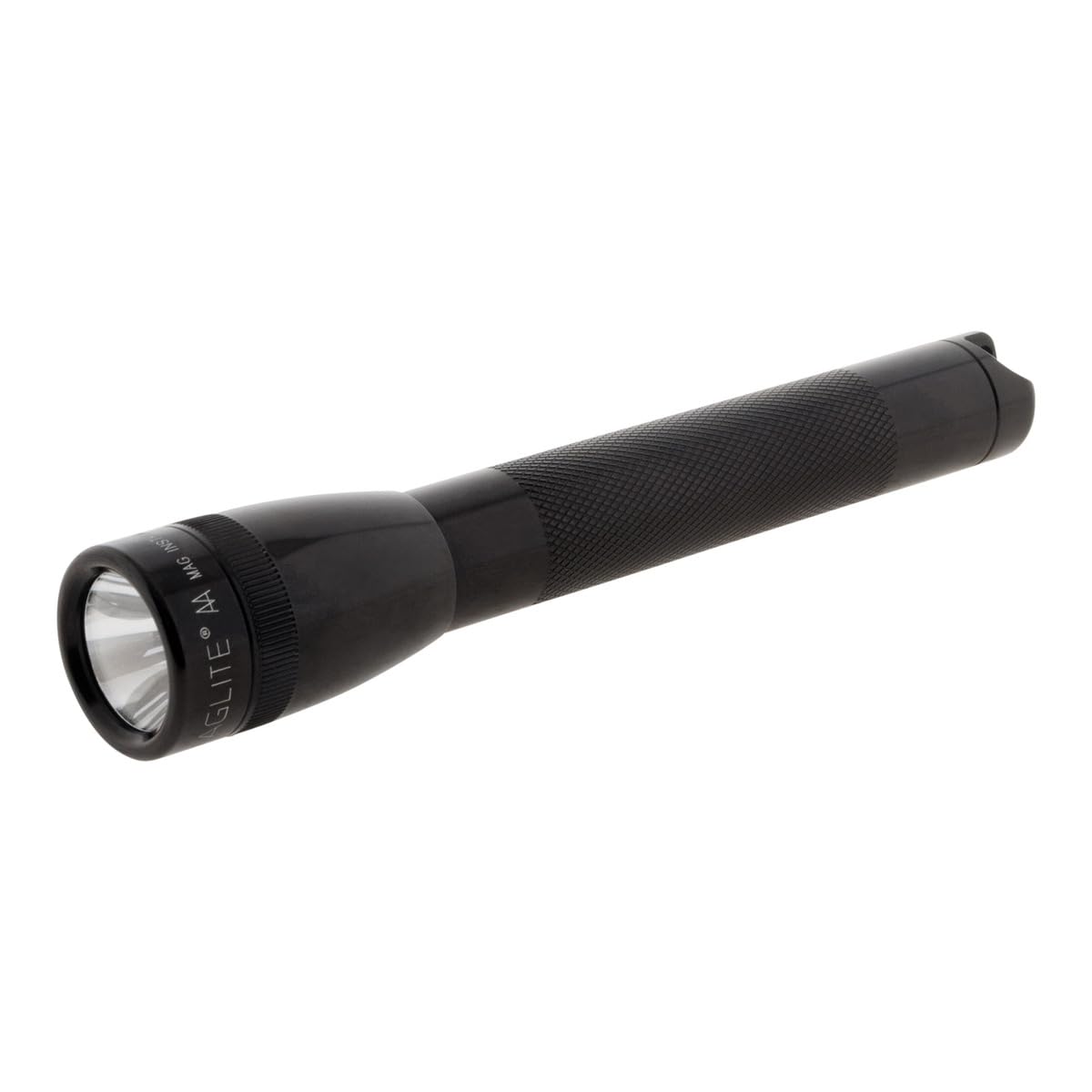
The Maglite Mini Maglite 2AA Combo Pack includes a 2AA flashlight, pocket clip, lanyard strap, lens holder with red, blue, and green lenses, and two AA batteries.
Safety Information
WARNING: This product contains chemicals known to the State of California to cause cancer and birth defects or other reproductive harm.
Always handle batteries and electronic components with care. Do not attempt to disassemble the flashlight beyond what is described in this manual.
Setup
1. Battery Installation
- Unscrew the tail cap of the flashlight by rotating it counter-clockwise.
- Insert two fresh AA alkaline batteries with the positive (+) end facing the head of the flashlight. Ensure correct polarity.
- Screw the tail cap back on securely by rotating it clockwise.

2. Attaching Accessories
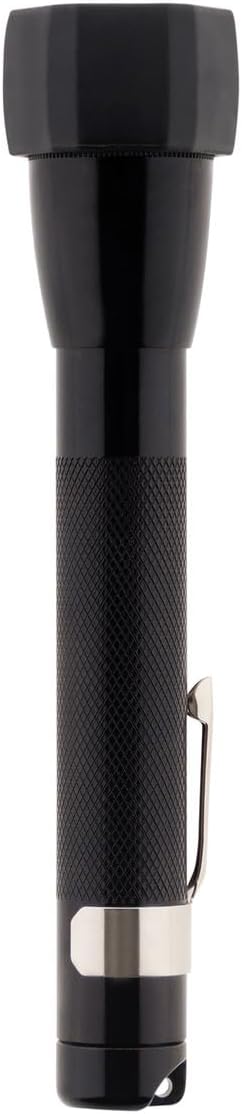
- Pocket Clip: Slide the included pocket clip onto the flashlight body, positioning it as desired for convenient carrying.
- Lanyard: Thread the lanyard strap through the small loop located on the tail cap of the flashlight.
- Lens Holder: The lens holder can be attached to the flashlight head. Insert the desired colored lens (red, blue, or green) into the holder before attaching it to the flashlight.

Operating Instructions
1. Turning On/Off
- To turn the flashlight on, rotate the flashlight head clockwise. Continue rotating for a brighter beam.
- To turn the flashlight off, rotate the flashlight head counter-clockwise until the light extinguishes.
2. Beam Adjustment
The beam can be adjusted from a focused spot to a wide flood by rotating the flashlight head. Rotate clockwise for a tighter, more focused spot beam, and counter-clockwise for a broader flood beam.
3. Using Colored Lenses
To use the colored lenses, attach the lens holder to the flashlight head. Insert the desired red, blue, or green lens into the holder. This allows for specialized lighting applications.

Maintenance
1. Cleaning
- Wipe the exterior of the flashlight with a soft, damp cloth. Do not use abrasive cleaners or solvents.
- Keep the lens clean for optimal light output. Use a soft, lint-free cloth.
2. Bulb Replacement
- Unscrew the flashlight head by rotating it counter-clockwise.
- Carefully remove the incandescent bulb from its socket.
- A spare incandescent bulb is typically stored in the tail cap under the spring. Replace the old bulb with the new one, ensuring it is seated correctly.
- Screw the flashlight head back on securely.
3. Battery Care
- Remove batteries if the flashlight will not be used for an extended period to prevent potential leakage and damage.
- Always use fresh, high-quality AA alkaline batteries for optimal performance.
Troubleshooting
No Light
- Check if batteries are inserted correctly with the positive (+) end towards the head.
- Ensure batteries are fresh and not depleted. Replace if necessary.
- Verify the bulb is securely seated in its socket and not burnt out. Replace if necessary.
- Clean battery contacts and other metal contact points if corrosion is visible.
Dim Light
- Replace batteries with fresh ones.
- Ensure the flashlight head is rotated fully for maximum brightness (spot beam).
- Clean the lens to remove any dirt or smudges that may obstruct light output.
Specifications
| Feature | Detail |
|---|---|
| Model Number | M2A01C |
| Brand | MagLite |
| Color | Black |
| Power Source | Battery Powered |
| Light Source Type | Incandescent |
| Material | Aluminum |
| Brightness | 14 Lumens |
| Product Dimensions | 4.88"D x 1.33"W x 8.88"H |
| Voltage | 1.5 Volts (DC) |
| Battery Cell Composition | Alkaline |
| Battery Type | AA |
| Water Resistance Level | Water Resistant |
| Battery Life (on high) | 5.25 Hours |
| Item Weight | 5.5 ounces |
| Included Components | Flashlight, Pocket Clip, Lanyard Strap, Lens Holder with Red, Blue, Green Lenses, 2 AA Batteries |
Warranty
This product is covered by a manufacturer's warranty. For specific warranty details, terms, and conditions, please refer to the documentation included with your purchase. You may also visit the official MagLite website for more information regarding warranty claims and service.
Support
For further assistance, technical support, or product inquiries, please visit the official MagLite store or contact their customer service department.
Official MagLite Store: MagLite Store on Amazon


