
Introduction
This manual provides detailed instructions for the operation and maintenance of your ZAQE M4 128GB MP3 Player. Please read this manual thoroughly before using the device to ensure proper functionality and to maximize your user experience.
The ZAQE M4 is a portable, multifunctional music player featuring a 2.4-inch full touchscreen, 128GB of internal storage, Bluetooth 5.4 connectivity, and a built-in speaker. It also includes functions such as FM radio, voice recorder, e-book reader, video player, and alarm clock.
Product Overview
Included Components
- ZAQE 128GB MP3 Player
- User Manual
- Earphones
- USB Type-C Cable
- Silicone Protective Case
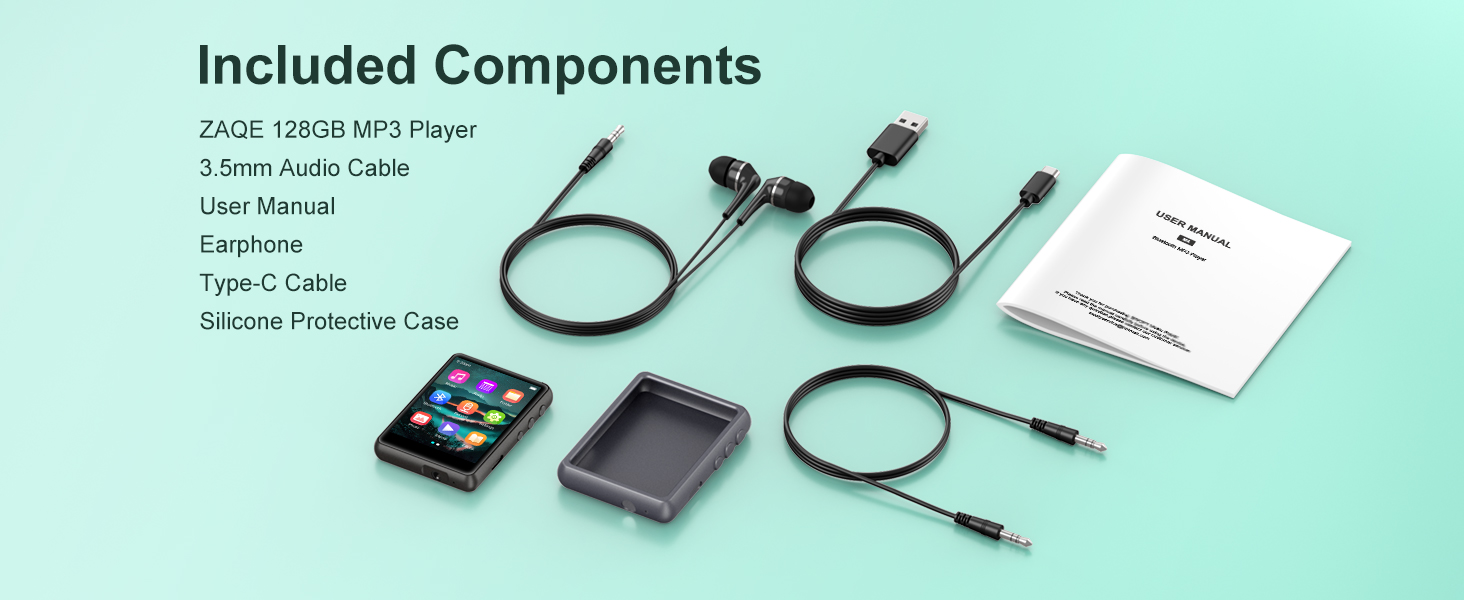
Image: All items included in the ZAQE M4 MP3 Player package.
Device Features
- Storage: 128GB internal memory, capable of storing approximately 16,000 songs.
- Display: 2.4-inch full color touchscreen for intuitive navigation.
- Connectivity: Bluetooth 5.4 for stable wireless audio connections.
- Audio Output: Built-in speaker and 3.5mm headphone jack.
- Charging Port: USB Type-C.
- Functions: Music player, FM radio, voice recorder, e-book reader, video player, alarm clock.
- Audio Formats: Supports MP3, WAV, FLAC, AAC, WMA, APE.

Image: The ZAQE M4 MP3 Player displaying its main menu interface.
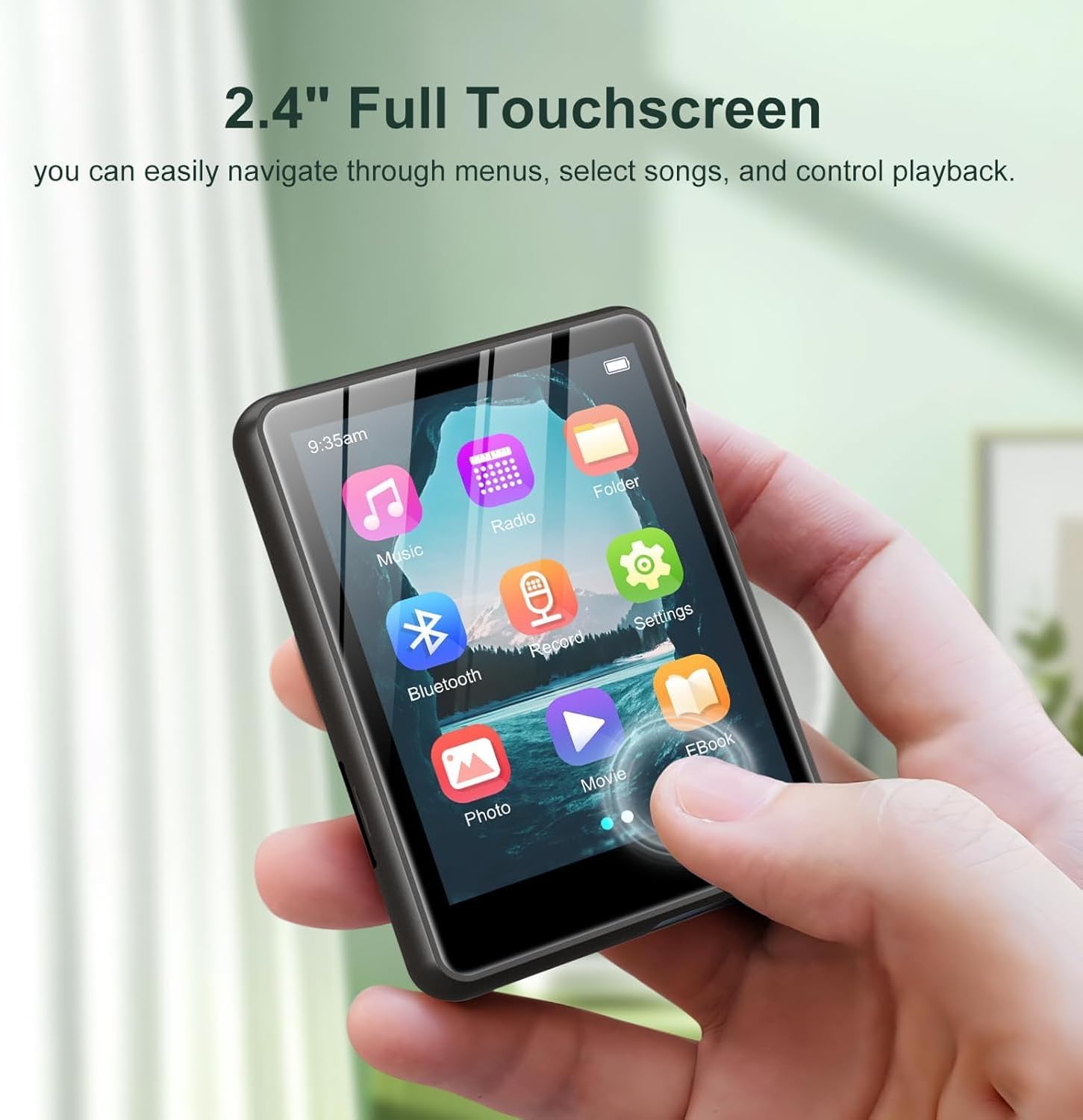
Image: A user interacting with the 2.4-inch full touchscreen of the ZAQE M4 MP3 Player.

Image: The ZAQE M4 MP3 Player playing music via its built-in speaker.
Setup
1. Charging the Device
Before first use, fully charge the MP3 player. Connect the included USB Type-C cable to the device's charging port and the other end to a USB power adapter (not included) or a computer's USB port. The battery indicator on the screen will show charging status.

Image: The 3.5mm audio jack and Type-C charging port on the ZAQE M4 MP3 Player.
2. Transferring Files
Connect the MP3 player to your computer using the USB Type-C cable. The device will appear as a removable disk drive. You can drag and drop music, video, e-book, and other compatible files directly into the device's folders.
3. Connecting Earphones
Insert the 3.5mm jack of the included earphones (or your preferred earphones) into the headphone port located on the bottom of the device.
Operating Instructions
Basic Navigation
The ZAQE M4 features a full touchscreen interface. Tap icons to select functions, swipe to navigate menus, and use the back button (if present on-screen) or physical buttons on the side for navigation.
Music Playback
- From the main menu, tap the Music icon.
- Browse your music library by artist, album, genre, or all songs.
- Tap a song to begin playback.
- During playback, you can control volume, play/pause, skip tracks, and access playback modes (Single Loop, List Loop, Sequential Play, Random Play) via the on-screen controls.

Image: Music playback screen showing various loop and play modes.

Image: The ZAQE M4 MP3 Player displaying music playback and supported audio formats.
Bluetooth Connectivity
- From the main menu, tap the Bluetooth icon or navigate to Settings > Bluetooth.
- Turn Bluetooth On.
- Ensure your Bluetooth headphones or speaker are in pairing mode.
- The MP3 player will scan for available devices. Select your device from the list to pair.
- Once paired, audio will be routed through the connected Bluetooth device.

Image: The ZAQE M4 MP3 Player demonstrating Bluetooth 5.4 connectivity with external audio devices.
FM Radio
- Connect wired earphones to the 3.5mm jack; they act as the antenna.
- From the main menu, tap the Radio icon.
- Use the on-screen controls to scan for stations or manually tune to a frequency.

Image: The FM Radio function of the ZAQE M4 MP3 Player.
Voice Recorder
- From the main menu, tap the Record icon.
- Tap the record button to start recording.
- Tap the stop button to end and save the recording.
E-book Reader
- From the main menu, tap the EBook icon.
- Select an e-book file (TXT format is typically supported).
- Use the touchscreen to turn pages.
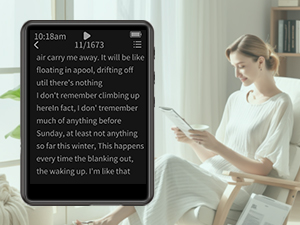
Image: The ZAQE M4 MP3 Player displaying an e-book.
Video Playback
- From the main menu, tap the Movie icon.
- Select a video file (compatible formats may vary, typically AVI, AMV).
- The video will play on the 2.4-inch screen.

Image: The ZAQE M4 MP3 Player displaying video content on its 2.4-inch color touchscreen.
Alarm Clock
- From the main menu, navigate to Settings > Alarm Clock.
- Set the desired time and alarm sound.
- Ensure the alarm is enabled.

Image: The alarm clock function of the ZAQE M4 MP3 Player.
Maintenance
Cleaning
Wipe the device with a soft, dry, lint-free cloth. Avoid using harsh chemicals or abrasive materials, as they may damage the screen or casing.
Battery Care
To prolong battery life, avoid fully discharging the battery frequently. Charge the device regularly, and if storing for an extended period, ensure it has at least a 50% charge.
Software Updates
Periodically check the manufacturer's official website for any available firmware updates. Follow the provided instructions carefully to update the device's software.
Troubleshooting
| Problem | Possible Cause | Solution |
|---|---|---|
| Device does not turn on | Low battery; System crash | Charge the device; Press and hold the power button for 10-15 seconds to force restart. |
| Cannot connect to Bluetooth device | Bluetooth not enabled; Device not in pairing mode; Interference | Ensure Bluetooth is on and the external device is in pairing mode. Move closer to the device. Restart both devices. |
| No sound from headphones/speaker | Volume too low; Faulty headphones/speaker; Incorrect output selected | Increase volume. Test with different headphones/speaker. Ensure Bluetooth is connected or headphones are fully plugged in. |
| Files not transferring | Loose USB connection; Incompatible file format; Full storage | Check USB cable connection. Ensure files are compatible. Delete unnecessary files to free up space. |
Specifications
- Model Name: M4
- Brand: ZAQE
- Memory Storage Capacity: 128 GB
- Screen Size: 2.4 Inches
- Connectivity Technology: Bluetooth 5.4
- Special Feature: Built-In Speaker
- Compatible Devices: Headphones
- Batteries: 1 A battery (included)
- Item Weight: 6.4 ounces
- Package Dimensions: 5.83 x 5.79 x 0.75 inches
- Date First Available: August 30, 2025

Image: The ZAQE M4 MP3 Player highlighting its 128GB internal memory.
Warranty and Support
Warranty Information
The ZAQE M4 MP3 Player comes with a warranty of up to 24 months from the date of purchase. This warranty covers manufacturing defects under normal use. Please retain your proof of purchase for warranty claims.
Customer Support
For any questions, technical assistance, or warranty claims, please contact ZAQE customer support. Refer to the contact information provided on the product packaging or the official ZAQE website for the most current support details.


