
1. Introduction
This user manual provides essential information for the safe and efficient use of your OPPO F31 Pro+ 5G smartphone. Please read this manual thoroughly before using your device to ensure optimal performance and longevity. The OPPO F31 Pro+ 5G features a 6.8-inch AMOLED display, a 50MP main camera, a Snapdragon 7 Gen 3 processor, and a 7000mAh battery with 80W SUPERVOOC fast charging.

Figure 1: OPPO F31 Pro+ 5G device overview.
2. Setup
2.1 What's in the Box
- OPPO F31 Pro+ 5G Smartphone
- Phone Case
- Power Adapter (80W SUPERVOOC)
- SIM Tray Ejector
- Screen Protector (pre-applied or in box)
- USB Type-C Cable
2.2 Inserting SIM Cards
- Locate the SIM card tray on the side of the device.
- Insert the SIM tray ejector tool into the small hole next to the tray and press firmly until the tray pops out.
- Place your Nano-SIM cards into the designated slots on the tray. Ensure the gold contacts face downwards. This device supports Dual SIM functionality.
- Carefully reinsert the SIM tray into the phone.
2.3 Initial Power On and Charging
Press and hold the Power button until the OPPO logo appears. Follow the on-screen instructions to complete the initial setup process, including language selection, Wi-Fi connection, and Google account setup. For initial charging, connect the provided 80W SUPERVOOC power adapter and USB Type-C cable to your phone and a power outlet. A full charge typically completes in approximately 61 minutes.
3. Operating Your Device
3.1 Display and Navigation
The OPPO F31 Pro+ 5G features a 6.8-inch AMOLED display with a 120Hz refresh rate for smooth visuals and 1600 nits peak brightness for clear visibility in various lighting conditions. Navigate the ColorOS 15 interface using touch gestures. Swipe up from the bottom for the app drawer, swipe down for notifications and quick settings.

Figure 2: Ultra-Bright Eye Care Display.
3.2 Camera Features
The device is equipped with a 50MP Ultra-Clear Main Camera with OIS, a 2MP Portrait Camera, and a 32MP Selfie Camera. It supports 4K video recording, including a 4K Underwater Videography/photography mode. Utilize features like Dual-View Video, Live Photos, and Dynamic Capturing for enhanced photography.
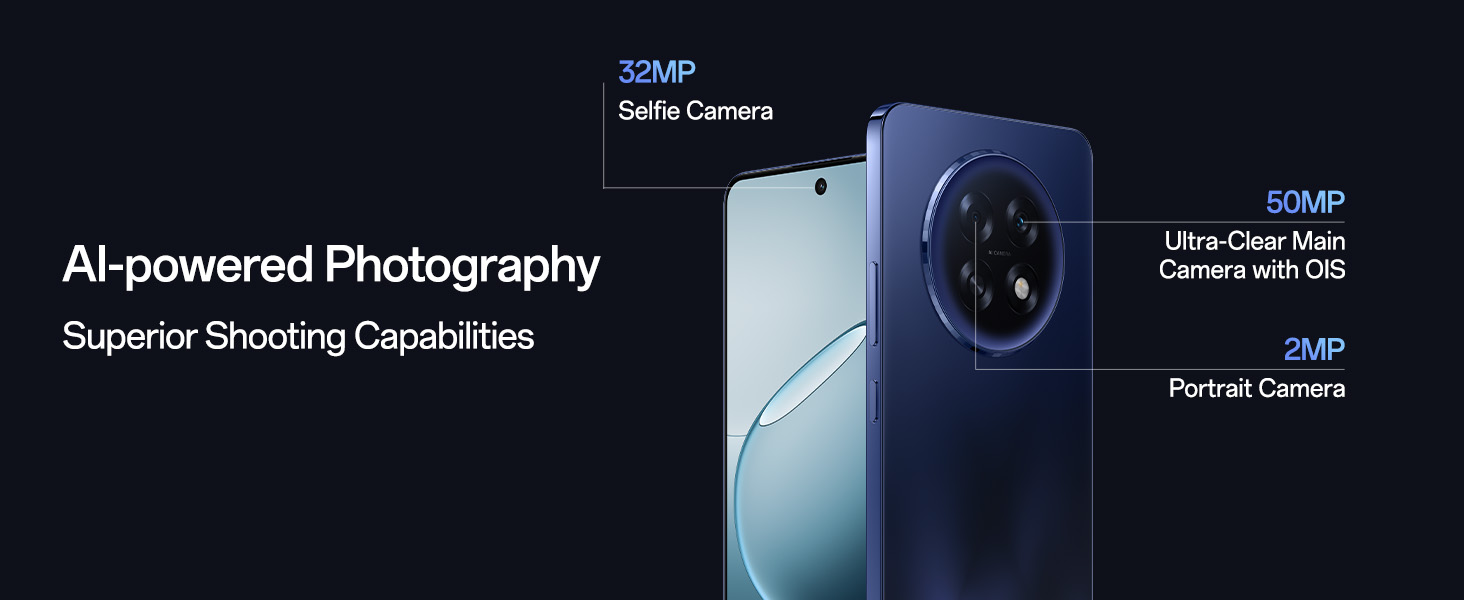
Figure 3: AI-powered Photography capabilities.
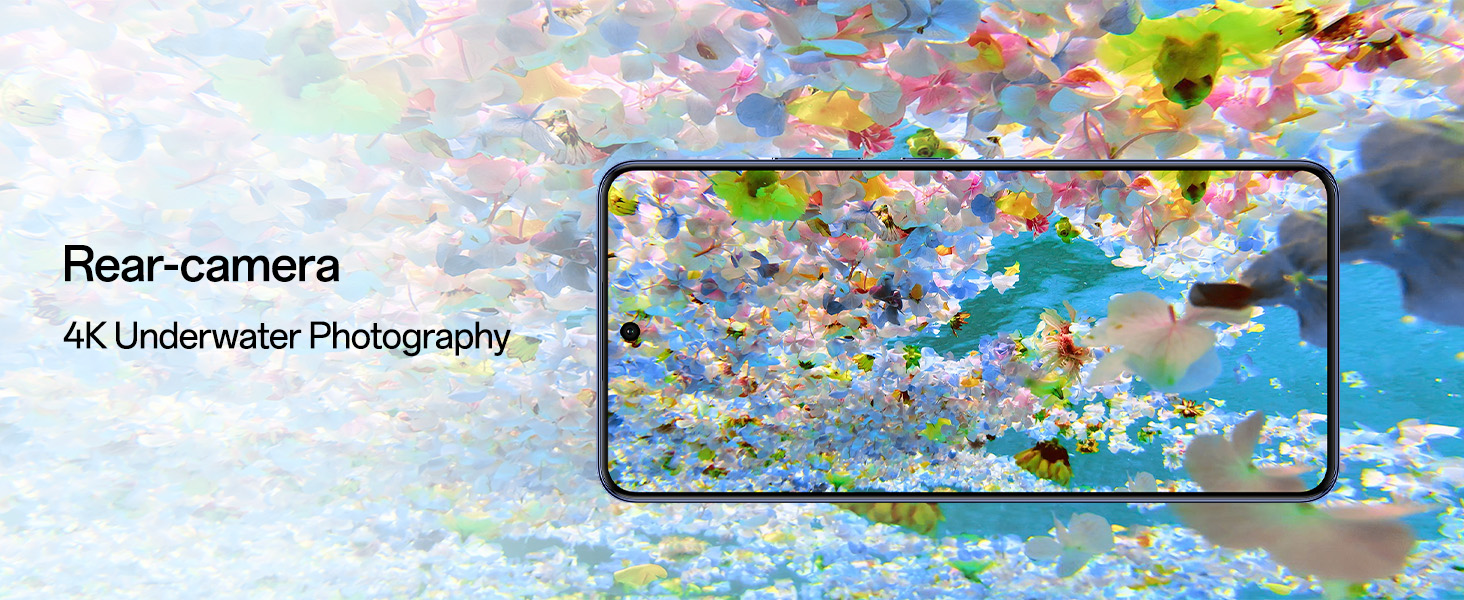
Figure 4: 4K Underwater Photography mode.
3.3 Connectivity
The F31 Pro+ 5G supports 5G cellular technology, Wi-Fi, and Bluetooth. The AI LinkBoost 3.0 S1 chip and Hunter Antenna enhance signal strength. Beacon Link 2.0 allows peer-to-peer Bluetooth voice calls up to 210m in areas without network coverage.

Figure 5: Network Boost Chipset S1 for enhanced connectivity.
3.4 AI and Operating System
Running on Android 14 with ColorOS 15, the device integrates AI features such as Smart Document (AI summaries, translations, rewriting), Smart Note (AI-enhanced note-taking), and high-quality scanning. Google Gemini provides advanced language understanding and content creation capabilities.
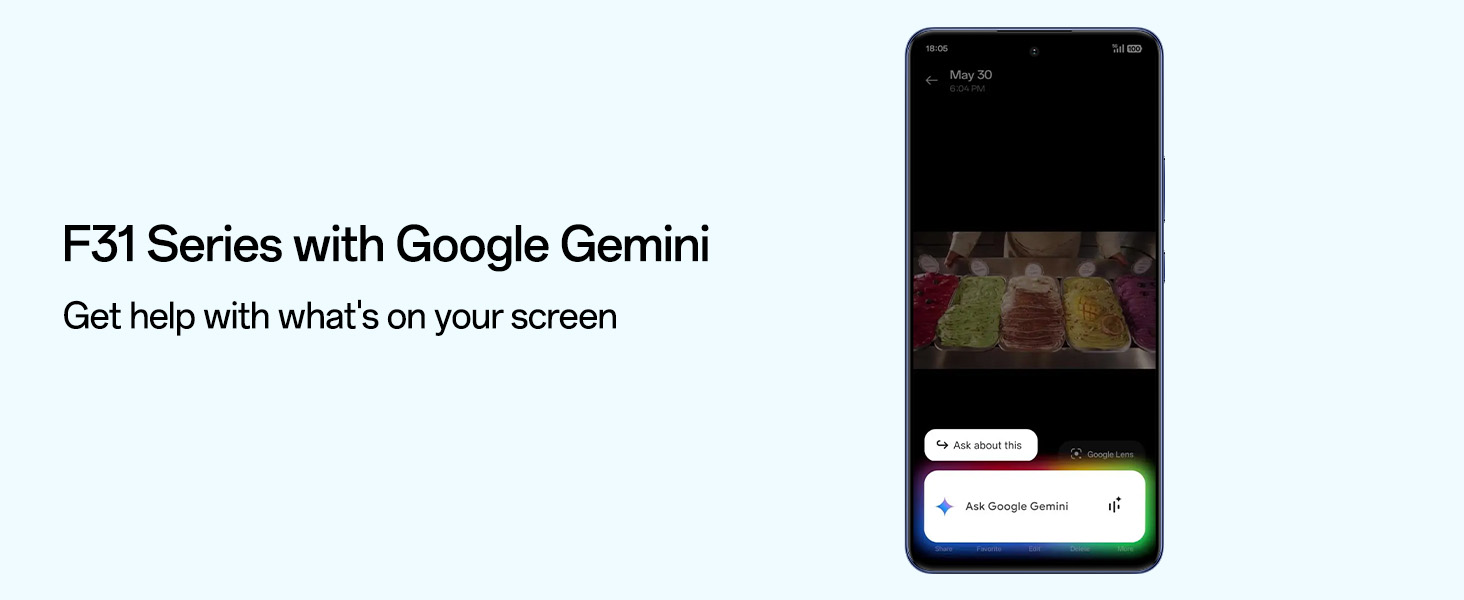
Figure 6: F31 Series with Google Gemini.
4. Maintenance
4.1 Battery Care
The 7000mAh battery is designed for extended use. To prolong battery life, enable Bypass Charging in the settings during extended gaming or usage. This feature powers the phone directly, reducing heat and protecting the battery's long-term health. The battery is designed to retain over 80% health for 5 years.
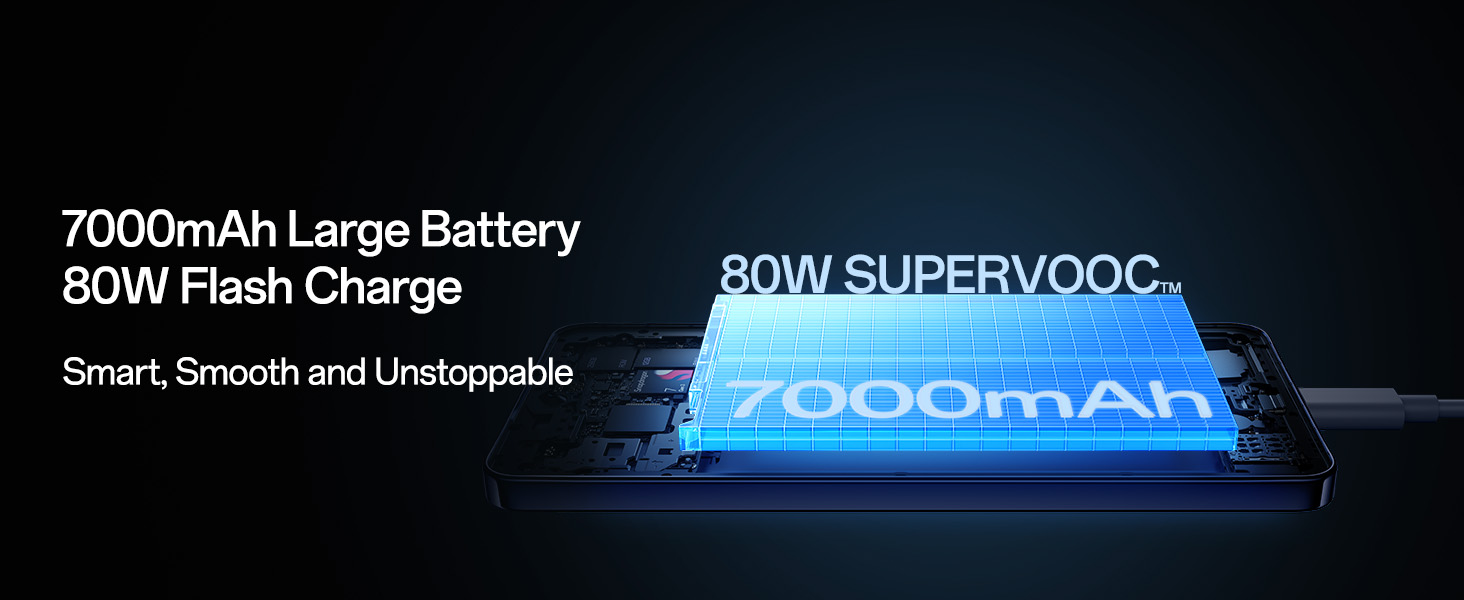
Figure 7: 7000mAh Large Battery with 80W SUPERVOOC Flash Charge.
4.2 Cleaning and Durability
The device features an enhanced Speaker Cleaner system to expel water and debris. The OPPO F31 Pro+ 5G is built with a 360° Armour Body and complies with MIL-STD-810H and GJB shock standards, offering resistance to drops, extreme temperatures, sand, salt spray, rain, and ice. It is rated IP69, IP68, and IP66 for water and dust resistance.
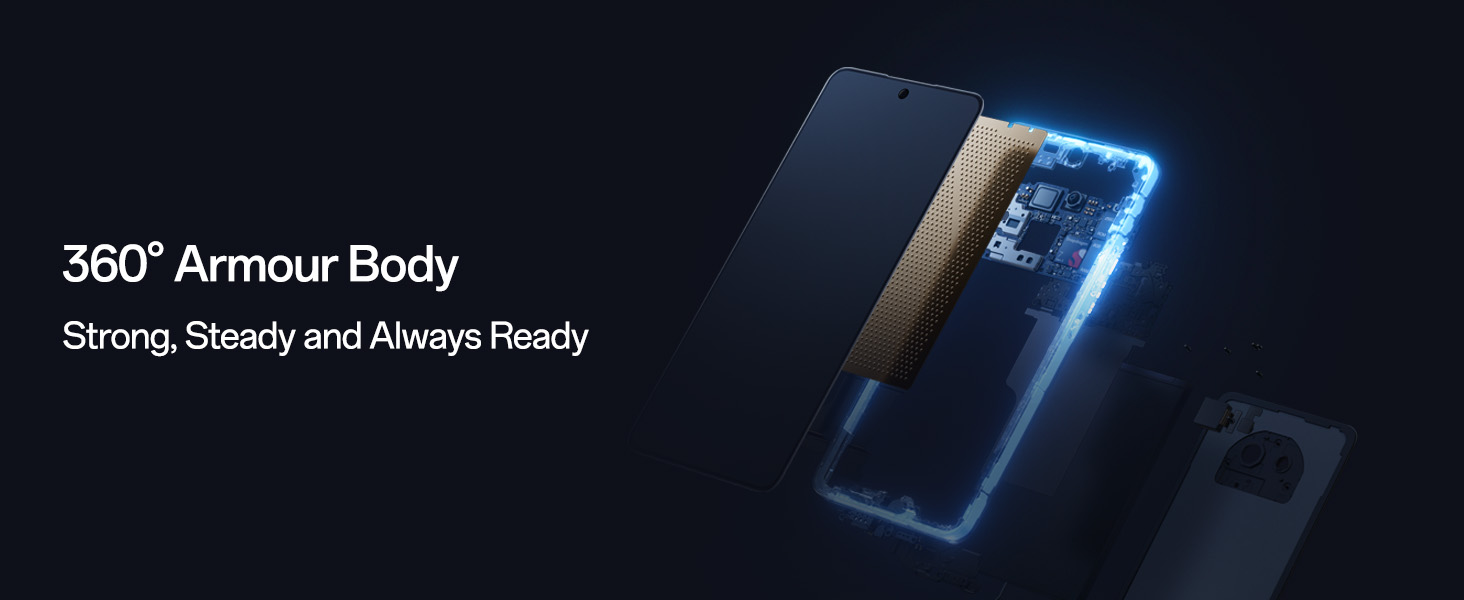
Figure 8: 360° Armour Body construction.
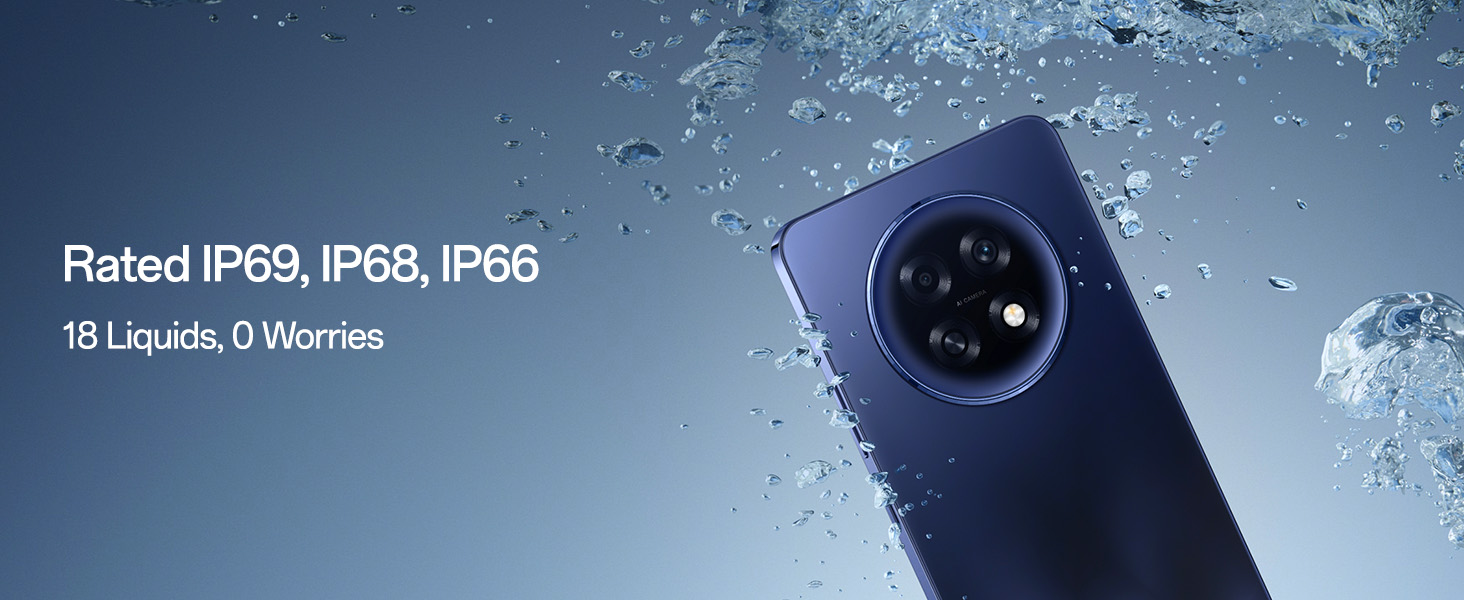
Figure 9: IP ratings for water and dust resistance.
4.3 Software Updates
Regular software updates are released to improve performance, add new features, and enhance security. Ensure your device is connected to Wi-Fi and has sufficient battery life before performing an update. You can check for updates in Settings > About device > Software update.
5. Troubleshooting
5.1 Common Issues
- Device not powering on: Ensure the battery is charged. Connect the charger and wait a few minutes before attempting to power on again.
- Slow performance: Close unnecessary background applications. Clear cache regularly. Consider a factory reset if issues persist after backing up your data.
- Network connectivity issues: Check if airplane mode is off. Restart the device. Verify SIM card insertion.
- Overheating: Avoid using the phone while charging for extended periods. The 5,219mm² SuperCool VC System helps manage heat during intensive tasks.
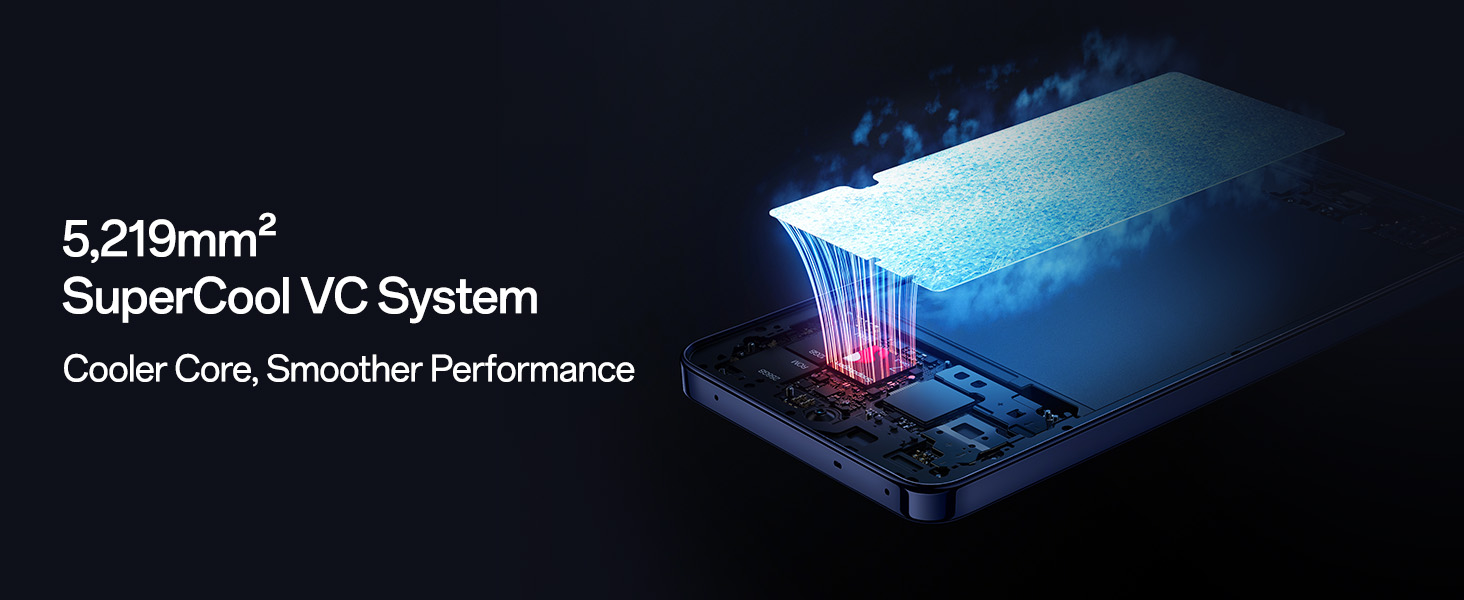
Figure 10: 5,219mm² SuperCool VC System for sustained performance.
5.2 Factory Reset
A factory reset will erase all data on your phone. Back up important data before proceeding. To perform a factory reset, go to Settings > System settings > Back up and reset > Reset phone > Erase all data.
6. Specifications
| Brand | OPPO |
| Model | F31 Pro+ 5G |
| Operating System | Android 14 (ColorOS 15) |
| Processor | Qualcomm Snapdragon 7 Gen 3 (CPU Model: 6X86, CPU Speed: 3.4 GHz) |
| RAM | 8 GB |
| Internal Storage | 256 GB |
| Display | 6.8 Inches AMOLED, 120 Hz Refresh Rate, 3840 x 2160 Max Resolution |
| Rear Camera | 50 MP (Main), 2 MP (Portrait) |
| Front Camera | 32 MP |
| Battery Capacity | 7000 Milliamp Hours |
| Charging | 80W SUPERVOOC Flash Charge |
| Connectivity | 5G, Bluetooth, Wi-Fi, USB Type C |
| SIM Card Slot | Dual SIM |
| Water Resistance Level | Water Resistant (IP69, IP68, IP66) |
| Dimensions | 16.3 x 7.8 x 0.8 Centimeters |
| Item Weight | 204 Grams |
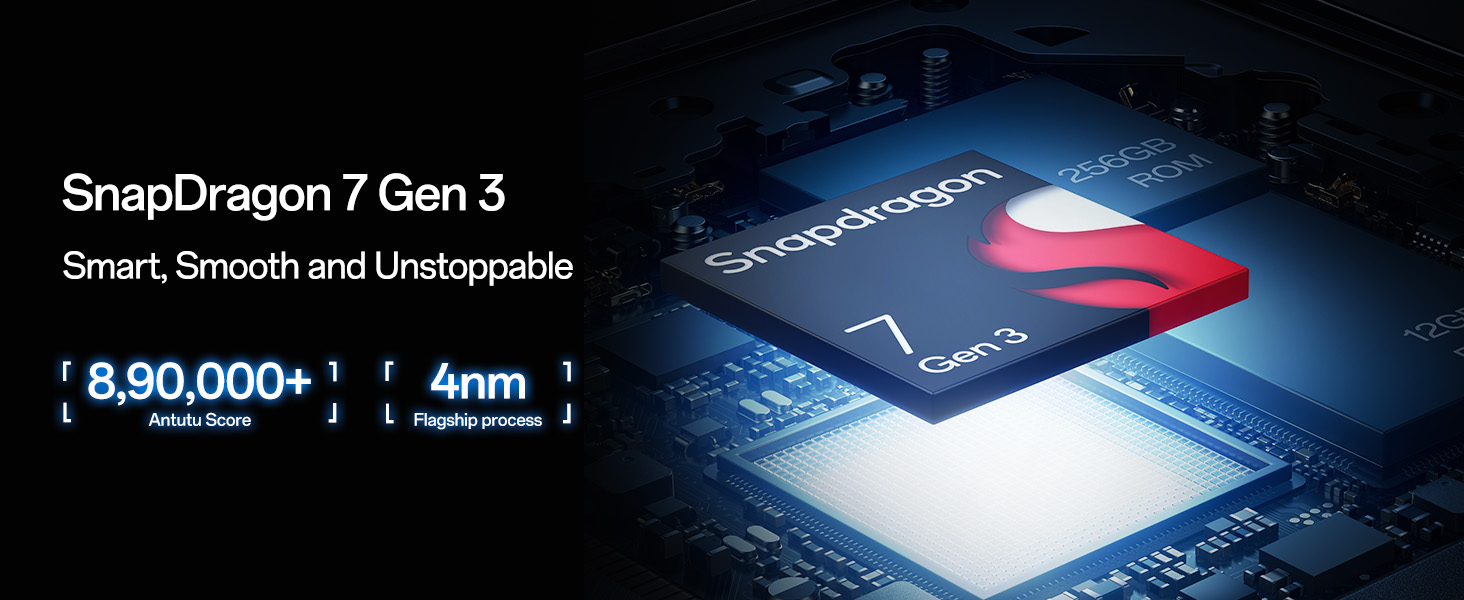
Figure 11: Snapdragon 7 Gen 3 processor details.
7. Warranty and Support
7.1 Warranty Information
Your OPPO F31 Pro+ 5G comes with a warranty of 12 Months on the Handset and 6 Months on the Adapter & Cable from the date of purchase. Please retain your proof of purchase for warranty claims. The warranty covers manufacturing defects but does not cover damage caused by misuse, accidents, or unauthorized repairs.
7.2 Customer Support
For technical assistance, service, or warranty inquiries, please contact OPPO customer support:
- Manufacturer: OPPO Mobiles India Pvt Ltd
- Address: 5th FLOOR, Tower B, BUILDING, N-8, DLF Cyber City, DLF Phase 2, Gurugram, Haryana 122002
- Toll-Free Number: 18001032777
- Online Support: Visit the official OPPO website or the OPPO Store on Amazon for more resources.


