
1. Setup Guide
1.1 Unboxing and Initial Inspection
Upon receiving your OPPO F31 Pro+ 5G, carefully open the packaging. Verify that all standard accessories are present:
- OPPO F31 Pro+ 5G Smartphone
- Phone Case
- Power Adapter
- SIM Tray Ejector
- Screen Protector (pre-applied or included)
Inspect the device for any physical damage before proceeding with setup.
1.2 Inserting SIM Cards
The OPPO F31 Pro+ 5G supports Dual SIM functionality. To insert your SIM card(s):
- Locate the SIM card tray on the side of the device.
- Insert the SIM Tray Ejector tool into the small hole next to the tray and press gently until the tray pops out.
- Place your Nano-SIM card(s) into the designated slots on the tray. Ensure the gold contacts face downwards and the notched corner aligns correctly.
- Carefully reinsert the SIM tray into the phone until it clicks into place.
Note: Do not force the tray, as this may damage the device or SIM card.
1.3 Initial Charging and Power On
Before first use, it is recommended to fully charge your device. The OPPO F31 Pro+ 5G features an 80W SUPERVOOC Flash Charge system for rapid charging.
- Connect the Power Adapter to a wall outlet.
- Connect the USB Type-C cable to the adapter and then to the charging port on your phone.
- The charging indicator will appear on the screen. A full charge typically takes approximately 61 minutes.
- To power on, press and hold the Power button (usually on the right side) until the OPPO logo appears.
- Follow the on-screen instructions to complete the initial setup, including language selection, Wi-Fi connection, and Google account setup.
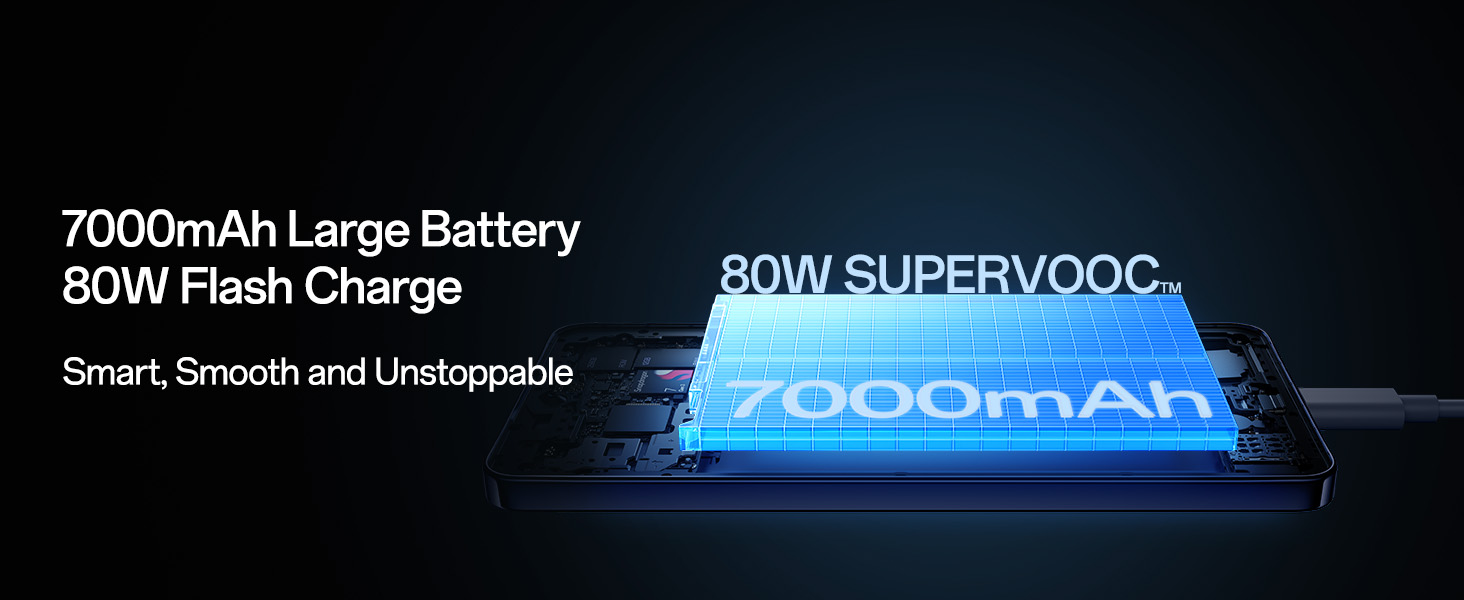
Image: The OPPO F31 Pro+ 5G features a 7000mAh large battery with 80W SUPERVOOC Flash Charge capability.
2. Operating Instructions
2.1 Display Features and Usage
The OPPO F31 Pro+ 5G is equipped with a 17.27cm (6.8 Inch) AMOLED screen, offering a vibrant visual experience.
- Brightness: Up to 1600 nits for clear visibility even in direct sunlight.
- Refresh Rate: 120Hz for smooth scrolling and fluid animations.
- Color Depth: 10-bit color for rich and accurate color reproduction.
- Eye Protection: Features like hardware-level blue light reduction, natural-light adaptation, circadian rhythm color adjustment, smart backlight, and visibility optimization are integrated for comfortable viewing.
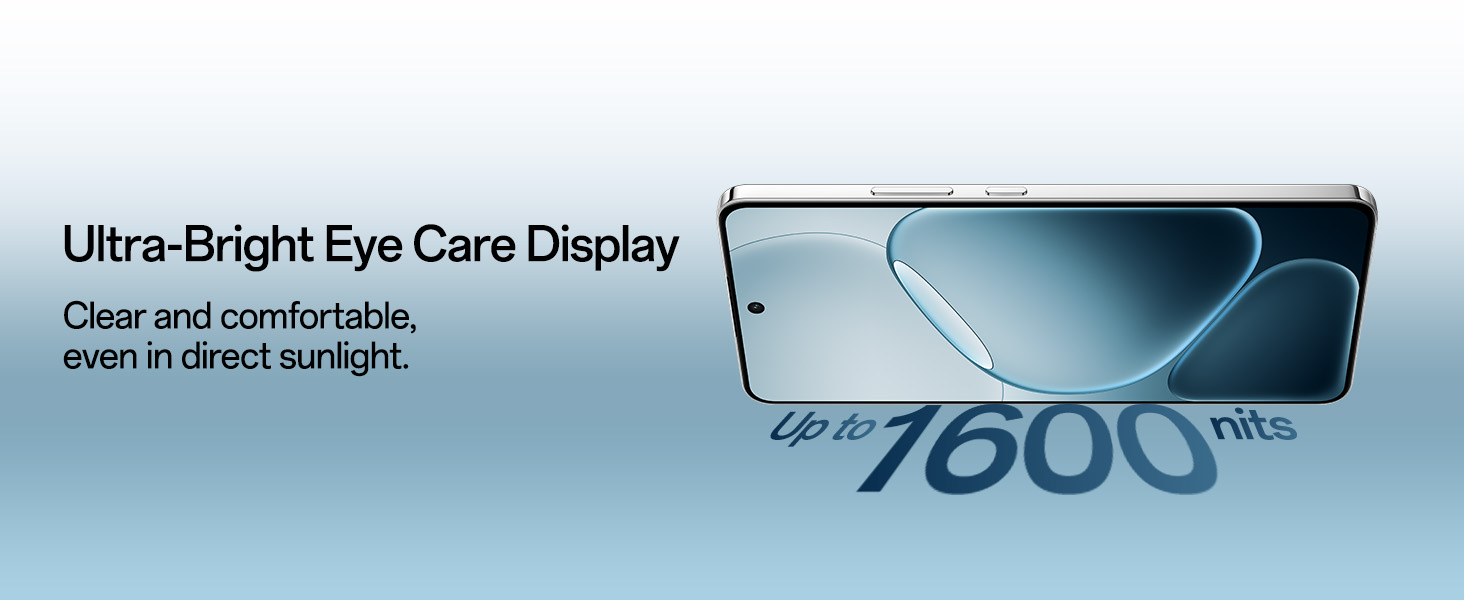
Image: The Ultra-Bright Eye Care Display of the OPPO F31 Pro+ 5G ensures clear and comfortable viewing.
2.2 Camera Functionality
Capture high-quality photos and videos with the advanced camera system:
- Rear Camera: 50 MP Main Camera with OIS and a 2 MP Portrait Camera.
- Front Camera: 32 MP Selfie Camera.
- Special Modes:
- 4K Underwater Videography/Photography: Allows capturing content underwater.
- Advanced HDR Algorithm: Enhances dynamic range and reduces noise in various lighting conditions.
- Dual-View Video: Records from front and rear cameras simultaneously.
- Live Photos: Captures short video snippets around photos.
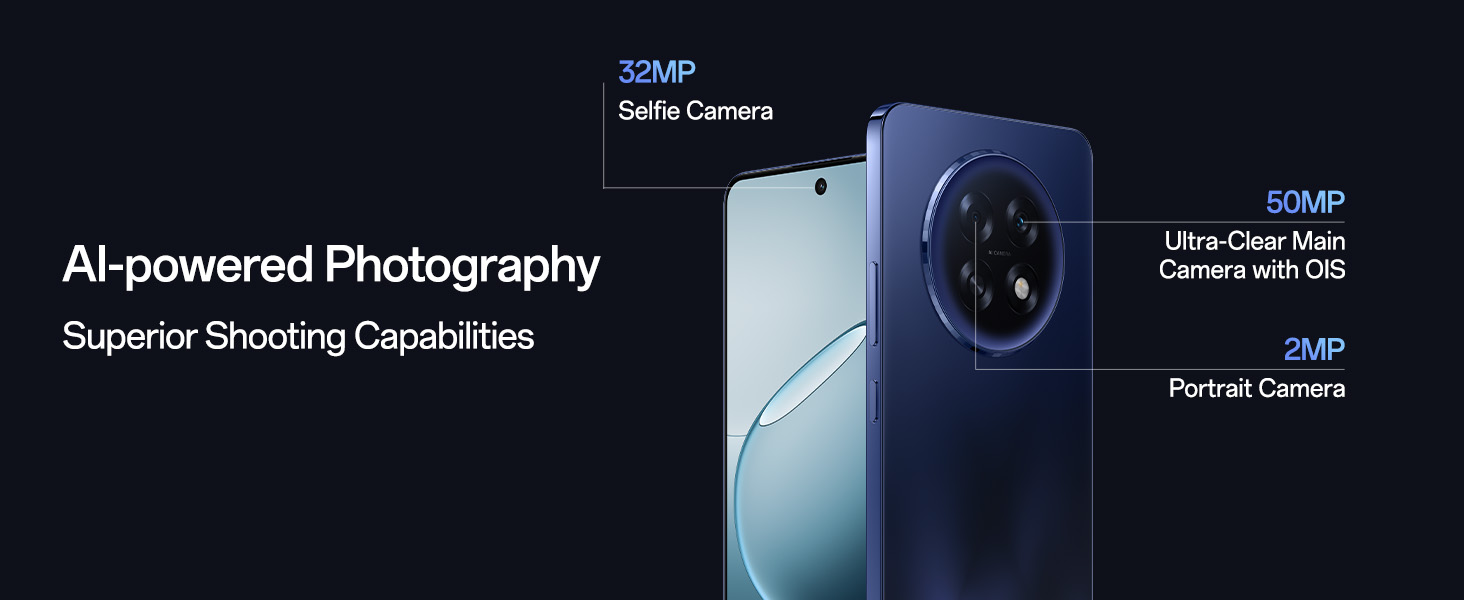
Image: Overview of the AI-powered camera system on the OPPO F31 Pro+ 5G.
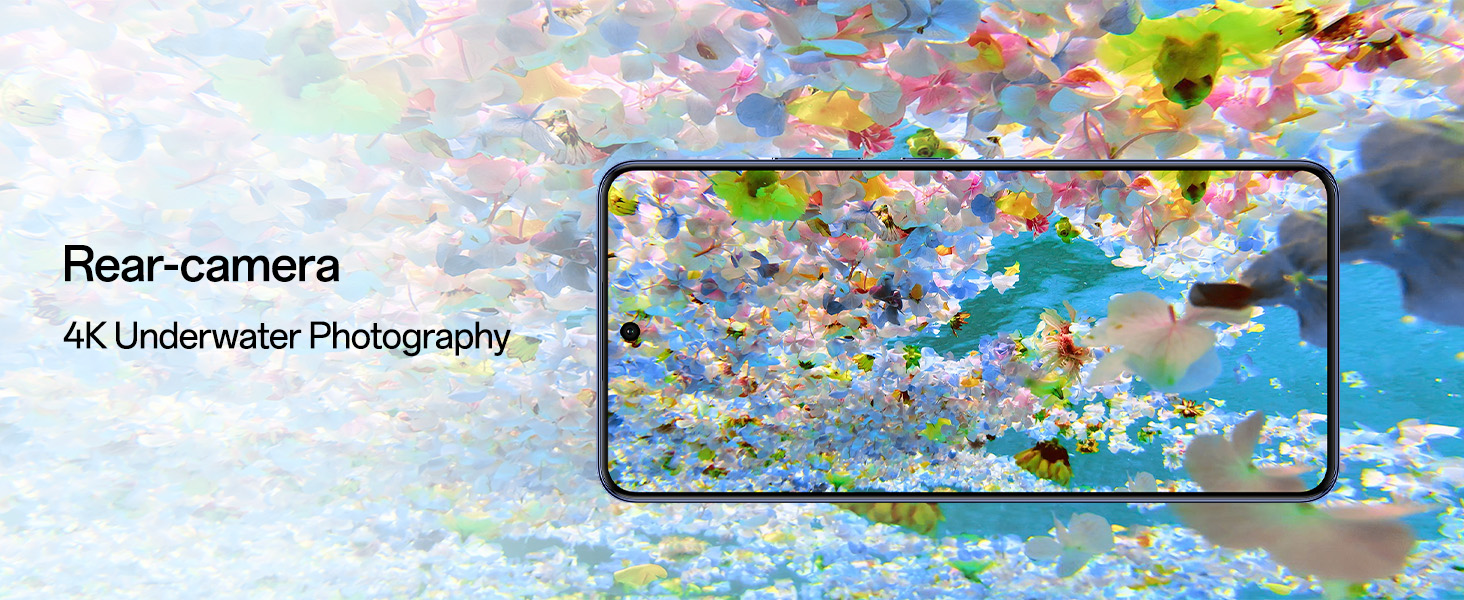
Image: The OPPO F31 Pro+ 5G supports 4K underwater photography.
2.3 Performance and Software
The device is powered by the Qualcomm Snapdragon 7 Gen 3 Mobile Platform and runs on ColorOS 15, optimized for long-term fluency.
- Processor: Snapdragon 7 Gen 3 ensures smooth operation for demanding applications and gaming.
- Cooling System: A 5219 mm² VC cooling system helps maintain performance during extended use.
- Operating System: ColorOS 15 provides a user-friendly interface and is optimized for 72-month fluency protection.
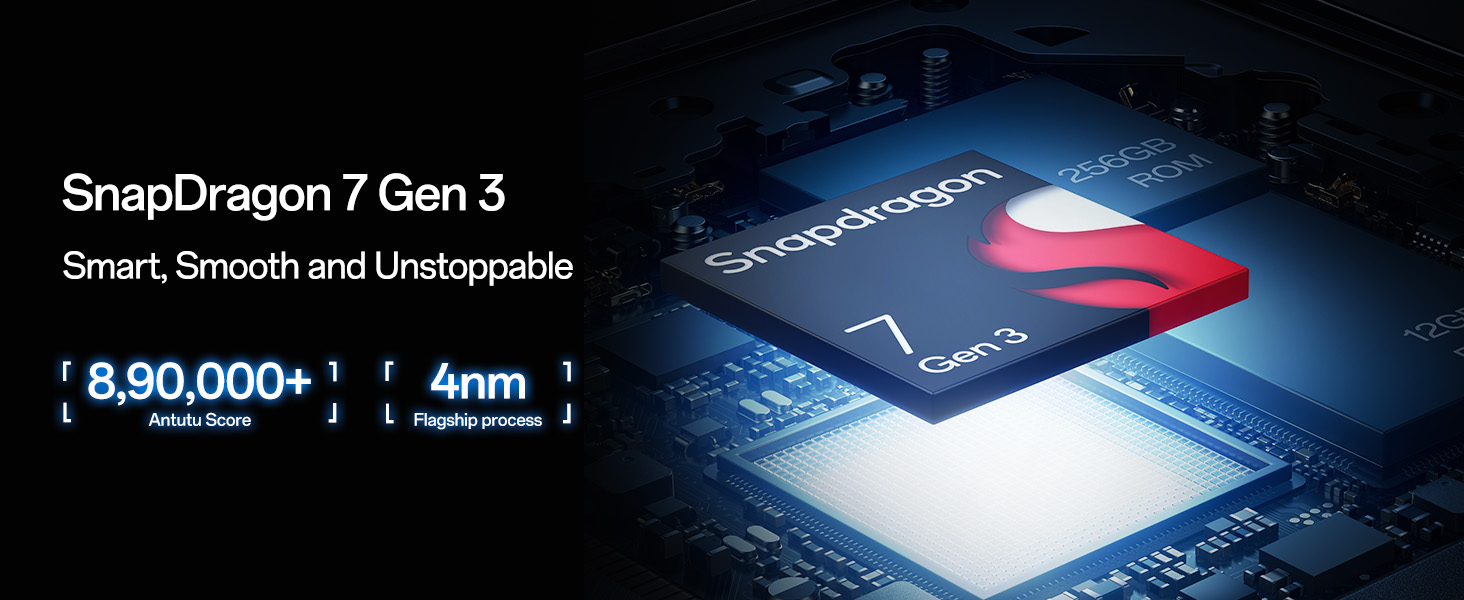
Image: The Snapdragon 7 Gen 3 Mobile Platform powers the OPPO F31 Pro+ 5G for smart and smooth performance.
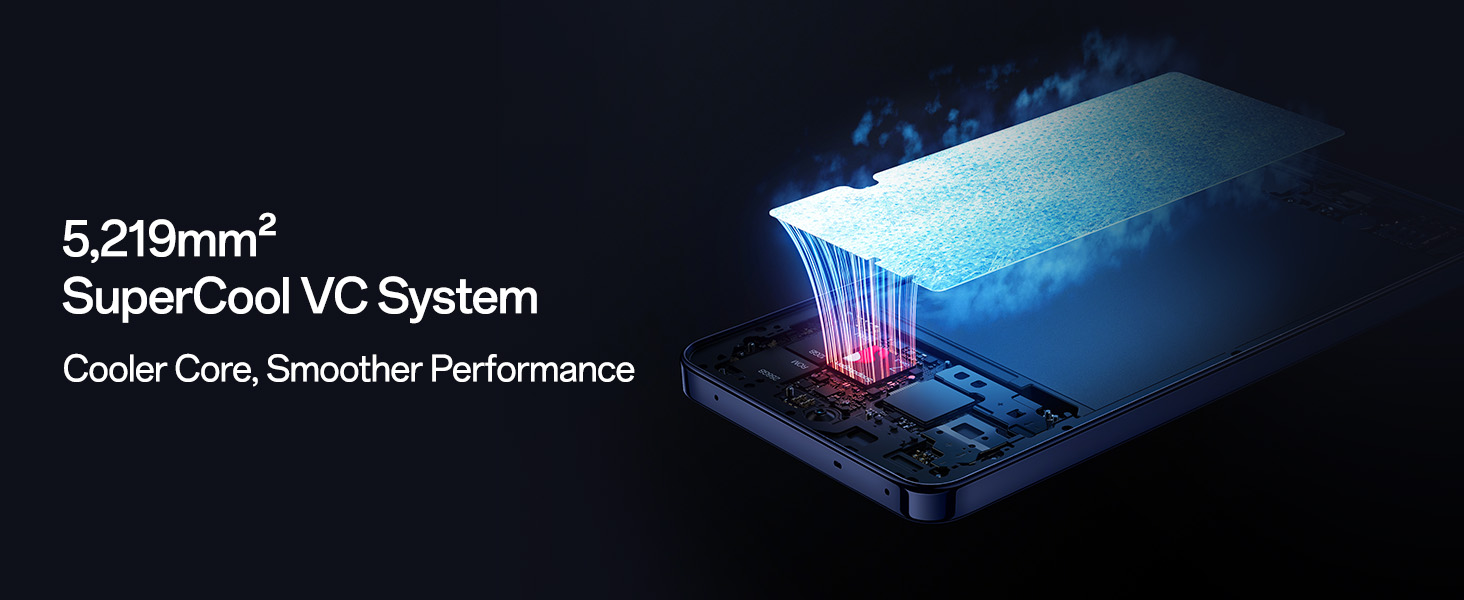
Image: The 5,219mm² SuperCool VC System ensures cooler core temperatures and smoother performance.
2.4 Connectivity
Stay connected with advanced network features:
- AI LinkBoost 3.0 S1 Chip: Enhances signal strength and speed.
- Hunter Antenna: Improves network reception.
- 5G Connectivity: Supports high-speed mobile data.
- Beacon Link 2.0: Enables peer-to-peer Bluetooth voice calls up to 210m in areas without network coverage.
- Wireless Technologies: Bluetooth and Wi-Fi for versatile connectivity.

Image: The exclusive Network Boost Chipset S1 enhances connectivity on the OPPO F31 Pro+ 5G.
2.5 AI Features (ColorOS 15)
ColorOS 15 integrates several AI-powered features:
- Smart Document: Provides AI summaries, translations, and rewriting capabilities for documents.
- Smart Note: Offers AI-enhanced note-taking and high-quality scanning.
- Google Gemini Integration: Delivers advanced language understanding, content creation, and reasoning.
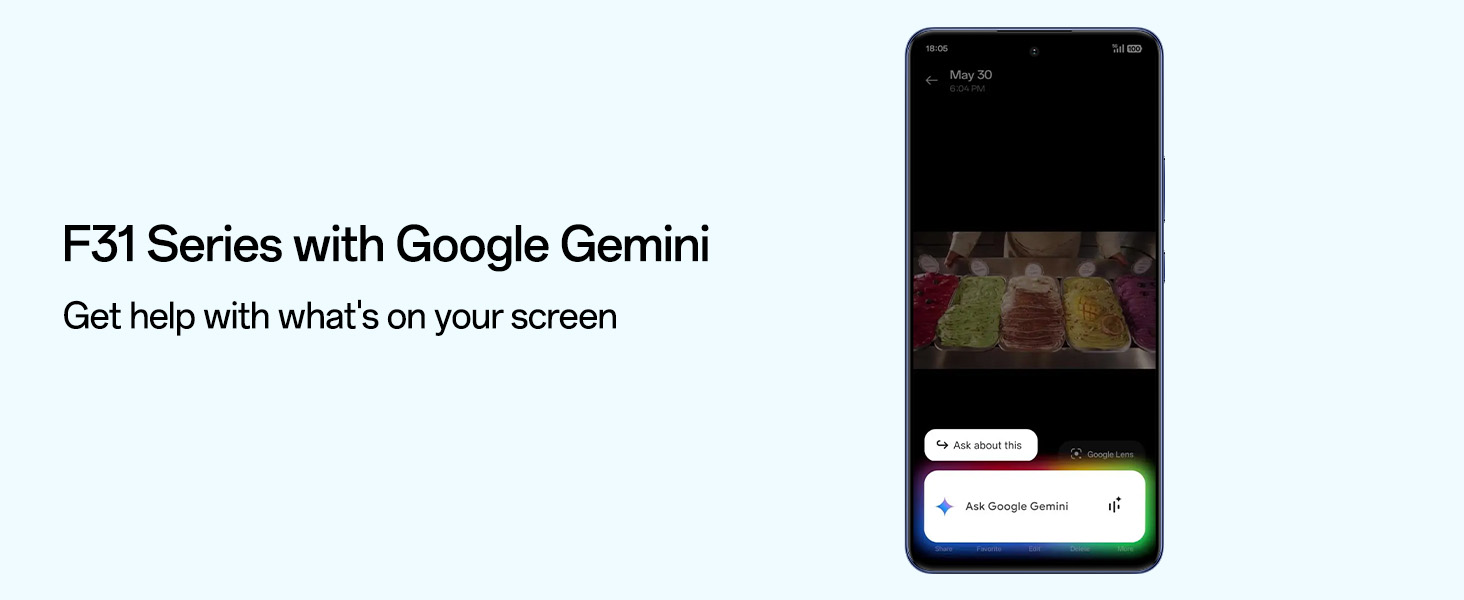
Image: The OPPO F31 Pro+ 5G integrates Google Gemini for enhanced AI assistance.
3. Maintenance and Care
3.1 Battery Care
To maximize the lifespan and performance of your 7000mAh battery:
- Use the provided 80W SUPERVOOC charger for optimal charging speed and safety.
- Avoid extreme temperatures, as they can degrade battery health.
- Utilize Bypass Charging during extended gaming or video sessions. This feature powers the phone directly from the charger, reducing heat generation and preserving battery health. Activate it in the device settings.
- The battery is designed to retain over 80% health for 5 years due to self-repairing electrolyte technology.
3.2 Water and Dust Resistance
The OPPO F31 Pro+ 5G is built with military-grade protection and is rated IP69, IP68, and IP66 for water and dust resistance. This means it can withstand:
- High-pressure, high-temperature water jets (IP69).
- Immersion in water up to 1.5 meters for 30 minutes (IP68).
- Powerful water jets (IP66).
While highly resistant, avoid intentional submersion in corrosive liquids or saltwater. Ensure all ports are dry before charging.
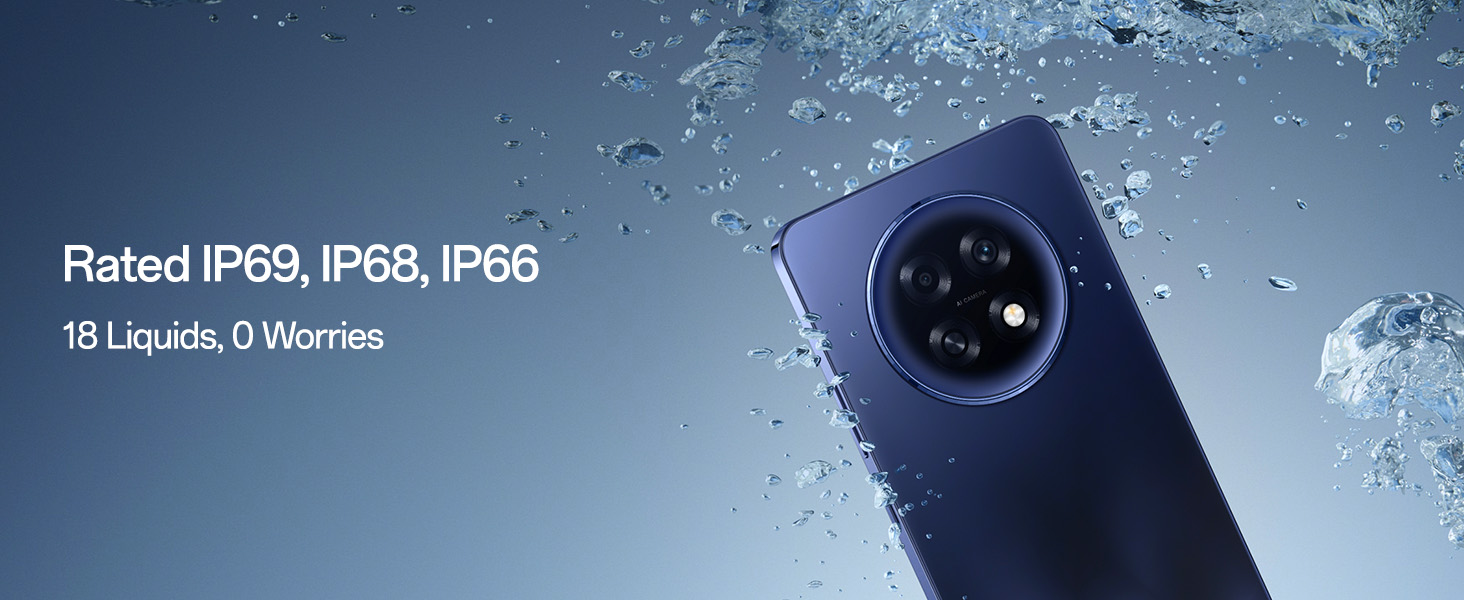
Image: The OPPO F31 Pro+ 5G is rated IP69, IP68, and IP66 for robust water and dust resistance.
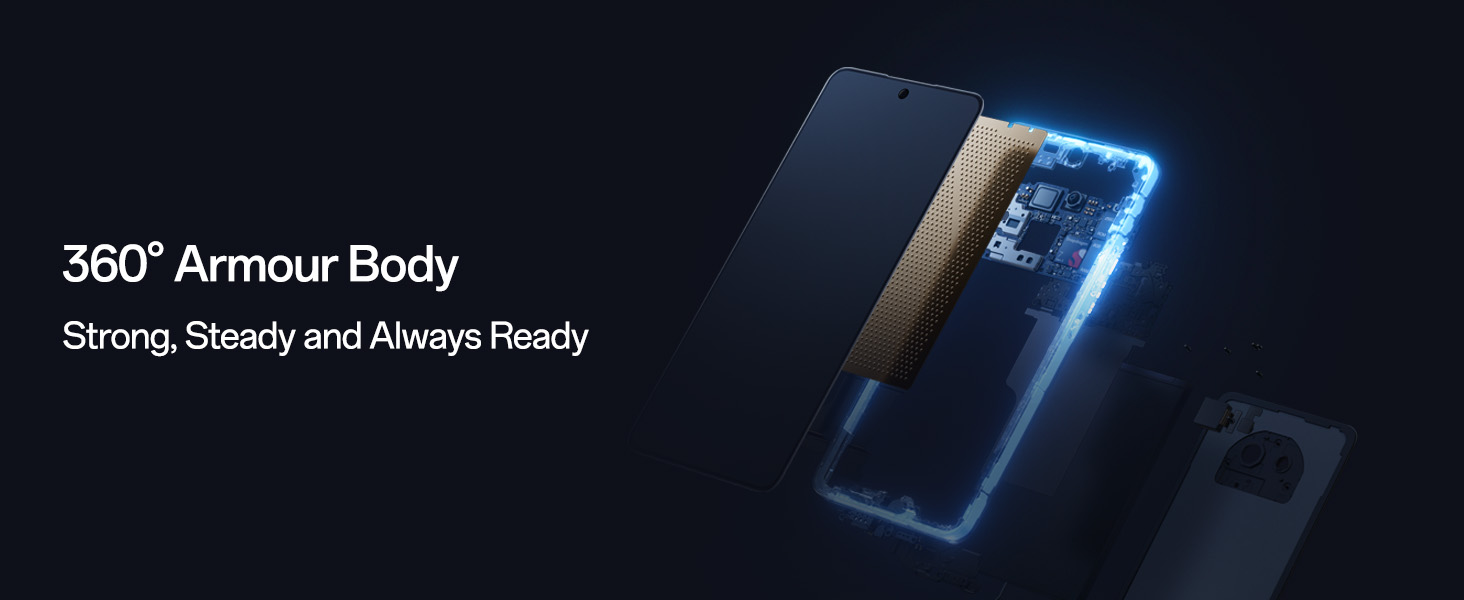
Image: The 360-degree Armour Body provides strong and steady defense for the OPPO F31 Pro+ 5G.
3.3 Speaker Drainage System
The device features an Intelligent Speaker Drainage System. If water or debris enters the speaker grille, you can activate this function in settings to rapidly expel them, restoring clear sound.
3.4 General Cleaning
Use a soft, lint-free cloth to clean the screen and body of the phone. Avoid harsh chemicals or abrasive materials.
4. Troubleshooting
This section addresses common issues you might encounter with your OPPO F31 Pro+ 5G.
4.1 Device Not Powering On
- Ensure the battery is sufficiently charged. Connect the phone to the charger and wait for at least 10-15 minutes before attempting to power it on again.
- Try a forced restart: Press and hold the Power button and Volume Down button simultaneously for about 10-15 seconds until the OPPO logo appears.
- If the issue persists, contact customer support.
4.2 Network Connectivity Issues
- Check if Airplane Mode is enabled in your Quick Settings panel. Disable it if it is.
- Verify that your SIM card is correctly inserted and active.
- Restart your device.
- Go to Settings > Mobile Network and ensure your preferred network type (e.g., 5G/4G/3G) is selected and data roaming is enabled if necessary.
- If using Wi-Fi, ensure your router is working correctly and you have entered the correct password.
4.3 App Performance or Freezing
- Close background applications to free up RAM.
- Clear the cache of the problematic app (Settings > Apps > [App Name] > Storage usage > Clear cache).
- Ensure the app and your phone's operating system are updated to the latest versions.
- If an app frequently crashes, consider uninstalling and reinstalling it.
4.4 Display or Touchscreen Unresponsive
- Perform a forced restart (Power button + Volume Down).
- Ensure the screen is clean and free of moisture or debris.
- Remove any screen protectors or cases that might be interfering with touch sensitivity.
4.5 WhatsApp Contacts Flickering (Specific Issue)
- Ensure your WhatsApp application is updated to the latest version from the Google Play Store.
- Clear the cache and data for WhatsApp (Settings > Apps > WhatsApp > Storage usage > Clear cache and Clear data). Note: Clearing data will require you to re-login to WhatsApp.
- Check your phone's display settings for any unusual refresh rate or display optimization features that might be causing conflicts.
- If the problem persists, report it to WhatsApp support or OPPO customer service.
5. Technical Specifications
| Feature | Detail |
|---|---|
| Brand | OPPO |
| Model | F31 Pro+ |
| Operating System | Android 14 (ColorOS 15) |
| Processor | Qualcomm Snapdragon 7 Gen 3 (CPU Speed: 3.4 GHz) |
| RAM | 8 GB |
| Internal Storage | 256 GB |
| Display Size | 6.8 Inches (17.27cm) |
| Display Type | AMOLED |
| Refresh Rate | 120 Hz |
| Maximum Display Resolution | 3840 x 2160 |
| Rear Camera | 50 MP (Main) + 2 MP (Portrait) |
| Front Camera | 32 MP |
| Video Capture Resolution | 4K |
| Battery Capacity | 7000 mAh |
| Charging Technology | 80W SUPERVOOC Flash Charge |
| SIM Card Slot Count | Dual SIM |
| Cellular Technology | 5G |
| Connectivity | Bluetooth, Wi-Fi, USB Type C |
| Water Resistance Level | IP69, IP68, IP66 (Water Resistant) |
| Item Dimensions | 16.3 x 7.8 x 0.8 Centimeters |
| Item Weight | 204 Grams |
| Special Features | Dual SIM, Fast Charging Support, Rugged Body, Stereo Speakers, AI LinkBoost 3.0 S1 chip, Hunter Antenna, O-Lock anti-theft, Intelligent Speaker Drainage System |
6. Warranty and Support
6.1 Product Warranty
Your OPPO F31 Pro+ 5G comes with a limited warranty:
- Handset: 12 Months from the date of purchase.
- Adapter & Cable: 6 Months from the date of purchase.
Please retain your proof of purchase for warranty claims. The warranty covers manufacturing defects but does not cover damage caused by misuse, accidents, unauthorized repairs, or normal wear and tear.
6.2 Customer Support
For technical assistance, service, or warranty inquiries, please contact OPPO customer support:
- Manufacturer: OPPO Mobiles India Pvt Ltd
- Address: 5th FLOOR, Tower B, BUILDING, N-8, DLF Cyber City, DLF Phase 2, Gurugram, Haryana 122002
- Toll-Free Number: 18001032777
You can also visit the official OPPO website for more support resources, FAQs, and service center locations.


