
Introduction
Thank you for choosing the Tronsmart T8 Portable Bluetooth Speaker. This manual provides detailed instructions for the safe and efficient use of your speaker. Please read this manual thoroughly before operating the device and retain it for future reference.
The Tronsmart T8 is designed to deliver powerful 40W audio with 360-degree immersive sound, featuring a 2.1 channel system for deep bass. It boasts an IPX7 waterproof rating, up to 18 hours of playtime, and customizable audio and light effects via a dedicated app. Its portable design includes a detachable lanyard for easy carrying.
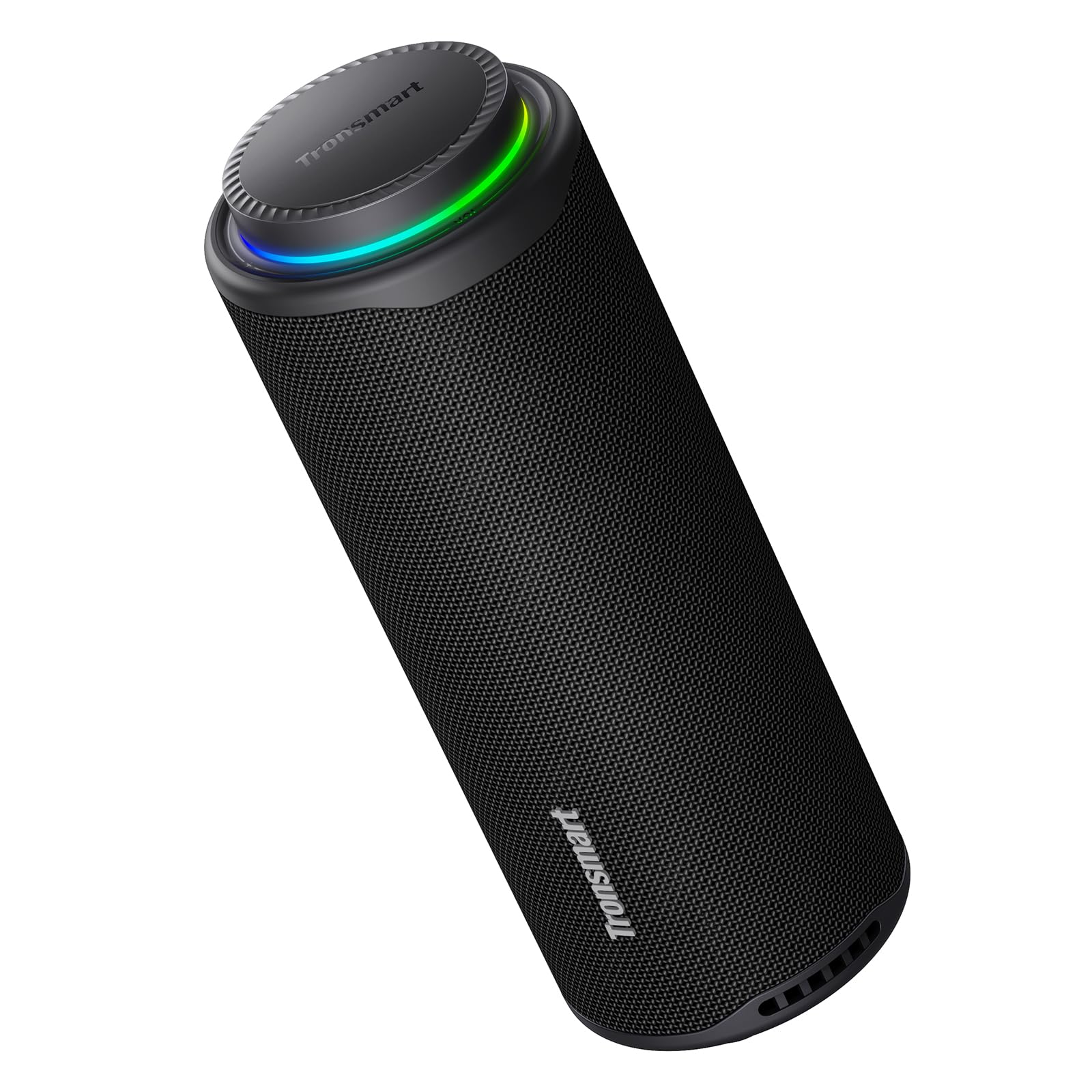
Image: The Tronsmart T8 Portable Bluetooth Speaker, showcasing its sleek design and integrated lanyard.
Product Overview
Familiarize yourself with the components and controls of your Tronsmart T8 speaker.
Control Panel and Features
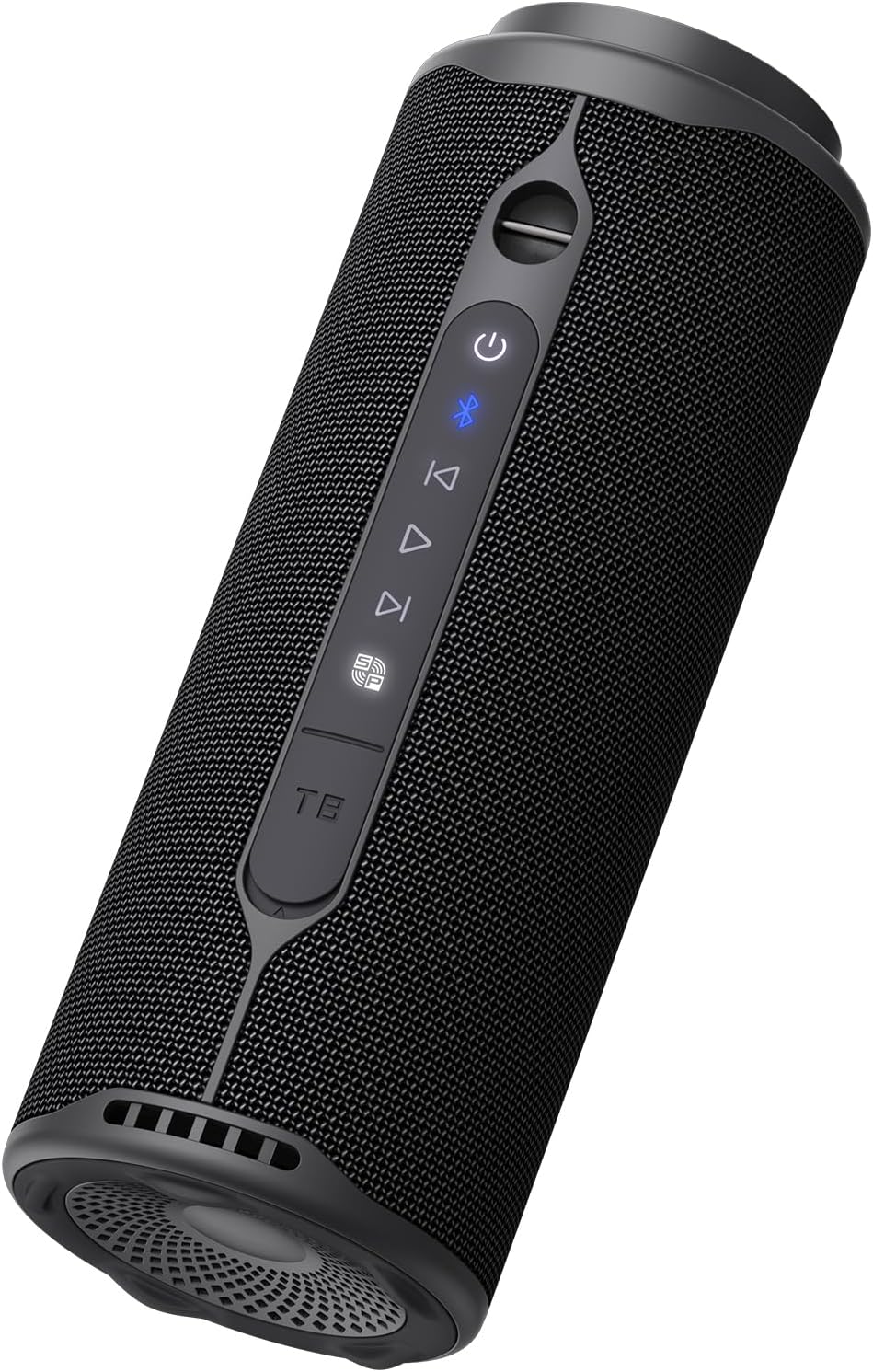
Image: Rear view of the Tronsmart T8 speaker, highlighting the control buttons and ports.
- Power Button: Press and hold to turn the speaker on or off.
- Bluetooth Button: Press to enter Bluetooth pairing mode.
- Play/Pause Button: Press to play or pause audio.
- Volume Knob: Rotate clockwise to increase volume, counter-clockwise to decrease.
- Light Mode Button: Press to cycle through different light effects.
- USB-C Charging Port: For charging the speaker.
- Aux-in Port: For wired audio connection.

Image: Top view of the Tronsmart T8 speaker, showing the illuminated LED ring around the volume control.
Setup
Charging the Speaker
Before first use, fully charge the speaker. Connect the provided USB-C charging cable to the speaker's charging port and a compatible USB power adapter (not included). The LED indicator will show charging status and turn off when fully charged.
Powering On/Off
- To power on: Press and hold the Power button for 2 seconds.
- To power off: Press and hold the Power button for 2 seconds.
Operating Instructions
Bluetooth Pairing
- Turn on the speaker. It will automatically enter Bluetooth pairing mode, indicated by a flashing blue LED.
- On your device (smartphone, tablet, etc.), enable Bluetooth and search for "Tronsmart T8" in the list of available devices.
- Select "Tronsmart T8" to connect. Once connected, the LED will turn solid blue, and you will hear an audible confirmation.
- To pair with a new device, press the Bluetooth button to disconnect the current device and enter pairing mode again.
Audio Playback
- Play/Pause: Press the Play/Pause button.
- Volume Control: Rotate the volume knob clockwise to increase volume, counter-clockwise to decrease.
- Next Track: Press the 'Next Track' button (usually indicated by a right arrow).
- Previous Track: Press the 'Previous Track' button (usually indicated by a left arrow).
App Customization (EQ & Lights)
Download the Tronsmart app from your device's app store to unlock advanced features:
- Equalizer (EQ): Choose from preset EQ modes or create custom sound profiles by adjusting bass, mid, and treble frequencies.
- Light Shows: Personalize the speaker's LED lighting effects to match your mood or music.
Water Resistance (IPX7)

Image: The Tronsmart T8 speaker shown near water, demonstrating its IPX7 water resistance.
The Tronsmart T8 speaker is IPX7 waterproof, meaning it can be submerged in water up to 1 meter for 30 minutes. Ensure the charging port cover is securely closed before exposing the speaker to water.
Portable Use

Image: The Tronsmart T8 speaker hanging from a tree branch by its detachable lanyard, illustrating its portability.
The speaker comes with a detachable lanyard for convenient carrying. Attach it to your backpack, bicycle, or hang it in various locations for easy access to your music.
Maintenance
- Cleaning: Wipe the speaker with a soft, damp cloth. Do not use abrasive cleaners or solvents.
- Storage: Store the speaker in a cool, dry place away from extreme temperatures and direct sunlight.
- Battery Care: To prolong battery life, fully charge the speaker at least once every three months if not in regular use. Avoid fully discharging the battery frequently.
- Water Resistance: Always ensure the charging port cover is sealed tightly after charging and before exposing the speaker to water.
Troubleshooting
| Problem | Possible Cause | Solution |
|---|---|---|
| Speaker does not turn on. | Low battery. | Charge the speaker fully. |
| No sound. | Volume too low; device not connected; incorrect audio source. | Increase volume on both speaker and connected device. Ensure Bluetooth is connected or Aux cable is properly inserted. |
| Cannot pair via Bluetooth. | Speaker not in pairing mode; device too far; interference. | Press the Bluetooth button to enter pairing mode. Move device closer to speaker. Turn off other Bluetooth devices. |
| Poor sound quality. | Low battery; device too far; audio source quality. | Charge the speaker. Move device closer. Try a different audio source. Adjust EQ settings in the app. |
Specifications
| Feature | Detail |
|---|---|
| Brand | Tronsmart |
| Model Name | T8 |
| Speaker Output Power | 40 Watts |
| Frequency Response | 20 KHz |
| Connectivity Technology | Bluetooth |
| Audio Output Mode | Surround, 2.1 Channels |
| Input Voltage | 5 Volts |
| Mounting Type | Tabletop |
| Material | Plastic |
| Product Features | Portable |
| Recommended Uses | For smartphone or tablet, Party, Travel |
| Water Resistance Level | IPX7 (Water Repellent) |
| Maximum Range | 15 Meters |
| Control Method | Touch, Rotary Knob |
| Average Battery Life | 18 Hours |
| Power Source | Corded Electric (for charging) |
| Number of Batteries | 1 (Non-standard battery included) |
| Item Dimensions (DxWxH) | 9.8D x 25.7W x 12.6H cm |
| Item Weight | 1.16 Kilograms |
| Compatible Devices | Desktop computer, Laptop, Smartphone, Tablet, Television |

Image: The Tronsmart T8 speaker in an outdoor setting, illustrating its 18-hour playtime capability.

Image: An exploded view of the Tronsmart T8 speaker, demonstrating its internal components for 360-degree immersive sound.

Image: The Tronsmart T8 speaker in an outdoor environment, emphasizing its 40W powerful sound output.
What's in the Box
The Tronsmart T8 Portable Bluetooth Speaker package includes the following items:
- 1 x Tronsmart T8 Portable Outdoor Speaker
- 1 x Power Cable (USB-C charging cable)
- 1 x Quick Start Guide
- 1 x Warranty Card
Warranty and Support
Your Tronsmart T8 speaker comes with a warranty. Please refer to the included Warranty Card for detailed terms and conditions, including the warranty period and coverage.
For technical support, troubleshooting assistance, or warranty claims, please contact Tronsmart customer service through their official website or the contact information provided on the warranty card. Keep your purchase receipt as proof of purchase for warranty services.
You can also visit the official Tronsmart store on Amazon for more information: Tronsmart Store


