1. Introduction
This manual provides essential information for setting up, operating, maintaining, and troubleshooting your vivo Y31 5G smartphone. Please read this manual carefully before using your device to ensure proper functionality and safety.
2. Setup
2.1. Unboxing and Package Contents
Verify that all items are present in your product package:
- vivo Y31 5G Smartphone
- Power Adapter
- USB Cable
- SIM Tray Ejector
- Phone Case
- Screen Protector (Pre-applied)
2.2. SIM Card and microSD Card Installation
- Locate the SIM card tray on the side of your phone.
- Insert the SIM tray ejector tool into the small hole next to the tray and press gently until the tray pops out.
- Place your Nano-SIM card(s) and/or microSD card into the designated slots on the tray. Ensure the gold contacts face downwards. The vivo Y31 5G supports Dual SIM functionality.
- Carefully reinsert the tray into the phone until it clicks into place.
2.3. Initial Power On and Setup
- Press and hold the Power button (located on the right side) until the vivo logo appears.
- Follow the on-screen instructions to select your language, connect to a Wi-Fi network, set up your Google account, and configure security settings (fingerprint, face unlock, PIN/pattern).
3. Operating Your Device
3.1. Basic Navigation
The vivo Y31 5G operates on Funtouch OS 15. Use touch gestures for navigation:
- Tap: Select an item or open an app.
- Swipe: Scroll through screens or lists.
- Pinch: Zoom in or out on photos and web pages.
- Power Button: Press to wake/sleep the screen, long-press to power off or restart.
- Volume Buttons: Adjust media volume, call volume, or ringtone volume.
3.2. Camera Features
The device is equipped with a versatile camera system:
- Rear Camera: 50 MP main camera for high-resolution photos, complemented by a 0.08 MP secondary lens.
- Front Camera: 8 MP selfie camera for clear self-portraits.
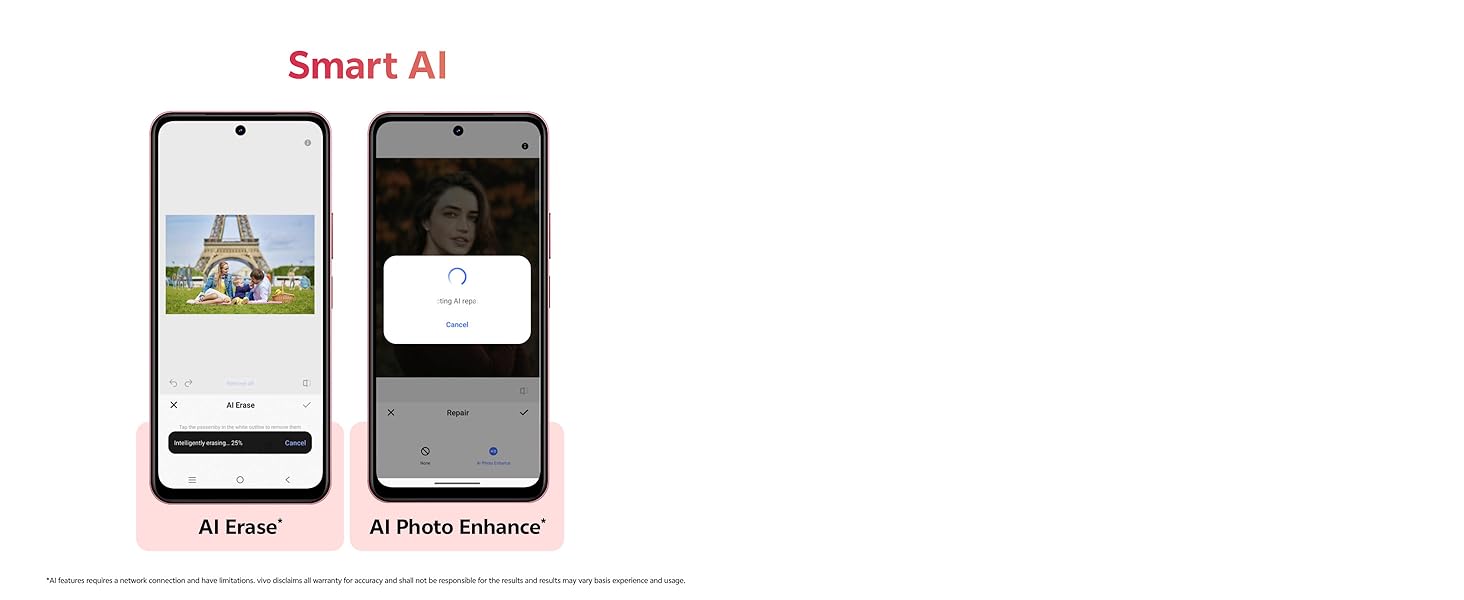
Image showing the 50MP AI Camera setup with 8MP HD Portrait Camera and 50MP HD Main Camera.
3.3. Smart AI Features
Enhance your photos with built-in AI capabilities:
- AI Erase: Intelligently remove unwanted objects or people from your photos.
- AI Photo Enhance: Automatically optimize image quality for better colors, contrast, and detail.
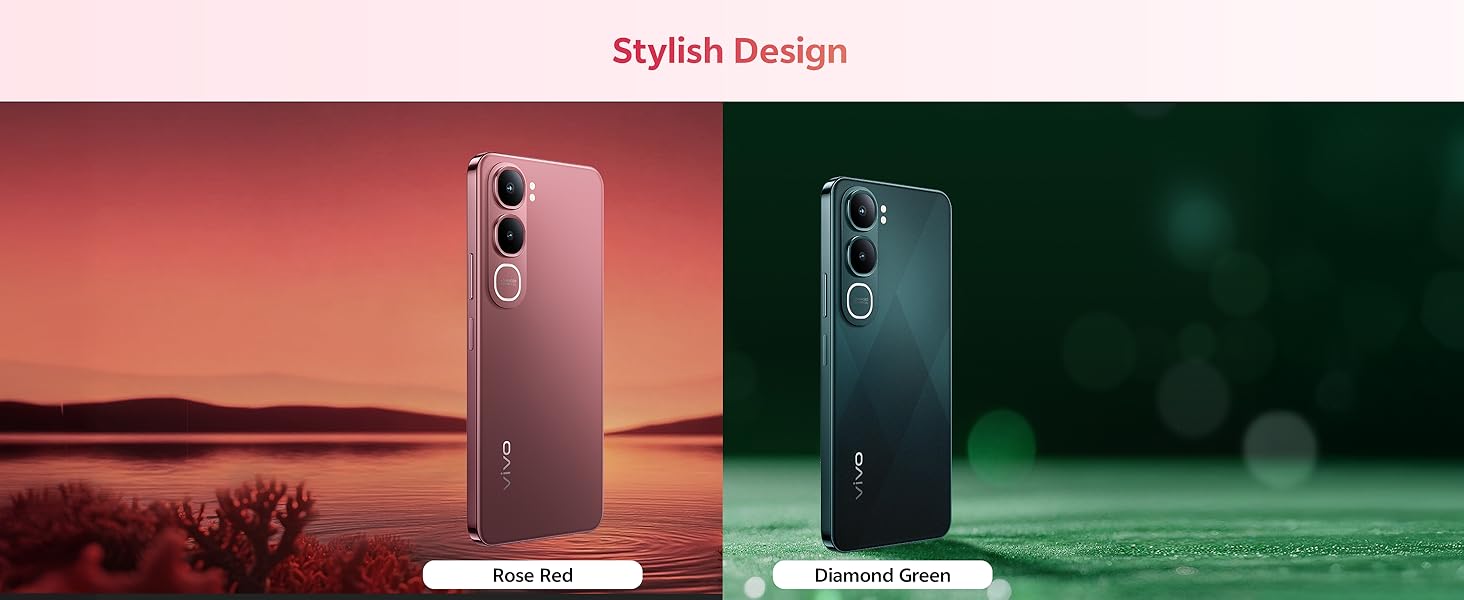
Diagram illustrating the Smart AI features, including AI Erase and AI Photo Enhance, on the vivo Y31 5G.
3.4. Battery and Charging
The vivo Y31 5G features a large 6500 mAh battery with 44W fast charging support. Use the provided power adapter and USB cable for optimal charging performance.
Illustration of the 6500 mAh battery and 44W FlashCharge capability of the vivo Y31 5G.
3.5. Display
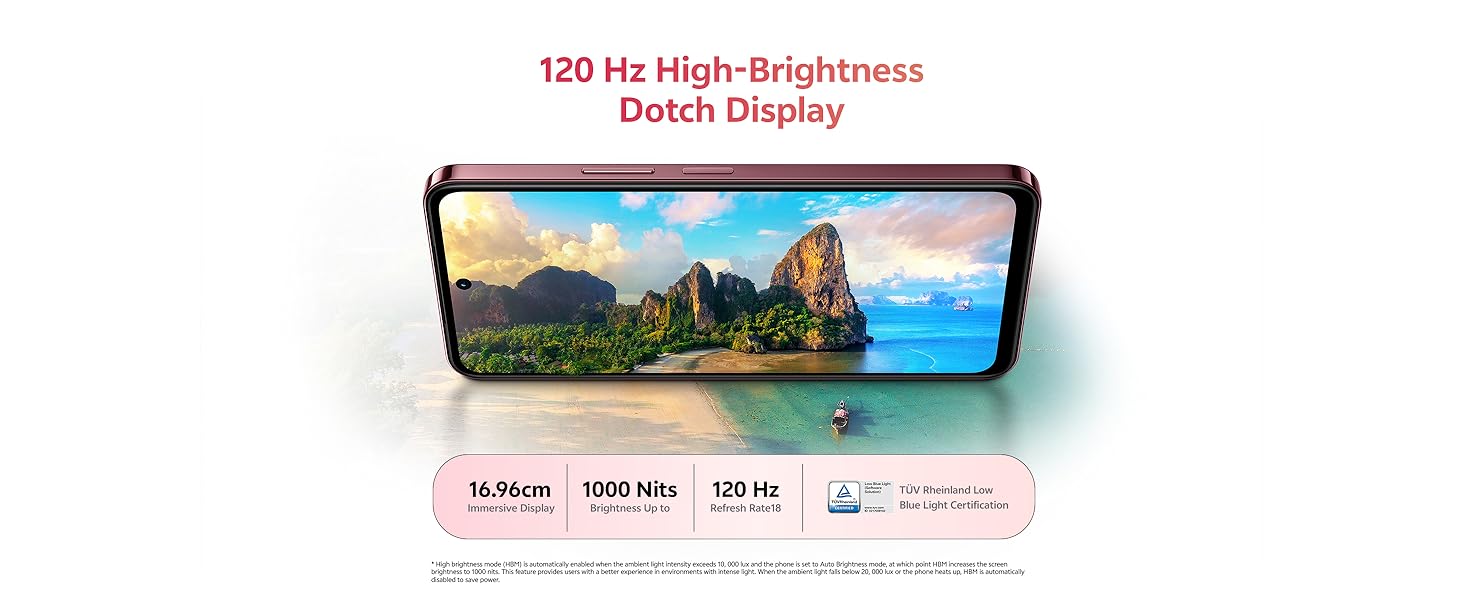
Enjoy an immersive visual experience with the 16.96 cm (6.68 inch) 120 Hz High-Brightness Dotch Display, offering up to 1000 Nits brightness and TÜV Rheinland Low Blue Light Certification for eye comfort.
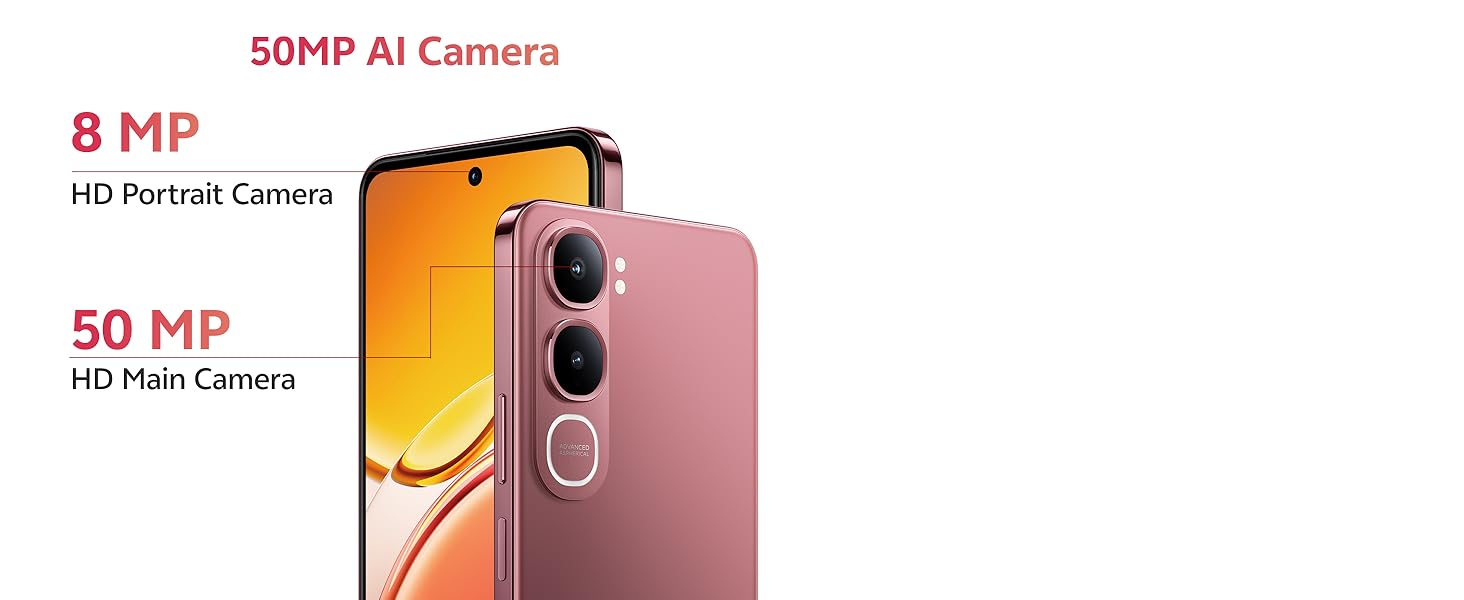
Image highlighting the 120 Hz High-Brightness Dotch Display of the vivo Y31 5G.
3.6. Audio
The device features Dual Speakers with 400% volume capability and Hi-Res Audio Certification for an enhanced audio experience.
Visual representation of the Dual Speaker system and Hi-Res Audio certification on the vivo Y31 5G.
3.7. Connectivity
The vivo Y31 5G supports Bluetooth for wireless accessory connection and GPS for navigation services.
4. Maintenance
4.1. Cleaning Your Device
- Use a soft, lint-free cloth to clean the screen and body of the phone.
- Avoid using harsh chemicals, abrasive cleaners, or compressed air.
4.2. Battery Care
- Avoid exposing the phone to extreme temperatures.
- Do not fully discharge the battery frequently.
- Use only original vivo chargers and cables.
4.3. Software Updates
Regularly check for and install software updates to ensure optimal performance, security, and access to new features. Go to Settings > System update to check for available updates.
4.4. Durability Features
The vivo Y31 5G is designed with enhanced durability:
- IP68/69 Rating: Provides protection against dust and water ingress. The device can withstand submersion in fresh water up to 1.5 meters for up to 30 minutes. It also features Wet-Hand Touch Technology for smooth control even with wet hands, and One-Tap Water Ejection.
- SGS Gold Label Five-Star Drop Resistance Certification: Indicates enhanced resistance to accidental drops.
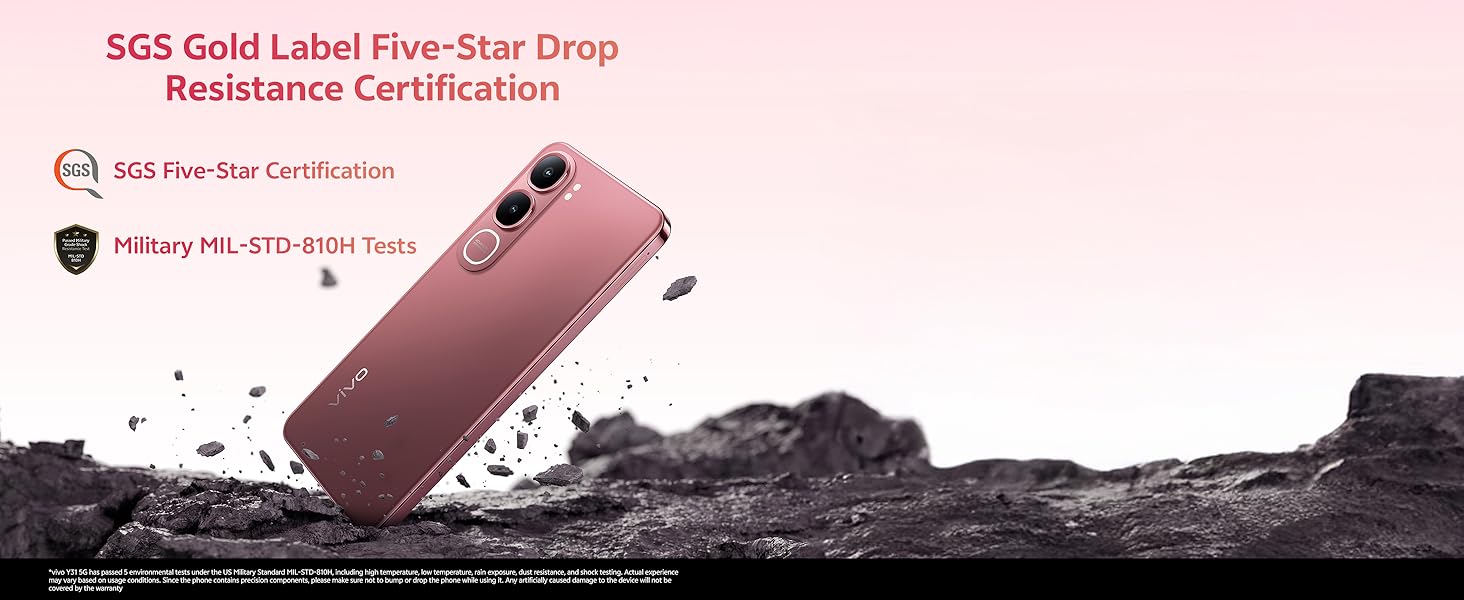
Image illustrating the IP68/69 water and dust resistance rating, Wet-Hand Touch technology, and One-Tap Water Ejection feature of the vivo Y31 5G.
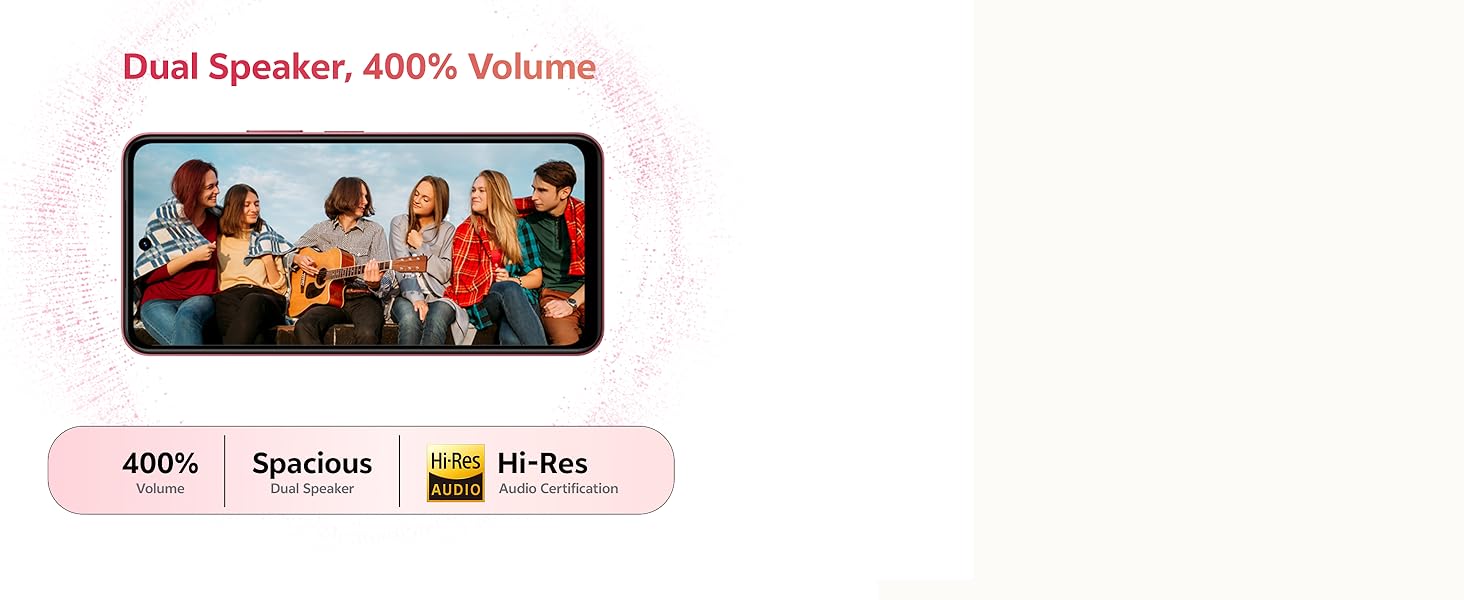
Image showing the SGS Gold Label Five-Star Drop Resistance Certification for the vivo Y31 5G.
5. Troubleshooting
This section addresses common issues you might encounter with your vivo Y31 5G.
5.1. Phone Not Turning On
- Ensure the battery is charged. Connect the phone to its charger for at least 15 minutes.
- Press and hold the Power button for 10-15 seconds to force a restart.
5.2. Poor Battery Life
- Reduce screen brightness.
- Close unused apps running in the background.
- Disable Wi-Fi, Bluetooth, or GPS when not in use.
- Check battery usage in Settings > Battery to identify power-hungry apps.
5.3. Connectivity Issues (Wi-Fi/Bluetooth)
- Toggle Wi-Fi or Bluetooth off and on.
- Restart your phone.
- For Wi-Fi, forget the network and reconnect.
5.4. Apps Crashing or Freezing
- Force close the app (swipe up from the bottom and swipe the app away).
- Clear the app's cache and data in Settings > Apps > [App Name] > Storage.
- Update the app to the latest version from the Google Play Store.
5.5. Factory Reset
If issues persist, you may consider a factory reset. Warning: This will erase all data on your phone. Back up important data before proceeding.
- Go to Settings > System > Reset options.
- Select Erase all data (factory reset).
- Confirm your decision and enter your PIN/pattern if prompted.
6. Specifications
Key technical specifications for the vivo Y31 5G smartphone:
| Feature | Specification |
|---|---|
| Model Number | Y31 |
| Operating System | Funtouch OS 15 |
| Processor | Qualcomm Snapdragon Octa-Core (2.2 GHz CPU Speed) |
| RAM | 4GB |
| Internal Storage | 128GB |
| Display Size | 16.96 cm (6.68 inch) |
| Display Resolution | 1608 x 720 |
| Rear Camera | 50 MP + 0.08 MP |
| Front Camera | 8 MP |
| Battery Capacity | 6500 mAh |
| Charging | 44W Fast Charging |
| Connectivity | Bluetooth, GPS |
| Special Features | Basic Phone, Bluetooth Enabled, Built-In GPS, Camera, Dual SIM |
| Dimensions (LxWxH) | 16.6 x 7.7 x 0.8 cm |
| Item Weight | 209 g |
| Color | Diamond Green |
| Water/Dust Resistance | IP68/69 Rating |
| Drop Resistance | SGS Gold Label Five-Star Certified |
7. Warranty and Support
7.1. Warranty Information
Your vivo Y31 5G smartphone comes with a standard manufacturer's warranty. Please refer to the warranty card included in your package for specific terms, conditions, and duration. Keep your proof of purchase for warranty claims.
7.2. Customer Support
For technical assistance, service, or further inquiries, please contact vivo customer support. You can find contact details on the official vivo website or in the documentation provided with your device.
Manufacturer: vivo Mobile India Pvt Ltd Plot No 08, Sector 24, Yamuna Expressway Area, Gautam Buddha Nagar, Uttar Pradesh, 201310