
1. Safety Information
Please read all safety instructions carefully before using this product. Failure to follow these instructions may result in fire, electric shock, product damage, or property damage.
- Do not expose the power bank to extreme temperatures (above 45°C or below 0°C), direct sunlight, or high humidity.
- Do not disassemble, open, crush, bend, deform, puncture, shred, microwave, incinerate, or paint the power bank.
- Avoid dropping or subjecting the power bank to severe impacts.
- Keep the power bank away from water and other liquids.
- Do not use the power bank if it has been damaged or modified.
- Dispose of the power bank according to local regulations. Do not dispose of it with household waste.
- This product is not a toy. Keep out of reach of children.
2. Product Overview
The REALPOWER PB-5000 MAG Ultra Slim is a compact and powerful 5000 mAh power bank designed for portable charging. It features MagSafe compatibility for convenient magnetic attachment and wireless charging with compatible devices, alongside USB-C Power Delivery for fast wired charging.
Key Features:
- MagSafe Compatible: Magnetic attachment for easy and secure wireless charging.
- 5000 mAh Capacity: Provides sufficient power for daily charging needs.
- Ultra-Slim Design: Compact and lightweight for maximum portability.
- Efficient Charging: Supports fast charging via USB-C Power Delivery.
- Universal Compatibility: Works with various USB-C and MagSafe-compatible devices.
Components:
The power bank typically includes a USB-C input/output port, a wireless charging surface, and LED indicators for battery status.
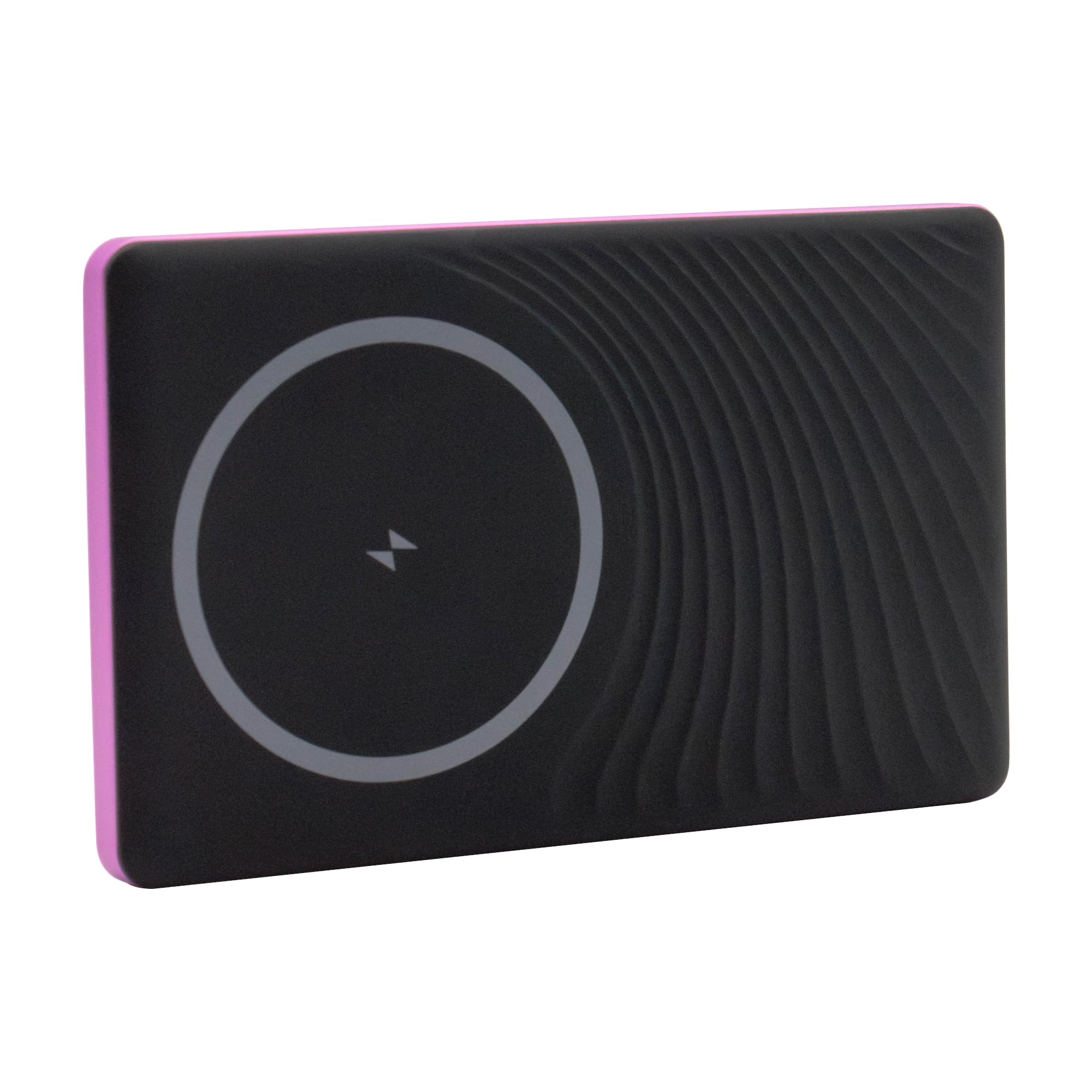
Image: Rear view of the REALPOWER PB-5000 MAG Ultra Slim power bank, displaying the brand logo and technical specifications printed on its surface. The USB-C port is visible on the side.
3. Setup
Initial Charging of the Power Bank:
- Connect the included USB-C cable to the USB-C PD input port on the power bank.
- Connect the other end of the USB-C cable to a compatible USB power adapter (not included).
- The LED indicators will illuminate to show the charging status. Allow the power bank to fully charge before first use.
Checking Battery Level:
Press the power button (if available) or connect a device to briefly display the current battery level via the LED indicators.
4. Operating
Wired Charging (USB-C PD):
- Connect your device to the USB-C PD output port on the power bank using a compatible USB-C cable.
- The power bank will automatically begin charging your device. If not, press the power button once.
Wireless Charging (MagSafe Compatible):
- Ensure your device is MagSafe compatible or has a MagSafe-compatible case.
- Align your device with the wireless charging surface on the power bank. The magnets will snap into place.
- Wireless charging should begin automatically. If not, press the power button once.
5. Maintenance
Cleaning:
Wipe the power bank with a soft, dry cloth. Do not use harsh chemicals, cleaning solvents, or strong detergents.
Storage:
Store the power bank in a cool, dry place away from direct sunlight and extreme temperatures. For long-term storage, it is recommended to charge the power bank to approximately 50% every three months to maintain battery health.
6. Troubleshooting
- Power bank not charging: Ensure the USB-C cable is securely connected to both the power bank and the power adapter. Try a different cable or adapter.
- Device not charging from power bank: Ensure the power bank has sufficient charge. Check cable connections. For wireless charging, ensure proper alignment and MagSafe compatibility. Press the power button to activate charging if necessary.
- Slow charging: Ensure you are using a compatible fast-charging cable and adapter for the power bank's input. For output, ensure your device supports the power bank's output specifications.
- Overheating: If the power bank becomes excessively hot during charging or discharging, disconnect it immediately and allow it to cool down. Avoid using it in direct sunlight or confined spaces.
7. Specifications
| Feature | Specification |
|---|---|
| Model Name | PB-5000 MAG Ultra Slim |
| Capacity | 5000 mAh / 19.25 Wh |
| Input (USB-C PD) | 5V-3A, 9V-2A (18W max) |
| Output (USB-C PD) | 5V-3A, 9V-2.2A, 12V-1.67A (20W max) |
| Wireless Output | 5W / 7.5W / 10W / 15W |
| Total Output | 15W max |
| Weight | 150 g |
| Special Features | Fast charging, MagSafe compatible, Ultra-slim design |
| Connector Type | USB Type C |
| Voltage | 5 Volts |
| Amperage | 2.4 A |
8. Warranty and Support
This product comes with a manufacturer's warranty. For detailed warranty information, please refer to the documentation included with your purchase or visit the official Realpower website. For technical support or customer service inquiries, please contact Realpower customer support through their official channels.