Introduction
This manual provides detailed instructions for the setup, operation, maintenance, and troubleshooting of your Generic GT1 1.8" Touch Screen Smart Fitness Watch. Please read this manual thoroughly before using the device to ensure proper functionality and to maximize your user experience.
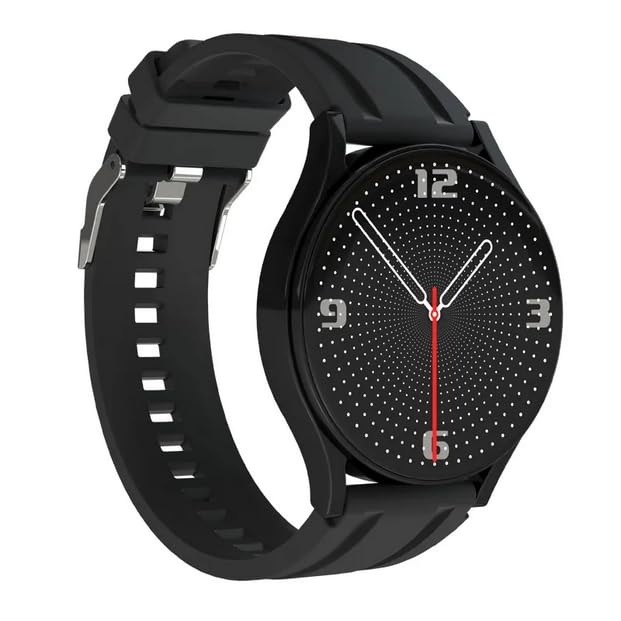
Image: The Generic GT1 Smart Fitness Watch, featuring a black strap and a digital analog-style watch face with white dots and red second hand.
Setup Guide
1. Charging the Device
Before initial use, fully charge your GT1 Smart Fitness Watch. Connect the charging cable to the watch's charging port and a standard USB power adapter (not included). A full charge typically takes approximately 2 hours. The watch has a 250 mAh battery capacity, providing an average battery life of up to 15 days depending on usage.
2. Powering On/Off
- To Power On: Press and hold the side button until the screen illuminates.
- To Power Off: Navigate to the settings menu on the watch, select "Power Off," and confirm. Alternatively, press and hold the side button and select "Power Off" if prompted.
3. App Installation and Pairing
To unlock the full functionality of your GT1 Smart Fitness Watch, you need to install the companion application on your smartphone. The watch is compatible with smartphones running common operating systems.
- Scan the QR code provided in the watch packaging or search for the recommended app name (usually found in the watch's manual or on the watch itself under "About") in your smartphone's app store (Google Play Store for Android, Apple App Store for iOS).
- Download and install the application.
- Open the app and follow the on-screen instructions to create an account or log in.
- Enable Bluetooth on your smartphone.
- In the app, navigate to the "Device" or "Add Device" section.
- Select your GT1 watch from the list of available Bluetooth devices. The watch's name might appear as "GT1" or a similar identifier.
- Confirm the pairing request on both your smartphone and the watch if prompted.
- Once paired, the watch will synchronize data with your phone, and you can customize settings through the app.
Operating Instructions
1. Basic Navigation
The GT1 Smart Fitness Watch features a 1.8-inch touch screen for intuitive navigation.
- Swipe Up/Down: Scroll through menus or notifications.
- Swipe Left/Right: Access different widgets or quick functions (e.g., heart rate, activity data).
- Tap: Select an item or confirm an action.
- Press Side Button: Return to the home screen or wake the device.
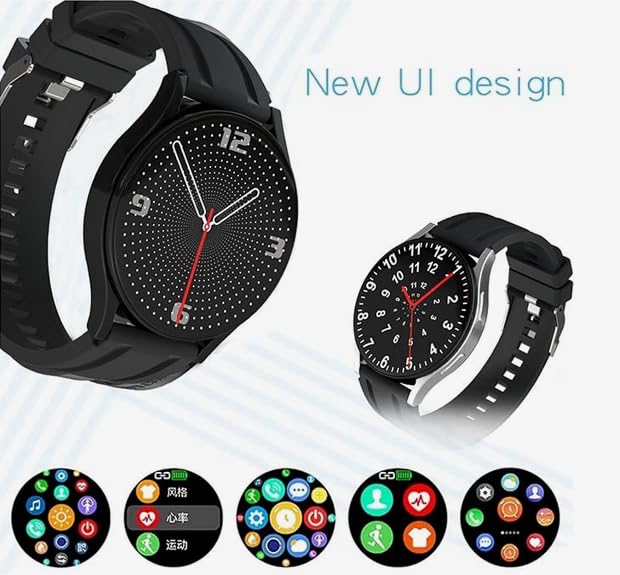
Image: The GT1 Smart Watch displaying its new user interface design, featuring multiple app icons for functions like heart rate monitoring, activity tracking, and various customizable watch faces.
2. Fitness Tracking
- Step Counter: The built-in pedometer automatically tracks your daily steps, distance, and calories burned. View your progress directly on the watch face or in the companion app.
- Heart Rate Monitor: The advanced sensors continuously monitor your heart rate throughout the day. Access real-time heart rate data by swiping to the heart rate widget or through the dedicated app.
- Activity Modes: The watch supports various activity tracking modes. Select the appropriate mode (e.g., running, walking) before starting your workout for more accurate data.
3. Bluetooth Calling
Once paired with your smartphone, the GT1 watch allows you to make and receive calls directly from your wrist.
- Answering Calls: When a call comes in, tap the green answer icon on the watch screen.
- Making Calls: Access the dialer or contact list on the watch (if supported by the app) to initiate a call.
4. Customizable Watch Faces
Personalize your watch with a variety of watch faces. You can change watch faces directly on the device by long-pressing the home screen or through the companion app for more options and customization.
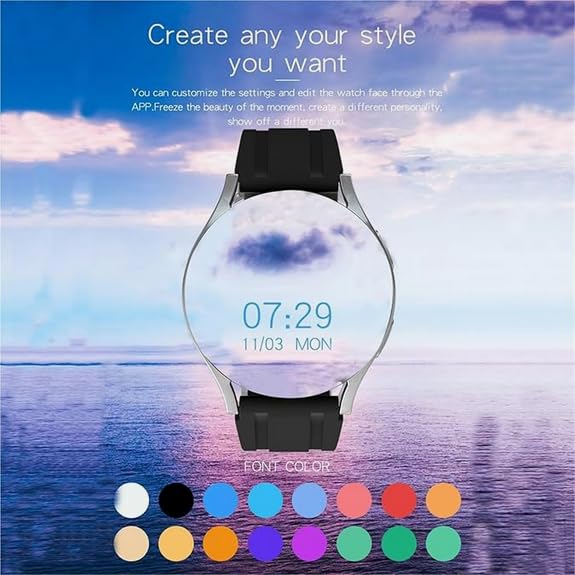
Image: The GT1 Smart Watch displaying a customizable watch face with the current time and date, overlaid on a scenic background, demonstrating personalization options.
5. Notifications
Receive notifications from your smartphone directly on your watch. Ensure notification permissions are enabled in both your phone's settings and the companion app.
6. Bluetooth Music Playback
Control music playback on your connected smartphone directly from your GT1 watch. This feature supports high-fidelity sound quality and allows for continuous listening for 2-3 hours.
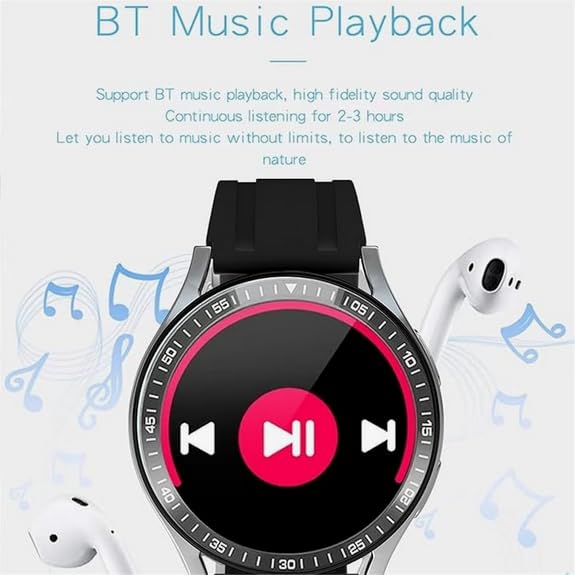
Image: The GT1 Smart Watch screen showing music playback controls, including play/pause, skip forward, and skip backward buttons, with a musical note background.
Maintenance
1. Cleaning
- Wipe the watch screen and body with a soft, lint-free cloth.
- For stubborn dirt, slightly dampen the cloth with water. Avoid using harsh chemicals or abrasive materials.
- Ensure the charging contacts are clean and dry before charging.
2. Storage
- Store the watch in a cool, dry place away from direct sunlight and extreme temperatures.
- If storing for an extended period, ensure the battery has some charge (e.g., 50%) to prevent deep discharge.
Troubleshooting
Watch Not Turning On
- Ensure the watch is fully charged. Connect it to the charger for at least 30 minutes.
- Try pressing and holding the side button for 10-15 seconds to force a restart.
Cannot Connect/Pair with Smartphone
- Ensure Bluetooth is enabled on your smartphone.
- Make sure the watch is within range of your smartphone.
- Restart both your watch and smartphone.
- Check if the companion app is updated to the latest version.
- In your phone's Bluetooth settings, forget the watch if it was previously paired, then try pairing again through the app.
Inaccurate Fitness Data
- Ensure the watch is worn snugly on your wrist, about one finger's width above your wrist bone.
- Clean the heart rate sensor on the back of the watch.
- Calibrate the step counter if the app provides this option.
- Ensure your personal information (height, weight, age) is correctly entered in the companion app.
Notifications Not Appearing
- Verify that notification permissions are granted for the companion app in your smartphone's settings.
- Check the notification settings within the companion app to ensure desired apps are enabled.
- Ensure the watch is connected via Bluetooth to your smartphone.
Specifications
| Model Name | GT1 (Sw-hr2023) |
| Display Size | 1.8 Inches |
| Display Type | Digital, Touchscreen |
| Connectivity | Bluetooth |
| Compatible Devices | Smartphone |
| Operating System | Proprietary OS |
| Battery Capacity | 250 mAh (Lithium Ion) |
| Battery Average Life | Up to 15 Days |
| Charging Time | Approximately 2 Hours |
| Memory Storage Capacity | 512 MB |
| Special Features | Activity Tracker, GPS (likely via phone), Moon Phase Display, Time Display, Touchscreen |
| Material | Plastic, Silicone |
| Item Weight | 65 g |
| Country of Origin | China |
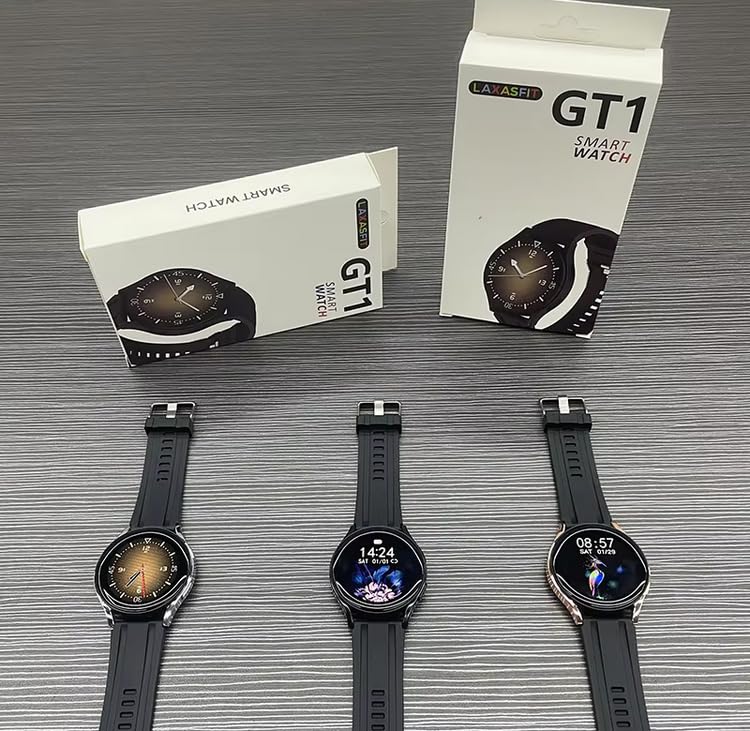
Image: Several GT1 Smart Watches displayed alongside their retail packaging, showing the product and its boxing.
Warranty Information
The Generic GT1 Smart Fitness Watch comes with a 1 Year Limited Warranty from the date of purchase. This warranty covers manufacturing defects under normal use.
Additional protection plans may be available for purchase:
- 1 Year Accidental & Liquid Damage by OneAssist: This plan provides coverage for accidental damage and liquid damage for one year.
- Extended Warranty by ONSITEGO: An extended warranty option is available to prolong your coverage beyond the standard limited warranty.
Please refer to the specific terms and conditions of each warranty or protection plan for full details on coverage, exclusions, and claims procedures.
Support
For further assistance, technical support, or warranty claims, please contact the retailer or manufacturer. Refer to your purchase documentation for specific contact information.
Manufacturer: Laxasfit
Packer/Importer: y2kshop2021@gmail.com


