
Introduction
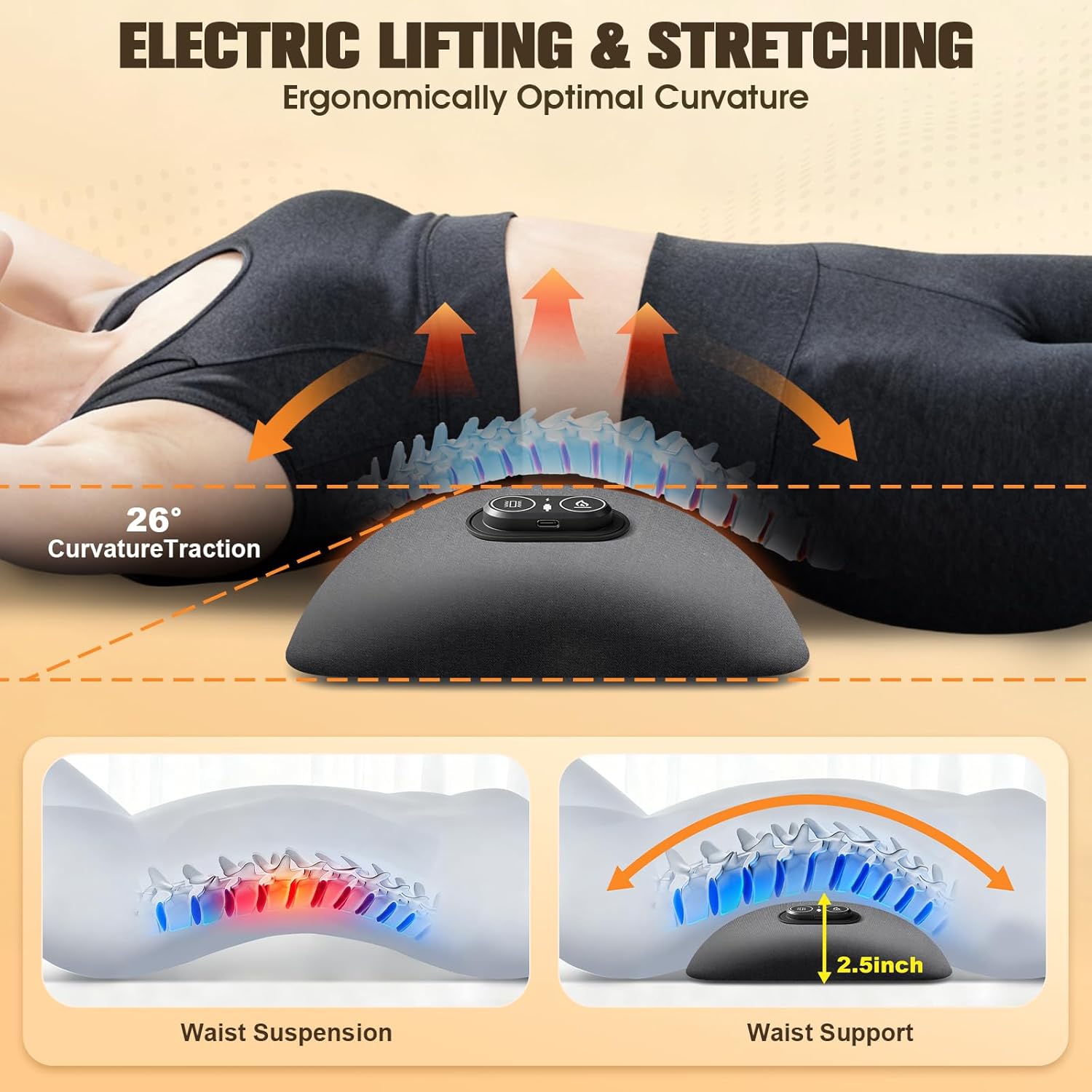
The FunBy 3-in-1 Electric Lumbar Support Pillow is designed to provide comprehensive relief and support for your lower back. It integrates vibration massage, constant-temperature hot compress, and electric traction to address various forms of back discomfort. Its ergonomic design, featuring a 135° golden curve, is crafted to fit the natural curvature of your lumbar spine, offering support whether you are working, driving, or resting. The pillow utilizes high-density memory foam and a skin-friendly, breathable fabric for comfort across all seasons.
Important Safety Information
- Skin Contact: Do not apply this heated product directly to bare skin to prevent low-temperature burns. Always use over clothing or a thin barrier.
- Usage Duration: Use continuously for no more than 30 minutes per session. Stop use immediately if your skin feels sore, red, or excessively hot.
- Overheat Protection: If the product operates continuously for more than 1 hour, it may activate its overheat protection and shut down automatically. In such cases, turn off the power, allow the device to cool for 30 minutes, and then restart it.
- Power Source: This product must be plugged in to operate; it does not contain a rechargeable battery.
Product Overview
The FunBy Lumbar Support Pillow combines three therapeutic functions:
- Vibration Massage: Intelligent vibration targets stiffness and muscle tension, providing a soothing massage experience.
- Constant-Temperature Hot Compress: Infrared heat promotes blood circulation and helps alleviate lower back pain.
- Electric Traction: Gentle electric lifting stretches the lumbar spine to release pressure and improve alignment.
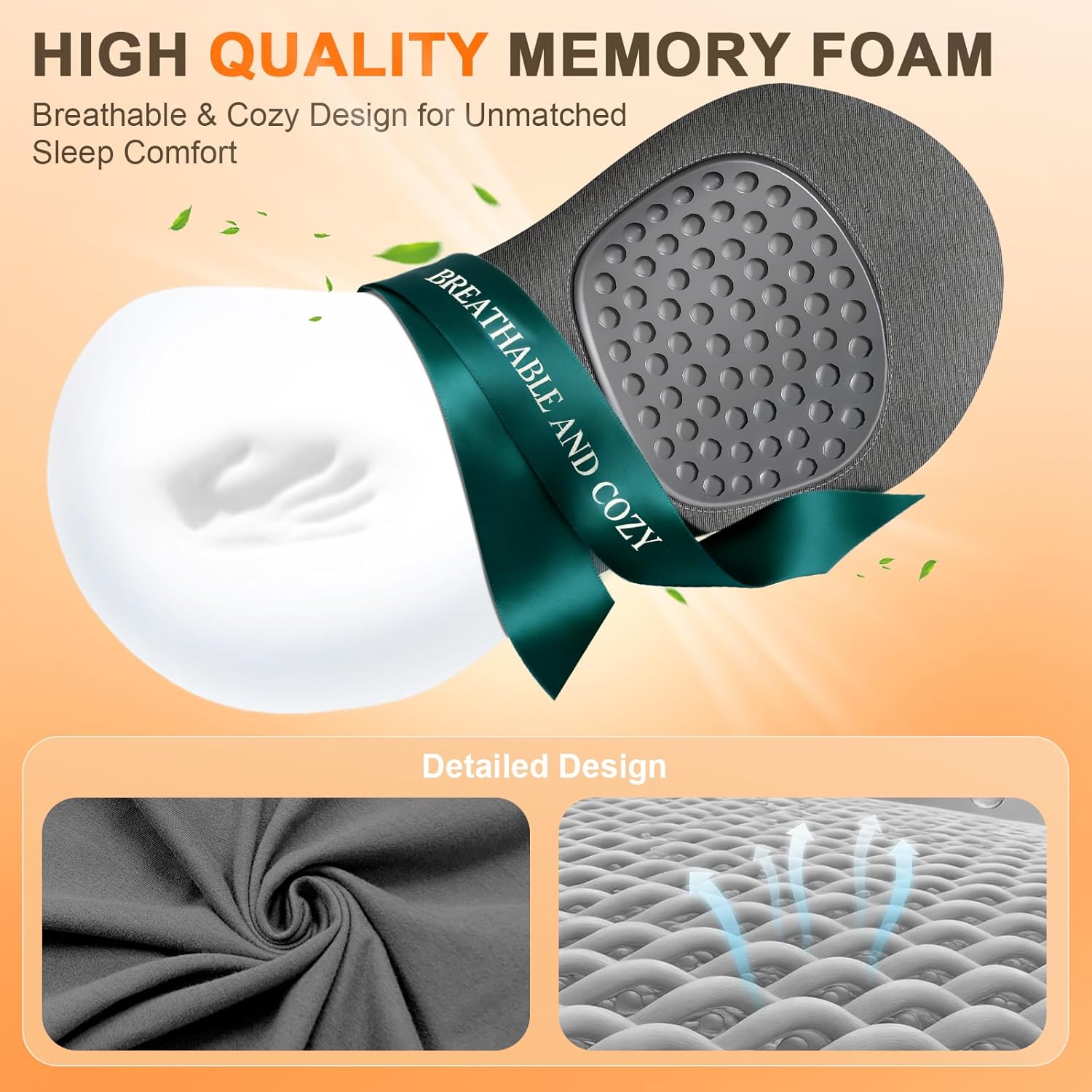
The pillow is constructed with high-density, slow-rebound memory foam that conforms to your body's natural curves, ensuring consistent support. The outer fabric is moisture-wicking, breathable, and skin-friendly, designed for comfort in various climates.

Setup
To set up your FunBy Lumbar Support Pillow:
- Unpack the pillow and ensure all components are present: the lumbar support pillow and the power cable.
- Connect the power cable to the pillow's plug-in port.
- Plug the other end of the power cable into a suitable USB power source (e.g., wall adapter, power bank, computer USB port). The device requires continuous power to operate.

Operating Instructions
Follow these steps to operate your lumbar support pillow:
- Power On: Press and hold the power button on the control panel for 3 seconds to turn on the device.
- Function Selection: Short press the same button to cycle through the three functions in the following order: Vibration Massage → Electric Lifting → Heating.
- Power Off: Press and hold the power button again for 3 seconds to turn off the device.
Usage Recommendations:
- For optimal results and safety, limit continuous use to 30 minutes per session.
- Position the pillow to align with your lower back for ergonomic support and targeted therapy.


Product Demonstration Video
Official FunBy video demonstrating the 3-in-1 Electric Lumbar Support Pillow's features, including heat, vibration, and traction functions.
Maintenance
To ensure the longevity and hygiene of your FunBy Lumbar Support Pillow:
- Cleaning: Wipe the surface with a soft, damp cloth. Do not immerse the pillow in water or use harsh chemical cleaners.
- Storage: When not in use, store the pillow in a cool, dry place. A storage bag is included for convenient and space-saving storage, especially useful for travel.
- Avoid Direct Sunlight: Prolonged exposure to direct sunlight may affect the material and color of the pillow.
Troubleshooting
| Problem | Possible Cause | Solution |
|---|---|---|
| Device does not turn on. | Not plugged in or power source issue. | Ensure the power cable is securely connected to both the pillow and a functional USB power source. |
| Device shuts off unexpectedly. | Overheat protection activated. | Turn off the power, allow the device to cool for 30 minutes, then restart. Avoid continuous use for more than 1 hour. |
| Heat function is not noticeable. | Incorrect function selected or insufficient warm-up time. | Short press the button to cycle to the heating function. Allow a few minutes for the heat to become noticeable. Ensure direct skin contact is avoided. |
Specifications
- Brand: FunBy
- Model Name: Lumbar Pillows
- Color: Gray
- Size: 23.23"L x 9"W x 2.5"H (59cm x 23cm x 6.35cm)
- Fill Material: Memory Foam
- Special Features: Heat, Portable, Vibration Massage, Electric Traction
- UPC: 746566875163
- GTIN: 746566875163
Warranty and Support
FunBy is committed to providing quality products and customer satisfaction. For any questions, concerns, or support needs regarding your 3-in-1 Electric Lumbar Support Pillow, please contact FunBy customer service. Details on warranty coverage and how to reach support can typically be found on the product packaging or the official FunBy website.