
ZZA Z32E
ZZA 32" 4K UHD Monitor Instruction Manual
Model: Z32E
1. Introduction
Thank you for choosing the ZZA 32" 4K UHD Monitor. This manual provides essential information for setting up, operating, and maintaining your monitor. Please read it thoroughly before use to ensure optimal performance and longevity of your device.
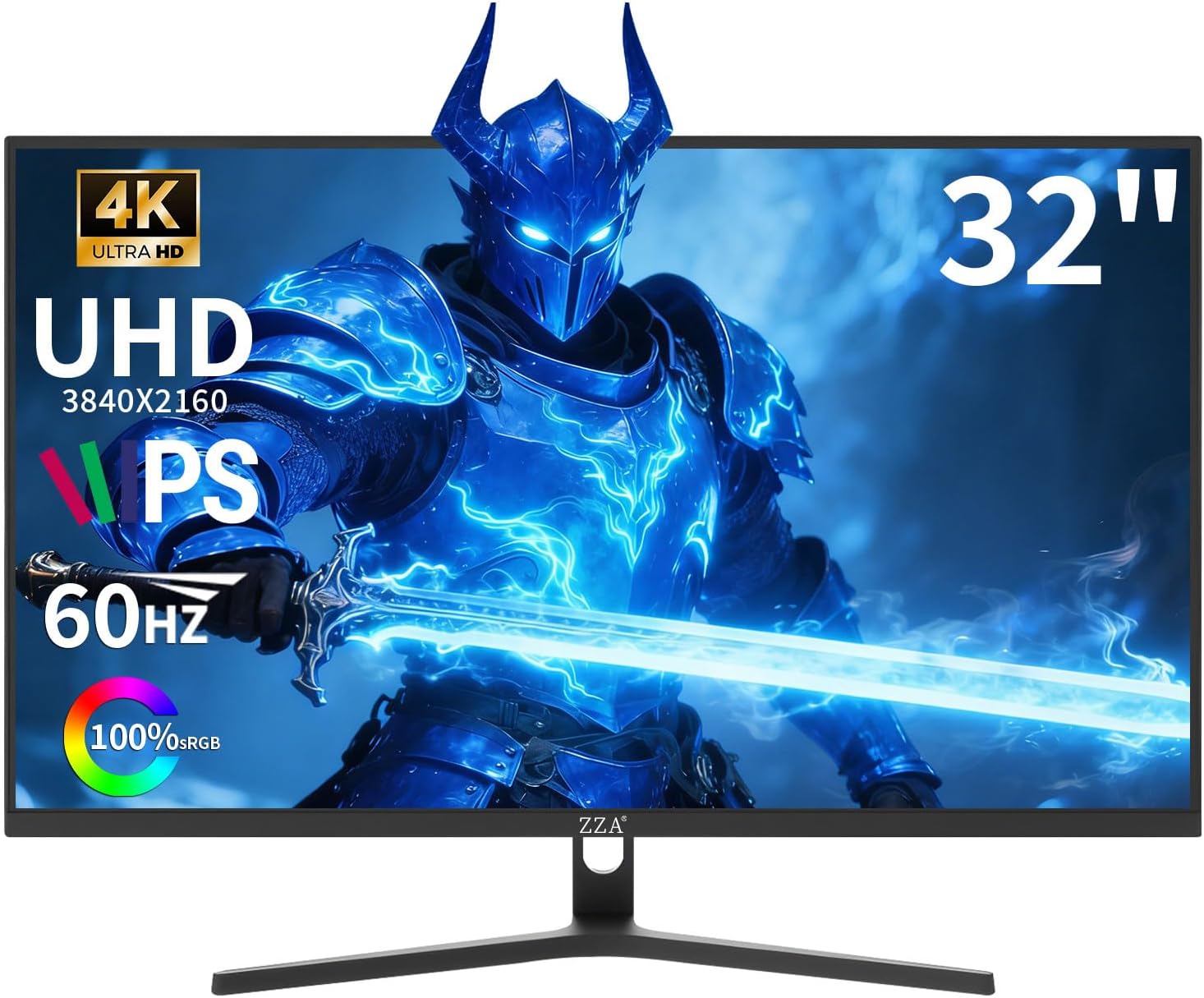
Figure 1: Front view of the ZZA 32" 4K UHD Monitor.
2. Safety Information
Before operating the monitor, please read and follow all safety instructions to prevent damage or injury. Keep this manual for future reference.
- Do not expose the monitor to rain or moisture.
- Do not open the monitor casing. Refer all servicing to qualified personnel.
- Ensure proper ventilation to prevent overheating.
- Use only the power adapter supplied with the monitor.
- Avoid placing the monitor on unstable surfaces.
3. Setup
3.1 Package Contents
Verify that all components are present:
- ZZA 32" 4K UHD Monitor
- Monitor Stand (Base and Neck)
- Power Adapter
- HDMI Cable
- DisplayPort Cable
- User Manual
3.2 Stand Assembly
- Carefully remove the monitor and stand components from the packaging.
- Attach the stand neck to the monitor panel.
- Secure the stand base to the stand neck using the provided screws.
- Place the assembled monitor on a stable, flat surface.

Figure 2: Rear view of the monitor with the stand attached, showing the VESA mount area.
3.3 Connectivity
Connect the monitor to your computer or other devices using the appropriate cables.
- HDMI: Use the HDMI 2.1 port for high-resolution video and audio transmission.
- DisplayPort: Use the DisplayPort 1.4 for optimal performance, especially with Adaptive Sync.
- Audio Jack: Connect external speakers or headphones to the 3.5mm audio jack.

Figure 3: Detailed view of the monitor's connectivity ports.
3.4 Power On
Connect the power adapter to the monitor and then to a power outlet. Press the power button on the monitor to turn it on.
4. Operating Instructions
4.1 Display Features
Your ZZA 32" monitor offers a stunning visual experience:
- 4K Ultra HD (3840x2160): Experience breathtaking detail and clarity.
- IPS Panel: Enjoy vibrant colors and wide 178° viewing angles.
- 100% sRGB & 1.07 Billion Colors: Delivers exceptionally lifelike and accurate visuals.
- 300 cd/m² Brightness & 3000:1 Contrast Ratio: Provides bright images with deep blacks.

Figure 4: Visual representation of the monitor's vivid color and contrast capabilities.

Figure 5: Resolution comparison highlighting the clarity of 4K UHD.
4.2 Refresh Rate & Adaptive Sync
The monitor features a 60Hz refresh rate and Adaptive Sync technology for fluid visuals, eliminating screen tearing and stuttering. This is ideal for casual gaming, smooth video playback, and general office use.
4.3 Eye Care Features
The monitor includes a Blue Light Filter and DC Dimming to reduce harmful blue light and minimize screen flickering, enhancing viewing comfort during extended use.
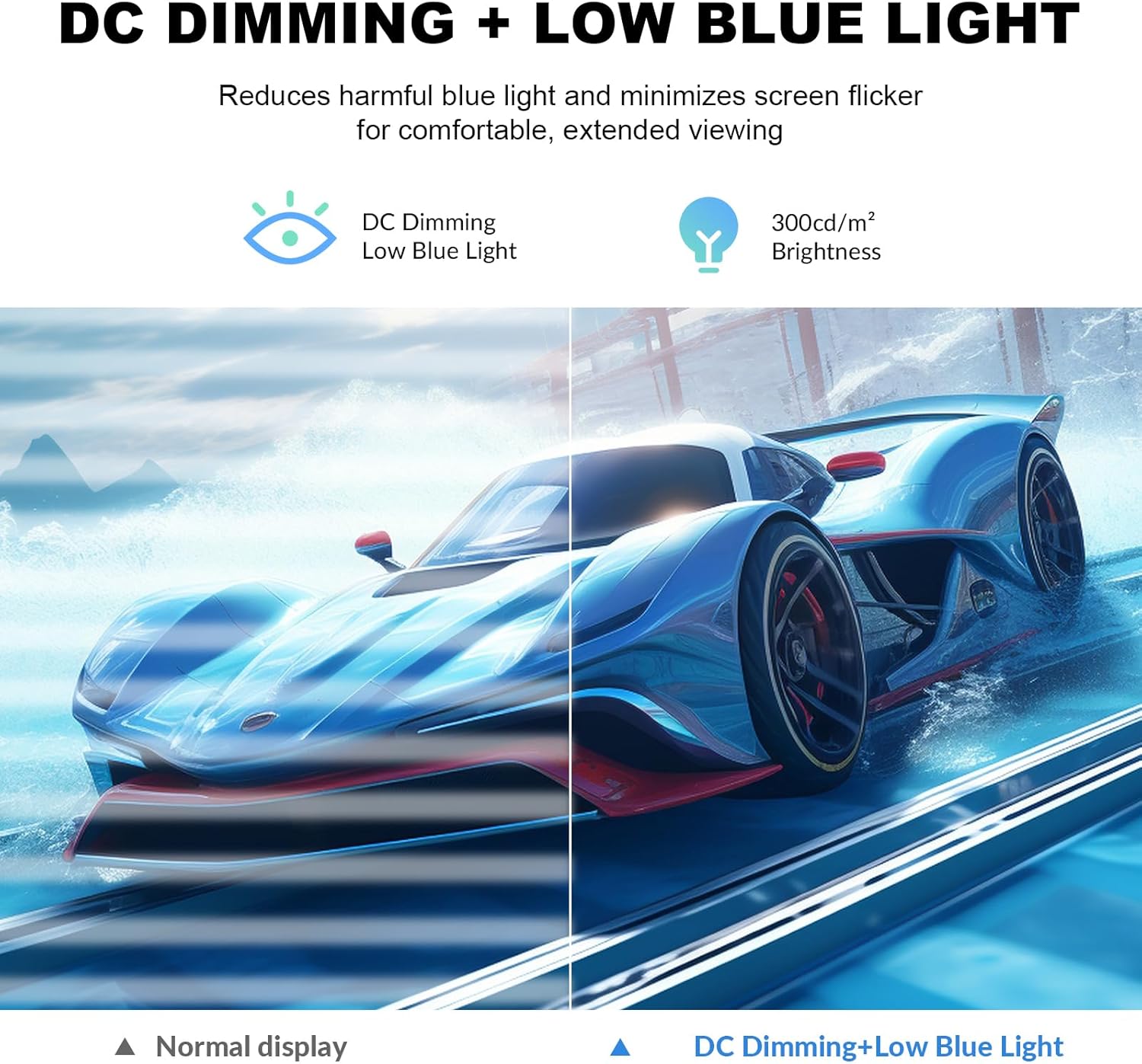
Figure 6: Demonstration of DC Dimming and Low Blue Light features for eye comfort.
4.4 OSD Menu Navigation
The On-Screen Display (OSD) menu allows you to adjust various monitor settings. Use the control buttons located on the back of the monitor to navigate and select options.
Video 1: OSD Menu and Input Switching Demonstration.
4.5 Ergonomic Design & VESA Mount
The monitor features an ultra-thin bezel design, maximizing screen space. The adjustable stand allows for -15° to 15° tilt. For alternative mounting solutions, the monitor is VESA mount compatible (75x75mm).

Figure 7: Ultra-thin bezel design for an immersive viewing experience, ideal for multi-monitor setups.
5. Maintenance
5.1 Cleaning the Screen
To clean the screen, gently wipe it with a soft, lint-free cloth. For stubborn marks, lightly dampen the cloth with water or a mild, non-abrasive screen cleaner. Avoid using alcohol-based cleaners or harsh chemicals.
5.2 General Care
Keep the monitor away from direct sunlight, excessive heat, or cold. Ensure the monitor is placed in a well-ventilated area. Avoid placing heavy objects on the monitor or its cables.
6. Troubleshooting
If you encounter any issues with your ZZA monitor, refer to the following common solutions:
- No Display: Check if the power cable is securely connected and the monitor is turned on. Verify that the video cable (HDMI/DisplayPort) is properly connected to both the monitor and your computer. Ensure the correct input source is selected in the OSD menu.
- Flickering Screen: Ensure the video cable is securely connected. Try adjusting the refresh rate in your computer's display settings. Enable or disable Adaptive Sync in the OSD menu to see if it resolves the issue.
- Color Issues: Reset the color settings to default in the OSD menu. Ensure your graphics card drivers are up to date.
- No Audio: Check the volume settings on both the monitor and your computer. Ensure external speakers/headphones are properly connected to the 3.5mm audio jack.
If the problem persists, please contact customer support.
7. Specifications
| Feature | Specification |
|---|---|
| Model Number | Z32E |
| Screen Size | 32 Inches |
| Resolution | 3840 x 2160 (4K UHD) |
| Panel Type | IPS Panel |
| Refresh Rate | 60Hz |
| Aspect Ratio | 16:9 |
| Image Brightness | 300 cd/m² |
| Contrast Ratio | 3000:1 |
| Color Support | 1.07 Billion Colors (100% sRGB) |
| Connectivity | HDMI 2.1, DisplayPort 1.4, 3.5mm Audio Jack |
| VESA Mount | 75x75mm |
| Product Dimensions | 28 x 7 x 19.6 inches |
| Item Weight | 16.02 pounds |
8. Warranty and Support
8.1 Warranty Information
All ZZA monitors come with a 1-year warranty from the date of purchase, covering manufacturing defects. Please retain your proof of purchase for warranty claims.
8.2 Customer Support
For any questions, technical assistance, or warranty inquiries, please contact our dedicated support team:
Email: zza-direct@outlook.com
Our support team is readily available to provide prompt assistance and ensure your complete satisfaction.
Ask a question about this manual
Ask about setup, troubleshooting, compatibility, parts, safety, or missing instructions. Manuals+ will review the question and use this page’s manual context to help answer it.