
1. Introduction
This manual provides comprehensive instructions for the installation, operation, and maintenance of your Real HD 4MP PoE IP Vandal Dome Camera. Please read this manual thoroughly before using the product to ensure proper setup and functionality. Keep this manual for future reference.

Figure 1: Real HD 4MP PoE IP Vandal Dome Camera. This image displays the Real HD 4MP PoE IP Vandal Dome Camera, emphasizing its high-definition resolution, wide-angle lens, efficient video compression, advanced sensor, weather resistance, and night vision capabilities.
2. Package Contents
Please check the package to ensure all items are present and in good condition. If any items are missing or damaged, contact your retailer.
- Real HD 4MP PoE IP Vandal Dome Camera
- Mounting Screw Kit
- Quick Start Guide (this manual)
3. Product Features
The Real HD 4MP PoE IP Vandal Dome Camera offers advanced surveillance capabilities:
- 4MP HD Resolution: Delivers crisp 2560x1440 resolution at 25fps for clear video footage.
- Full-Color Night Vision: Equipped with a 1/2.8" CMOS sensor, providing vivid full-color imagery up to 65 feet, surpassing traditional black-and-white night vision.
- Wide-Angle Lens: Features a 2.8mm wide-angle lens for a broad 105° field of view, ideal for covering larger areas.
- IP66 Weatherproof: Robust IP66-rated housing ensures reliable performance in various indoor and outdoor environments, resistant to harsh weather.
- Power over Ethernet (PoE): Simplifies installation by transmitting both power and data through a single network cable.
- Efficient Video Compression: Supports H.265/H.264 compression to reduce file sizes and storage requirements.
- NDAA Compliant: Meets National Defense Authorization Act standards.
4. Setup
4.1 Physical Installation
Choose a suitable location for your camera, considering the desired field of view and proximity to network cabling. The camera is designed for both indoor and outdoor use.
- Mount the camera securely using the provided mounting screws. Ensure the mounting surface is strong enough to support the camera's weight.
- Adjust the camera's angle to achieve the desired coverage.
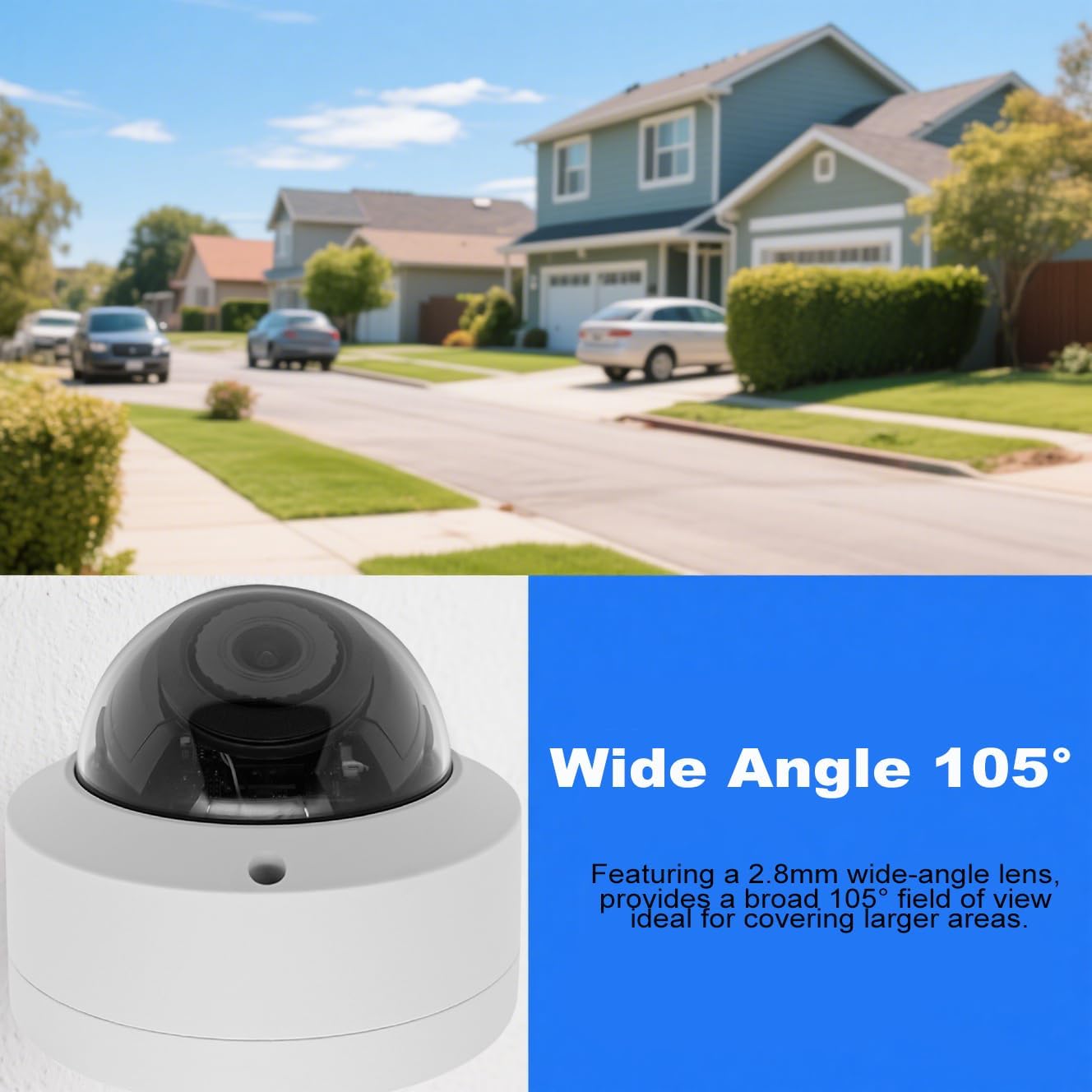
Figure 2: Wide Angle View. This image illustrates the camera's 105-degree wide-angle lens, demonstrating its ability to cover a broad area, such as a residential street, for comprehensive surveillance.
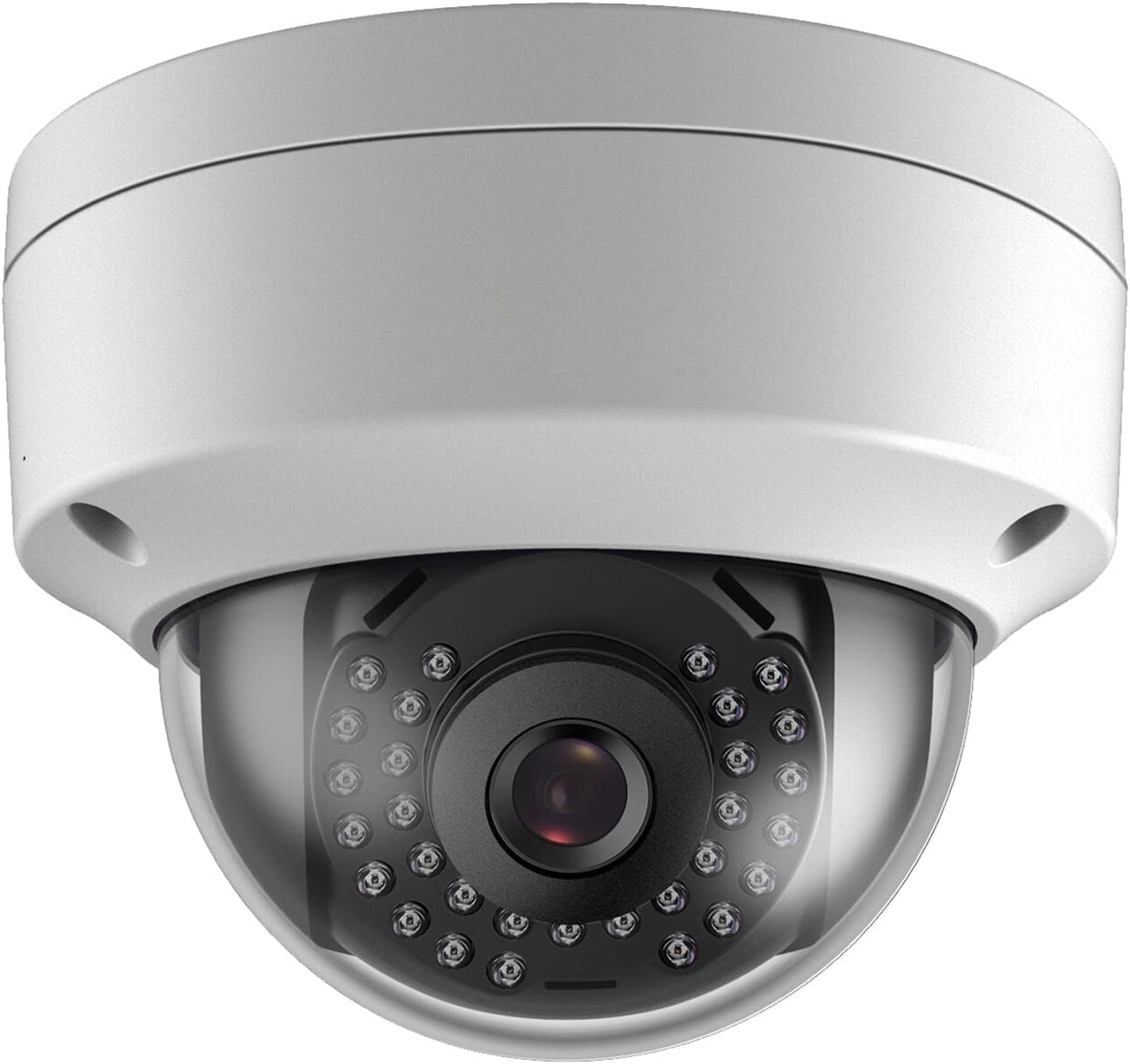
Figure 3: IP66 Weatherproof Rating. This image showcases the camera's IP66 weatherproof rating, depicting it in a rainy outdoor setting to emphasize its durability and resistance to harsh weather conditions.
4.2 Network Connection (PoE)
The camera supports Power over Ethernet (PoE), allowing both power and data transmission through a single Ethernet cable. This simplifies wiring and installation.
- Connect one end of an Ethernet cable to the camera's RJ-45 port.
- Connect the other end of the Ethernet cable to a PoE switch or a PoE-enabled NVR.
- If not using PoE, connect the camera to a standard router and provide power via a 12V DC power adapter (not included).
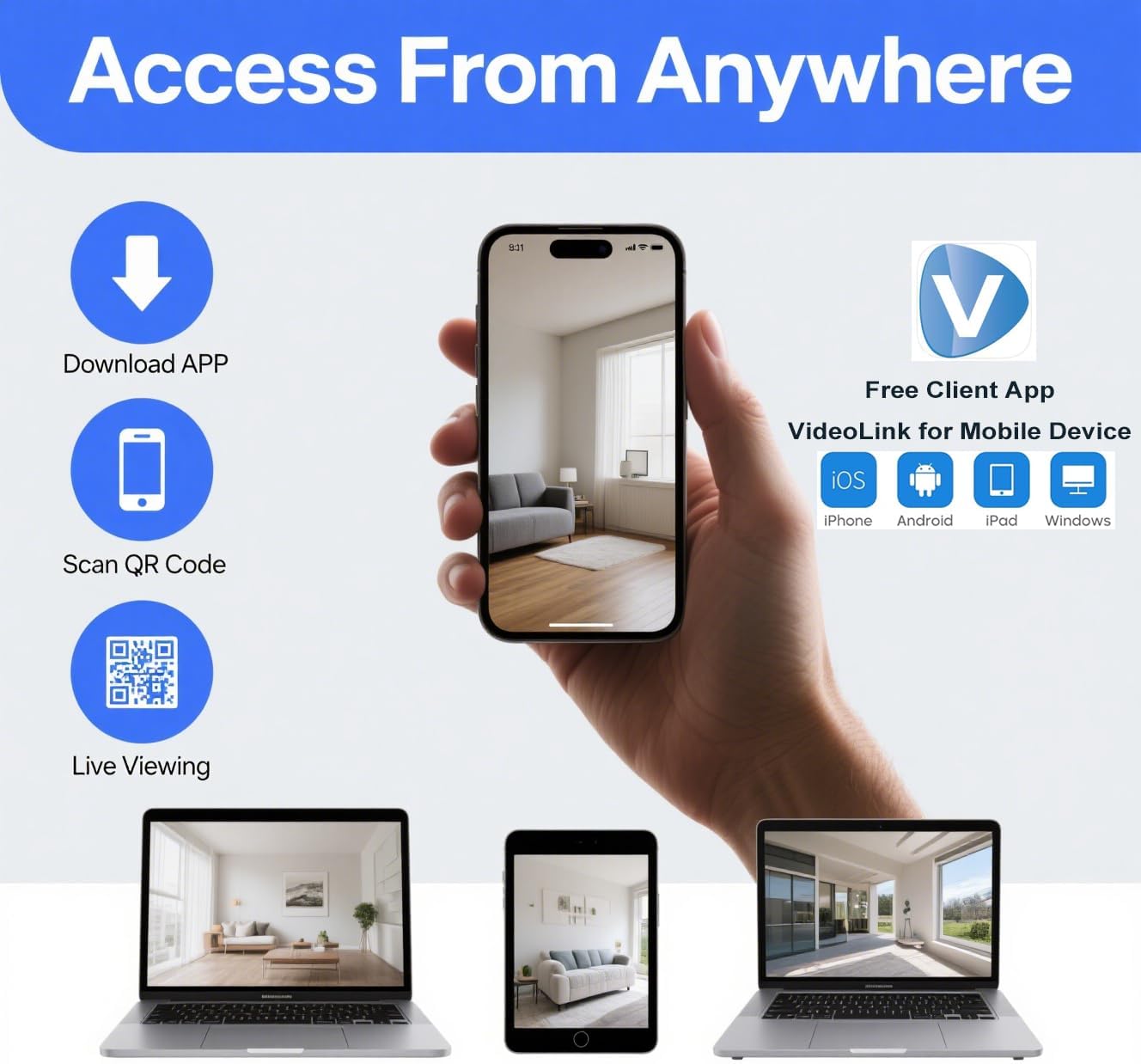
Figure 4: PoE Connection Diagram. This diagram explains how to connect the camera using Power over Ethernet (PoE) with a PoE switch or NVR, and also shows connection with a standard router using an optional 12V DC power adapter.
4.3 Software Configuration
The camera is compatible with Uniview Standalone NVRs and supports the ONVIF protocol for broader compatibility. It is not compatible with Reolink, Lorex, Amcrest, Swann, or Viewtron NVRs.
- Once connected to your network, use a network discovery tool (e.g., SADP Tool) to find the camera's IP address.
- Access the camera's web interface via a web browser using its IP address to configure settings such as network parameters, video quality, and recording schedules.
- Add the camera to your NVR system following the NVR's instructions, typically by searching for ONVIF devices or manually adding the IP address.
5. Operating
5.1 Live Viewing
You can view live footage from your camera through your NVR, a web browser, or a mobile application.
- NVR: Access live view directly from your connected NVR monitor.
- Web Browser: Log in to the camera's web interface using its IP address.
- Mobile App: Download the "VideoLink" client app for iOS, Android, iPad, or Windows devices for remote viewing.
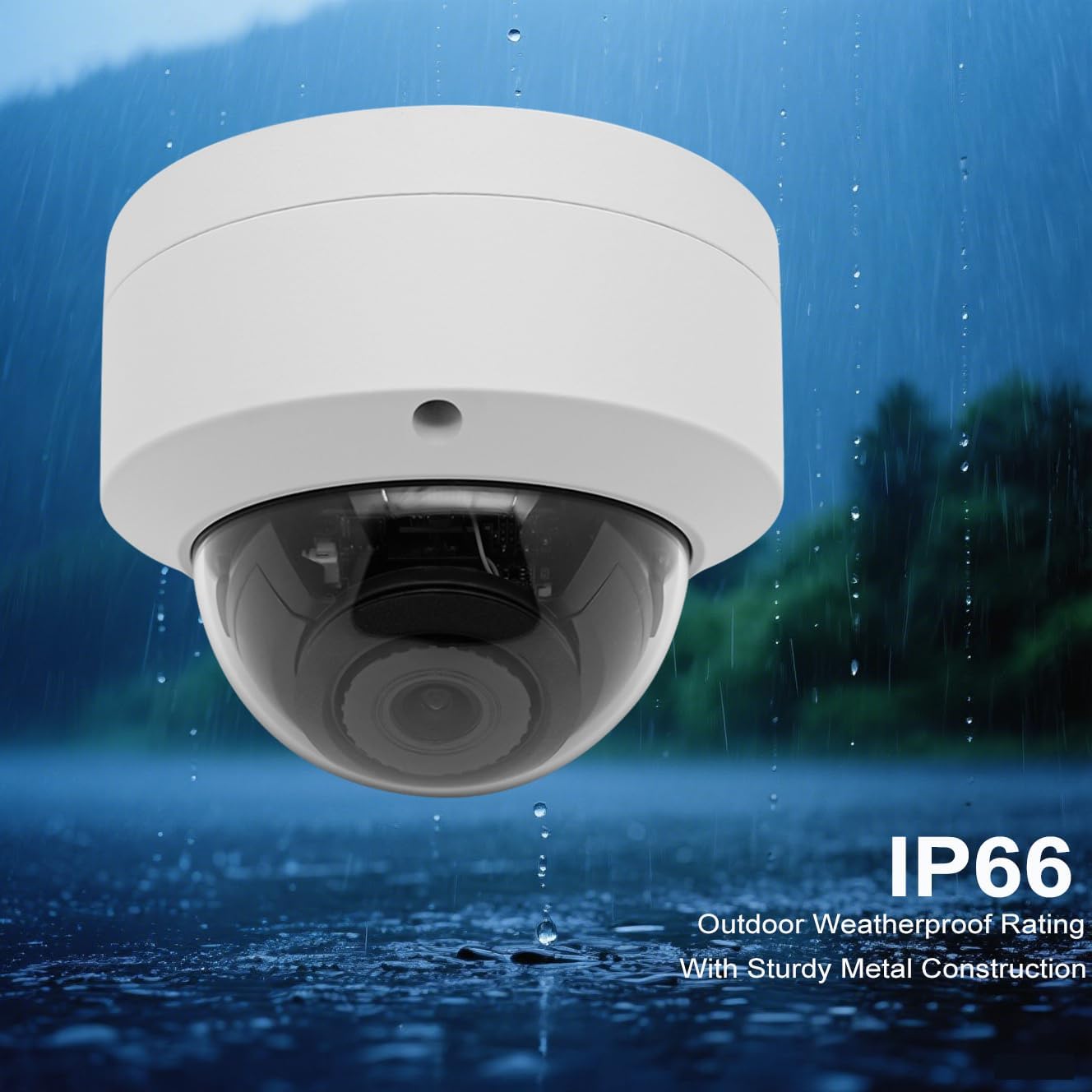
Figure 5: Remote Access. This image demonstrates the camera's remote access capabilities, allowing users to view live footage from anywhere using the VideoLink mobile application on various devices like smartphones, tablets, and computers.
5.2 Recording
The camera supports continuous 24/7 recording when connected to a compatible NVR or recording software. Configure recording settings via the NVR or camera's web interface.
- Continuous Recording: Records footage constantly.
- Motion Detection Recording: Records only when motion is detected, saving storage space.
- Scheduled Recording: Records during specific time periods.
Utilize H.265 compression to maximize storage efficiency while maintaining video quality.
6. Maintenance
Regular maintenance ensures optimal performance and longevity of your camera.
- Cleaning: Periodically clean the camera lens with a soft, damp cloth to remove dust and dirt. Do not use harsh chemicals.
- Firmware Updates: Check the manufacturer's website for available firmware updates. Keeping your firmware updated can improve performance and add new features.
- Cable Inspection: Regularly inspect network cables for any signs of wear or damage, especially in outdoor installations.
7. Troubleshooting
If you encounter issues with your camera, refer to the following common problems and solutions:
- No Image/Video:
- Ensure the camera is properly powered (PoE or 12V DC adapter).
- Check network cable connections.
- Verify the camera's IP address and network settings.
- Poor Image Quality:
- Clean the camera lens.
- Check for obstructions in the camera's field of view.
- Ensure sufficient lighting for optimal night vision performance.
- Cannot Access Camera Remotely:
- Verify internet connectivity for both the camera network and your remote device.
- Check router settings for port forwarding if required, or ensure P2P/cloud access is configured correctly.
- Ensure the mobile app is updated to the latest version.
- NVR Compatibility Issues:
- Confirm your NVR is a Uniview Standalone NVR or supports ONVIF protocol.
- Ensure the camera's firmware is compatible with your NVR.
If problems persist, please contact technical support.
8. Specifications
Detailed technical specifications for the Real HD 4MP PoE IP Vandal Dome Camera:

Figure 6: Technical Specifications. This image provides a detailed breakdown of the camera's technical specifications, including its physical dimensions, image sensor, resolution, night vision range, lens details, video compression standards, and weatherproofing.
| Feature | Specification |
|---|---|
| Model Number | IPC-Y4VD28A |
| Indoor/Outdoor Usage | Outdoor |
| Compatible Devices | NVR (Uniview Standalone NVR) |
| Power Source | Corded Electric (PoE) |
| Connectivity Protocol | ONVIF |
| Controller Type | Internet |
| Mounting Type | Wall Mount |
| Video Capture Resolution | 4MP (2560x1440) |
| Color | White |
| Included Components | Mounting Screw |
| Wireless Communication Technology | Wired Ethernet |
| Item Dimensions (L x W x H) | 4 x 4.5 x 4 inches |
| Item Weight | 1.34 pounds (0.61 Kilograms) |
| Shape | Vandal Dome Camera |
| Video Capture Format | MJPEG, H.265, H.264 |
| Audio Visual Recording Capabilities | Video |
| Manufacturer | Real HD |
| Connectivity Technology | Ethernet |
9. Technical Support
For any technical assistance or inquiries, please contact Real HD customer support. Our Chicago-based technical support team is available from 9 AM to 5 PM CST.
Please refer to the product packaging or the seller's contact information for specific support channels.