
1. Introduction
This manual provides comprehensive instructions for the TELESIN Master Grip Kit for iPhone 17 Pro. It covers product features, setup, operation, maintenance, and troubleshooting to ensure optimal use of your device. The Master Grip Kit enhances your mobile photography experience by providing a DSLR-style grip, extended battery life, and advanced cooling for your iPhone 17 Pro.
2. Package Contents
Verify that all items listed below are included in your package:
- TELESIN Master Grip ×1
- Wrist Strap ×1
- Phone Case ×1 (for iPhone 17 Pro)
- Instruction Manual ×1
- USB Charging Cable ×1

Figure 2.1: Package Contents
3. Product Features
3.1 Wireless Charging and Integrated Battery
The Master Grip features a built-in 3200mAh battery that provides fast wireless charging to your iPhone, extending shooting time. It can also power another device simultaneously via a cable, supporting prolonged photography sessions.

Figure 3.1: Wireless Charging Capability
3.2 Graphene Cooling Case
The included phone case, compatible with iPhone 17 Pro, integrates a 7600mm² graphene heat dissipation layer. This design effectively dissipates heat, improving cooling efficiency by 25% compared to phones without a heat dissipation case.
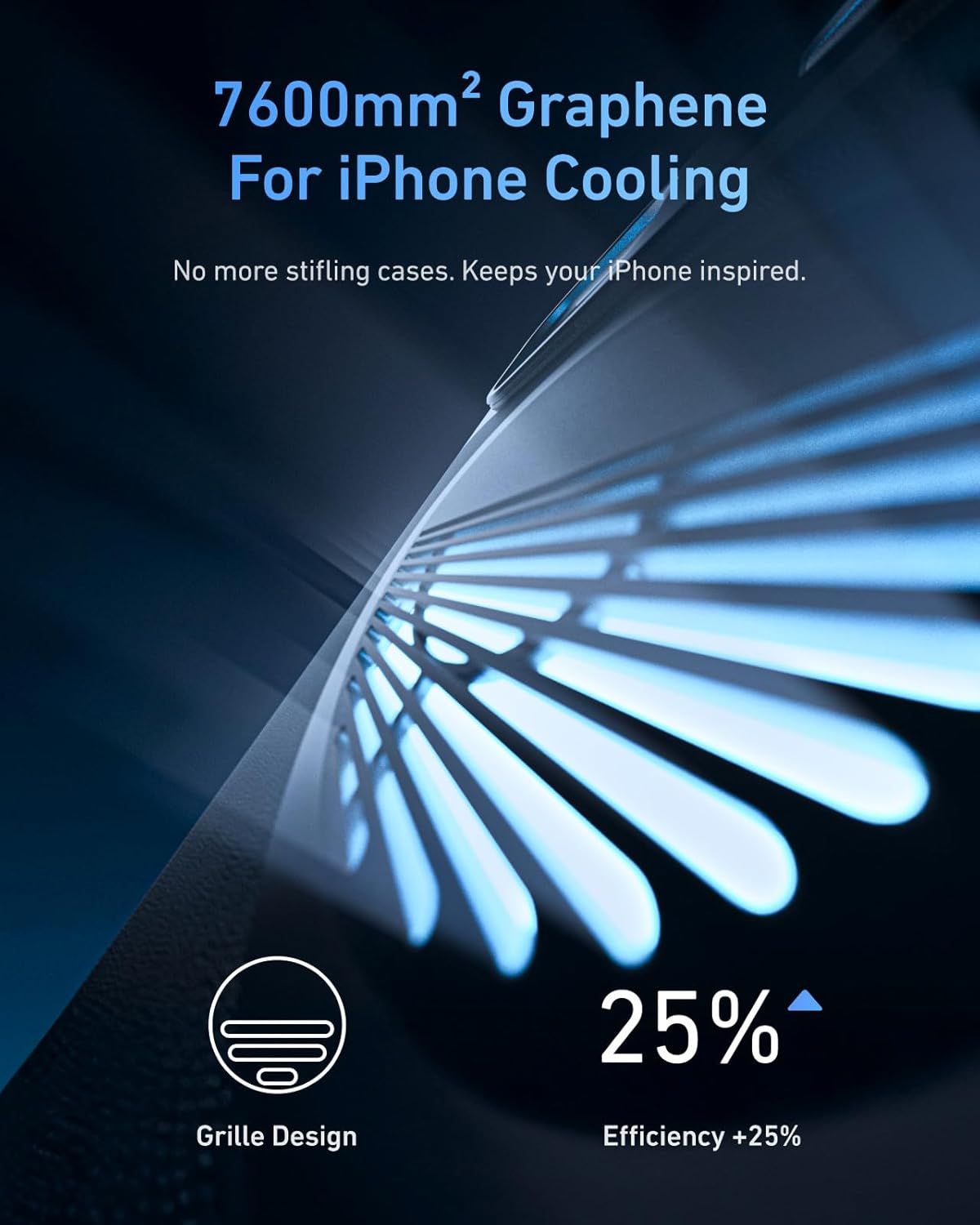
Figure 3.2: Graphene Cooling Case
3.3 DSLR-Style Ergonomic Design
The magnetic phone camera grip offers DSLR-like balance and stability. Its compact, ergonomic finger-hook design enhances handling and allows for easy portability, suitable for spontaneous photo and video capture. The grip is wrapped in high-quality vintage leather for a comfortable feel.

Figure 3.3: Ergonomic Grip Design
3.4 Mechanical Shutter and Zoom Dial
The grip features a two-stage mechanical shutter button: a half-press for focus and exposure lock, and a full-press for capturing photos or starting/stopping video. An adaptive zoom dial is optimized for the iPhone 17's telephoto lens, providing stable 0.1x precision adjustments in photo mode and 1-3x cinematic smooth zoom in video mode via the app.

Figure 3.4: Shutter Button and Zoom Dial
3.5 Thumb Rest and Anti-Touch Protection
A dedicated ergonomic thumb rest is integrated into the design to prevent accidental touches and ensure a secure grip, enhancing stability during use.

Figure 3.5: Thumb Rest
3.6 Magnetic Filters and Expandability
The grip features CNC aluminum rails with a magnetic mount, allowing for the attachment of optional filters (UV, Black Mist, CPL, VND) and adapter rings (sold separately). This modular flexibility enhances iPhone lens cooling and expands creative possibilities.

Figure 3.6: Magnetic Filter System
3.7 Double Strong Magnetic Snap-On Phone Attachment
Equipped with a double magnetic mounting design, the grip securely attaches to your phone and can support a maximum weight of 3KG. It can be used directly with MagSafe devices or with a MagSafe-compatible protective case.
3.8 TELESIN Reef Color App Integration
The magnetic phone grip supports continuous OTA firmware updates via the Reef Color App. The app integrates eight master-level filters, provides professional parameter adjustments, and allows customization of the Fn button to switch between dial functions (filter intensity, EV value, shutter speed, ISO, or white balance).
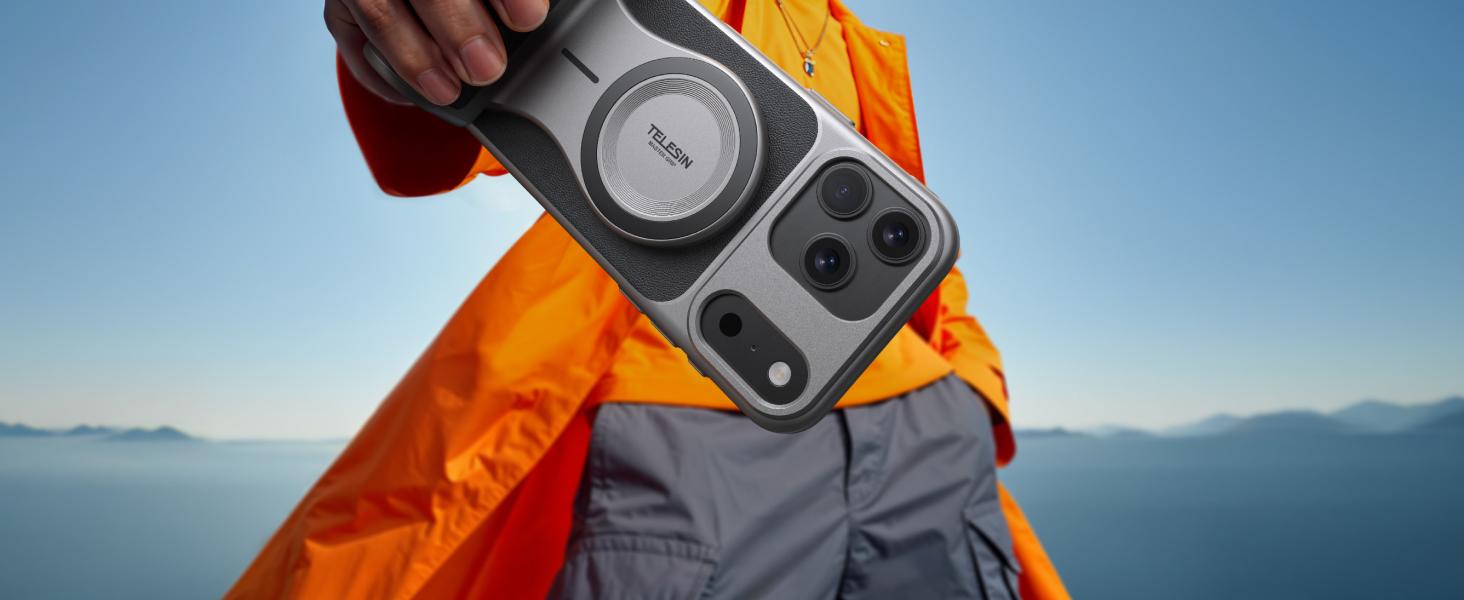
Figure 3.7: Reef Color App Interface

Figure 3.8: Custom Fn Keys
3.9 Grip Overview

Figure 3.9: Grip Features Diagram

Figure 3.10: Grip Ports and Controls Diagram
4. Setup Guide
4.1 Attaching the Phone Case and Grip
- Ensure your iPhone 17 Pro is clean and free of debris.
- Carefully place your iPhone 17 Pro into the provided graphene cooling phone case.
- Align the TELESIN Master Grip with the magnetic area on the back of the phone case or directly with your MagSafe-compatible iPhone. The strong magnets will snap the grip into place.
4.2 Bluetooth Connection (First Time Setup)
To enable full functionality, connect the Master Grip via Bluetooth:
- On your iPhone, navigate to Settings > Bluetooth.
- Ensure Bluetooth is turned On.
- Search for available devices and select "TELESIN_IP" to connect the grip.
- For zoom functionality, go to Settings > Accessibility > Zoom and ensure Zoom is turned On. This allows the grip's zoom dial to control the camera's zoom.

Figure 4.1: First Connection Guide
5. Operating Instructions
5.1 Powering On/Off and Charging
- Power On/Off: Press and hold the Shooting Button for 2 seconds.
- Charging the Grip: Connect the USB Charging Cable to the Type-C Charging Port on the grip. The grip's battery indicator lights will show charging status.
- Charging Phone Wirelessly: Ensure the grip is powered on and securely attached to your iPhone. Wireless charging will begin automatically.
- Charging Phone via Cable: Connect a charging cable from the grip's USB-A port (if available, refer to Figure 3.10) to your phone or another device.
5.2 Using the Controls
- Shooting Button: Half-press to focus and lock exposure. Full-press to capture a photo or start/stop video recording.
- Zoom Rocker: Move right to zoom in, left to zoom out. Precision depends on the camera app used.
- Fn Custom Key: In the Reef Color App, press to switch dial modes. In video mode, press to capture, double-click to start/stop.
- Screen Off Wake Button: Press to wake the camera. Press to switch between front and rear cameras.
- Mode Dial: Default function is to switch modes. Can be customized via the Reef Color App to control filter intensity, EV value, shutter speed, ISO, or white balance.
5.3 Using the Reef Color App
Download the "Reef Color" app from the App Store to unlock advanced features:
- Firmware Updates: The app allows for continuous OTA firmware updates for the grip.
- Master-Level Filters: Access eight integrated filters to enhance your photos and videos.
- Parameter Adjustments: Gain professional control over camera settings.
- Custom Fn Button: Personalize the Fn button's function as described above.
6. Maintenance
To ensure the longevity and optimal performance of your TELESIN Master Grip Kit:
- Cleaning: Wipe the grip and case with a soft, dry cloth. Avoid using harsh chemicals or abrasive materials.
- Storage: Store the device in a cool, dry place away from direct sunlight and extreme temperatures.
- Battery Care: For extended storage, charge the grip to approximately 50% every three months to maintain battery health.
7. Troubleshooting
- Grip Not Connecting via Bluetooth: Ensure the grip is charged and powered on. Check your iPhone's Bluetooth settings to confirm it's enabled and attempting to pair with "TELESIN_IP". If issues persist, try restarting both the grip and your iPhone.
- Wireless Charging Not Working: Verify the grip is powered on and securely attached to your iPhone. Ensure there are no obstructions between the grip and the phone. Check if the phone case is correctly installed.
- Zoom Dial Not Functioning: Confirm that Bluetooth is connected and that the "Zoom" accessibility feature is enabled on your iPhone (Settings > Accessibility > Zoom > On). Ensure you are using a compatible camera app that supports external zoom control.
- Fn Button Not Customizing: Ensure the Reef Color App is installed and updated to the latest version. Connect the grip to the app and access the customization settings.
- Phone Case Compatibility: The included phone case is specifically designed for the iPhone 17 Pro. Using it with other iPhone models may result in an improper fit.
- General Issues: If you encounter any other issues or have questions about the product, please contact TELESIN customer support for assistance.
8. Specifications
| Feature | Detail |
|---|---|
| Package Dimensions | 8.9 x 4.57 x 3.23 inches |
| Item Weight | 1.32 pounds |
| ASIN | B0FP4PXSZT |
| Batteries | 1 Lithium Polymer battery (included) |
| Manufacturer | TELESIN |
9. Warranty and Support
For warranty information or technical support, please refer to the official TELESIN website or contact their customer service directly. Keep your purchase receipt for any warranty claims.