Introduction
The phiorine Q39 AI Translation Clip-On Bluetooth Earphones are designed to provide seamless real-time language translation, high-fidelity audio for music, and clear communication for calls. These innovative earbuds offer a hands-free solution for breaking down language barriers in various situations, from travel and business meetings to casual conversations. Featuring Bluetooth 5.4 connectivity and a comfortable clip-on design, the Q39 earbuds are engineered for convenience and performance.

Image: The Q39 AI Translation Clip-On Bluetooth Earphones, showing the two earbuds, their charging case, a USB-C charging cable, and a storage bag. Various color options for the charging case are also displayed at the bottom.
Key Features
- Real-Time Translation in 144 Languages: Instantly breaks down language barriers with highly accurate, two-way AI translation.
- All-in-One Functionality: Seamlessly switch between real-time translation, crystal-clear audio/video calls, and immersive high-fidelity music.
- Multiple Smart Modes: Five tailored translation modes including Free Talk, Headphone+Phone, Audio/Video Call, Photo Translation, and Translation Machine mode.
- Long-Lasting Battery: Up to 13.5 hours of use on a single charge and 80 hours total with the portable charging case, featuring a digital LED display.
- Comfortable & Durable Design: Lightweight, ergonomic clip-on fit for all-day comfort, rated IPX7 waterproof for sweat and rain resistance.
- AI Assistant & Global Call Translation: Integrated AI assistant for enhanced functionality and support for global call translation.
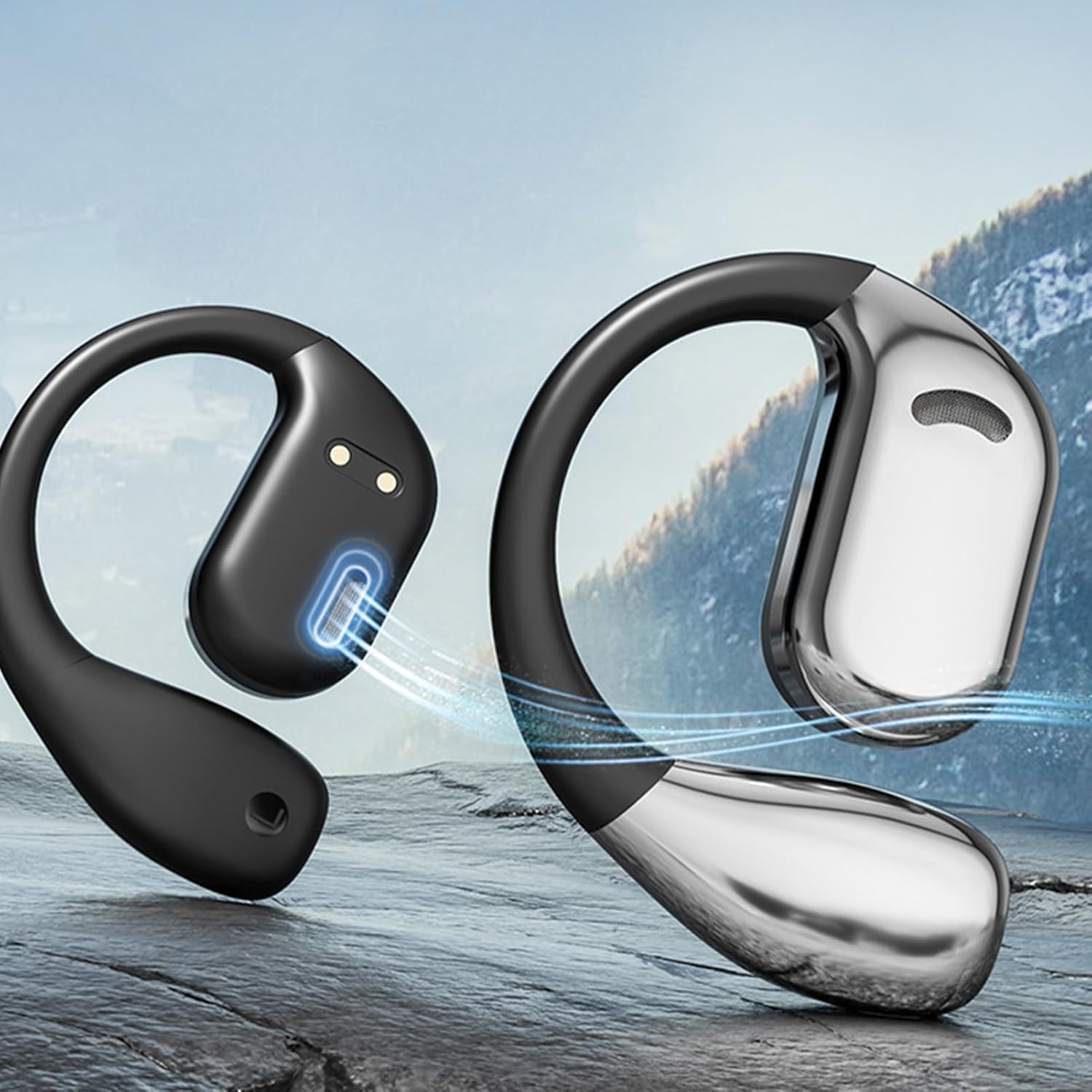
Image: A pair of Q39 AI Translation Earbuds, with blue lines indicating sound or air conduction, set against a mountain and water background, highlighting their audio capabilities.
Package Contents
Please check the package to ensure all items are present:
- Q39 AI Earbuds Translate (1 or 2 pairs, depending on purchase)
- Charging case (1 or 2, depending on purchase)
- Type-C charging cable (1 or 2, depending on purchase)
- User Manual (1 or 2, depending on purchase)
- Storage bag (1)
Specifications
| Feature | Description |
|---|---|
| Product Name | Q39 Ai Translation Clip-On Bluetooth Earphones |
| Product Material | ABS, Metal, Silicone |
| Product Dimensions | 9.3 x 6.5 x 2.5 cm (3.66 x 2.56 x 0.98 inches) |
| Product Weight | 140g (0.31lb) |
| Headset Battery Capacity | 50mAh |
| Charging Case Battery Capacity | 300mAh |
| Total Battery Life | Up to 80 hours with charging case |
| Charging Port | Type-C |
| Bluetooth Version | 5.4 |
| Communication Range | Approximately 10 meters |
| Waterproof Rating | IPX7 |

Image: The Q39 AI Translation Earbuds inside their open charging case, with arrows indicating the dimensions of the case: 9.3cm/3.66in in length, 6.5cm/2.55in in width, and 2.5cm/0.98in in height.
Setup Guide
1. Charging the Earbuds and Case
Before first use, fully charge the Q39 earbuds and their charging case. Connect the provided Type-C cable to the charging port on the case and plug the other end into a USB power source (e.g., wall adapter, computer USB port). The LED display on the charging case will indicate the battery level during charging.
2. Pairing with Your Device
- Ensure the earbuds are charged and placed in the charging case.
- Open the charging case. The earbuds will automatically enter pairing mode, indicated by a flashing light (refer to specific light indicators in the quick start guide if available).
- On your smartphone or Bluetooth-enabled device, go to the Bluetooth settings.
- Search for new devices. Select "Q39 AI Earbuds Translate" (or similar name) from the list of available devices.
- Once connected, the earbuds will indicate successful pairing (e.g., a voice prompt or solid light).
Operating Instructions
Power On/Off
- Power On: Open the charging case, and the earbuds will automatically power on and connect to the last paired device.
- Power Off: Place the earbuds back into the charging case and close the lid. They will automatically power off and begin charging.
Translation Modes
The Q39 earbuds offer five smart translation modes:
- Free Talk Mode: Ideal for face-to-face conversations. Each person speaks their native language, and the earbuds translate in real-time.
- Headphone+Phone Mode: One person wears the earbuds, and the other speaks into the phone's microphone. Translations are heard through the earbuds and played through the phone's speaker.
- Audio/Video Call Mode: Enables real-time translation during audio or video calls, allowing seamless communication across languages.
- Photo Translation Mode: Use your phone's camera to capture text (e.g., signs, menus), and the earbuds will provide an audio translation.
- Translation Machine Mode: The earbuds act as a standalone translator, allowing you to speak into them and hear the translation directly.
Music and Call Control
The Q39 earbuds feature touch controls for managing audio and calls. Specific gestures (e.g., single tap, double tap, long press) will control functions such as:
- Play/Pause music
- Next/Previous track
- Answer/End calls
- Reject calls
- Activate AI assistant
Refer to the quick start guide for detailed touch control mappings.

Image: A close-up of a Q39 AI Translation Earbud resting in its charging case, with a glowing fingerprint icon indicating the touch control area on the earbud's surface.

Image: A man wearing the Q39 AI Translation Earbuds while playing an acoustic guitar outdoors by the sea, demonstrating the earbuds' use for music listening.

Image: A woman wearing the Q39 AI Translation Earbuds, showcasing their discreet and comfortable fit for everyday use.

Image: A close-up side profile of a woman wearing the Q39 AI Translation Earbud, highlighting its ergonomic clip-on design and secure fit around the ear.
Maintenance
- Cleaning: Regularly wipe the earbuds and charging case with a soft, dry, lint-free cloth. Do not use harsh chemicals or abrasive materials.
- Storage: When not in use, store the earbuds in their charging case to protect them from dust and damage.
- Battery Care: To prolong battery life, avoid fully discharging the earbuds frequently. Charge them regularly, even if not in constant use.
- Water Exposure: While IPX7 rated for water resistance, avoid submerging the earbuds in water or exposing them to high-pressure water jets. Dry them thoroughly if they get wet.
Troubleshooting
- Earbuds not powering on:
- Ensure the earbuds and charging case are fully charged. Place earbuds in the case and close/open the lid.
- Cannot pair with device:
- Make sure Bluetooth is enabled on your device. Ensure earbuds are in pairing mode. Forget the device from your phone's Bluetooth list and try pairing again. Move closer to your device.
- No sound or poor audio quality:
- Check the volume level on both the earbuds and your connected device. Ensure earbuds are properly connected. Try disconnecting and reconnecting. Clean any debris from the earbud speakers.
- Translation not working or inaccurate:
- Ensure a stable internet connection on your paired device (if required for translation). Check the selected languages in the translation application. Speak clearly and at a moderate pace. Ensure the microphone on the earbuds is not obstructed.
- Charging case not charging:
- Verify the Type-C cable is securely connected to both the case and the power source. Try a different charging cable or power adapter.
Warranty Information
The phiorine Q39 AI Translation Clip-On Bluetooth Earphones come with a standard limited warranty against defects in materials and workmanship. The specific terms and duration of the warranty may vary based on your region and point of purchase. Please retain your proof of purchase for warranty claims. For detailed warranty information, refer to the documentation provided with your product or contact the seller directly.
Customer Support
If you encounter any issues or have questions regarding your Q39 AI Translation Clip-On Bluetooth Earphones that are not covered in this manual, please contact the seller or manufacturer for assistance. Provide your product model number (Q39 AI Earbuds Translate) and a detailed description of the issue to facilitate support.
For the latest information and support resources, please visit the official phiorine website (if available) or the platform where you purchased the product.


