1. Introduction
This manual provides essential information for using your new vivo Y31 Pro 5G smartphone. Please read it carefully to ensure proper operation and to maximize the device's features. Keep this manual for future reference.

Image: Front view of the vivo Y31 Pro 5G smartphone, showcasing its display.
2. What's in the Box
Verify that all items are present in your product packaging:
- vivo Y31 Pro 5G Smartphone
- Phone Case
- Power Adapter
- USB Cable
- SIM Tray Ejector
- Screen Protector (Pre-applied)
3. Setup
3.1. SIM Card Installation
- Locate the SIM card tray on the side of your device.
- Insert the SIM tray ejector tool into the small hole next to the tray and press gently until the tray pops out.
- Place your Nano-SIM card(s) and/or microSD card into the tray with the gold contacts facing down, ensuring they are correctly oriented.
- Carefully reinsert the tray into the phone until it clicks into place.
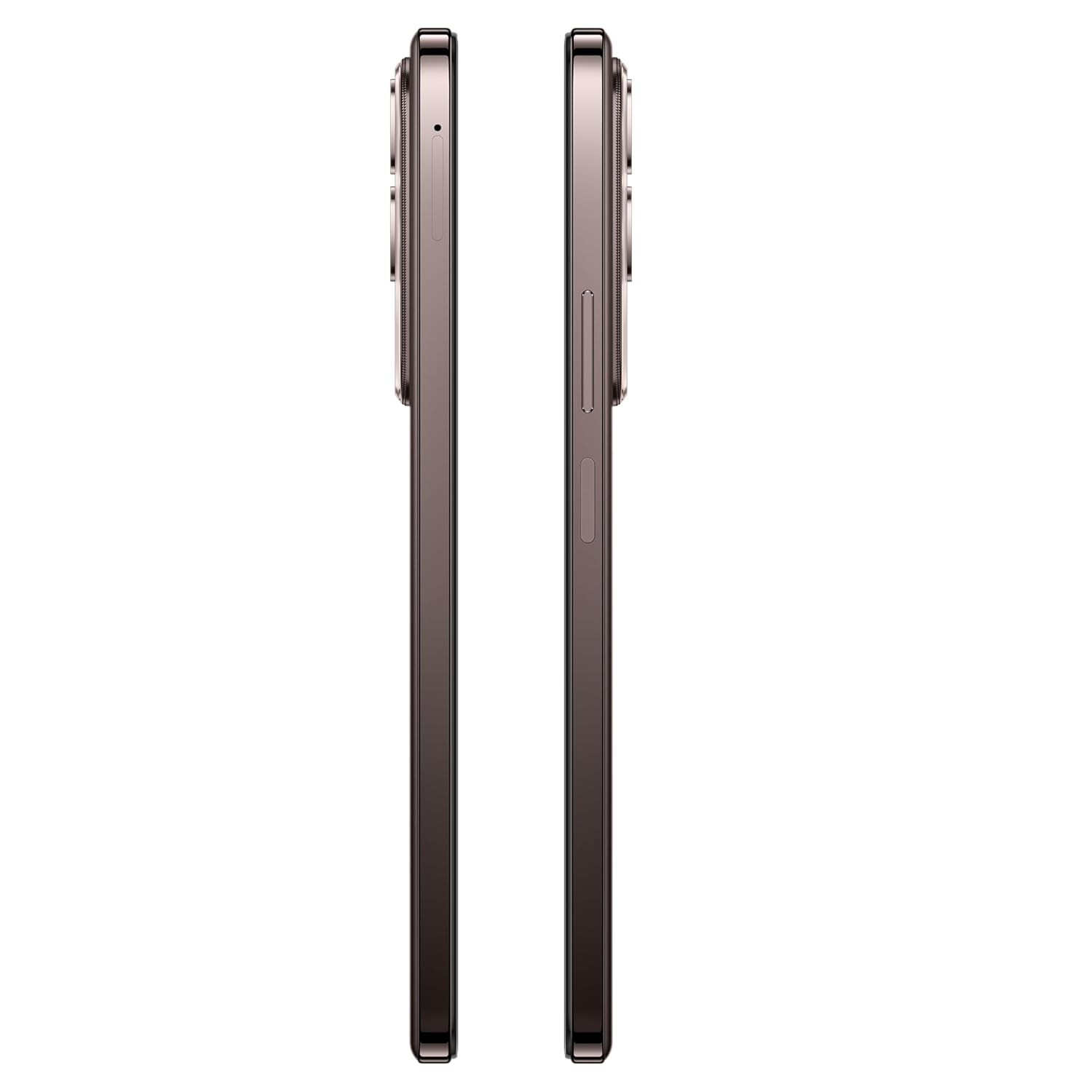
Image: Side view of the vivo Y31 Pro 5G, showing the SIM card tray location.
3.2. Initial Power On and Basic Settings
- Press and hold the Power button (located on the right side) until the vivo logo appears.
- Follow the on-screen prompts to select your language, region, and connect to a Wi-Fi network.
- Sign in with your Google account or create a new one to access Google services and the Play Store.
- Set up your screen lock method (PIN, pattern, password, fingerprint, or face unlock).
4. Operating Your Device
4.1. Display Features
The vivo Y31 Pro 5G features a 17.06 cm (6.72 inch) High Brightness FHD+ display with a 120 Hz refresh rate and up to 1050 Nits brightness for clear visuals and smooth scrolling.

Image: Illustration highlighting the phone's high brightness FHD display with 1050 Nits and 120 Hz refresh rate.
4.2. Camera Usage
Your device is equipped with a 50 MP + 2 MP rear camera system and an 8 MP selfie camera. It supports 4K video recording.
- Taking Photos: Open the Camera app, select 'Photo' mode, and tap the shutter button.
- Recording Videos: Switch to 'Video' mode and tap the record button to start/stop.
- AI Features: Utilize AI Erase and AI Photo Enhance for improved image quality and editing.
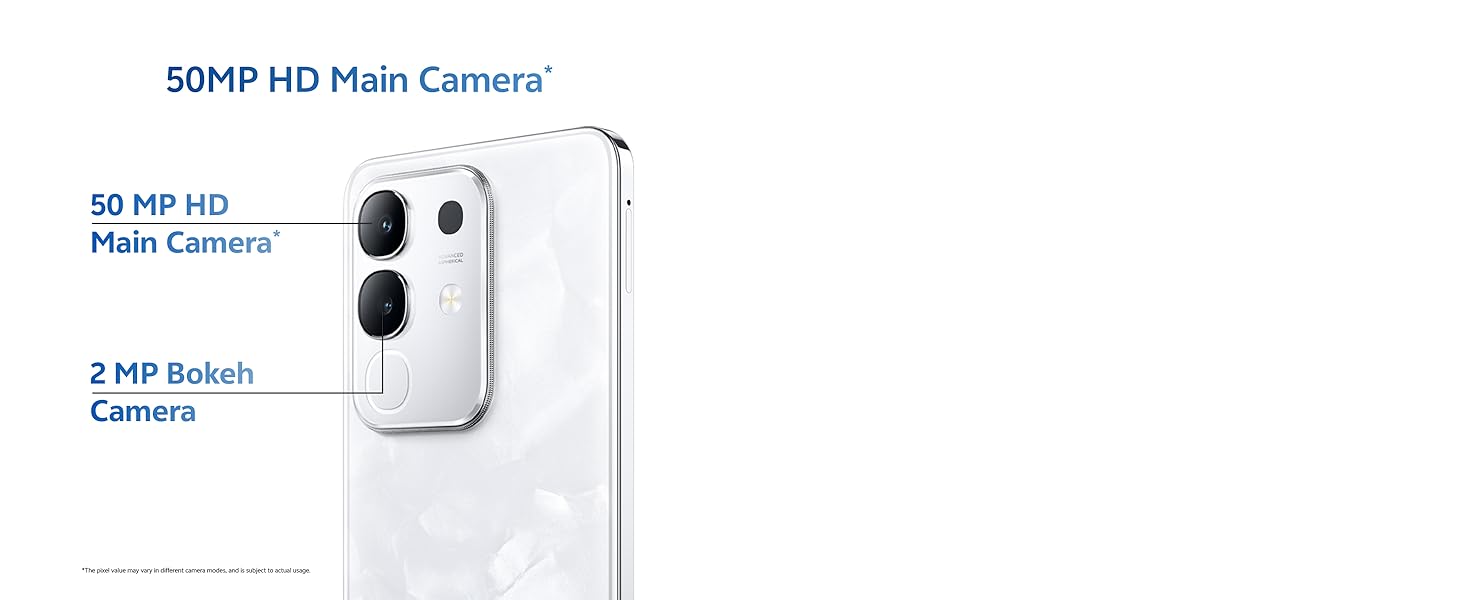
Image: Close-up of the vivo Y31 Pro 5G's rear camera module, showing the 50 MP main camera and 2 MP bokeh camera.

Image: Comparison showing video quality with and without 4K recording on the vivo Y31 Pro 5G.
4.3. Battery Management
The device is powered by a 6500 mAh battery and supports 44W FlashCharge. For optimal battery life:
- Use the provided power adapter and USB cable for charging.
- Avoid extreme temperatures.
- Manage background app usage and screen brightness.
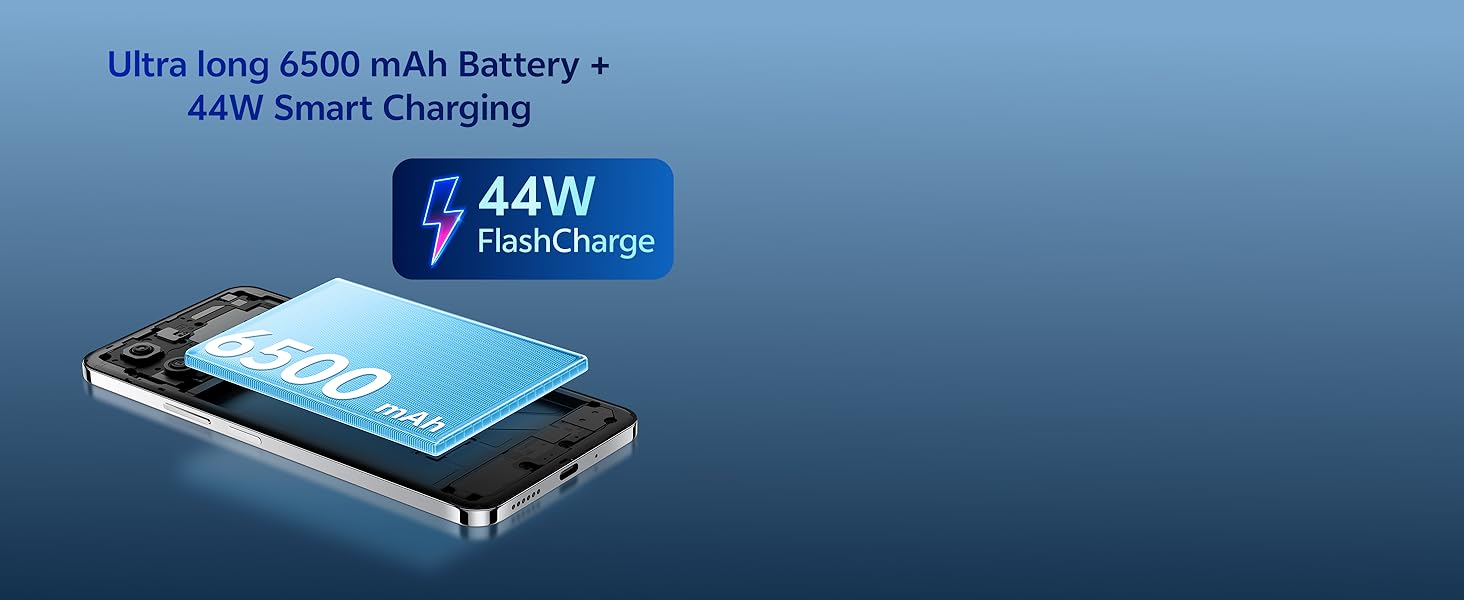
Image: Illustration of the vivo Y31 Pro 5G's 6500 mAh battery and 44W FlashCharge technology.
4.4. Connectivity
The vivo Y31 Pro 5G supports 5G network connectivity, Bluetooth, and built-in GPS.
- Wi-Fi: Go to Settings > Network & internet > Wi-Fi to connect to available networks.
- Bluetooth: Go to Settings > Connected devices > Bluetooth to pair with other devices.
- 5G: Ensure your SIM card and plan support 5G for high-speed mobile data.
4.5. Audio
The device features dual stereo speakers for enhanced audio output.

Image: Illustration depicting the dual stereo speaker system of the vivo Y31 Pro 5G.
5. Maintenance
5.1. Cleaning Your Device
- Use a soft, lint-free cloth to clean the screen and body.
- Avoid using harsh chemicals or abrasive materials.
- The device has an IP64 rating for dust and splash resistance. Avoid submerging it in water.
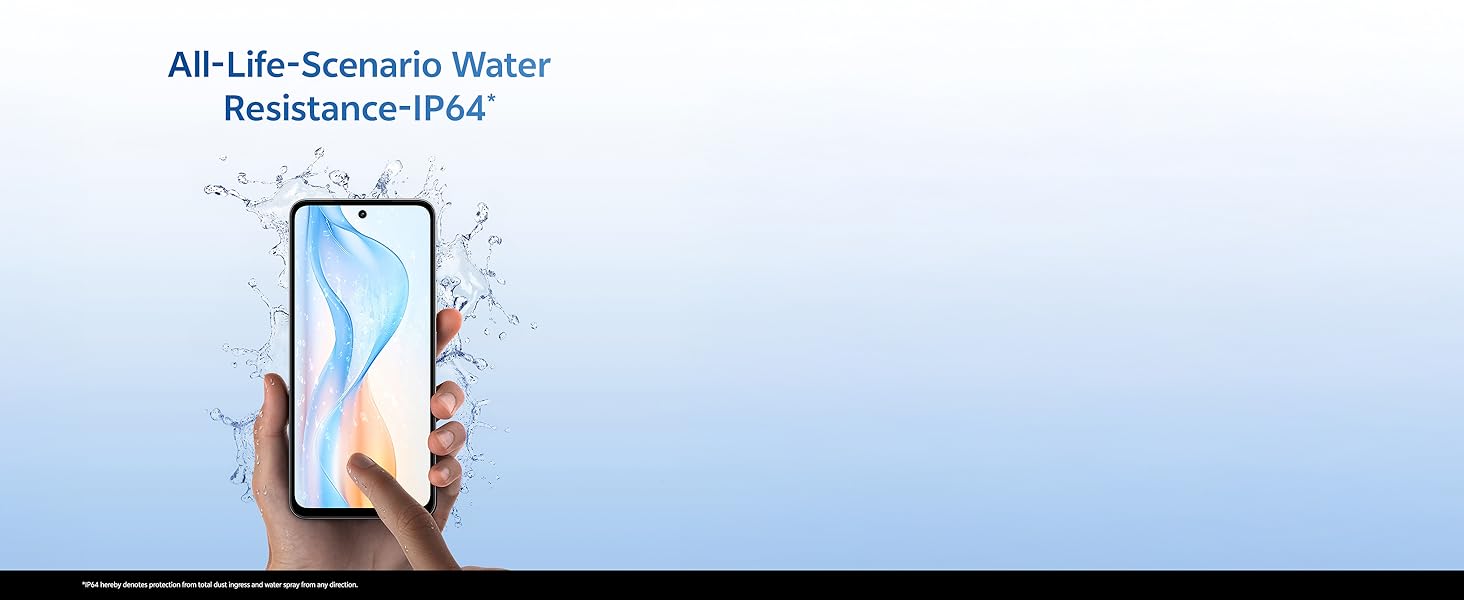
Image: Illustration demonstrating the IP64 water resistance of the vivo Y31 Pro 5G against splashes.
5.2. Software Updates
Regularly check for software updates to ensure your device has the latest features and security patches. Go to Settings > System > System update.
6. Troubleshooting
6.1. Common Issues
- Device not turning on: Ensure the battery is charged. Connect to the power adapter for at least 10 minutes before attempting to power on.
- Apps crashing: Clear the cache of the problematic app (Settings > Apps > [App Name] > Storage & cache > Clear cache). If the issue persists, reinstall the app.
- Poor network signal: Check your SIM card installation. Move to an area with better network coverage.
- Battery draining quickly: Reduce screen brightness, disable unnecessary background apps, and turn off Wi-Fi/Bluetooth when not in use.
6.2. Factory Reset
If your device experiences persistent issues, a factory reset may resolve them. Warning: This will erase all data on your phone. Back up important data before proceeding. Go to Settings > System > Reset options > Erase all data (factory reset).
7. Specifications
| Feature | Specification |
|---|---|
| Model | vivo Y31 Pro 5G |
| Operating System | Funtouch OS 15 |
| Processor | MediaTek Dimensity 7300 |
| RAM | 8GB |
| Internal Storage | 128GB |
| Display | 17.06 cm (6.72 inch) FHD+, 1050 Nits, 120 Hz Refresh Rate |
| Rear Camera | 50 MP + 2 MP |
| Selfie Camera | 8 MP |
| Battery Capacity | 6500 mAh |
| Charging | 44W FlashCharge |
| Connectivity | 5G, Bluetooth, GPS |
| Dimensions | 16.6 x 7.6 x 0.8 cm |
| Weight | 204 g |
| Durability | Military Grade (MIL-STD-810H tested), IP64 Dust and Splash Resistance |
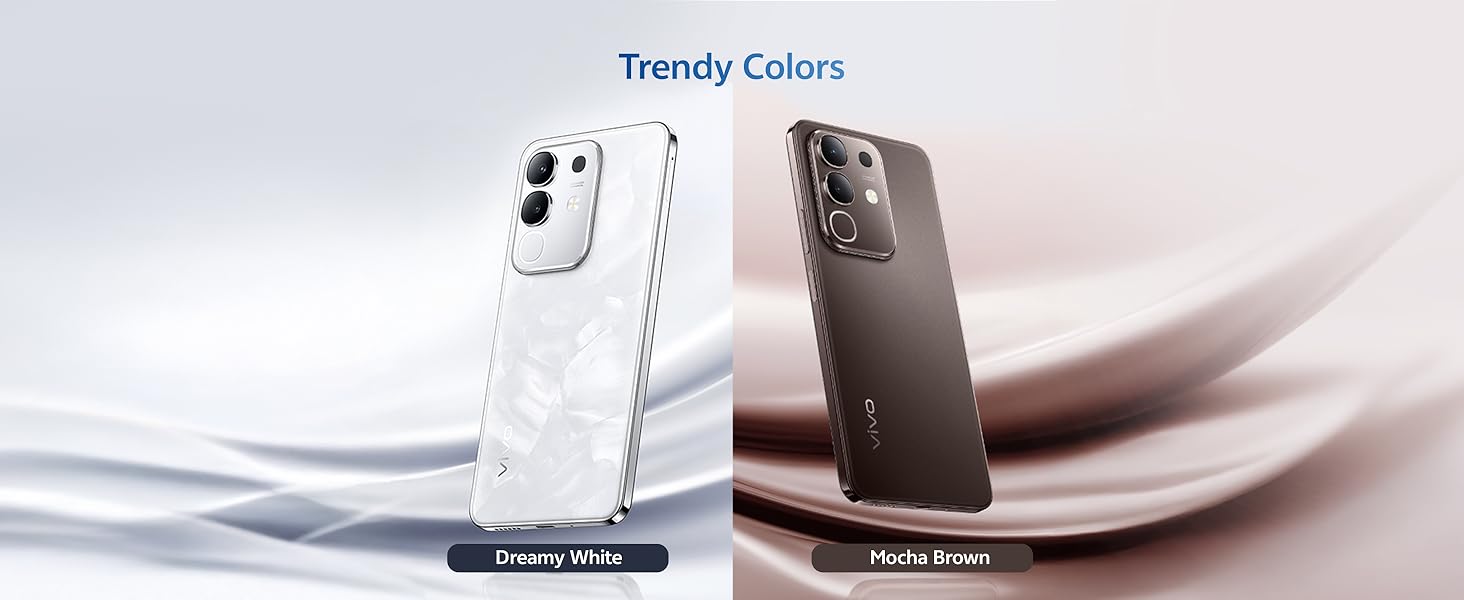
Image: Overview of the vivo Y31 Pro 5G's powerful Dimensity 7300 processor and ultra-long 6500 mAh battery with 44W FlashCharge.
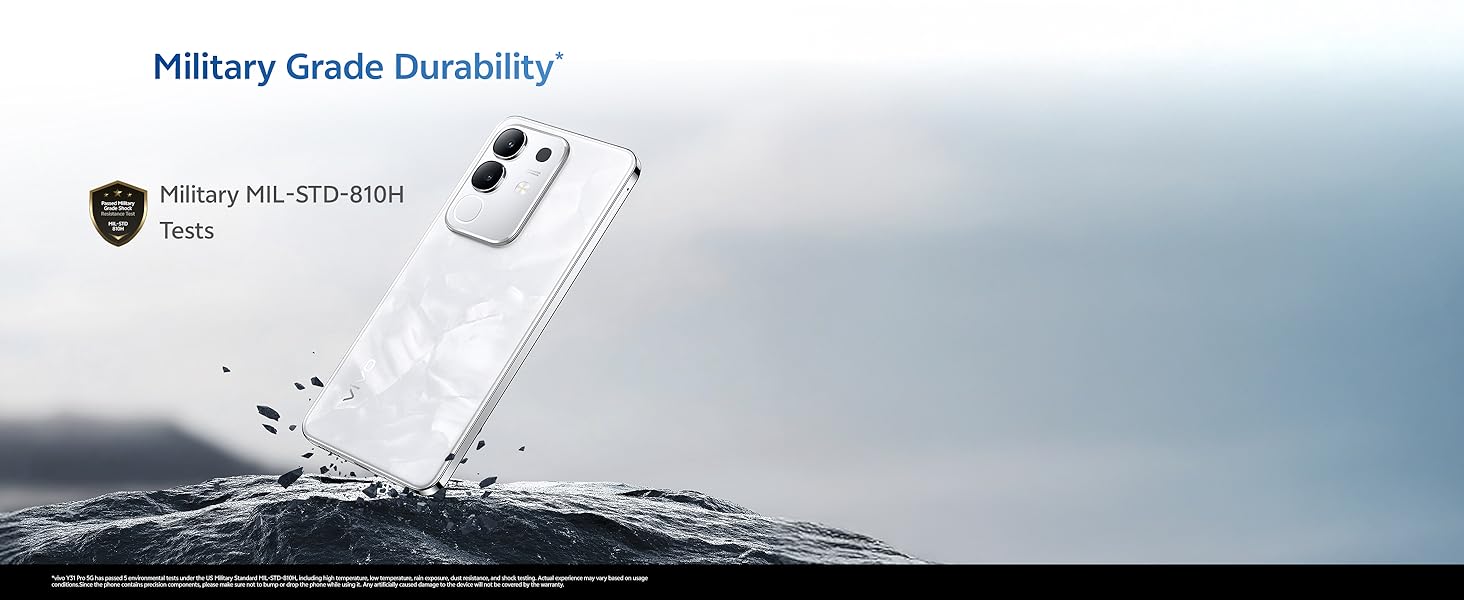
Image: The vivo Y31 Pro 5G demonstrating military-grade durability (MIL-STD-810H tested).
8. Warranty and Support
Your vivo Y31 Pro 5G smartphone comes with a standard manufacturer's warranty. For detailed warranty terms and conditions, please refer to the warranty card included in your product packaging or visit the official vivo support website.
For technical support, service, or further assistance, please contact vivo customer service through their official channels. You can find contact information on the vivo website or in your device's 'Settings' under 'About phone' or 'Support'.
Manufacturer: vivo Mobile India Pvt Ltd
Country of Origin: India


