Introduction
This manual provides essential information for the proper setup, operation, and maintenance of your Ktaxon Electric Drum Set Model KT-EDK-326S. Please read thoroughly before use to ensure optimal performance and longevity of your instrument.
Package Contents
Verify that all components listed below are included in your package:
- Drumsticks
- Headphones
- Drum Stool
- Cables
- Drum Throne
- Drum Key
- Electronic Drum Module
- Mesh Drum Pads (Snare, Tom 1, Tom 2, Tom 3)
- Cymbals (Hi-hat, Crash, Ride)
- Kick Pedal
- Drum Stand/Rack
- Power Adapter
Setup
Follow these steps to assemble your Ktaxon Electric Drum Set:
- Assemble the Drum Stand: Carefully unpack all frame components. Connect the main horizontal bar to the vertical supports, ensuring all clamps are securely tightened with the provided drum key.
- Attach Drum Pads and Cymbals: Mount the mesh drum pads (snare, tom 1, tom 2, tom 3) and cymbals (hi-hat, crash, ride) to the drum stand using the designated clamps. Adjust their positions and angles for comfortable playing.
- Install Kick Pedal and Hi-Hat Pedal: Place the kick pedal and hi-hat pedal on the floor in their desired positions. The kick pedal features a thickened rubber pad for stability.
- Mount the Drum Module: Securely attach the electronic drum module to the main drum stand.
- Connect Cables: Use the provided cables to connect each drum pad, cymbal, and pedal to the corresponding input on the drum module. Ensure all connections are firm. The cables are color-coded for easy identification.
- Connect Power: Plug the power adapter into the drum module and then into a power outlet. Alternatively, the unit supports a USB power bank (not included) for portable use.
- Assemble Drum Stool: Assemble the adjustable drum stool and set it to a comfortable height.
Video: Electronic drum kit installation demonstration. This video provides a visual guide for assembling the drum set components.
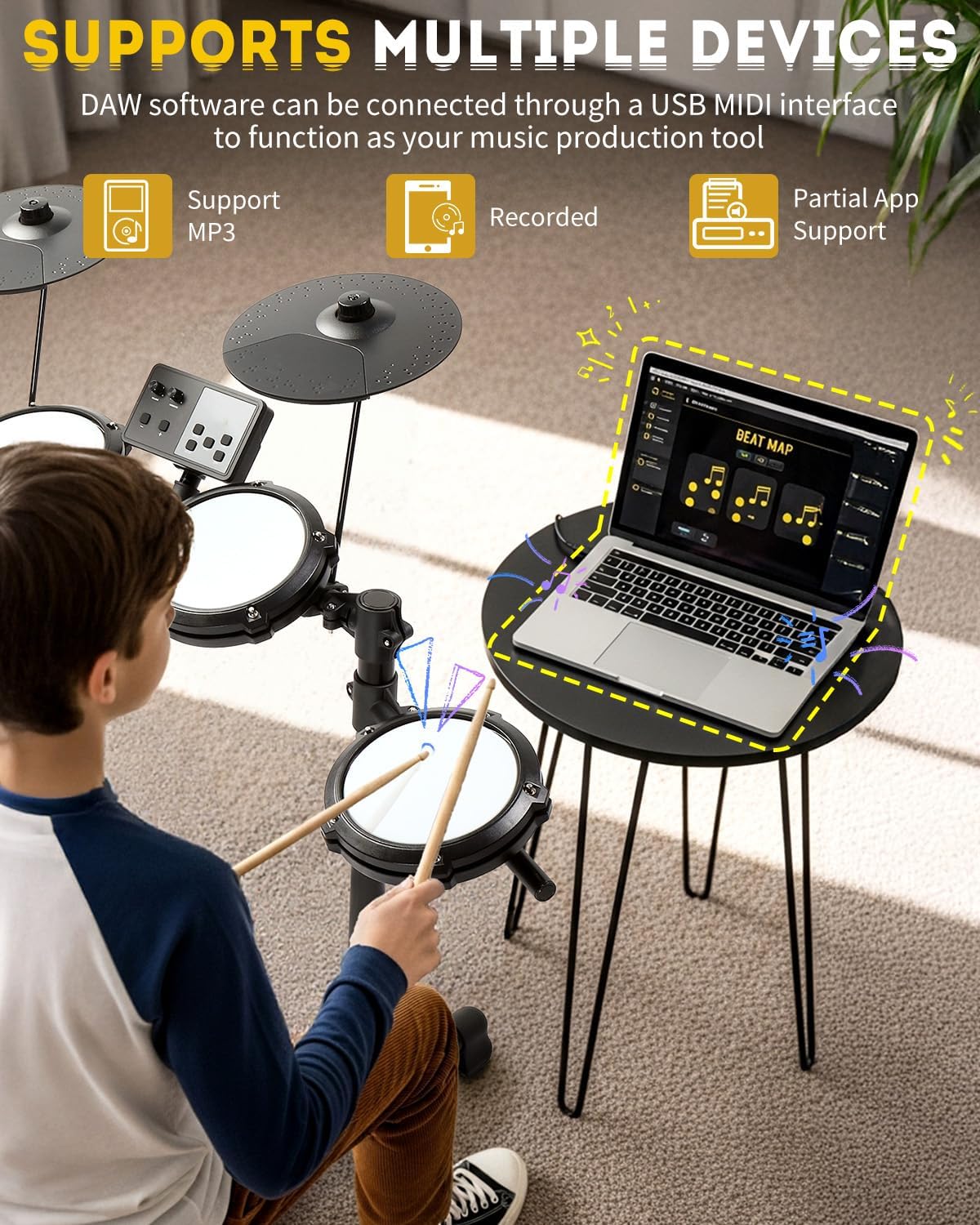
Image: A fully assembled Ktaxon Electric Drum Set, showcasing the drum pads, cymbals, module, and pedals.
Operating Instructions
Your drum module offers a variety of features to enhance your drumming experience:
- Power On/Off: Use the power switch on the module to turn the drum set on or off.
- Volume Control: Adjust the master volume using the dedicated knob on the module.
- Kit Selection: Select from 15 preset drum kits covering various genres using the 'KIT' button and navigation controls.
- Voice Selection: Choose from 150 different voices for individual pads.
- Demo Songs: Play along with 10 built-in demo songs using the 'SONG' button.
- Metronome/Click: Activate the metronome function with the 'CLICK' button to practice timing.
- Tempo Adjustment: Adjust the metronome or song tempo using the 'TEMPO' button and navigation controls.
- Recording: Use the 'REC' button to record your drumming sessions.
- Headphones: Connect the included headphones to the 'PHONE' jack for silent practice.
- USB MIDI: Connect the module to a computer or tablet via the USB-MIDI port to use it as a MIDI controller for music production software.
- Aux In: Connect an external audio device (e.g., MP3 player, smartphone) to the 'AUX IN' jack to play along with your favorite music.

Image: Close-up of the Ktaxon drum module, showing the display, volume knob, and various control buttons for kit, trigger, voice, song, tempo, click, and record.
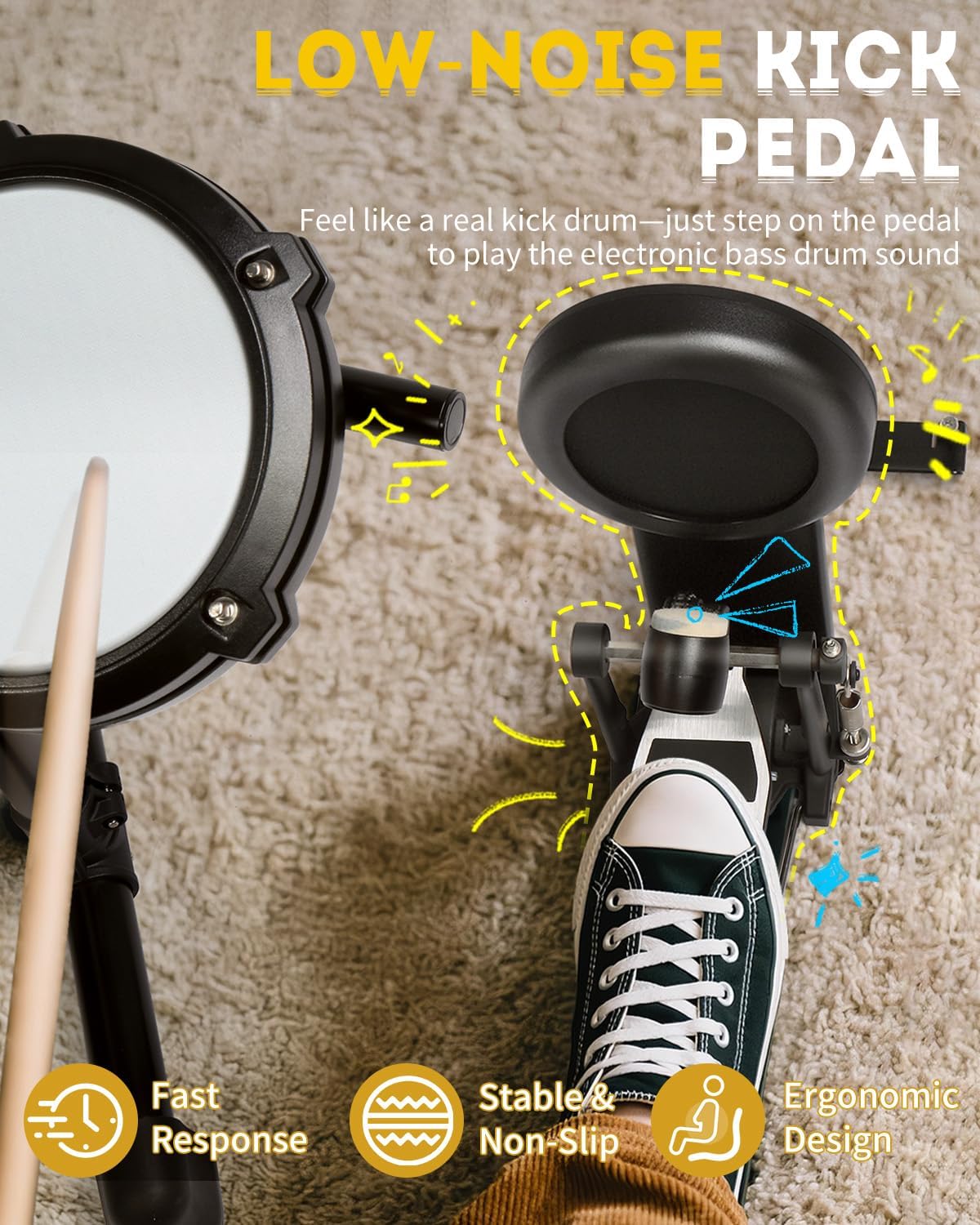
Image: A user's foot on the low-noise kick pedal of the Ktaxon Electric Drum Set, highlighting its stable and ergonomic design.
Maintenance
Proper care will extend the life of your drum set:
- Cleaning: Use a soft, dry cloth to wipe down the drum pads, cymbals, and module. Avoid abrasive cleaners or solvents.
- Storage: When not in use, fold the drum set for compact storage to protect it from dust and damage. Store in a dry place away from direct sunlight and extreme temperatures.
- Cable Management: Use the included cable management straps to keep cables tidy and prevent tangling or damage.
- Mesh Head Care: The dual-layer mesh heads are durable but avoid excessive force or sharp objects that could puncture them.
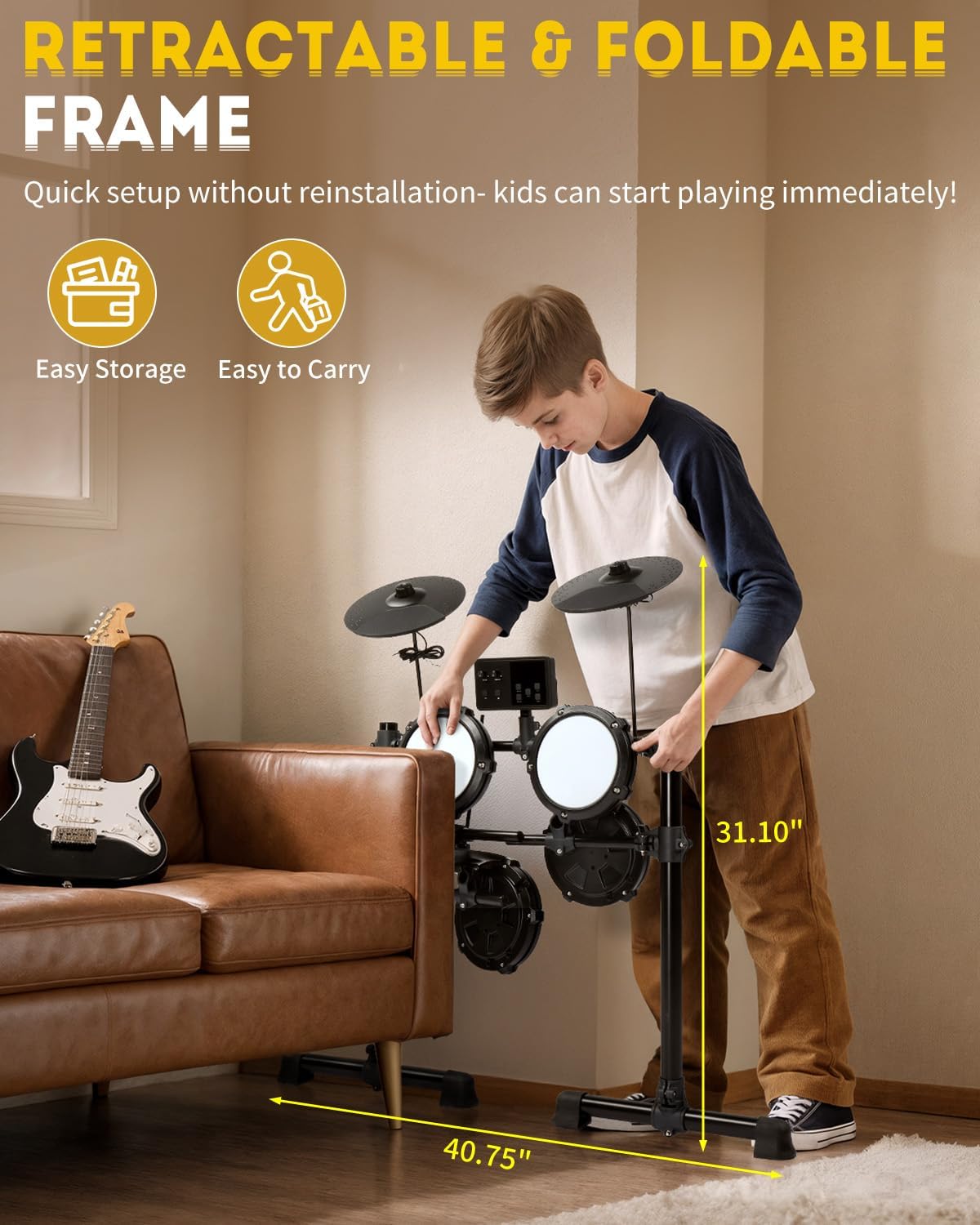
Image: A person folding the Ktaxon Electric Drum Set, demonstrating its retractable and foldable frame for easy storage.
Troubleshooting
If you encounter any issues, refer to the following common solutions:
- No Sound:
- Ensure the drum module is powered on.
- Check all cable connections between pads/cymbals/pedals and the module.
- Verify headphones are properly plugged in or external speakers are connected and powered on.
- Adjust the master volume knob on the module.
- Inconsistent Triggering:
- Check cable connections for looseness.
- Ensure drum pads and cymbals are securely mounted and not shifting during play.
- Module Not Responding:
- Turn the module off and on again.
- Ensure the power adapter is securely connected.
Specifications
| Feature | Detail |
|---|---|
| Model Name | KT-EDK-326S |
| Body Material | Mesh |
| Included Components | Drumsticks, Headphones, Drum Stool, Cables, Drum Throne, Drum Key |
| Item Weight | 35.3 pounds |
| Package Dimensions | 33.66 x 15.16 x 11.42 inches |
| Power Supply | Adapter or USB Power Bank (not included) |
| Voices | 150 |
| Polyphony | 64-note |
| Demo Songs | 10 |
| Preset Kits | 15 |
| Connectivity | USB-MIDI, Aux In, Phone Out |
Warranty and Support
For warranty information or technical support, please refer to the documentation included in your package or contact Ktaxon customer service. Keep your purchase receipt as proof of purchase.