
Introduction
The POLVCDG BDAMX-9FPN Bone Conduction Headphones are designed for active lifestyles, offering open-ear comfort, IPX8 waterproofing, and dual Bluetooth/MP3 modes. These headphones allow you to enjoy audio while maintaining environmental awareness, making them suitable for various activities including swimming, running, cycling, and workouts.
Package Contents
Upon unboxing your POLVCDG BDAMX-9FPN headphones, you should find the following items:
- Bone Conduction Headphones x1
- Instruction Manual x1
- Silicone Adjustable Rope x1
- Charging Cable x1
- Earplugs x2

Image: Package contents of the POLVCDG BDAMX-9FPN headphones.
Setup
1. Charging the Headphones
Before initial use, fully charge your headphones. Use the provided magnetic charging cable. Connect the magnetic end to the charging port on the headphones and the USB-A end to a compatible power source (e.g., computer USB port, wall adapter).
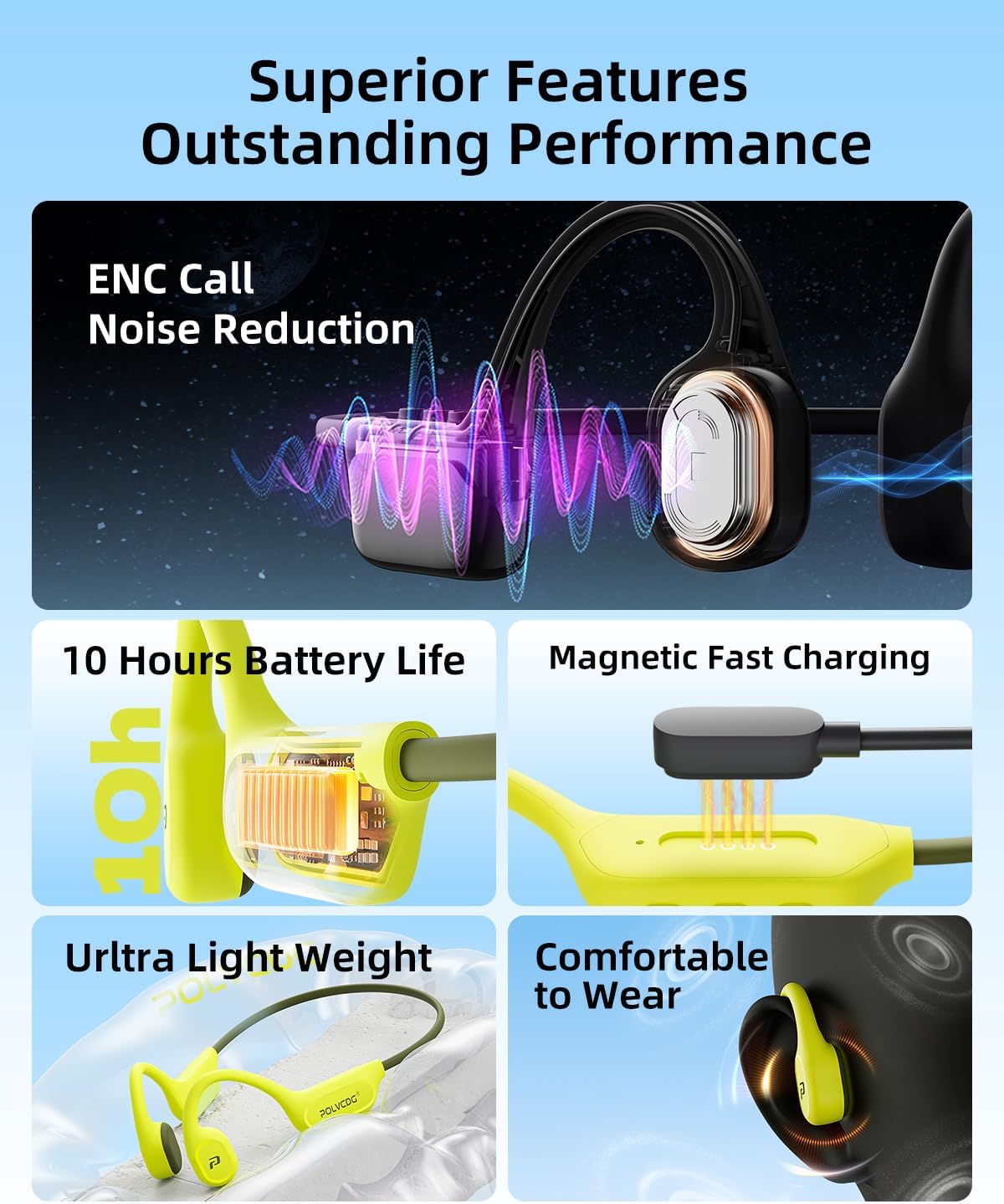
Image: Magnetic fast charging port on the POLVCDG BDAMX-9FPN headphones.
2. Wearing the Headphones
Place the headphones with the bone conduction transducers resting on your cheekbones, just in front of your ears. The flexible titanium frame should wrap comfortably around the back of your head. The open-ear design ensures your ear canals remain unobstructed.

Image: Open-ear design and ergonomic fit for comfort during activities.
3. Bluetooth Pairing
- Power on the headphones by pressing and holding the power button.
- The headphones will enter pairing mode, indicated by a flashing LED light (usually blue and red).
- On your device (smartphone, tablet, etc.), enable Bluetooth and search for available devices.
- Select "X9" (or similar model name) from the list to pair.
- Once paired, the LED indicator will typically show a solid blue light.
4. MP3 Mode
The headphones feature 32GB of built-in storage for MP3 files. To switch to MP3 mode, triple-click the power button. This mode is essential for underwater use as Bluetooth signals do not transmit effectively through water.
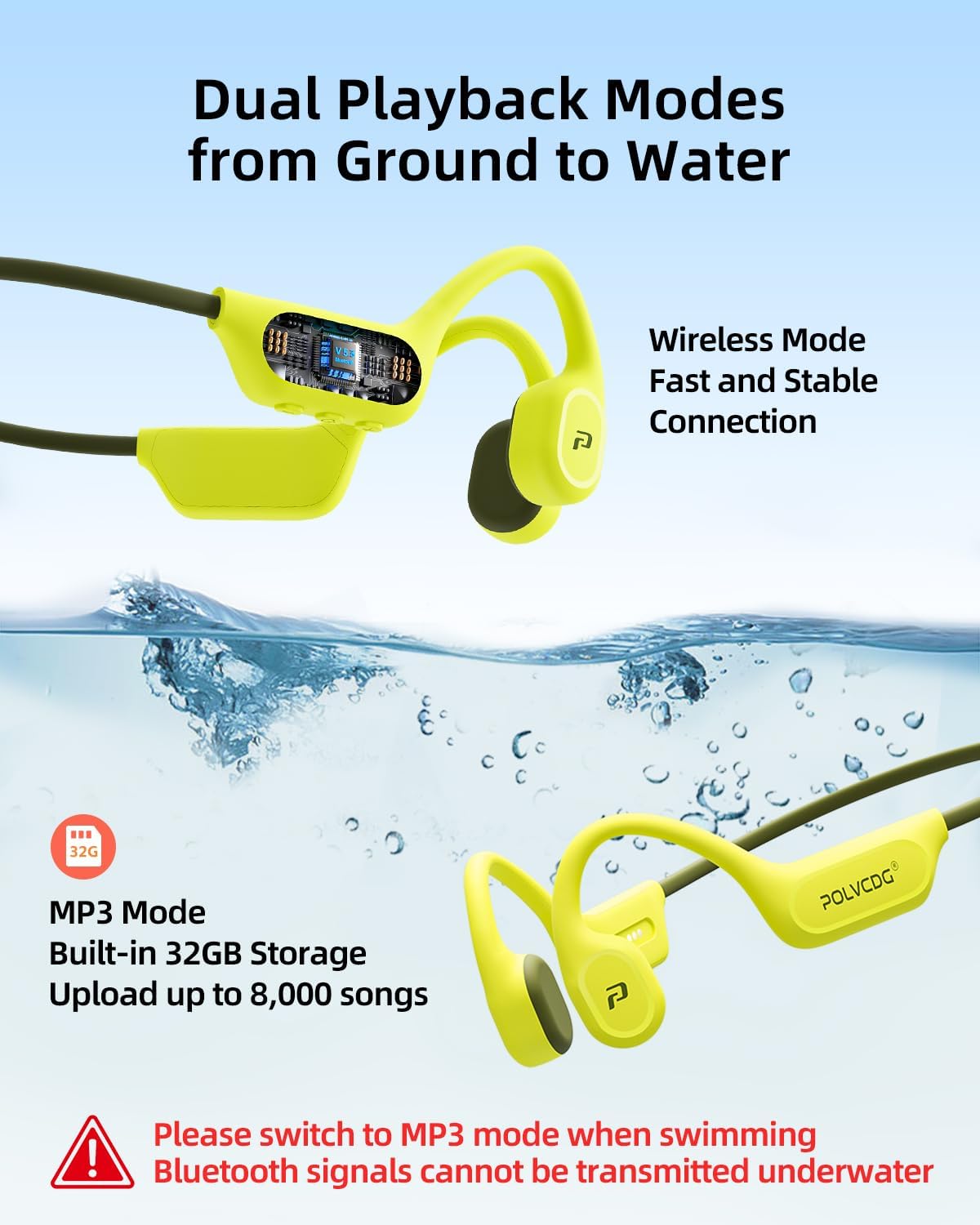
Image: Dual Playback Modes: Wireless and MP3 with 32GB storage.
Operating Instructions
Controls
The headphones feature integrated buttons for easy control:
- Power Button: Press and hold to power on/off. Single press to play/pause audio. Triple-click to switch between Bluetooth and MP3 modes.
- Volume Up (+): Short press to increase volume. Long press to skip to the next track.
- Volume Down (-): Short press to decrease volume. Long press to go to the previous track.
- Voice Assistant: Double-click the power button to activate your device's voice assistant (e.g., Siri, Google Assistant).
Waterproof Usage (IPX8)
These headphones are IPX8 rated, meaning they can be submerged in water up to two meters deep for one hour. For swimming or any underwater activity, ensure the headphones are switched to MP3 mode. Bluetooth signals cannot be transmitted effectively underwater.
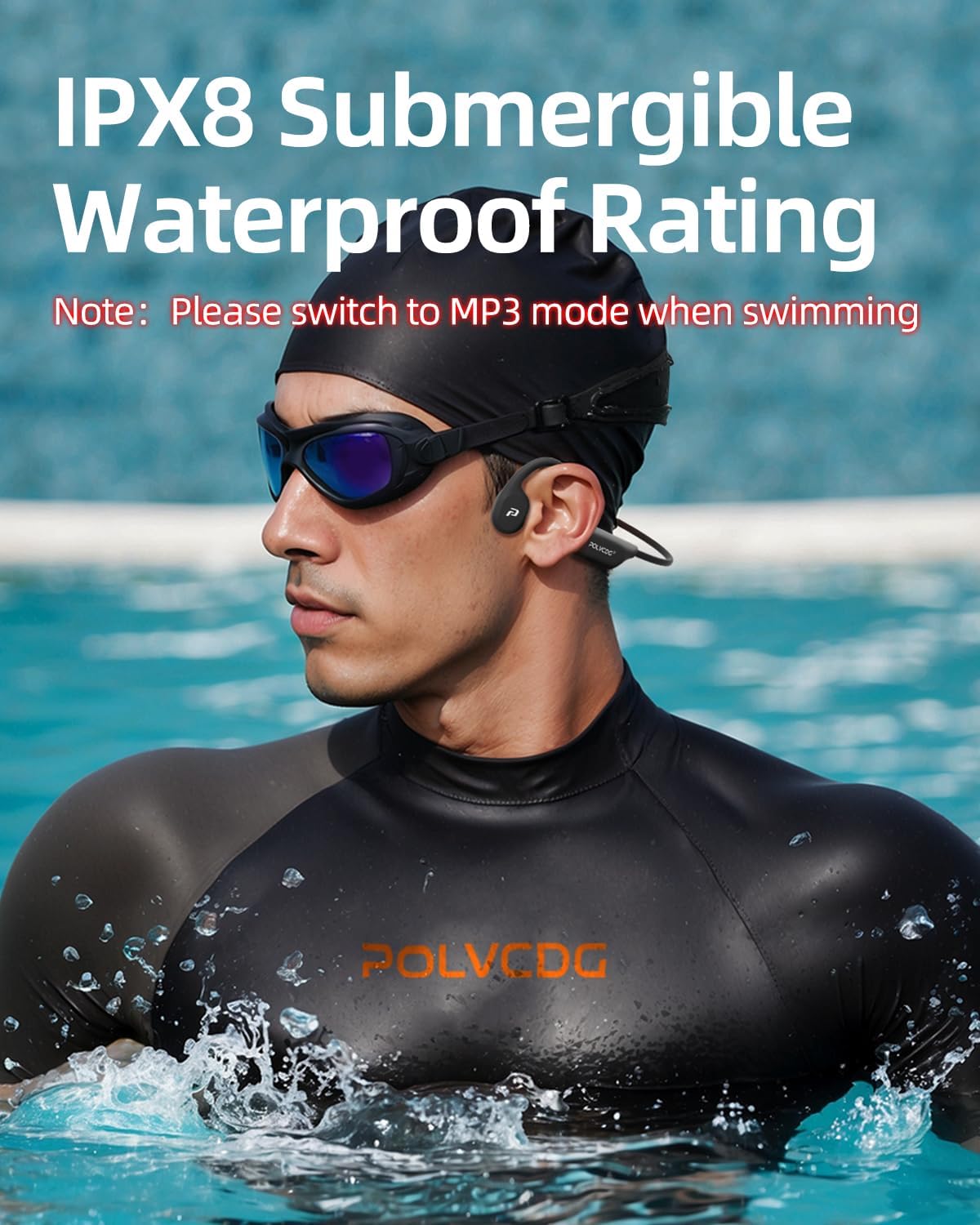
Image: IPX8 Submergible Waterproof Rating. Remember to switch to MP3 mode when swimming.
Environmental Noise Cancellation (ENC)
The built-in microphone utilizes ENC technology to provide clear audio during calls, even in noisy environments. This enhances communication quality without blocking ambient sounds for safety.
Video: Official product video demonstrating the POLVCDG Waterproof Bone Conduction Headphones with 32GB internal memory. This video highlights key features and usage scenarios.
Maintenance
Cleaning
Regularly clean your headphones with a soft, damp cloth. For waterproof models, ensure they are dry before charging. Avoid using harsh chemicals or abrasive materials.
Storage
Store the headphones in a cool, dry place away from direct sunlight and extreme temperatures. Avoid placing heavy objects on them to prevent damage to the frame.
Troubleshooting
- No Power: Ensure the headphones are fully charged.
- Cannot Pair via Bluetooth: Make sure the headphones are in Bluetooth mode (not MP3 mode) and within range of your device. Check if other Bluetooth devices are interfering.
- No Sound in Water: Confirm the headphones are in MP3 mode. Bluetooth does not work underwater.
- Poor Sound Quality: Ensure the transducers are positioned correctly on your cheekbones. If using in water, ensure earplugs are inserted for optimal sound.
- Charging Issues: Verify the magnetic charging cable is securely connected to both the headphones and the power source.
Specifications
| Brand | POLVCDG |
| Model Number | BDAMX-9FPN |
| Color | Black |
| Ear Placement | Open Ear |
| Water Resistance Level | IPX8 Waterproof (submersible up to 2 meters for 1 hour) |
| Internal Storage | 32GB (stores over 8,000 songs) |
| Battery Life | Up to 10 Hours |
| Connectivity Technology | Wireless (Bluetooth 4.0) |
| Noise Control | Active Noise Cancellation (for calls) |
| Audio Driver Type | Bone Conduction Driver (16mm) |
| Material | Plastic, Rubber |
Warranty and Support
For warranty information and customer support, please refer to the documentation included in your product package or visit the official POLVCDG website. Keep your purchase receipt for warranty claims.


