
1. Introduction
Thank you for choosing the EasyAcc KW-CS05 Dehumidifier. This manual provides essential information for the safe and efficient operation of your new appliance. Please read it thoroughly before use and retain it for future reference.
The EasyAcc KW-CS05 is designed to effectively remove excess moisture from the air, helping to create a more comfortable and healthier indoor environment. It is suitable for various small to medium-sized spaces such as bathrooms, bedrooms, basements, RVs, and living rooms.
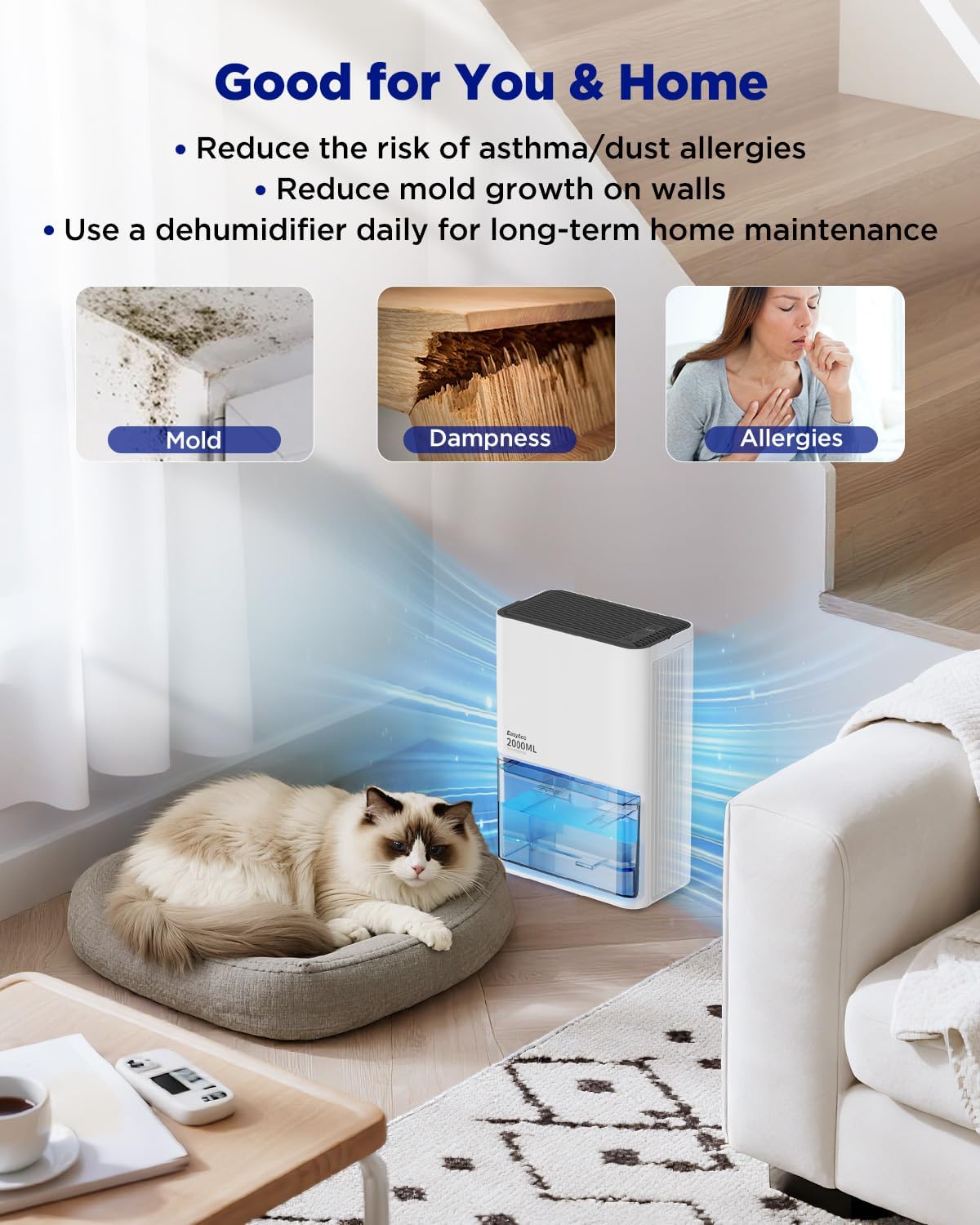
Image 1.1: The EasyAcc Dehumidifier contributes to a healthier home environment by reducing moisture, which can help alleviate issues like mold, dampness, and allergens.
2. Important Safety Instructions
To reduce the risk of fire, electric shock, or injury, always follow these basic safety precautions:
- Read all instructions before using the appliance.
- Do not operate the dehumidifier with a damaged cord or plug. If the cord or plug is damaged, contact customer support.
- Ensure the power outlet voltage matches the voltage specified on the dehumidifier's rating label.
- Do not block air inlets or outlets. Maintain at least 10 cm (4 inches) clearance around the unit for proper air circulation.
- Always place the dehumidifier on a stable, level surface to prevent water spillage.
- Do not immerse the appliance, cord, or plug in water or other liquids.
- Unplug the dehumidifier before cleaning, performing maintenance, or when not in use for extended periods.
- Keep the appliance out of reach of children and pets.
- Do not use the dehumidifier in areas where flammable liquids or gases are stored.
- This appliance is for indoor residential use only.
3. Package Contents
Please check the package for the following items:
- EasyAcc KW-CS05 Dehumidifier
- Power Adapter
- User Manual (this document)
4. Product Overview
Familiarize yourself with the components of your EasyAcc KW-CS05 Dehumidifier.
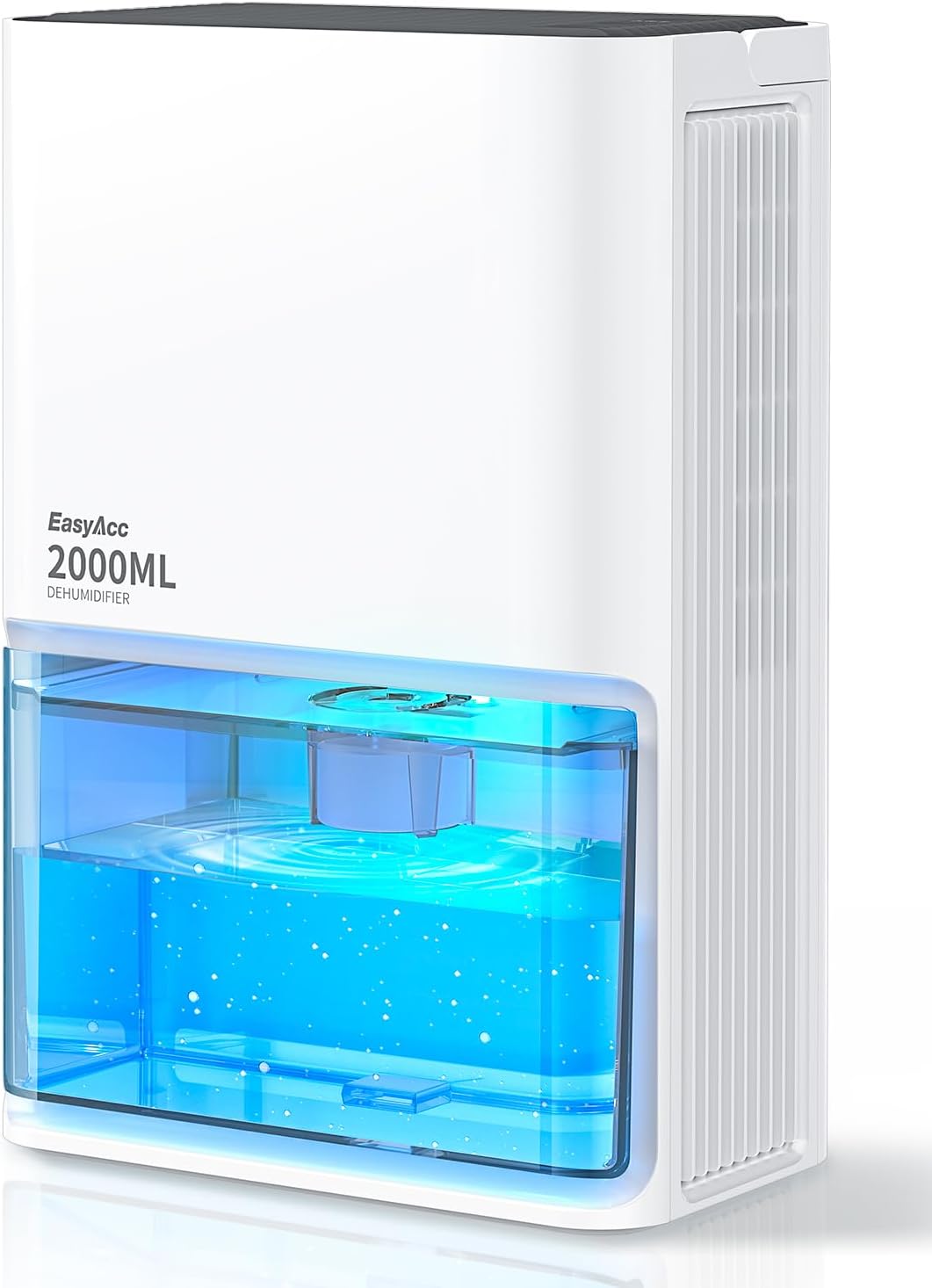
Image 4.1: Front view of the EasyAcc KW-CS05 Dehumidifier, showing the transparent water tank and control panel.

Image 4.2: The dehumidifier features a convenient handle for easy portability.
Key Components:
- Air Inlet: Located at the back, where humid air enters.
- Air Outlet: Located at the top, where dry air is expelled.
- Control Panel: Buttons for power, mode selection, and ambient light.
- Water Tank: Transparent, 2-liter (68 oz) capacity for collected water.
- Water Tank Full Indicator: A red light alert when the tank needs emptying.
- Power Port: For connecting the power adapter.
- Portable Handle: For easy transportation of the unit.

Image 4.3: The 2025 upgraded CS05 model features enhanced dehumidification capabilities compared to previous versions.
5. Setup
- Unpack the Dehumidifier: Carefully remove the dehumidifier and all accessories from the packaging. Retain packaging for future storage or transport.
- Choose a Location: Place the dehumidifier on a firm, level surface in the desired room. Ensure there is at least 10 cm (4 inches) of clear space around the air inlet (back) and air outlet (top) to allow for efficient airflow. Avoid placing it directly against walls or furniture.
- Connect Power: Insert the power adapter into the power port on the dehumidifier, then plug the adapter into a suitable electrical outlet.
- Initial Check: Ensure the water tank is correctly seated in the unit.
6. Operating Instructions
The EasyAcc KW-CS05 Dehumidifier offers multiple modes and features for optimal performance.

Image 6.1: The control panel allows selection between Strong, Sleeping, and Ventilation modes.
6.1 Power On/Off
Press the power button on the control panel to turn the dehumidifier on or off.
6.2 Operating Modes
Cycle through the available modes by pressing the mode button:
- Strong Mode: Provides maximum dehumidification, collecting up to 650ml of water per day. The fan operates at a higher speed. Noise level is typically below 35 dB.
- Sleeping Mode: Operates quietly (below 28 dB) for minimal disturbance during rest. Dehumidification capacity is slightly reduced (approx. 550ml/day). The ambient light can be controlled in this mode.
- Ventilation Mode: The fan operates to circulate air without active dehumidification. This mode is useful for general air movement.

Image 6.2: The dehumidifier operates quietly, especially in Sleep Mode, ensuring minimal disruption.

Image 6.3: The high-efficiency dual semiconductor technology ensures effective moisture removal.
6.3 Ambient Light
The dehumidifier features 7 color ambient lights. When the unit is on, the lights will cycle through colors. You can press the light button to pause on a specific color or turn the lights off entirely.
6.4 Auto Defrost Function
The dehumidifier is equipped with an auto defrost function. If the ambient temperature drops between 5°C and 15°C (41°F - 59°F), the unit will automatically initiate a defrost cycle to prevent ice buildup on the cooling elements, ensuring continuous and efficient operation. Dehumidification efficiency may be reduced during defrost cycles.
6.5 Auto Shut-Off Protection
When the 2-liter water tank is full, the dehumidifier will automatically shut off, and a red light indicator will illuminate. This prevents water overflow. Empty the water tank and reinsert it correctly to resume operation.

Image 6.4: The 2-liter water tank and automatic shut-off feature prevent overflow.
7. Maintenance
Regular maintenance ensures the longevity and efficient performance of your dehumidifier.
7.1 Emptying the Water Tank
- When the water tank is full, the unit will stop operating, and the red indicator light will turn on.
- Carefully pull out the water tank from the front of the dehumidifier.
- Pour out the collected water.
- Rinse the water tank with clean water if necessary. Do not use harsh detergents.
- Slide the empty water tank back into the dehumidifier until it clicks into place. The unit will resume operation.
7.2 Cleaning the Dehumidifier
- Exterior: Wipe the exterior of the unit with a soft, damp cloth. Do not use abrasive cleaners or solvents.
- Air Inlets/Outlets: Use a soft brush or vacuum cleaner attachment to gently remove dust and debris from the air inlets and outlets. Ensure these are clear for optimal airflow.
- Water Tank: Clean the water tank regularly to prevent mold or mildew growth. Use a mild detergent and water, then rinse thoroughly.
7.3 Storage
If the dehumidifier will not be used for an extended period:
- Unplug the unit and empty the water tank.
- Clean the unit and ensure it is completely dry.
- Store the dehumidifier in a cool, dry place, preferably in its original packaging.
8. Troubleshooting
If you encounter issues with your dehumidifier, refer to the following table for common problems and solutions.
| Problem | Possible Cause | Solution |
|---|---|---|
| Dehumidifier does not turn on. | No power supply. Power button not pressed. | Ensure the power adapter is securely plugged into the unit and a working outlet. Press the power button firmly. |
| No water collected. | Room humidity is too low. Temperature is too low (below 5°C). Air inlets/outlets are blocked. | The unit will only collect water if humidity is present. Dehumidification is less effective at low temperatures. Ensure clear space around the unit. |
| Unit stops operating, red light on. | Water tank is full. Water tank is not correctly inserted. | Empty the water tank. Reinsert the water tank firmly until it clicks into place. |
| Unusual noise during operation. | Unit is not on a level surface. Obstruction in fan. | Place the unit on a flat, stable surface. Turn off and unplug the unit, then check for any obstructions. |
If the problem persists after trying these solutions, please contact EasyAcc customer support.
9. Specifications
| Feature | Detail |
|---|---|
| Brand | EasyAcc |
| Model Name | KW-CS05 |
| Color | White |
| Capacity | 2 Liters (68 oz) |
| Dehumidification Capacity | 0.65 Liters per Day (650ml/day) |
| Floor Area Coverage | Up to 1000 Square Feet (optimal for smaller rooms) |
| Product Dimensions | 8.19"D x 12.4"W x 4.65"H |
| Item Weight | 5.49 pounds |
| Wattage | 50 watts |
| Number of Speeds | 3 (Strong, Sleeping, Ventilation) |
| Special Features | 68 oz Water Tank, 7 Color LED Lights, Automatic Shutoff, Enlarged and widened condensing plate, Portable Handle, Auto Defrost |
| Operation Mode | Intermittent |
| Recommended Uses | Residential (Basements, Bedrooms, Bathrooms, Living Rooms, RVs) |
10. Customer Support and Warranty
EasyAcc is committed to providing excellent customer support. If you have any questions, require technical assistance, or need to address a warranty claim, please follow these steps:
- Log in to your Amazon account.
- Navigate to "Your Orders."
- Find the order number for your EasyAcc Dehumidifier.
- Click on "Contact Seller."
Our support team will provide a satisfactory solution. Please refer to your purchase documentation for specific warranty terms and conditions.

