
Introduction
This manual provides essential instructions for the setup, operation, and maintenance of your Samsonite Upscape Medium Hardside Luggage. Please read this guide thoroughly to ensure proper use and longevity of your product.

Image: Front view of the Samsonite Upscape Medium Hardside Luggage in Climbing Ivy color, showcasing its textured hardshell and extendable handle.
Setup
1. Initial Inspection
Upon unpacking, inspect your luggage for any signs of damage. If any issues are found, contact Samsonite customer support immediately.
2. Setting the TSA-Approved Combination Lock
Your Samsonite Upscape luggage is equipped with an integrated TSA-approved combination lock for enhanced security. Follow these steps to set your personal combination:
- The lock is preset to 0-0-0 at the factory.
- Locate the small reset button (A) on the side of the lock. Use a pen or a pointed object to press and hold this button until you hear a click.
- While holding the reset button, rotate the dials (B) to your desired 3-digit combination.
- Release the reset button. Your new combination is now set.
- Test your new combination by scrambling the dials and then entering your set combination to open the lock.
Important: Remember your combination. Samsonite cannot provide combination codes if forgotten.
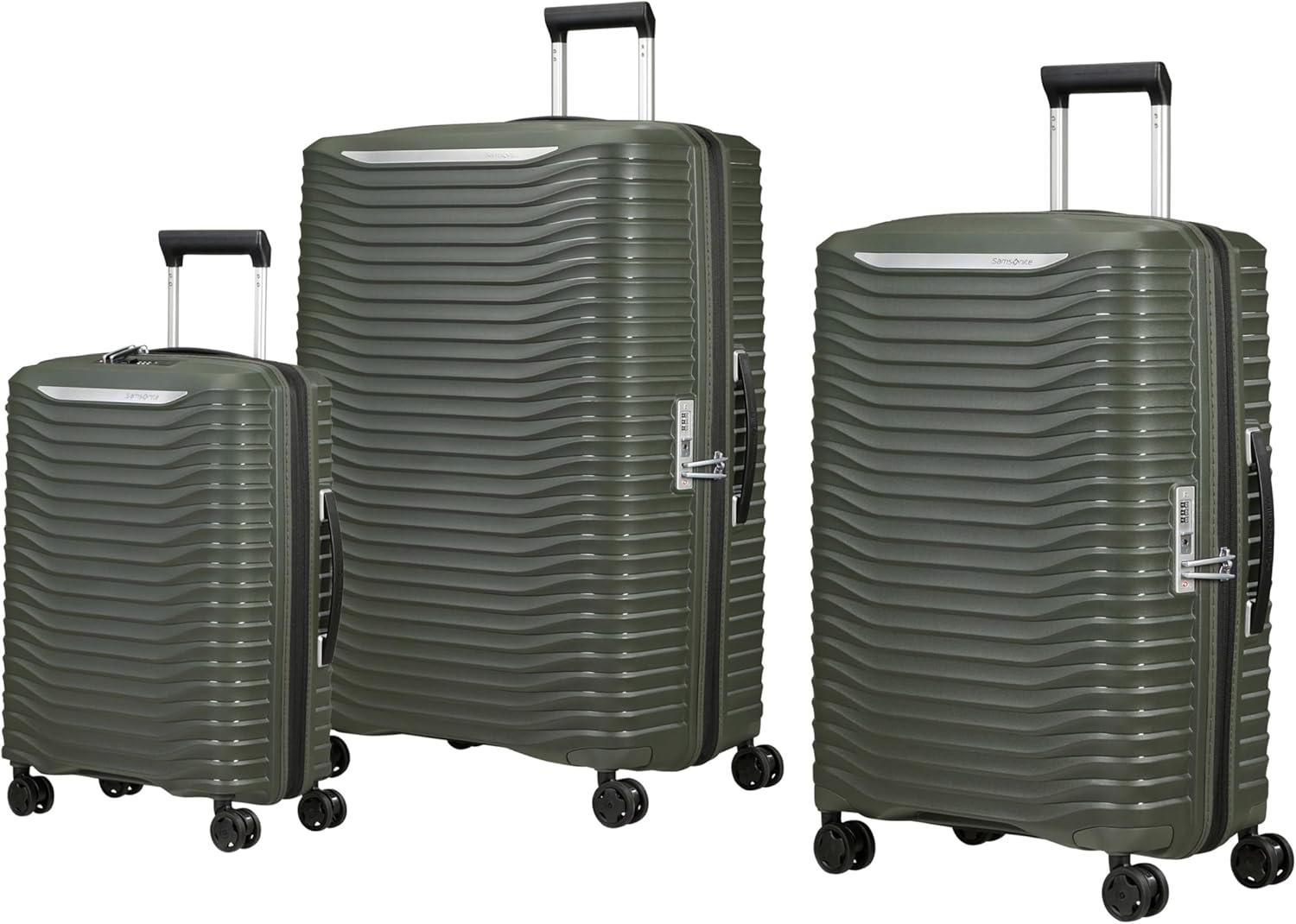
Image: Detailed view of the integrated TSA-approved combination lock, showing the dials and the reset button location.
3. Adjusting the RightHeight Pull Handle
The RightHeight pull handle offers multiple incremental height adjustments for comfortable maneuvering. To extend or retract the handle, press the button located on the top of the handle and pull or push to your desired height. Release the button to lock it in place.

Image: Side view of the luggage with the RightHeight pull handle extended, demonstrating its adjustable feature.
Operating Instructions
1. Packing Your Luggage
The Upscape luggage features an expandable capacity. To utilize this, unzip the expansion zipper located around the perimeter of the main compartment. This provides additional space for your belongings. Use the internal compression straps to secure contents and prevent shifting during transit.
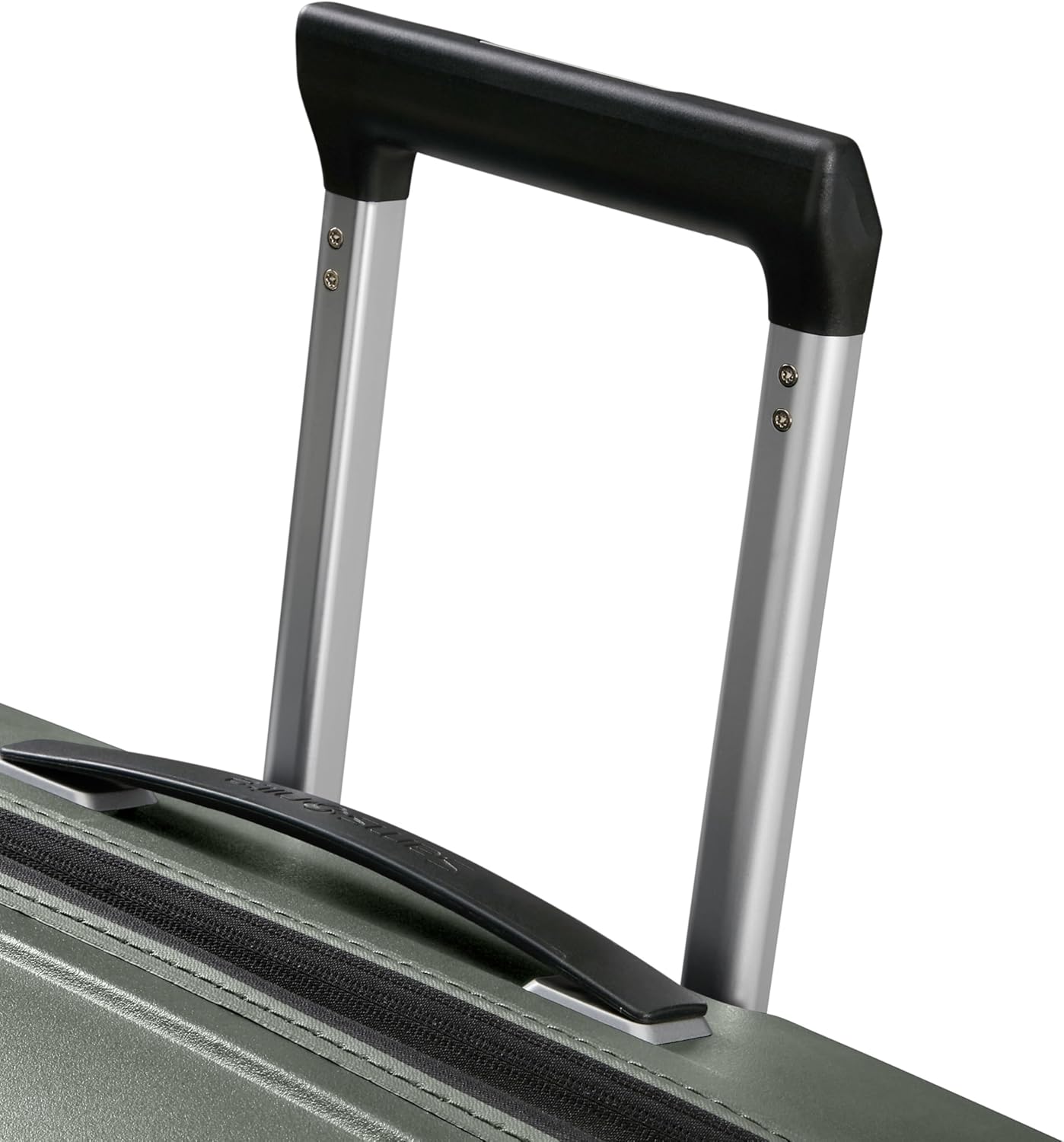
Image: Interior view of the open luggage, showing the spacious compartments, cross-straps for securing items, and a zippered divider.
2. Using the Shock-Absorbing Suspension Wheels
Your luggage is equipped with shock-absorbing suspension wheels designed for smooth and quiet rolling. For optimal performance, pull the luggage behind you on two wheels over rough surfaces, or push it upright on all four wheels on smooth surfaces.

Image: Close-up of one of the luggage's wheels, highlighting its robust design and suspension mechanism.
3. Transporting the Luggage
Always use the top or side carry handles for lifting the luggage. When rolling, ensure the pull handle is fully extended and locked into position.
Maintenance
1. Cleaning the Exterior
To clean the hardside exterior, wipe with a soft cloth dampened with mild soap and water. Avoid abrasive cleaners or solvents, as these can damage the finish.
2. Interior Lining Care
The interior lining is removable and washable. Unzip the lining from the interior of the shell, hand wash with mild detergent, and air dry completely before reattaching.
3. Wheel and Handle Maintenance
Periodically check wheels and handles for debris or damage. Clean wheels with a damp cloth. If wheels or handles become stiff, a small amount of silicone-based lubricant can be applied to moving parts, avoiding contact with the luggage exterior.
4. Storage
Store your luggage in a cool, dry place away from direct sunlight when not in use. Avoid placing heavy objects on top of the luggage during storage.
Troubleshooting
- Lock will not open: Ensure you are using the correct 3-digit combination. If forgotten, the lock cannot be reset without the combination.
- Handle is stuck: Check for any obstructions in the handle mechanism. Ensure the release button is fully depressed when attempting to extend or retract.
- Wheels are not rolling smoothly: Inspect wheels for tangled hair, lint, or debris. Clean thoroughly. If damage is present, contact customer support.
- Zipper is stuck: Do not force the zipper. Gently pull the fabric away from the zipper teeth and try to move the slider. Lubricate with a pencil lead if necessary.
Specifications
| Feature | Description |
|---|---|
| Model Name | Upscape Medium Hardside Luggage |
| Type | Hardside Suitcase |
| Material | Durable Hardshell |
| Wheels | Shock-absorbing suspension spinner wheels |
| Handle | RightHeight multi-stage pull handle |
| Lock | Integrated TSA-approved combination lock |
| Expandability | Yes, extra expansion capacity |
| Interior | Removable, washable lining |
| Country of Origin | China |
Warranty and Support
Warranty Information
Samsonite products are rigorously tested to ensure they meet stringent standards. This luggage comes with a limited warranty against defects in materials and workmanship. For specific warranty terms and conditions, please refer to the warranty card included with your purchase or visit the official Samsonite website.
Customer Support
If you have any questions, require assistance, or need to make a warranty claim, please contact Samsonite customer service. Contact details can typically be found on the Samsonite official website or on your purchase documentation.
For more information, visit the Samsonite Store on Amazon.


