
1. Product Overview
The SOLIOM S90 is a versatile 4G LTE cellular security camera designed for remote areas without Wi-Fi or electrical power. It features solar power, 2K resolution with color night vision, PIR motion detection, and two-way audio for comprehensive outdoor surveillance. The camera includes a built-in SIM card for cellular connectivity and offers flexible data plans.
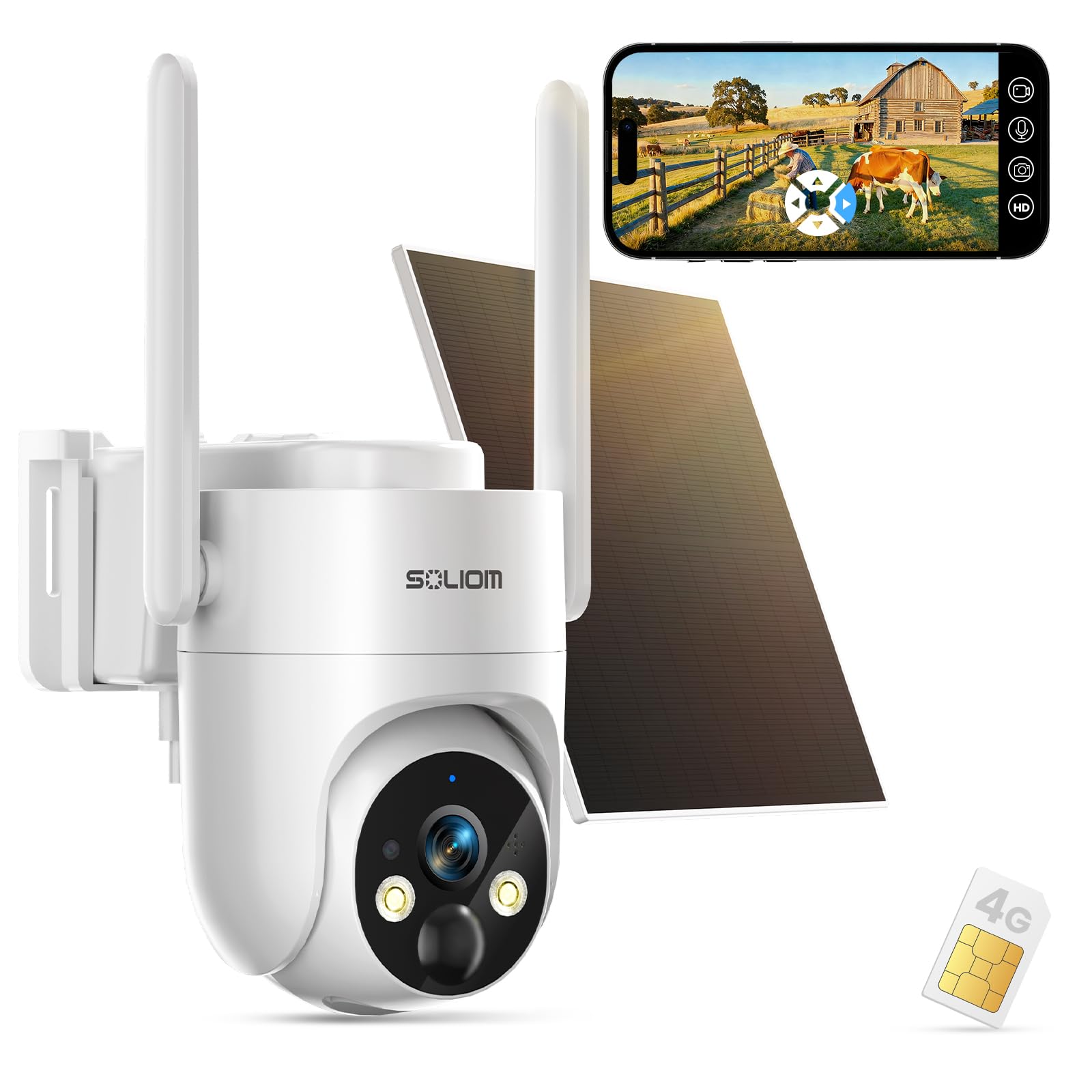
Image: The SOLIOM S90 4G LTE Cellular Security Camera, a white dome-shaped camera with two antennas, mounted next to a solar panel. This image provides a general overview of the product.
2. What's in the Box
Your SOLIOM S90 package includes the following components:
- 1 x 4G LTE Camera
- 1 x Solar Panel
- 1 x 4G SIM Card (pre-installed)
- 1 x USB Cable
- 1 x User Guide
- 1 x Mounting Bracket
- 1 x Fitting Bag (screws and wall anchors)
- 1 x 1/4-Inch Collet
3. Setup Guide
3.1 Initial Preparation
- Charge the Camera: Before first use, fully charge the camera's internal 10000mAh battery using the provided USB cable.
- SIM Card Activation: The 4G SIM card is pre-installed. Activate your data plan through the SOLIOM app or website. Data plans start from $19.9/month.
- Download the App: Download the official SOLIOM app from your smartphone's app store (Android or iOS).
- Power On: Turn on the camera using the power switch, usually located under a protective cover.
3.2 Mounting the Camera and Solar Panel
Choose a location with good 4G LTE signal and direct sunlight exposure for the solar panel. The camera and solar panel can be mounted separately for optimal sun exposure.
- Mark Drill Holes: Use the mounting bracket as a template to mark the drill holes on your desired surface.
- Drill Holes: Drill pilot holes and insert wall anchors if mounting on masonry.
- Secure Bracket: Attach the mounting bracket to the surface using the provided screws.
- Attach Camera: Securely attach the camera to the mounting bracket.
- Mount Solar Panel: Mount the solar panel in a location that receives maximum direct sunlight throughout the day.
- Connect Solar Panel: Connect the solar panel cable to the camera's charging port. Ensure the connection is secure and waterproof.

Image: The SOLIOM S90 camera and its solar panel are shown installed in diverse outdoor environments, including a home backyard, a construction site, an RV/camping area, and a vacation property, illustrating its versatility for remote monitoring.

Image: A close-up view of the SOLIOM S90 camera, highlighting the connection point for the solar panel cable and the two external antennas, demonstrating the physical setup.
3.3 App Pairing
- Open App: Launch the SOLIOM app and create an account or log in.
- Add Device: Follow the in-app instructions to add a new device. You may need to scan a QR code on the camera or its packaging.
- Follow Prompts: The app will guide you through connecting the camera to the cellular network.
Video: An introductory video by Soliom Store showcasing the features and basic setup of the S90 4G cellular security camera, including its wireless capabilities and remote monitoring.
4. Operating Your Camera
4.1 Live View and Recording
- Access Live View: Open the SOLIOM app and select your camera to view the live feed.
- 2K HD Resolution: The camera provides crystal-clear 2K resolution for both day and night viewing.
- Recording: Motion-triggered events are automatically recorded. You can also manually record from the live view. Recordings are stored on the pre-installed SD card or in the cloud (subscription required).
4.2 Motion Detection and Alerts
The S90 features an upgraded PIR motion sensor for accurate detection of human and animal activity. You will receive instant alerts on your phone when motion is detected.
- Adjust Sensitivity: In the app settings, you can adjust the PIR detection sensitivity (High, Medium, Low) to minimize false alarms.
- Human Detection: Enable human detection to specifically filter for human shapes, further reducing irrelevant alerts.
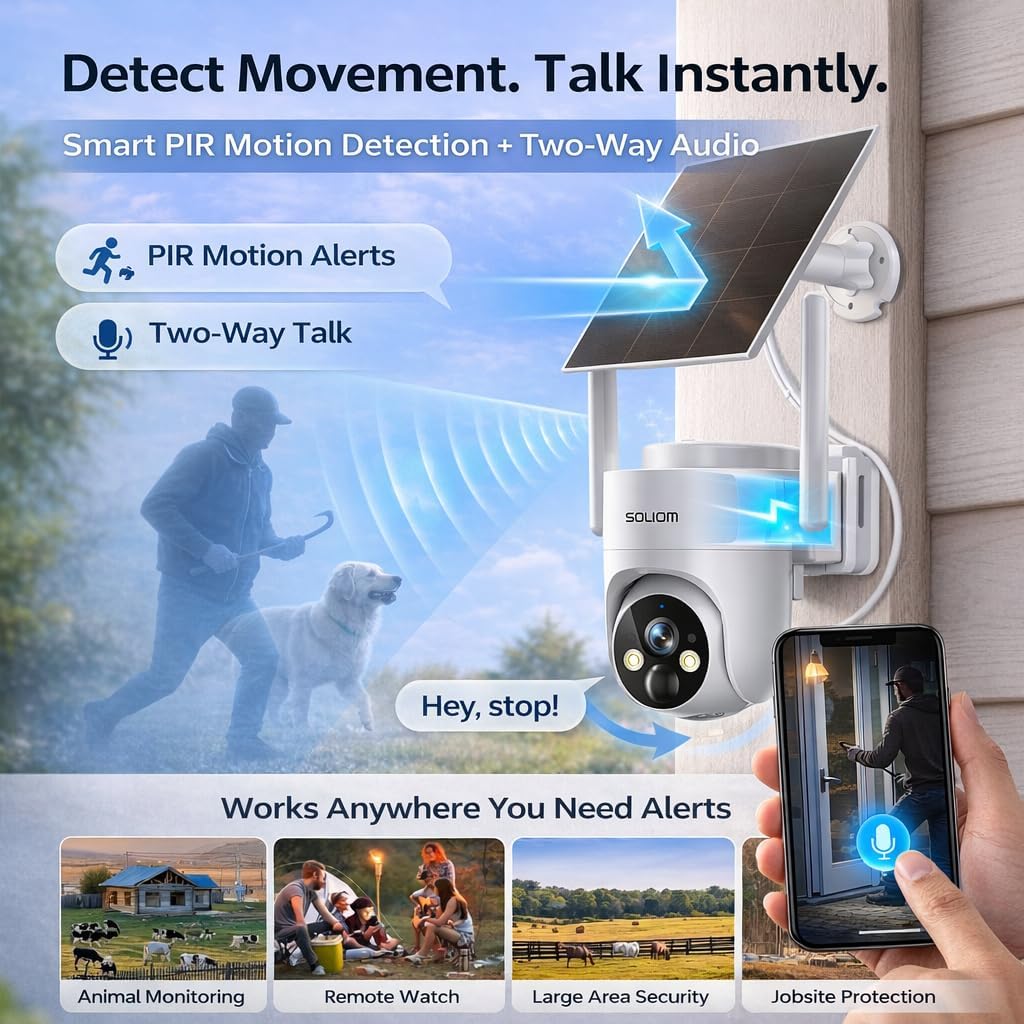
Image: The SOLIOM S90 camera is depicted detecting a person and a dog, with a speech bubble indicating two-way audio communication, demonstrating its smart PIR detection and interactive features.
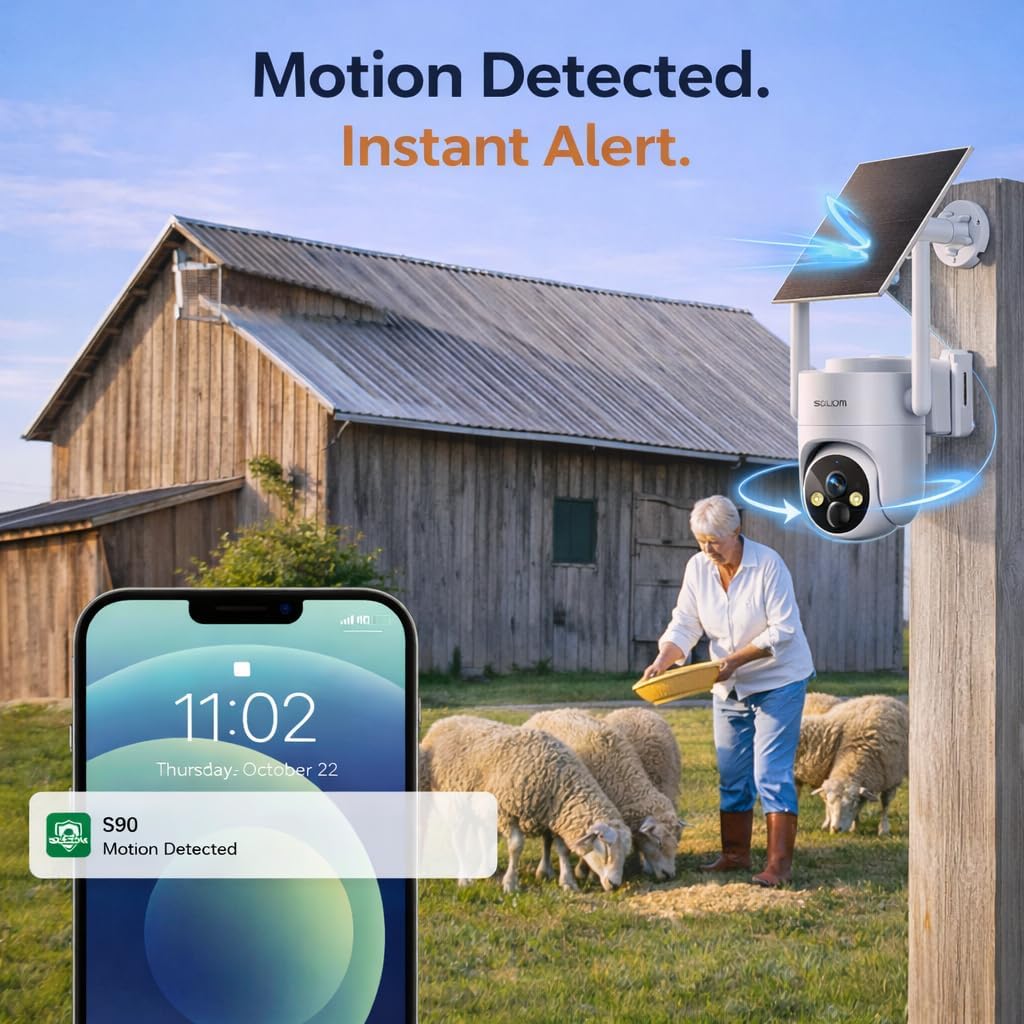
Image: A smartphone screen shows a notification from the SOLIOM S90 camera indicating "Motion Detected," with the camera positioned in the background near a barn and sheep, illustrating real-time alerts.
4.3 Two-Way Audio
Use the built-in microphone and speaker to communicate with visitors or deter intruders directly through the app.
4.4 Pan, Tilt, and Zoom (PTZ)
The camera offers 360° panoramic surveillance with 355° pan and 110° tilt capabilities, controlled via the app. It also supports 4x digital zoom.
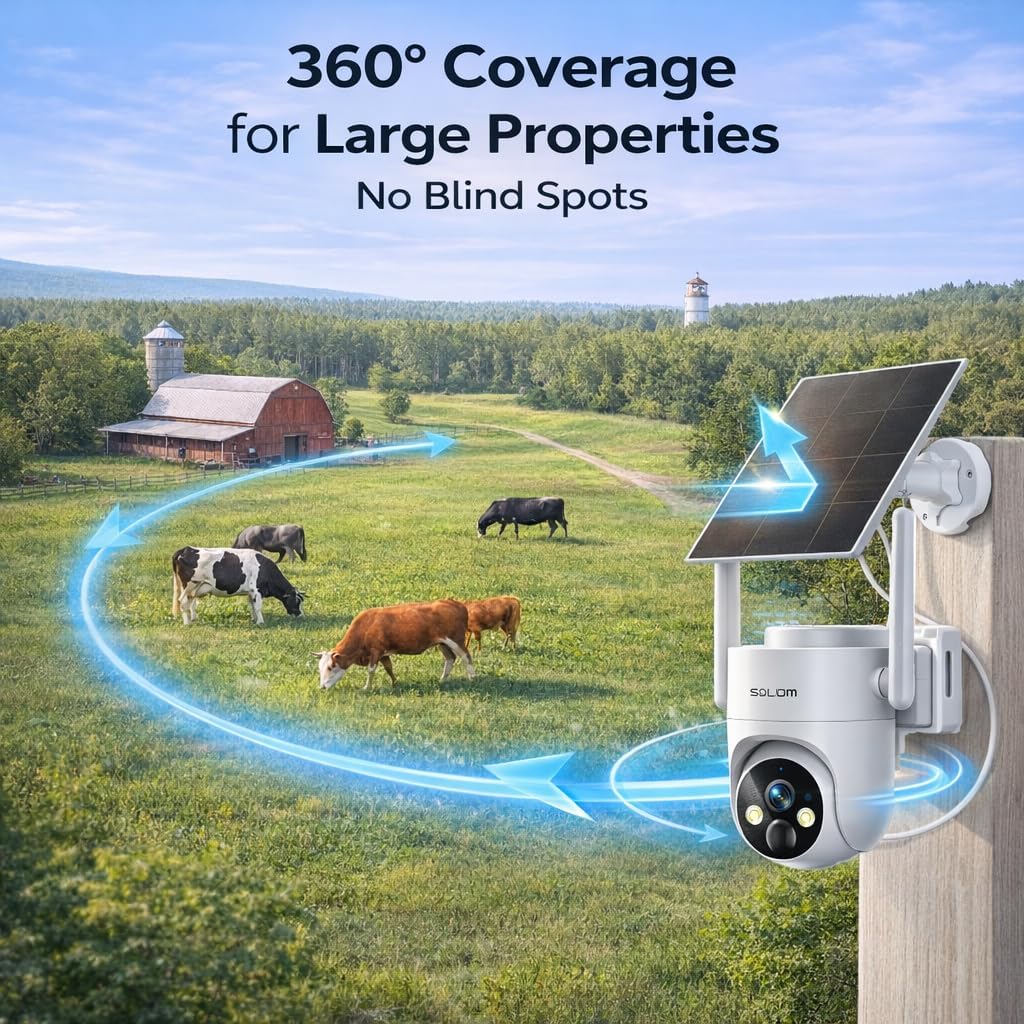
Image: The SOLIOM S90 camera is shown in a wide outdoor landscape with cows, illustrating its 360-degree coverage capability to eliminate blind spots.
4.5 Night Vision
The S90 provides 2K full-color night vision, allowing you to see important details even in low-light or pitch-black conditions.

Image: A split image showing the same outdoor scene with a deer, demonstrating the clear 2K day vision on the left and the vibrant 2K full-color night vision on the right, highlighting the camera's low-light performance.
5. Maintenance
5.1 Solar Panel Care
To ensure continuous power, regularly clean the solar panel surface to remove dust, dirt, or debris that may obstruct sunlight absorption. A soft, damp cloth is recommended.
5.2 Battery Management
The camera features a high-capacity 10000mAh battery. With efficient solar charging, it offers year-round operation and up to 6 months of standby time on a full charge without solar input. Monitor battery status via the SOLIOM app.
5.3 Weather Resistance
The SOLIOM S90 is IP65 waterproof, designed to withstand various weather conditions including rain, snow, and extreme temperatures. Ensure all ports are securely sealed after charging or accessing the SIM/SD card slot.

Image: Two SOLIOM S90 cameras are shown mounted outdoors, one in a snowy winter scene and another in a rainy environment, emphasizing its IP65 waterproof rating and ability to function in harsh weather.
6. Troubleshooting
| Issue | Possible Cause | Solution |
|---|---|---|
| Camera not connecting to 4G network | No 4G coverage, inactive SIM card, low battery. | Check 4G signal strength in the area. Ensure SIM card is activated and data plan is active. Fully charge the camera. |
| No motion alerts | PIR sensitivity too low, human detection enabled for non-human motion, app notifications disabled. | Increase PIR sensitivity in app settings. Adjust human detection settings. Enable notifications for the SOLIOM app on your phone. |
| Poor video quality at night | Obstruction in front of the camera lens, dirty lens. | Ensure the camera lens is clean and free from obstructions. |
| Battery not charging via solar panel | Insufficient sunlight, dirty solar panel, faulty connection. | Relocate solar panel to an area with more direct sunlight. Clean the solar panel. Check the solar panel cable connection to the camera. |
| Two-way audio issues | Microphone/speaker blocked, app volume settings. | Ensure no obstructions around the microphone or speaker. Check volume settings in the app and on your phone. |
For further assistance, please refer to the detailed user guide or contact SOLIOM customer support.
7. Specifications
| Feature | Detail |
|---|---|
| Indoor/Outdoor Usage | Outdoor |
| Compatible Devices | Smartphone (Android) |
| Power Source | Solar Powered |
| Connectivity Protocol | Cellular |
| Mounting Type | Wall Mount |
| Video Capture Resolution | 2K |
| Color | White |
| Included Components | 4G LTE Camera, Solar Panel, 4G SIM Card, USB cable, User Guide, Bracket, Fitting Bag, 1/4-Inch Collet |
| Wireless Communication Technology | Cellular |
| Form Factor | Dome |
| Viewing Angle | 355 Degrees (Pan) |
| Night Vision Range | 32 Feet |
| Item Dimensions (L x W x H) | 6.6 x 7.68 x 5.5 inches |
| Batteries Required? | Yes (3 AAAA batteries included) |
| Battery Power | 10000 Milliamp Hours |
| Video Capture Format | MP4 |
| Item Weight | 2.31 pounds |
| Model Name | S90-4G |
| Special Feature | 2-Way Audio, HD Resolution, Night Vision, PTZ Technology, Weather Proof |
8. Warranty and Support
8.1 Product Warranty
For detailed warranty information, please refer to the documentation included with your product or visit the official SOLIOM website. Keep your proof of purchase for warranty claims.
8.2 Customer Support
If you encounter any issues or have questions regarding your SOLIOM S90 camera, please contact SOLIOM customer support. Contact information can typically be found in the user guide or on the SOLIOM website. The seller for this product is Soliom Store.
8.3 Protection Plans
Optional protection plans are available for purchase to extend coverage beyond the standard warranty. These include:
- 2-Year Protection Plan
- 3-Year Protection Plan
- Complete Protect (monthly subscription covering eligible past and future purchases)


