1. Introduction
This manual provides detailed instructions for the installation, operation, and maintenance of your Hilighting LED Light Kit, specifically designed for the Lego Nike Dunk Trickshot Building Set (Lego Model 43021). This light kit enhances the visual appeal of your building set by adding vibrant lighting effects. Please read this manual thoroughly before installation to ensure proper setup and safe use.
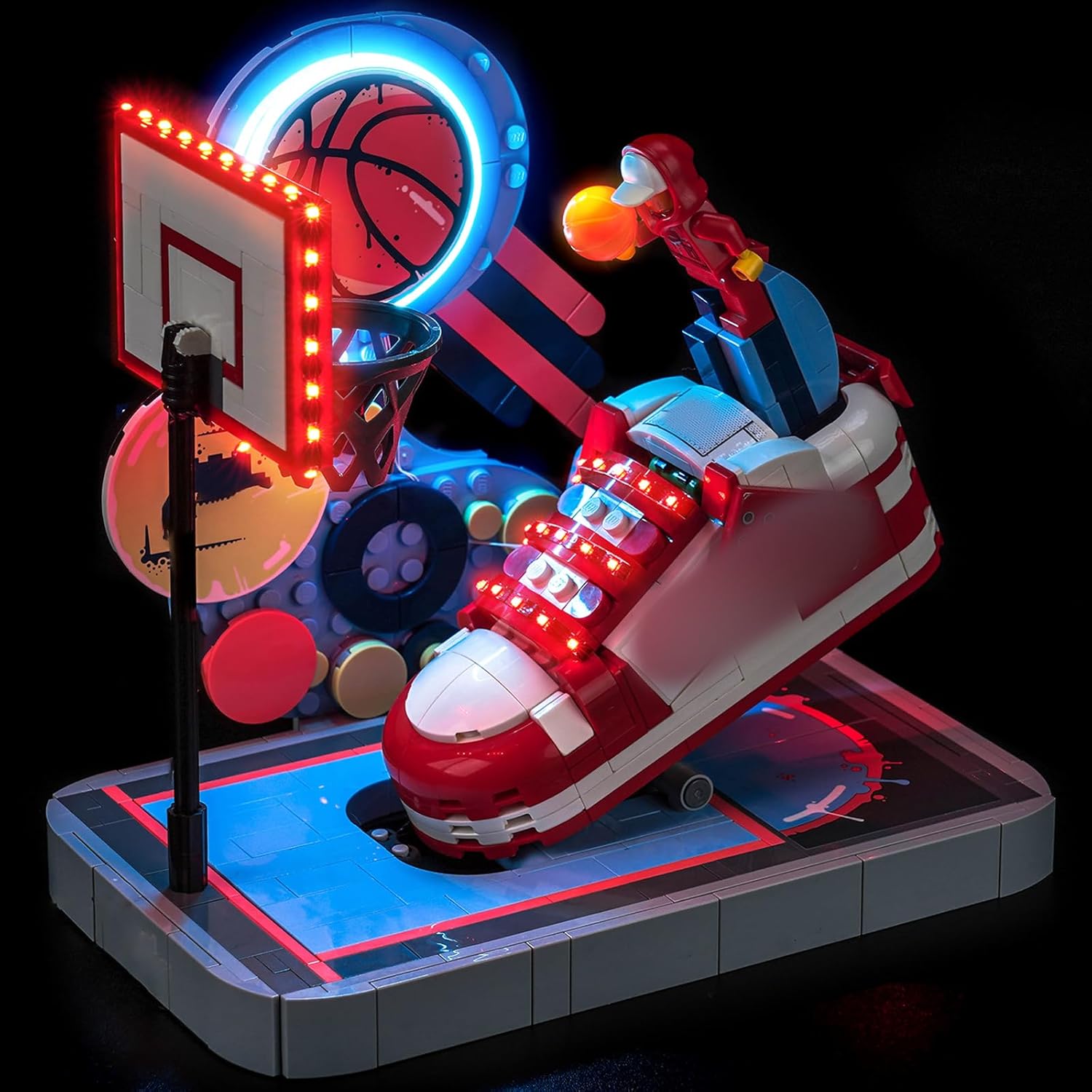
Image 1.1: The Hilighting LED Light Kit illuminating the Lego Nike Dunk Trickshot Building Set.
Note: The Lego Nike Dunk Trickshot Building Set is not included with this light kit.
2. Package Contents
Please verify that all components listed below are present in your package. If any items are missing or damaged, please contact customer support.
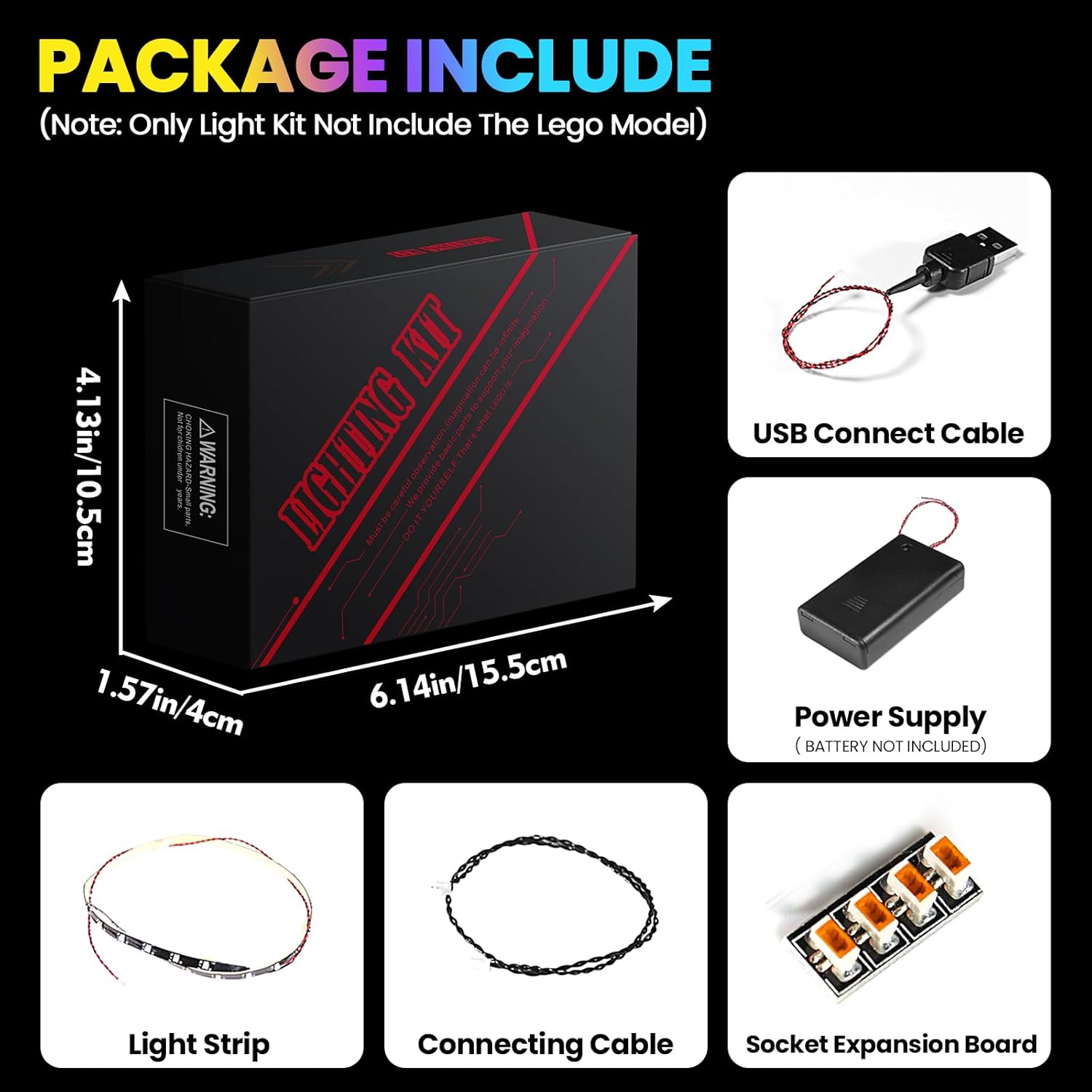
Image 2.1: Overview of included components.
- USB Connect Cable
- Power Supply (Battery Box - batteries not included)
- LED Light Strips
- Connecting Cables
- Socket Expansion Board
- Small package of accessories (e.g., tweezers, adhesive pads)
3. Safety Information
Observe the following safety precautions to prevent damage to the product or injury to yourself:
- This product contains small parts and is not suitable for children under 3 years old. Adult supervision is recommended during installation.
- Ensure the power supply is disconnected before performing any installation or maintenance.
- Use only the specified power input (5V USB). Using an incorrect voltage may damage the lights.
- Do not expose the light kit to water or excessive moisture.
- Avoid bending or pulling the wires excessively, as this may cause damage.
- Do not attempt to modify or disassemble the LED components.
4. Installation
The Hilighting LED Light Kit is designed for easy installation. Follow the steps below to integrate the lights into your Lego Nike Dunk Trickshot Building Set. For a visual guide, please refer to the installation video provided.
4.1 General Installation Steps
- Prepare Your Lego Model: Ensure your Lego Nike Dunk Trickshot Building Set (Model 43021) is fully assembled and stable.
- Identify Light Placement: Refer to the included instructions or online guides to determine the optimal placement for each LED light and strip. The design aims for concealed wires to maintain aesthetics.
- Connect Components: Carefully connect the LED light strips and individual lights to the socket expansion board using the provided connecting cables. Ensure connections are secure but do not force them.
- Integrate Lights into Model: Gently route the wires and place the lights within the Lego model. The small size of the LEDs allows for integration without significantly altering the model's structure. Tweezers may be helpful for precise placement.
- Connect Power: Once all lights are in place, connect the socket expansion board to the power supply (battery box or USB connect cable).
- Test Lights: Insert batteries into the battery box (if using) or connect the USB cable to a 5V power source. Turn on the lights to verify all components are functioning correctly.
4.2 Installation Video Guide
For a step-by-step visual demonstration of the installation process, please watch the official product video below.
Video 4.1: Official installation guide for the Hilighting LED Light Kit for Lego Nike Dunk Trickshot 43021. This video demonstrates the placement and connection of the light components to illuminate the model.
4.3 Visual Examples of Installed Lights
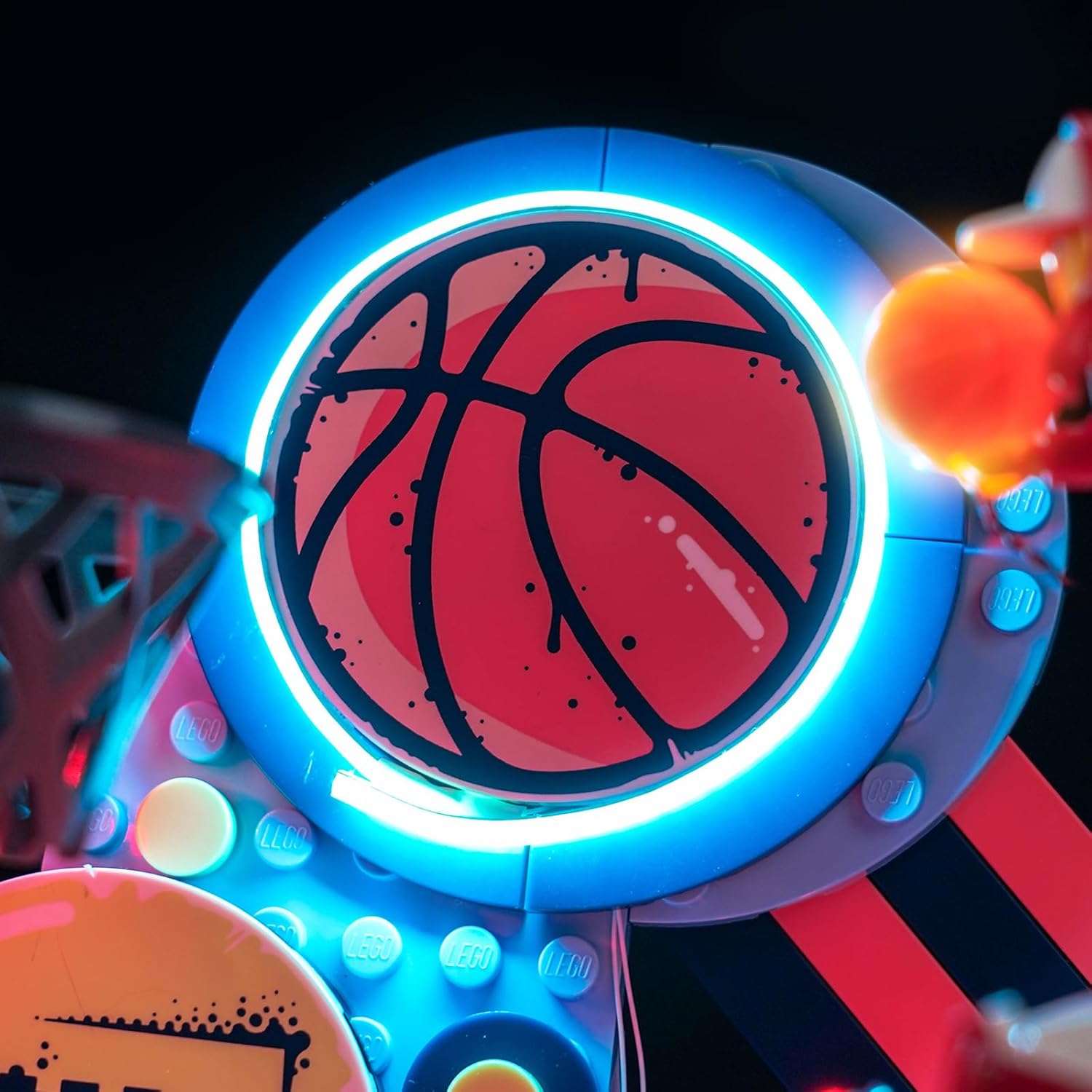
Image 4.2: Illuminated basketball backboard detail.

Image 4.3: Illuminated basketball hoop detail.
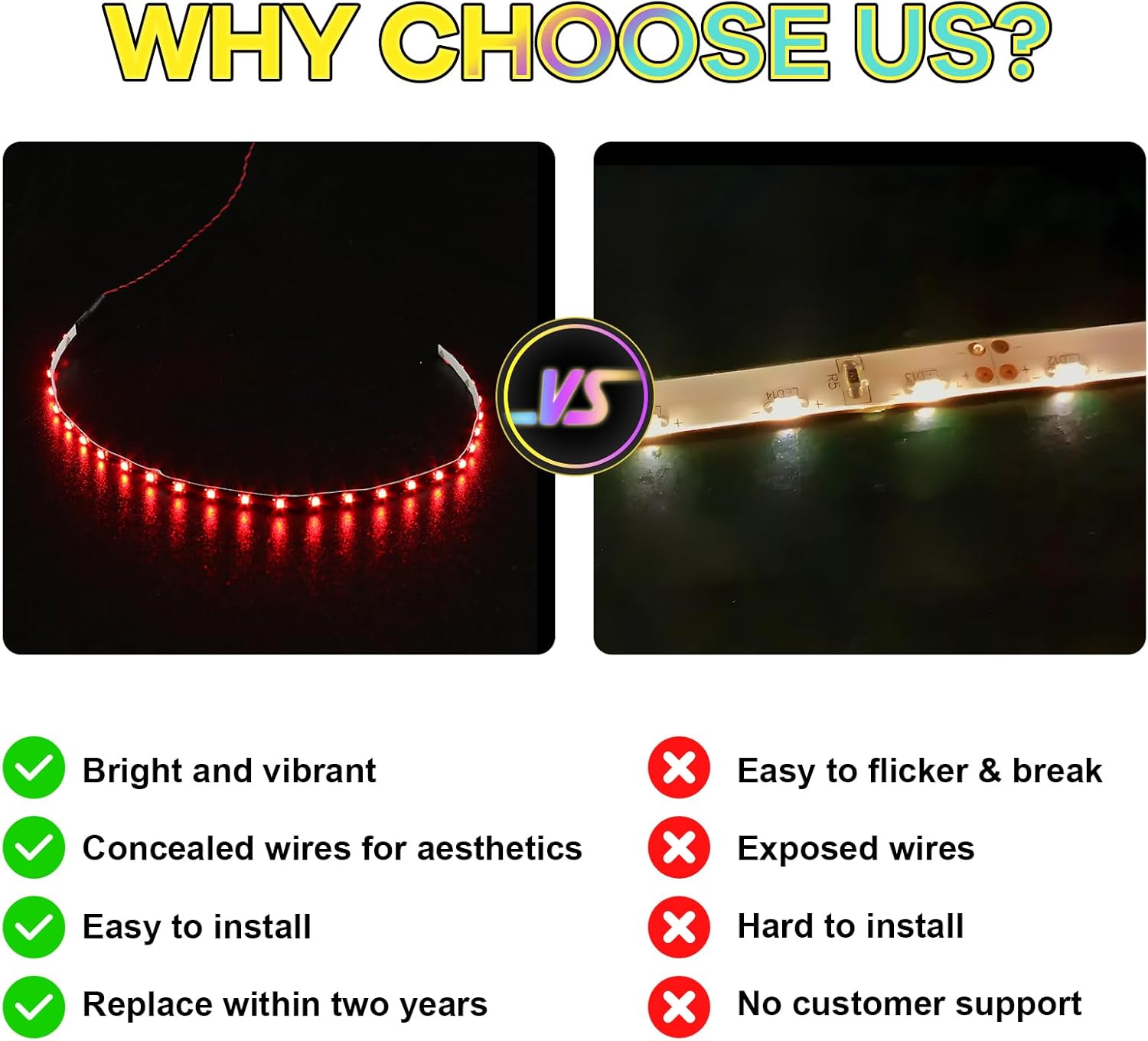
Image 4.4: Illuminated Lego Nike Dunk shoe detail.
5. Operation
Operating your Hilighting LED Light Kit is straightforward.
- Power On: If using the battery box, ensure batteries are correctly inserted and slide the switch to the 'ON' position. If using the USB cable, connect it to a compatible 5V USB power source (e.g., power bank, USB wall adapter, computer USB port).
- Power Off: To turn off the lights, slide the switch on the battery box to the 'OFF' position or disconnect the USB cable from the power source.

Image 5.1: Before and after installation of the light kit.
6. Maintenance
To ensure the longevity and optimal performance of your LED light kit, follow these simple maintenance guidelines:
- Cleaning: Gently wipe the LED components and wires with a dry, soft cloth to remove dust. Do not use liquid cleaners.
- Storage: When not in use for extended periods, disconnect the power supply and store the model in a cool, dry place away from direct sunlight.
- Battery Replacement: If using the battery box, replace batteries when the lights dim or stop working. Ensure correct polarity when inserting new batteries.
7. Troubleshooting
If you encounter any issues with your Hilighting LED Light Kit, please refer to the following common problems and solutions:
| Problem | Possible Cause | Solution |
|---|---|---|
| Lights do not turn on. | No power, loose connection, dead batteries. | Check power source (USB connection or battery box switch/batteries). Ensure all cables are securely connected to the expansion board and lights. Replace batteries if necessary. |
| Some lights are not working. | Loose connection, damaged light/wire. | Inspect the connections for the non-working lights. Gently adjust wires. If a specific light or wire appears damaged, contact customer support for assistance. |
| Lights are dim or flickering. | Low battery power, unstable power source. | Replace batteries in the battery box. If using USB, try a different USB port or power adapter to ensure a stable 5V supply. |
If the problem persists after trying these solutions, please contact Hilighting customer support.
8. Specifications
- Brand: Hilighting
- Model Number: P98001
- Compatible Lego Model: Nike Dunk Trickshot Building Set (43021)
- Power Input: 5V (via USB or Battery Box)
- Item Weight: 3.52 ounces
- Package Dimensions: 6.1 x 3.94 x 1.06 inches
- Manufacturer Recommended Age: 12 years and up
9. Warranty and Support
Hilighting products are designed for quality and durability. For any questions, technical assistance, or warranty claims, please contact Hilighting customer support through the retailer where you purchased the product or visit the official Hilighting store online.
Please retain your proof of purchase for warranty purposes.