
1. Introduction
The VSTARCAM C24S is an indoor security camera designed to provide comprehensive monitoring for your home. It features 2K UHD resolution, 360° pan and tilt capabilities, human/motion detection with auto-tracking, two-way audio, color night vision, and flexible storage options including cloud and local SD card support.
2. Package Contents
Verify that all items listed below are included in your package:
- VSTARCAM C24S IP Camera
- Power Adapter
- User Manual
- Mounting Screws
- Mounting Bracket
- Network Cable (optional, for wired connection)

Image: Contents of the VSTARCAM C24S camera package.
3. Setup Guide
Follow these steps to set up your VSTARCAM C24S camera:
- Download the App: Search for and download the "O-KAM Pro" app from your device's app store (available for Android and iOS).
- Power On: Plug the power adapter into the camera and then into a power outlet. The camera will power on and initiate its startup sequence.
- Connect to Wi-Fi: Ensure your phone is connected to a 2.4GHz Wi-Fi network. The camera supports 2.4GHz Wi-Fi only.
- Add Camera: Open the O-KAM Pro app, register an account if you haven't already, and follow the in-app instructions to add your camera. This typically involves scanning a QR code displayed on the camera or generated by the app.
- Complete Configuration: Follow the remaining prompts in the app to finalize the Wi-Fi configuration and begin using your camera.

Image: Visual guide for connecting the camera to Wi-Fi using the app.
4. Operating Instructions
4.1. 360° Rotation and Pan/Tilt Control
The VSTARCAM C24S offers a 360-degree horizontal pan and 84-degree vertical tilt, allowing you to remotely adjust the camera's viewing angle through the mobile app. This provides full room coverage and eliminates blind spots.

Image: Illustration of the camera's omnidirectional vision with pan and tilt ranges.
4.2. Human/Motion Detection and Auto Tracking
The camera is equipped with advanced human motion detection. When movement is detected, the camera can automatically track the subject's position in real-time and send alerts to your smartphone. This feature helps minimize false alarms and ensures important events are captured.

Image: Demonstration of human motion detection and tracking.
4.3. Two-Way Audio and DIY Voice
Communicate in real-time using the camera's built-in microphone and speaker. The two-way audio function allows you to speak through the app and hear responses from the camera's location. Additionally, you can set up unique DIY voice prompts for personalized alerts or messages.

Image: Example of two-way communication via the camera.
4.4. Color Night Vision
The camera provides clear nighttime monitoring with full-color night vision. Dual filters automatically switch to 6PCS 850nm infrared lights, rendering sharp images even in low-light conditions, ensuring 24/7 protection.
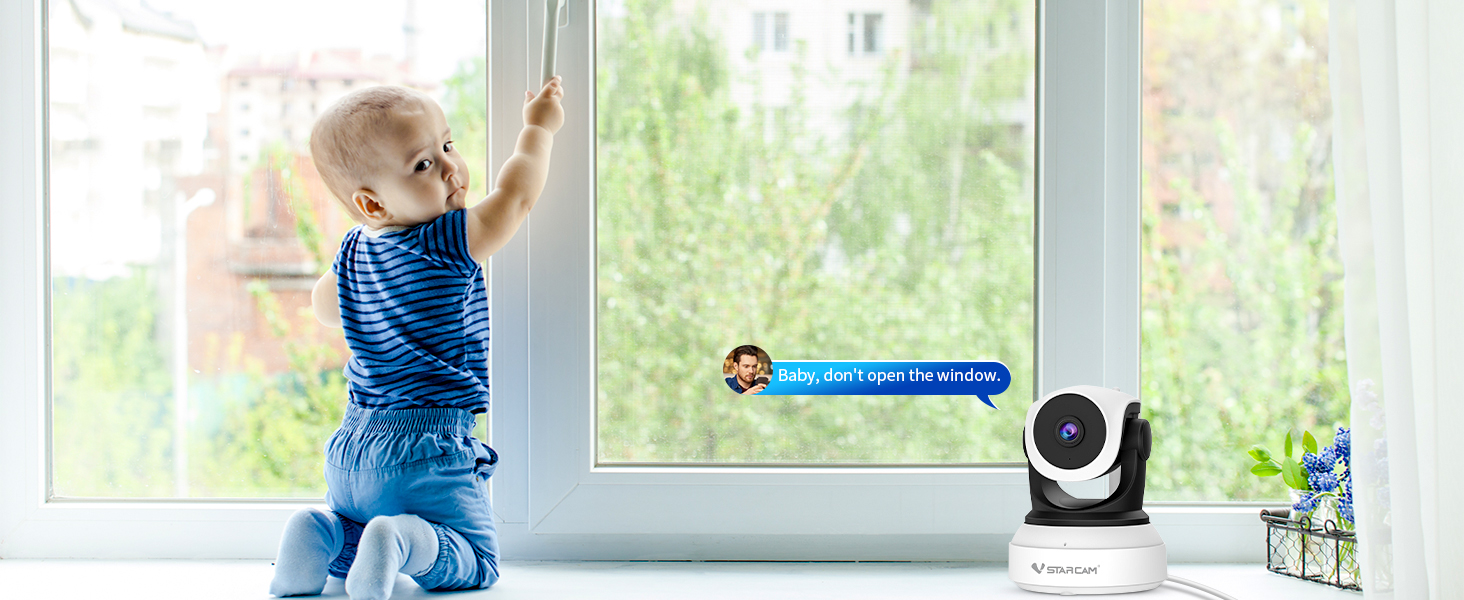
Image: Day and night vision capabilities of the camera.
4.5. Storage Options
The VSTARCAM C24S offers flexible data storage solutions:
- Cloud Service: Optional subscription-based cloud storage for secure footage backup. A 7-day free trial may be available.
- Micro SD Card: Supports local storage on a micro-SD card up to 256GB (card not included).

Image: Overview of available storage options.
4.6. Multi-Device Compatibility and Sharing
Access your camera feed and controls from various devices, including Android phones, iOS devices, iPads, and PCs. The app also allows for secure sharing of camera access with family members or trusted individuals via QR code.
Image: The camera feed accessible on multiple device types.
5. Specifications
| Feature | Specification |
|---|---|
| Model Name | C24S |
| Indoor/Outdoor Usage | Indoor |
| Video Capture Resolution | 2K (1440p) |
| Viewing Angle | 360 Degrees (Pan), 84 Degrees (Tilt) |
| Connectivity Technology | Wi-Fi (2.4GHz) |
| Power Source | Corded Electric |
| Night Vision Range | 15 Meters |
| Storage Options | Cloud, Micro SD Card (up to 256GB) |
| Alert Type | Motion Only |
| Control Method | App |
| Dimensions (L x W x H) | 7.8 x 5.97 x 4.7 inches |
| Item Weight | 8.8 ounces |
6. Troubleshooting
If you encounter issues with your VSTARCAM C24S camera, consider the following common solutions:
- No Power: Ensure the power adapter is securely connected to both the camera and a working power outlet.
- Wi-Fi Connection Issues: Verify that your Wi-Fi network is 2.4GHz. Ensure the camera is within range of your Wi-Fi router. Try restarting your router and the camera.
- App Connection Failure: Make sure the O-KAM Pro app is updated to the latest version. Re-attempt the camera addition process, ensuring correct QR code scanning.
- Poor Video Quality: Check your internet connection speed. Ensure the camera lens is clean and free from obstructions.
- Motion Detection Not Working: Verify that motion detection is enabled in the app settings and that the sensitivity is adjusted appropriately.
7. Warranty and Support
For warranty information, technical support, or further assistance, please refer to the official VSTARCAM website or contact their customer service directly. You can also visit the VSTARCAM Store on Amazon for product details and support resources.


