
1. Introduction
Thank you for choosing the GOBOULT Fluid X Pro Bluetooth Headphones. This manual provides essential information for setting up, operating, and maintaining your headphones to ensure optimal performance and longevity. Please read this manual thoroughly before use.
2. Package Contents
Ensure all items listed below are present in your package:
- GOBOULT Fluid X Pro Headphones
- Type-C Charging Cable
- User Manual
- Ear Cushions (pre-installed or spare)
- Warranty Card
3. Product Overview

Figure 3.1: Tactile Button Controls
Controls and Ports:
- Power Button: Press and hold to power on/off. Short press for play/pause.
- Volume Up (+): Short press to increase volume. Long press to skip to the next track.
- Volume Down (-): Short press to decrease volume. Long press to skip to the previous track.
- ANC Button: Press to cycle through Active Noise Cancellation modes (ANC On/Off/Transparency).
- EQ Mode Button: Press to cycle through the 4 available EQ modes.
- Type-C Port: For charging the headphones.
- AUX Port: For wired audio connection.
- Microphone: Integrated Zen ENC Mic for calls.
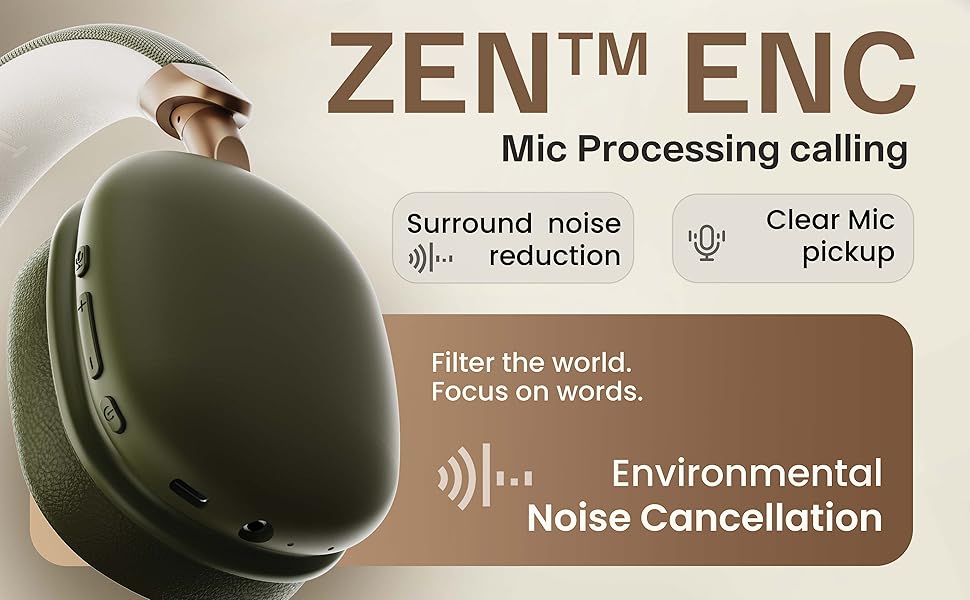
Figure 3.2: Key Features Overview
4. Setup
4.1. Initial Charging
Before first use, fully charge your headphones. Connect the provided Type-C charging cable to the headphone's Type-C port and the other end to a USB power adapter (not included) or a computer's USB port. The LED indicator will show charging status and turn off when fully charged.
4.2. Powering On/Off
- To Power On: Press and hold the Power button for approximately 3 seconds until the LED indicator flashes.
- To Power Off: Press and hold the Power button for approximately 5 seconds until the LED indicator turns off.
4.3. Bluetooth Pairing

Figure 4.1: Bluetooth 5.4 Connectivity
- Ensure the headphones are powered off.
- Press and hold the Power button for about 5-7 seconds until the LED indicator flashes red and blue alternately, indicating pairing mode.
- On your device (smartphone, tablet, laptop), enable Bluetooth and search for available devices.
- Select "GOBOULT Fluid X Pro" from the list of found devices.
- Once connected, the LED indicator will flash blue slowly.
The headphones support Bluetooth 5.4 for stable and fast connections up to 10 meters.
5. Operating Instructions
5.1. Audio Playback
- Play/Pause: Short press the Power button.
- Next Track: Long press the Volume Up (+) button.
- Previous Track: Long press the Volume Down (-) button.
- Volume Adjustment: Short press Volume Up (+) or Volume Down (-) buttons.
5.2. Call Management
- Answer/End Call: Short press the Power button.
- Reject Call: Long press the Power button.
- Redial Last Number: Double-press the Power button.
5.3. Active Noise Cancellation (ANC)
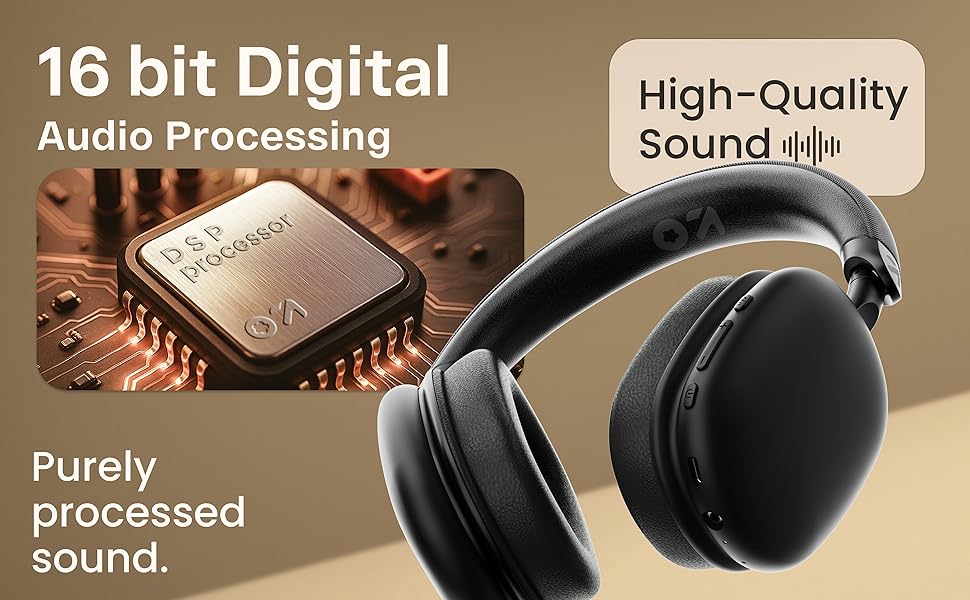
Figure 5.1: Active Noise Cancellation in action
Press the dedicated ANC button to activate or deactivate Active Noise Cancellation. This feature helps reduce ambient noise for a more immersive listening experience. Cycle through ANC On, ANC Off, and Transparency modes as needed.
5.4. EQ Modes
The headphones feature 4 Equalizer (EQ) modes to customize your audio experience. Press the EQ Mode button to cycle through the available presets (e.g., Bass Boost, Vocal, Balanced, Gaming). The specific modes may vary.
5.5. Gaming Mode

Figure 5.2: Gaming Mode for Low Latency Audio
Activate Gaming Mode for ultra-low latency audio (approximately 50ms), providing a more synchronized audio-visual experience during gaming. Refer to the specific button control for activating this mode (often a long press on the EQ button or a dedicated button).
5.6. Dual Listening Modes (Wireless & Wired)

Figure 5.3: Wireless and Wired Connectivity Options
- Wireless Mode: Connect via Bluetooth for cordless audio.
- Wired Mode: Connect an AUX cable (not included) to the headphone's AUX port and your audio source. In wired mode, the microphone is typically inactive.
5.7. Voice Assistant

Figure 5.4: Voice Assistant Integration
Activate your device's voice assistant (Siri, Google Assistant) by a specific button press (refer to product diagram or quick start guide for exact control). This allows for hands-free control of your device.
6. Charging
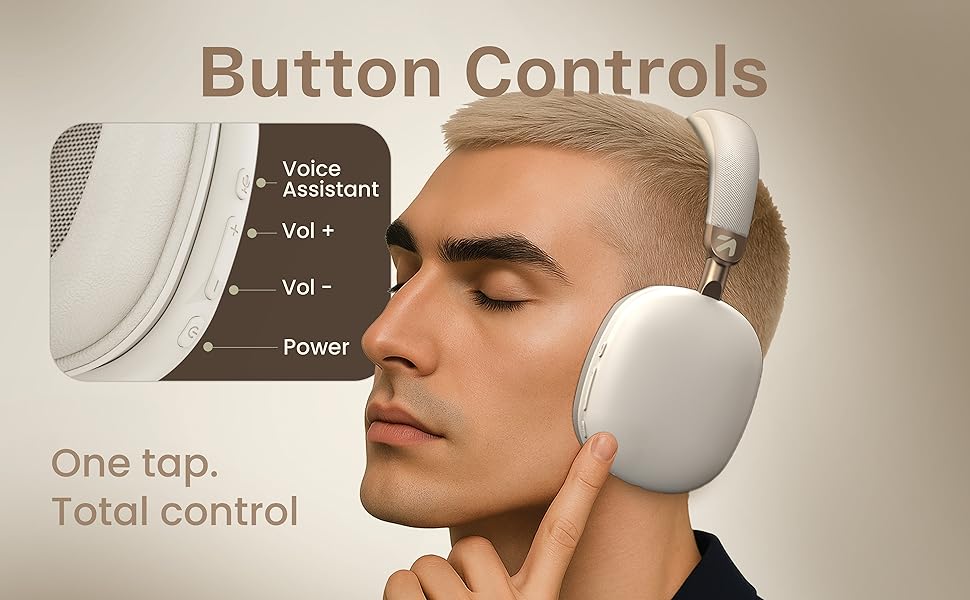
Figure 6.1: Battery Life and Fast Charging
To charge the headphones, connect the provided Type-C cable to the charging port on the headphones and a compatible USB power source. The LED indicator will show charging status. A full charge provides up to 70 hours of playback without ANC, or 35 hours with ANC activated. A quick 10-minute charge can provide approximately 5 hours of playtime.
7. Maintenance
7.1. Cleaning
- Wipe the headphones with a soft, dry cloth.
- Do not use abrasive cleaners, alcohol, or chemical solvents.
- The ear cushions can be gently wiped with a damp cloth if necessary, then allowed to air dry completely.
7.2. Storage
Store the headphones in a cool, dry place away from direct sunlight and extreme temperatures. The foldable design allows for compact storage.
7.3. Water Resistance
The headphones are IPX5 water resistant, meaning they are protected against low-pressure water jets from any direction. This makes them splash-proof, rain-proof, and sweat-proof. Do not submerge the headphones in water.
8. Troubleshooting
| Problem | Possible Cause | Solution |
|---|---|---|
| Headphones do not power on | Low battery | Charge the headphones fully. |
| Cannot pair via Bluetooth | Headphones not in pairing mode; Device Bluetooth off; Too far from device | Ensure headphones are in pairing mode (flashing red/blue). Turn on Bluetooth on your device. Move headphones closer to your device (within 10m). |
| No sound | Volume too low; Not connected; Wired mode issue | Increase volume on headphones and device. Re-pair Bluetooth. Check AUX cable connection if in wired mode. |
| Poor call quality | Weak signal; Environmental noise | Move closer to your device. Ensure Zen ENC Mic is not obstructed. Try enabling/disabling ANC. |
| ANC not working effectively | ANC off; Improper fit | Press the ANC button to activate. Adjust headphones for a snug fit over your ears. |
9. Specifications
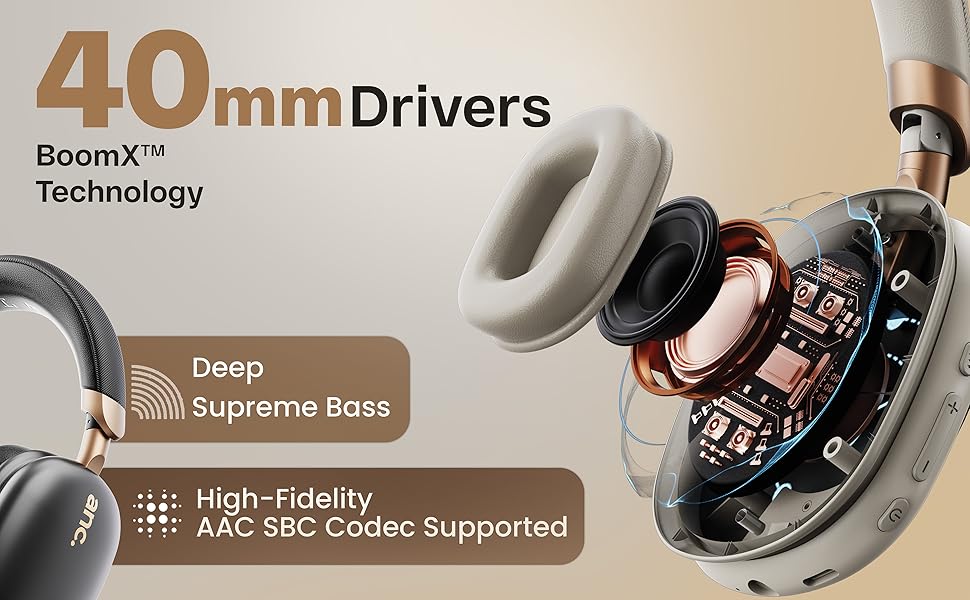
Figure 9.1: 16-bit Digital Audio Processing
| Feature | Detail |
|---|---|
| Model Name | ProBass |
| Connectivity | Bluetooth 5.4, Wired (AUX) |
| Bluetooth Range | Up to 10 meters |
| Audio Driver Size | 40mm Dynamic Drivers |
| Noise Control | Active Noise Cancellation (ANC), Passive Noise Cancellation |
| Microphone | Zen ENC Mic |
| Battery Life | Up to 70 hours (without ANC), 35 hours (with ANC) |
| Charging Port | Type-C Fast Charging |
| Water Resistance | IPX5 (Splash, Rain, Sweat Proof) |
| Audio Latency | 50ms (Gaming Mode) / 60ms (General) |
| Item Weight | 205 Grams |
| Product Dimensions | 22 x 20 x 83 cm |
| Impedance | 32 Ohms |
| Included Components | Headphone, Type C Charging Cable, User Manual, Warranty Card, Ear Cushions |
10. Warranty and Support
10.1. Warranty Information
The GOBOULT Fluid X Pro Bluetooth Headphones come with a 1-year manufacturer warranty from the date of purchase. This warranty covers manufacturing defects and ensures reliable after-sales support. Please retain your purchase receipt and warranty card for any claims.
10.2. Customer Support
For any questions, technical assistance, or warranty claims, please contact GOBOULT customer support through the details provided on your warranty card or visit the official GOBOULT website.