
1. Introduction
Thank you for choosing the JENABOM 14-in-1 Cordless Electric Screwdriver. This compact and versatile tool is designed for various household repairs, DIY projects, and assembly tasks. Featuring a 3.6V Lithium-ion battery, 3Nm maximum torque, and an integrated LED work light, it offers convenience and efficiency. Please read this manual thoroughly before use to ensure safe and optimal operation.
2. Safety Instructions
- Always wear appropriate safety gear, such as safety glasses, when operating the screwdriver.
- Keep the work area clean and well-lit. Cluttered or dark areas invite accidents.
- Do not operate power tools in explosive atmospheres, such as in the presence of flammable liquids, gases, or dust.
- Keep children and bystanders away while operating a power tool. Distractions can cause you to lose control.
- Avoid accidental starting. Ensure the switch is in the off-position before connecting to battery pack, picking up or carrying the tool.
- Do not overreach. Keep proper footing and balance at all times. This enables better control of the power tool in unexpected situations.
- Disconnect the battery pack from the power tool before making any adjustments, changing accessories, or storing power tools.
- Use the power tool, accessories and tool bits in accordance with these instructions, taking into account the working conditions and the work to be performed.
- Do not expose power tools to rain or wet conditions. Water entering a power tool will increase the risk of electric shock.
- Only charge the battery with the charger specified by the manufacturer.
3. Product Overview
Familiarize yourself with the components of your JENABOM Cordless Electric Screwdriver:

Image: Labeled diagram showing the various parts of the JENABOM Cordless Electric Screwdriver, including the durable chuck, LED headlamp, rotary switch, positive and negative switch, switch button, ergonomic design grip, and pilot lamp.
- Durable Chuck: Holds screwdriver bits securely.
- LED Headlamp: Illuminates the work area.
- Rotary Switch: Adjusts the handle angle.
- Positive and Negative Switch (Forward/Reverse Switch): Controls the rotation direction.
- Switch Button: Activates the screwdriver.
- Ergonomic Design Grip: Provides comfortable handling.
- Pilot Lamp: Indicates power status or charging.
4. Setup
4.1 Charging the Battery
The screwdriver is equipped with a built-in 1300mAh Lithium-ion rechargeable battery. Before first use, fully charge the battery.
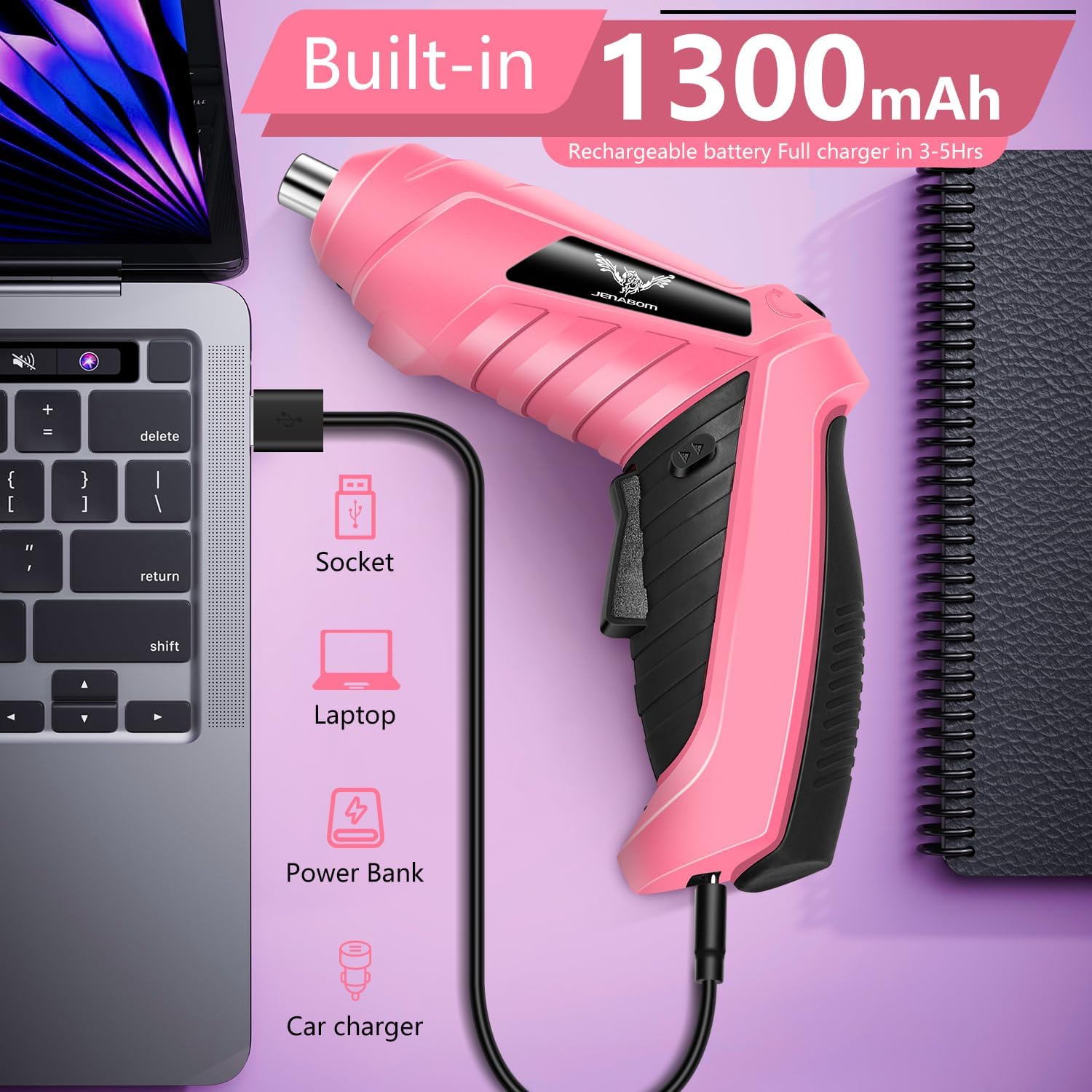
Image: The JENABOM screwdriver connected via a Micro USB cable to a laptop for charging, illustrating its built-in 1300mAh rechargeable battery and various charging options like socket, laptop, power bank, and car charger.
- Locate the Micro USB charging port on the screwdriver.
- Connect the provided Micro USB charging cable to the screwdriver and to a compatible USB power source (e.g., USB wall adapter, computer USB port, power bank).
- The pilot lamp will indicate charging status.
- A full charge typically takes 3-5 hours. Do not exceed 5 hours of charging time to prevent battery damage.
4.2 Installing Screwdriver Bits
To install a screwdriver bit:
- Ensure the screwdriver is off and the forward/reverse switch is in the neutral (locked) position.
- Insert the desired screwdriver bit firmly into the durable chuck until it clicks into place.
- To remove, pull the chuck collar forward and pull out the bit.
5. Operating Instructions
5.1 Power On/Off and Forward/Reverse Operation
The screwdriver features a simple ON/OFF switch and a forward/reverse mechanism.

Image: Illustrations demonstrating the dual working mode of the JENABOM screwdriver. It shows how to press and hold the switch for forward mode (clockwise rotation) and reverse mode (counter-clockwise rotation) for tightening or loosening screws at 220RPM speed.

Image: A three-panel diagram explaining the Forward & Reverse Switch. The left panel shows pushing the button right to loosen screws. The middle panel shows the button in the center, indicating a locked position where only the light works. The right panel shows pushing the button left to tighten screws.
- To Start: Press and hold the switch button. The screwdriver will begin to rotate.
- To Stop: Release the switch button.
- Forward Rotation (Tightening): Push the forward/reverse switch to the left (when holding the screwdriver) to engage clockwise rotation for tightening screws.
- Reverse Rotation (Loosening): Push the forward/reverse switch to the right (when holding the screwdriver) to engage counter-clockwise rotation for loosening screws.
- Lock Position: When the forward/reverse switch is in the center position, the screwdriver is locked, and the motor will not operate. Only the LED light will function in this position.
5.2 Adjustable Handle
The drill gun's handle can be adjusted from a 120° angled grip to a 180° straight grip for increased convenience and access in different work environments. To adjust, press the rotary switch and pivot the handle to the desired position.
5.3 LED Work Light
The screwdriver is equipped with a bright LED headlamp that automatically illuminates when the tool is in operation. This feature helps to clearly point to the target, enabling safe and efficient work in dark places or narrow work spaces.

Image: The JENABOM screwdriver in use, with its LED work light illuminating a screw in a dark area, demonstrating its utility for working in poorly lit spaces.
5.4 Applications
This cordless electric screwdriver is suitable for a wide range of tasks, including:

Image: A collage of several images depicting the JENABOM screwdriver being used in various practical scenarios, such as assembling furniture, working on electronics, and general home repairs, highlighting its versatility.
- Daily home repairs
- DIY projects
- Assembling furniture
- Installing office shelves
- Working with apartment cabinets, brackets, panels, and covers
- Screwing into tight spaces or blind holes
6. Maintenance
Proper maintenance ensures the longevity and performance of your screwdriver.
- Cleaning: Regularly clean the tool's exterior with a soft, damp cloth. Do not use harsh chemicals or abrasive cleaners. Keep ventilation openings free of dust and debris.
- Storage: Store the screwdriver in a dry, cool place, away from direct sunlight and moisture. Ensure the battery is partially charged before long-term storage.
- Battery Care: Avoid fully discharging the battery frequently. Recharge the battery when its power noticeably decreases. Do not store the tool with a completely discharged battery.
- Bit Maintenance: Keep screwdriver bits clean and free of rust. Replace worn or damaged bits to ensure efficient operation.
7. Troubleshooting
If you encounter issues with your JENABOM screwdriver, refer to the following common problems and solutions:
| Problem | Possible Cause | Solution |
|---|---|---|
| Screwdriver does not turn on. | Battery is discharged. Forward/reverse switch is in the locked (center) position. | Charge the battery fully. Move the forward/reverse switch to the forward or reverse position. |
| Low power or slow rotation. | Battery is low. Incorrect bit for the task. | Recharge the battery. Ensure you are using the correct bit size and type for the screw. |
| Bit falls out of chuck. | Bit not fully inserted. Worn chuck. | Ensure the bit is pushed firmly into the chuck until it locks. If the chuck is worn, contact customer support. |
| LED light not working. | Tool not activated. LED malfunction. | The LED light activates when the switch button is pressed (even in lock mode). If it still doesn't work, contact customer support. |
8. Specifications
Key technical specifications for the JENABOM 14-in-1 Cordless Electric Screwdriver:

Image: A diagram illustrating the dimensions of the JENABOM Cordless Electric Screwdriver in both its angled and straight configurations, with measurements in centimeters and inches.
- Brand: JENABOM
- Model: 14-in-1 Cordless Electric Screwdriver 3.6V
- Battery Type: Lithium-ion
- Battery Voltage: 3.6V
- Battery Capacity: 1300mAh
- Max Torque: 3Nm
- No Load Speed: 0-220 RPM
- Charging Time: 3-5 hours (Micro USB)
- Material: Plastic, Alloy Steel
- Unit Count: 1.0
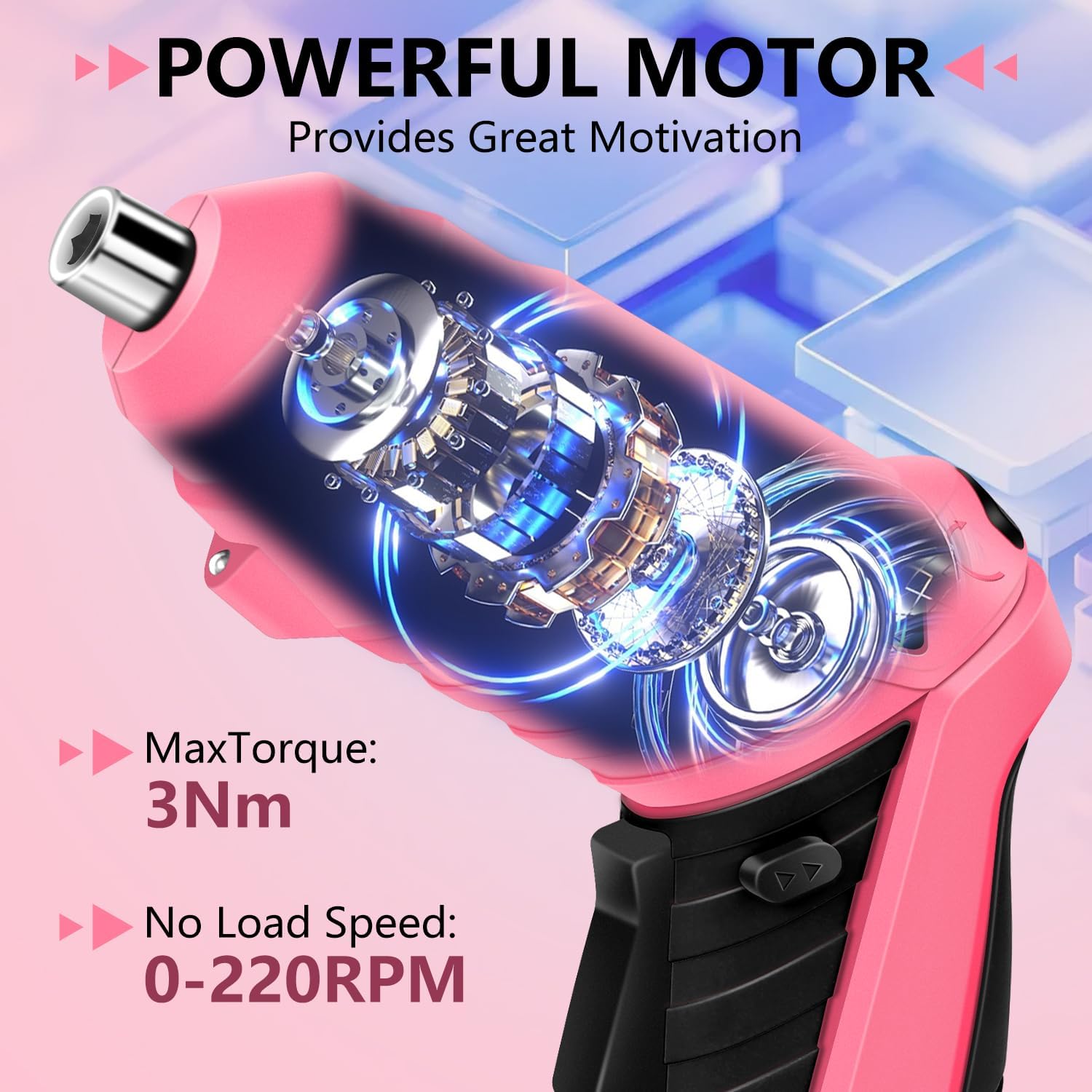
Image: An illustration showcasing the internal powerful motor of the JENABOM screwdriver, detailing its maximum torque of 3Nm and no-load speed of 0-220 RPM.
9. Warranty and Support
For warranty information or technical support, please refer to the product packaging or contact JENABOM customer service directly. Contact details are typically provided with your purchase or on the official JENABOM website.