
Introduction
Thank you for choosing the RUXINGX Fitness Smart Watch. This manual provides essential information for setting up, operating, and maintaining your device. Please read it carefully to ensure optimal performance and longevity of your smartwatch.
What's in the Box
- Smartwatch
- Charging Cable
- Additional Band (if included in your package)
- User Manual
Setup
1. Initial Charging
Before first use, fully charge your smartwatch. Connect the charging cable to the charging port on the back of the watch and plug the USB end into a power adapter (not included) or a computer USB port. A full charge typically takes approximately 2.5 hours.
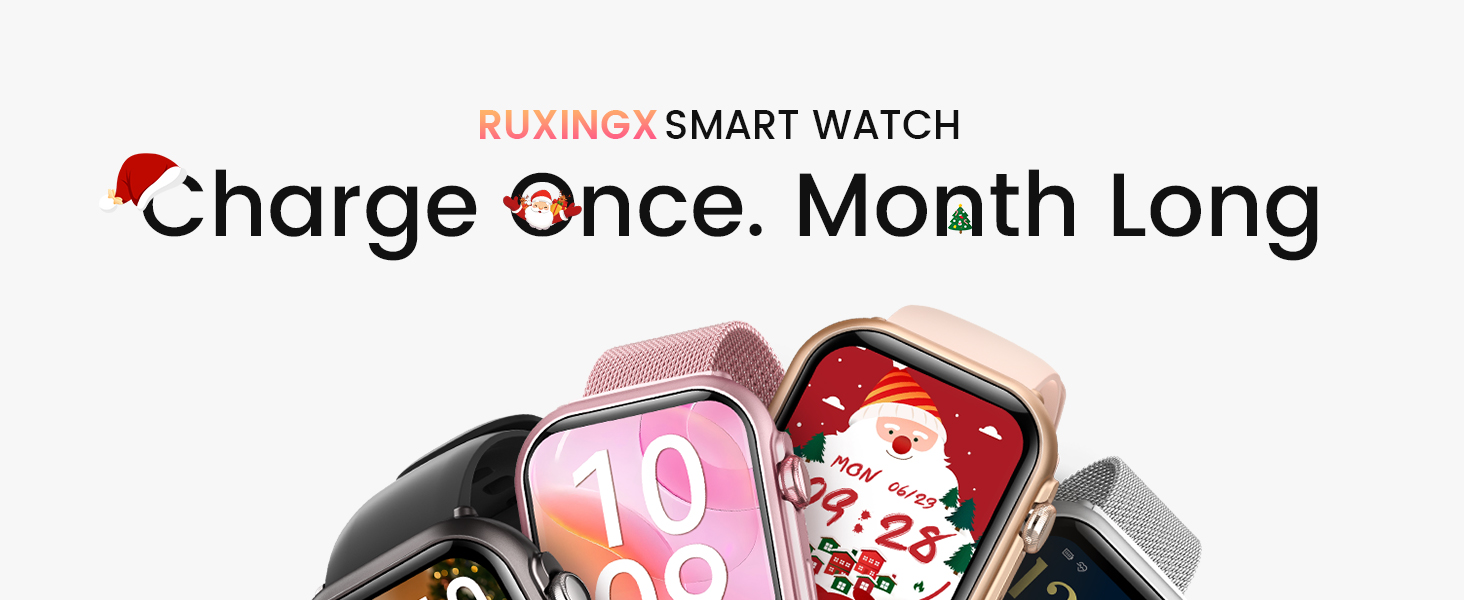
Image: The RUXINGX Smart Watch highlighting its extended battery life, capable of lasting a month on a single charge.
2. App Installation and Pairing
Your RUXINGX Smart Watch is compatible with iOS 9.0+ and Android 6.0+ smartphones. Download the FitCloudPro app from your device's app store (Apple App Store for iOS, Google Play Store for Android).
- Open the FitCloudPro app on your smartphone.
- Follow the on-screen instructions to create an account or log in.
- Navigate to the 'Device' section and select 'Add Device'.
- The app will search for your smartwatch. Select your RUXINGX Smart Watch from the list to pair.
- Confirm the pairing request on both your phone and the smartwatch.
3. Ensuring Continuous Notifications and Data Sync
To receive continuous notifications and ensure proper data synchronization, the FitCloudPro app must be allowed to run in the background.

Image: Detailed instructions for configuring FitCloudPro to run in the background on both iOS and Android devices.
For iPhone Users:
- Go to Settings > General > Background App Refresh.
- Find FitCloudPro and ENABLE it.
For Android Users:
- Open Settings > Apps > FitCloudPro.
- Select Battery (or Power Management).
- Choose "Don't optimize" or "Unrestricted" (This prevents the system from stopping the app).
Operating Instructions
Basic Navigation
- Swipe Up/Down: Scroll through menus and notifications.
- Swipe Left/Right: Access quick widgets or different feature screens.
- Press Side Button: Wake up the screen, return to the home screen, or access the app list.
- Long Press Screen: Change watch faces.
Bluetooth Calls and Notifications
Once paired, your smartwatch can receive call and message notifications directly on your wrist. You can answer or reject calls and view message content.
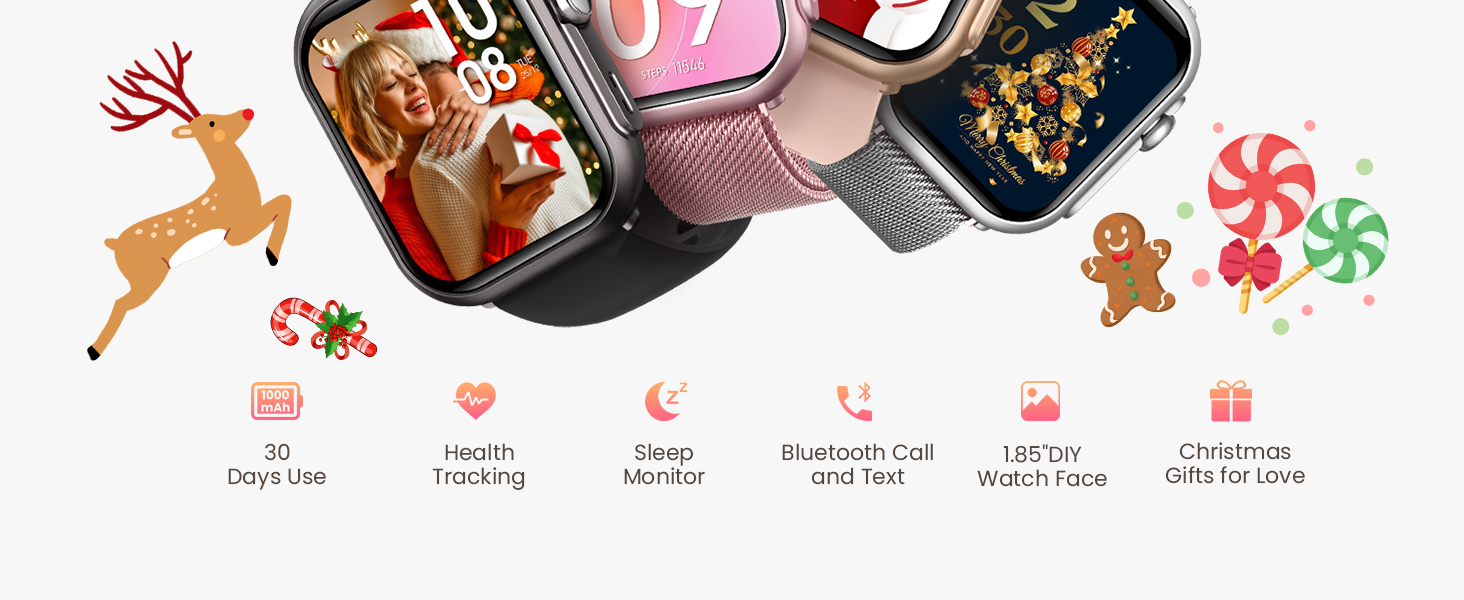
Image: The smartwatch enables users to stay connected with voice assistant, Bluetooth calling, and message notifications.
Health Monitoring Features
The RUXINGX Smart Watch provides comprehensive health tracking capabilities to help you monitor your well-being.

Image: The smartwatch interface displaying various health metrics including blood oxygen, blood pressure, sleep patterns, heart rate, and menstrual cycle tracking.
- SpO2 Blood Oxygen Monitoring: Measures your blood oxygen saturation levels.
- Heart Rate Monitor: Continuously tracks your heart rate throughout the day.
- Sleep Tracking: Analyzes your sleep patterns, including deep sleep, light sleep, and wake times.
- Blood Pressure Monitoring: Provides estimates of your blood pressure.
- Menstrual Cycle Tracking: Helps women track their menstrual cycles and predict fertile windows.
Note: This device is not a medical device. Health data provided is for reference only and should not be used for medical diagnosis or treatment.
Sports Modes
The RUXINGX Smart Watch supports over 120 sports modes, allowing you to track various activities accurately. It records data such as steps, distance, calories burned, and helps you set and achieve fitness goals.

Image: The smartwatch tracking a user's activity during surfing, displaying metrics such as steps, distance, and calories burned.
To start a workout, navigate to the 'Sports' section on your watch, select your desired activity, and begin. The watch will automatically record your performance data.
Battery Life and Charging
The smartwatch features a 1000mAh battery, providing up to 30 days of typical use and 100 days in standby mode on a single charge. Charging from empty to full takes approximately 2.5 hours.
- Use the provided magnetic charging cable.
- Ensure the charging pins align correctly with the watch's charging contacts.
- Avoid using damaged charging cables or adapters.
Maintenance
To ensure the longevity and proper functioning of your RUXINGX Smart Watch, follow these maintenance guidelines:
- Cleaning: Regularly wipe the watch screen and strap with a soft, dry cloth. For stubborn dirt, use a slightly damp cloth and then dry thoroughly.
- Water Resistance: The watch has an IP68 rating, meaning it is resistant to dust and can withstand immersion in water up to 1.5 meters for 30 minutes. It is suitable for daily use, hand washing, and light rain. Avoid hot water, steam, or prolonged immersion in water.
- Avoid Chemicals: Do not expose the watch to harsh chemicals, solvents, or detergents, as these can damage the materials.
- Storage: Store the watch in a cool, dry place when not in use.
- Temperature: Avoid exposing the watch to extreme temperatures (very hot or very cold).
Troubleshooting
If you encounter issues with your RUXINGX Smart Watch, refer to the following common solutions:
- Watch not turning on: Ensure the watch is fully charged. Connect it to the charger for at least 30 minutes.
- Cannot pair with phone:
- Ensure Bluetooth is enabled on your phone.
- Make sure the watch is within Bluetooth range of your phone.
- Restart both your phone and the smartwatch.
- Check if the FitCloudPro app is updated to the latest version.
- If previously paired, try unpairing from your phone's Bluetooth settings and then re-pairing through the app.
- No notifications:
- Verify that the FitCloudPro app has notification permissions enabled on your phone.
- Ensure the app is running in the background (refer to Setup section for instructions).
- Check if 'Do Not Disturb' mode is active on either your watch or phone.
- Inaccurate step count: Ensure the watch is worn snugly on your wrist. Calibrate your stride length in the FitCloudPro app if available.
- Short battery life: Reduce screen brightness, disable unnecessary features, and ensure background apps are managed correctly on your phone.
Specifications
| Model Number | B0FNMDM46S |
| Brand | RUXINGX |
| Battery Capacity | 1000 mAh |
| Operating System Compatibility | iOS 9.0+ and Android 6.0+ |
| Connectivity Technology | Bluetooth |
| Water Resistance | IP68 |
| Memory Storage Capacity | 128 MB |
| Item Weight | 5 ounces |
| Package Dimensions | 10.94 x 3.58 x 0.75 inches |
Warranty and Support
RUXINGX is committed to providing excellent customer service and product reliability.

Image: RUXINGX customer support details, including lifetime support, 24-hour service, 30-day return policy, and a 2-year free replacement.
- Lifetime Support: We offer lifetime support to ensure your satisfaction.
- 24-Hour Service: Quick service and solutions are available via email.
- 30-Day Return Policy: Enjoy a 30-day no-reason return policy.
- 2-Year Free Replacement: Your product is covered by a 2-year free replacement warranty.
For further assistance or inquiries, please contact RUXINGX customer support through the contact information provided with your purchase or on the official RUXINGX website.