
1. Introduction
This manual provides detailed instructions for the setup, operation, and maintenance of your SUNKTA Military Smart Watch EF18-E. Please read this manual thoroughly before using the device to ensure proper function and longevity.

Image 1: The SUNKTA Military Smart Watch EF18-E, showcasing its robust design and vibrant display.
The SUNKTA Military Smart Watch EF18-E is designed for durability and functionality, featuring a 1.7-inch HD display, a 1000mAh high-capacity battery, Bluetooth call capabilities, and comprehensive health and fitness tracking. Its military-grade construction ensures resilience in various environments.
2. What's in the Box
Upon opening your product package, verify that all the following items are included:
- Smartwatch × 1
- Silicone strap × 2 (One pre-installed, one spare)
- Magnetic charger × 1
- 2-year warranty card × 1
- User Manual × 1
Video 1: An unboxing video demonstrating the contents of the SUNKTA Smart Watch EF18 package, including the watch, straps, charger, and documentation.
3. Setup
3.1. Charging the Smart Watch
Before initial use, fully charge your smartwatch. Connect the magnetic charger to the charging points on the back of the watch and plug the USB end into a power source. A full charge typically takes approximately 2 hours.
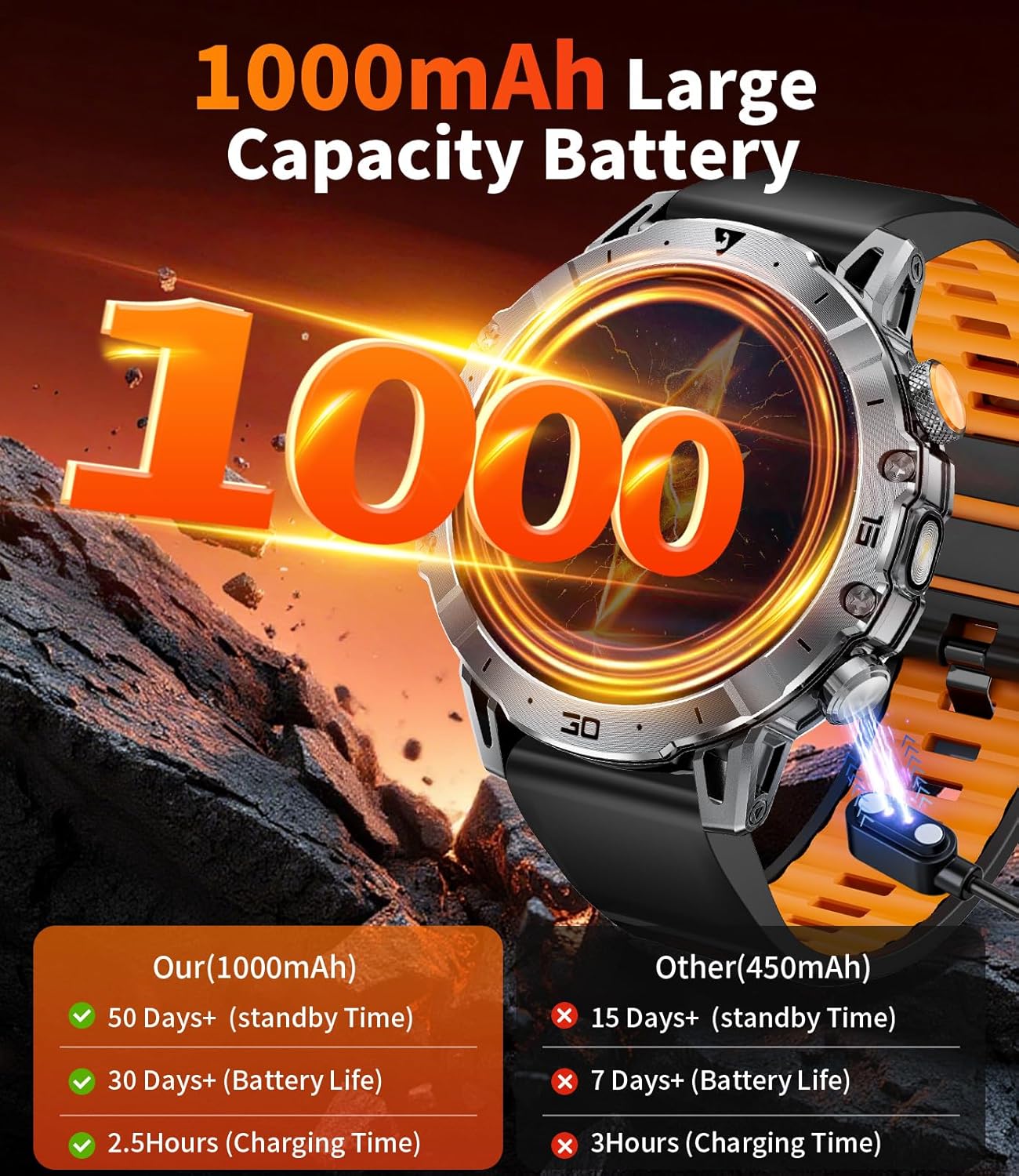
Image 2: The smartwatch connected to its magnetic charger, highlighting its 1000mAh battery capacity and efficient charging.
3.2. App Download and Pairing
To unlock the full functionality of your smartwatch, download the companion application. Scan the QR code provided in the manual or search for "FitCloudPro" in your device's app store (iOS or Android).
- Download the "FitCloudPro" app from the App Store (iOS) or Google Play (Android).
- Enable Bluetooth on your smartphone.
- Open the app and follow the on-screen instructions to search for and connect to your smartwatch (EF18).
- Confirm the Bluetooth pairing request on both your phone and the watch.
- Allow the smartwatch to display notifications from your phone.
Video 2: A demonstration of the Bluetooth connection process between the smartwatch and a smartphone, including app download and pairing steps.
3.3. Strap Installation and Adjustment
The smartwatch comes with multiple interchangeable straps. To install or change a strap, locate the quick-release pins on the back of the strap. Slide the pin to detach or attach the strap to the watch body. For metal link straps, use the provided tool to adjust the length by removing or adding links.

Image 3: The smartwatch displayed with its various strap options (stainless steel and silicone) and key dimensions.
4. Operating Instructions
4.1. Basic Navigation
The smartwatch features a 1.7-inch HD full-color touchscreen. Swipe left, right, up, or down to navigate through menus and access different functions. The physical buttons on the side provide additional control, such as power on/off, back, and quick access to specific features like the flashlight.
Video 3: A general overview of the smartwatch's features and user interface, demonstrating navigation and various functions.
4.2. Bluetooth Calls and Voice Assistant
Once paired with your smartphone, the smartwatch allows you to make and receive calls directly from your wrist. It also supports viewing call logs and managing contacts. Activate the voice assistant feature to control your phone hands-free.

Image 4: The smartwatch screen showing incoming call notifications, call history, and the voice assistant interface.
4.3. Health Monitoring
The smartwatch continuously monitors your heart rate, blood oxygen levels, and sleep patterns. Access these metrics through the watch interface or the companion app for detailed reports and insights into your health trends.
- Heart Rate: Real-time heart rate tracking.
- Blood Oxygen: Monitors SpO2 levels.
- Sleep Tracking: Analyzes deep sleep, light sleep, and REM phases.
- Stress Monitoring: Tracks stress levels in real-time.

Image 5: Screens from the smartwatch showing heart rate, blood oxygen, and sleep tracking data, along with a summary in the companion app.
4.4. Sports Modes
With over 100 sports modes, the smartwatch can track various activities, including running, cycling, and gym workouts. It records real-time metrics such as heart rate, step distance, speed, and calories burned to help you monitor your performance.

Image 6: The smartwatch displaying exercise records and various sports modes, with a cyclist in the background.
4.5. LED Flashlight
The smartwatch includes a built-in LED flashlight with three modes: bright light, flash, and SOS. This feature is useful for emergencies or low-light conditions.
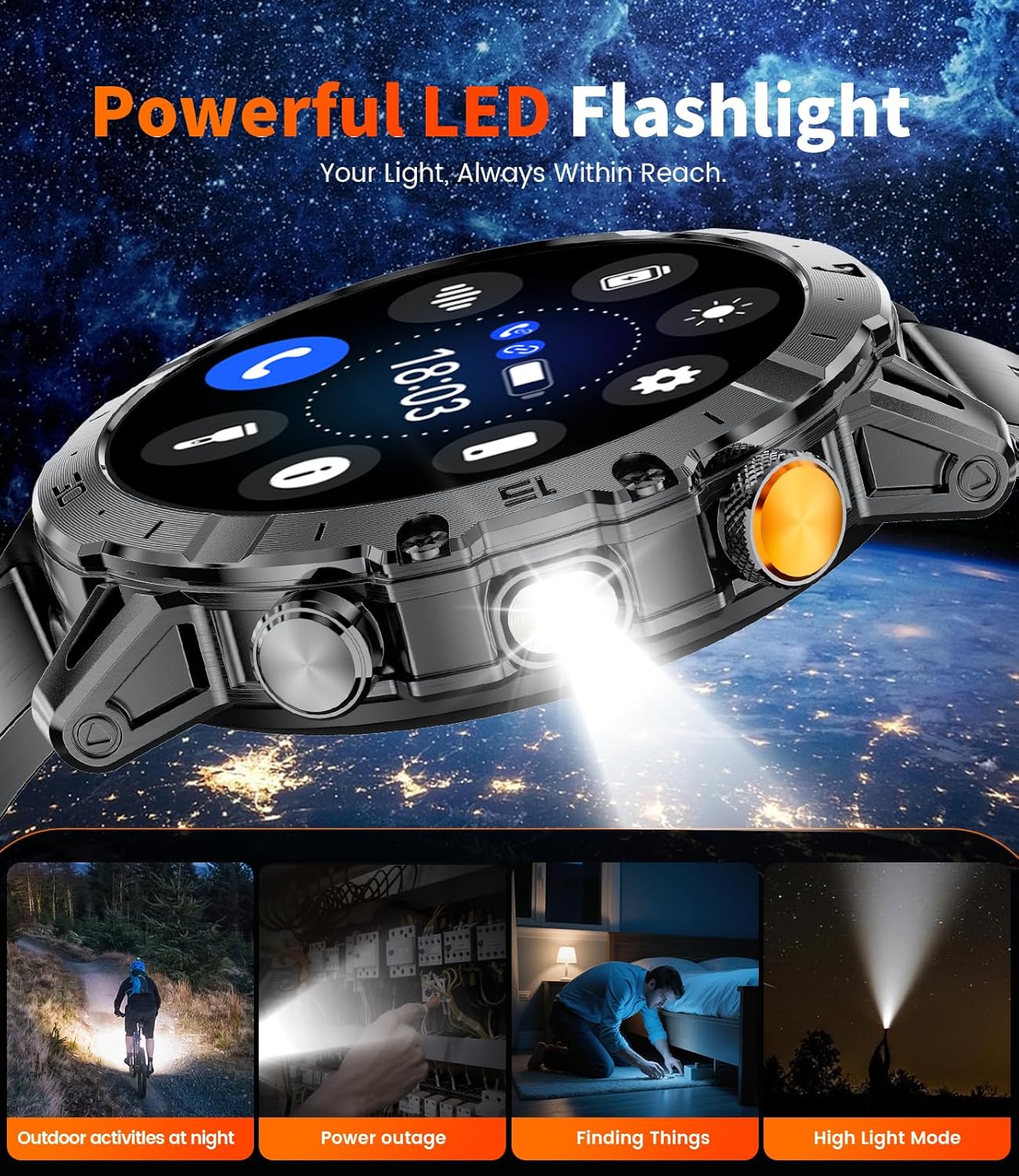
Image 7: The smartwatch with its LED flashlight activated, illustrating its utility in various scenarios like outdoor activities at night or during power outages.
4.6. Customizing Watch Faces
Personalize your smartwatch with over 100 unique online watch faces available through the companion app. You can also customize watch faces using your own photos.

Image 8: The smartwatch showcasing a selection of its customizable watch faces, alongside icons for remote photography, stopwatch, calculator, and AI assistant.
4.7. Other Functions
The smartwatch includes additional features for daily convenience:
- Weather forecasts
- Music and camera controls
- Alarms, stopwatch, and timer
- Calculator
- Sedentary reminders
- Phone-finding function
- Password lock
- Support for 27 languages
5. Maintenance
5.1. Water Resistance (IP68)
The smartwatch has an IP68 waterproof rating, making it suitable for daily use, including handwashing, sweating, and rainy conditions. It is not recommended for hot water activities, diving, or prolonged submersion.
Video 4: A demonstration of the smartwatch's water resistance, showing it being exposed to water without affecting its functionality.
5.2. General Care
To maintain the device's performance and appearance:
- Clean the watch regularly with a soft, dry cloth.
- Avoid exposing the watch to extreme temperatures or direct sunlight for extended periods.
- Do not attempt to disassemble or repair the watch yourself, as this will void the warranty.
- Ensure the charging contacts are clean and dry before charging.
6. Troubleshooting
If you encounter issues with your smartwatch, refer to the following common solutions:
- Watch not turning on: Ensure the watch is fully charged. Connect it to the charger for at least 15 minutes.
- Unable to pair with phone:
- Ensure Bluetooth is enabled on your phone.
- Make sure the watch is within range of your phone (typically 10 meters).
- Restart both the watch and your phone.
- Clear the Bluetooth cache on your phone and try pairing again.
- Notifications not appearing:
- Check app settings to ensure notification permissions are granted.
- Verify that the watch is properly connected to the app.
- Ensure 'Do Not Disturb' mode is not active on the watch or phone.
- Inaccurate health data: Ensure the watch is worn snugly on your wrist, not too tight or too loose. Clean the sensor on the back of the watch regularly.
For further assistance, please contact customer support.
7. Specifications
| Feature | Detail |
|---|---|
| Model Number | EF18-E |
| Display Size | 1.7 Inches |
| Battery Capacity | 1000 mAh (Lithium Polymer) |
| Operating System | Android/iOS compatible |
| Connectivity Technology | Bluetooth |
| Water Resistance | IP68 |
| Memory Storage Capacity | 128 MB |
| Item Weight | 7.8 ounces |
| Manufacturer | SUNKTA |
8. Warranty and Support
Your SUNKTA Military Smart Watch EF18-E comes with a 2-year customer service warranty. If you have any questions regarding usage, troubleshooting, or require technical assistance, please refer to the contact information provided on your warranty card or visit the official SUNKTA support website.
For additional support, you may also refer to the SUNKTA Store on Amazon.


