
1. Product Overview
The Urbanista Porto is a lightweight, compact true wireless earphone designed for comfortable use during rest and daily activities. It features a flush, pillow-safe fit, passive noise reduction, and adjustable sleep timers. The earbuds offer dynamic sound and seamless connectivity.
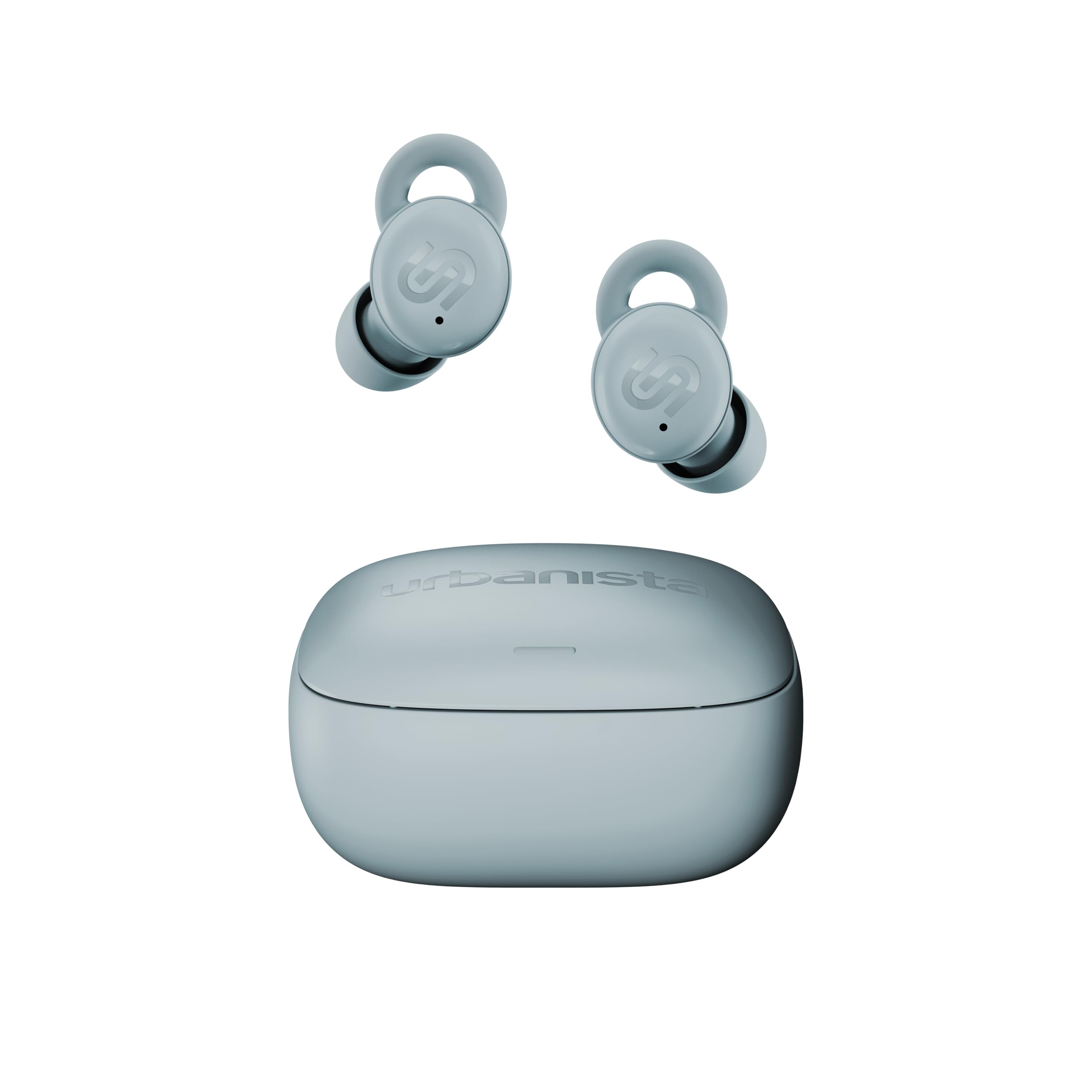
Image: Urbanista Porto earbuds in Mist Blue, showcasing their compact design.
2. What's Included
- Urbanista Porto Earphones
- Charging Case
- Quickstart Guide
- Legal Documentation
- Silicone Tips (Sizes S, M, L)
- Silicone Wings (Sizes S, M, L)

Image: Urbanista Porto earbuds, their charging case, and various silicone tips and wings.
3. Setup
3.1 Charging the Earbuds and Case
Before first use, fully charge your Urbanista Porto earbuds and charging case. Place the earbuds into the charging case. Connect the charging case to a power source using the provided USB-C cable. The indicator lights on the case will show the charging status. A full charge typically takes approximately 2 hours.
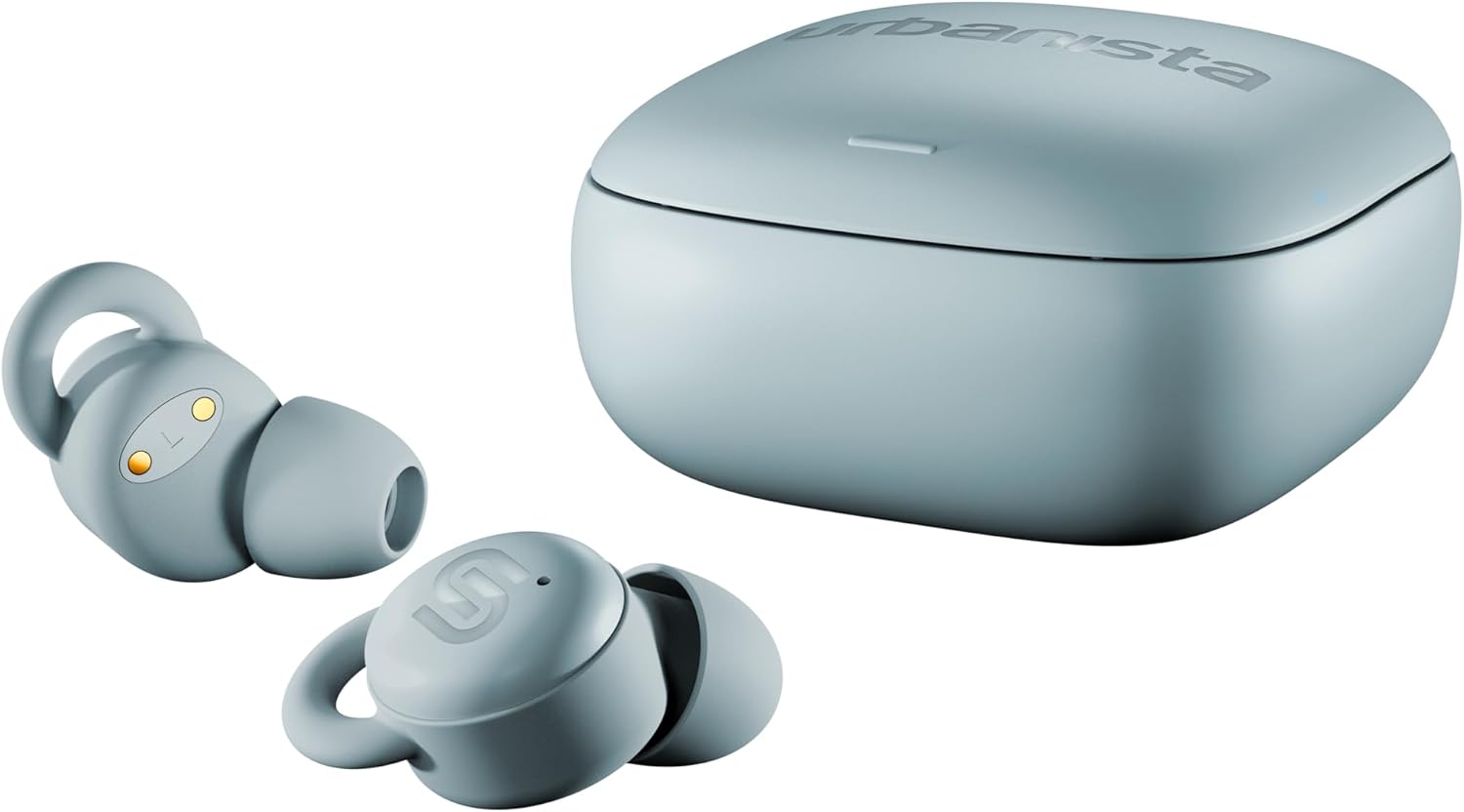
Image: Urbanista Porto earbuds resting in their open charging case, ready for charging.
3.2 Pairing with a Device
- Ensure the earbuds are charged and inside the charging case.
- Open the charging case lid. The earbuds will automatically enter pairing mode.
- On your device (smartphone, tablet, laptop), go to Bluetooth settings.
- Select 'Urbanista Porto' from the list of available devices.
- Once connected, you will hear an audio confirmation.
The Urbanista Porto supports Bluetooth Multipoint, allowing simultaneous connection to two devices. To use this feature, pair the earbuds with your first device, then disconnect them. Pair with the second device, and then reconnect to the first device. The earbuds should now be connected to both.
3.3 Fitting the Earbuds
Proper fit is crucial for sound quality and passive noise reduction. The Urbanista Porto comes with various sizes of silicone tips and wings to ensure a secure and comfortable fit, especially for side sleeping.
- Experiment with different sizes of silicone tips (S, M, L) to find the best seal for your ear canal.
- Attach the appropriate silicone wings (S, M, L) to help secure the earbuds in your outer ear.
- The flush design ensures they sit low and comfortably, minimizing pressure when lying on your side.

Image: A single Urbanista Porto earbud, highlighting its ergonomic shape and the attached silicone tip and wing for a secure fit.
4. Operating Instructions
4.1 Basic Controls (Touch Control)
The Urbanista Porto earbuds feature intuitive touch controls. Refer to the Quickstart Guide for detailed touch commands for playback, calls, and mode switching.
4.2 Sound Features
Experience dynamic sound from Porto’s 6mm drivers and durable PEEK diaphragms, delivering a full frequency range from 20 to 20,000 Hz. Adjust the sound profile using EQ presets like Bass Boost and Treble Boost via the Urbanista app (if available and compatible).
4.3 Passive Noise Reduction
The earbuds offer impressive passive noise reduction, reducing low- to mid-frequency sounds by up to 28 dB. This feature, combined with a secure ear tip seal, helps minimize common disturbances like distant chatter or air conditioner hums, promoting uninterrupted rest.
4.4 Adjustable Sleep Timers
Tailor your bedtime routine with adjustable sleep timers. Porto offers options to automatically power off after 30, 60, or 90 minutes, ensuring a seamless transition into restful sleep without unnecessary battery drain.
5. Maintenance
5.1 Water Resistance
The Urbanista Porto earbuds are IPX4 water resistant, meaning they are protected against splashing water from any direction. This makes them suitable for workouts or light rain, but they should not be submerged in water.
5.2 Cleaning
Regularly clean your earbuds and charging case to maintain optimal performance and hygiene. Use a soft, dry, lint-free cloth. For ear tips, remove them from the earbuds and gently clean with a mild soap solution, then rinse and dry thoroughly before reattaching.
6. Troubleshooting
- No Sound/Poor Sound Quality: Ensure earbuds are properly seated in your ears and the correct size ear tips are used. Check device volume and Bluetooth connection.
- Pairing Issues: Ensure earbuds are in pairing mode. Turn off and on your device's Bluetooth. Try resetting the earbuds (refer to Quickstart Guide for specific instructions).
- Charging Issues: Ensure the charging cable is securely connected to both the case and power source. Check for debris in the charging ports.
- Earbuds Not Staying In: Experiment with all provided sizes of silicone tips and wings to find the most secure and comfortable fit.
7. Specifications
| Feature | Specification |
|---|---|
| Model Name | Porto |
| Model Number | 1040264 |
| Brand | Urbanista |
| Connectivity Technology | Wireless (Bluetooth 5.4) |
| Wireless Communication Technology | Bluetooth |
| Special Features | Passive Noise Reduction, Bluetooth Multipoint, Adjustable Sleep Timers |
| Water Resistance Level | IPX4 (Water Resistant) |
| Control Type | Touch Control |
| Battery Average Life | Up to 27 hours (6 hours in earbuds, 21 hours with charging case) |
| Charging Time | Approx. 2 Hours |
| Item Weight | 43 Grams |
| Material | Silicone |
| Sensitivity | 105 dB |
8. Warranty and Support
For warranty information and customer support, please visit the official Urbanista website or contact their customer service directly. Keep your proof of purchase for any warranty claims.