
1. Introduction
The ATK Dragonfly A9 Series Wireless Gaming Mouse is engineered for precision and speed, offering advanced features for competitive gaming. This manual provides essential information for setting up, operating, and maintaining your mouse.
2. Key Features
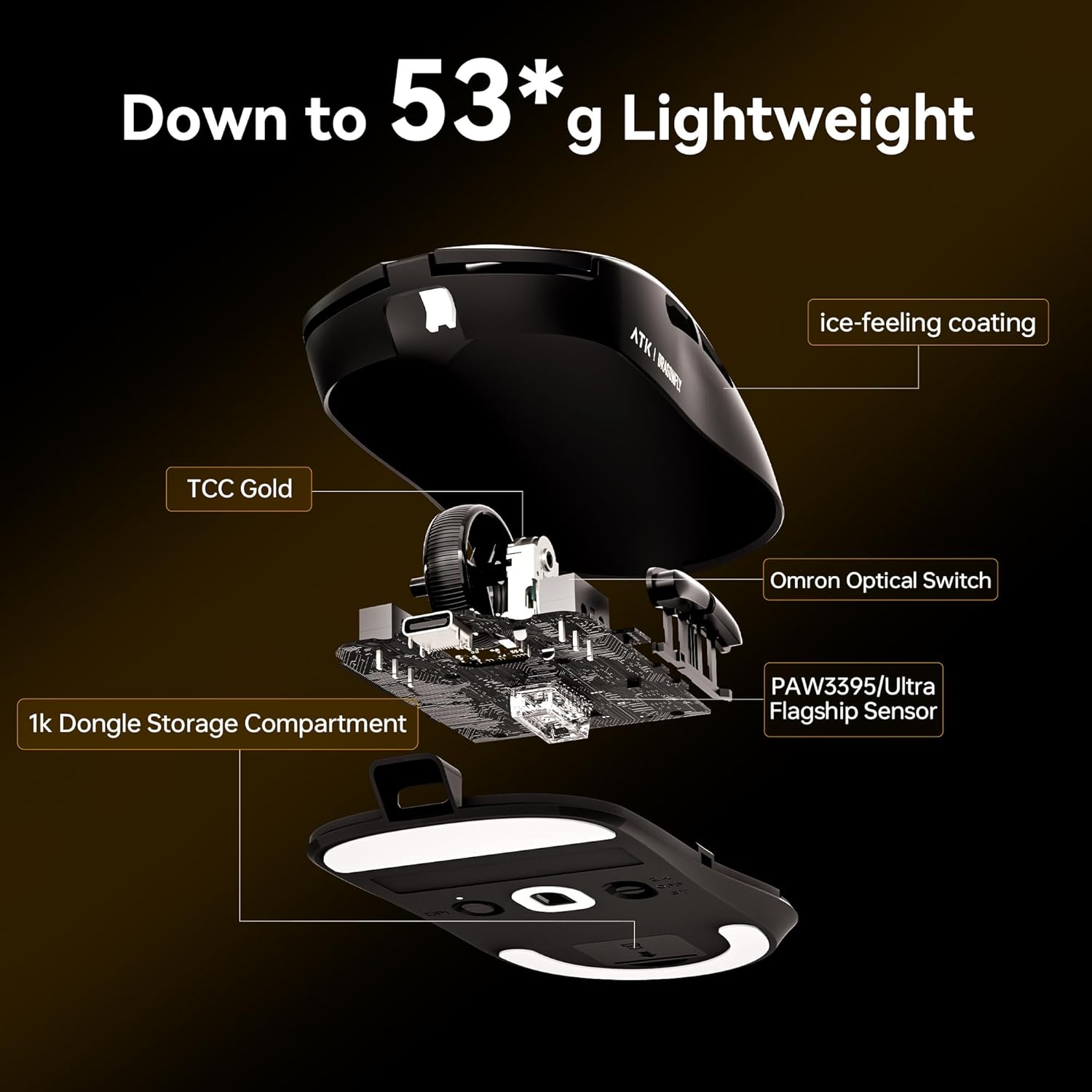
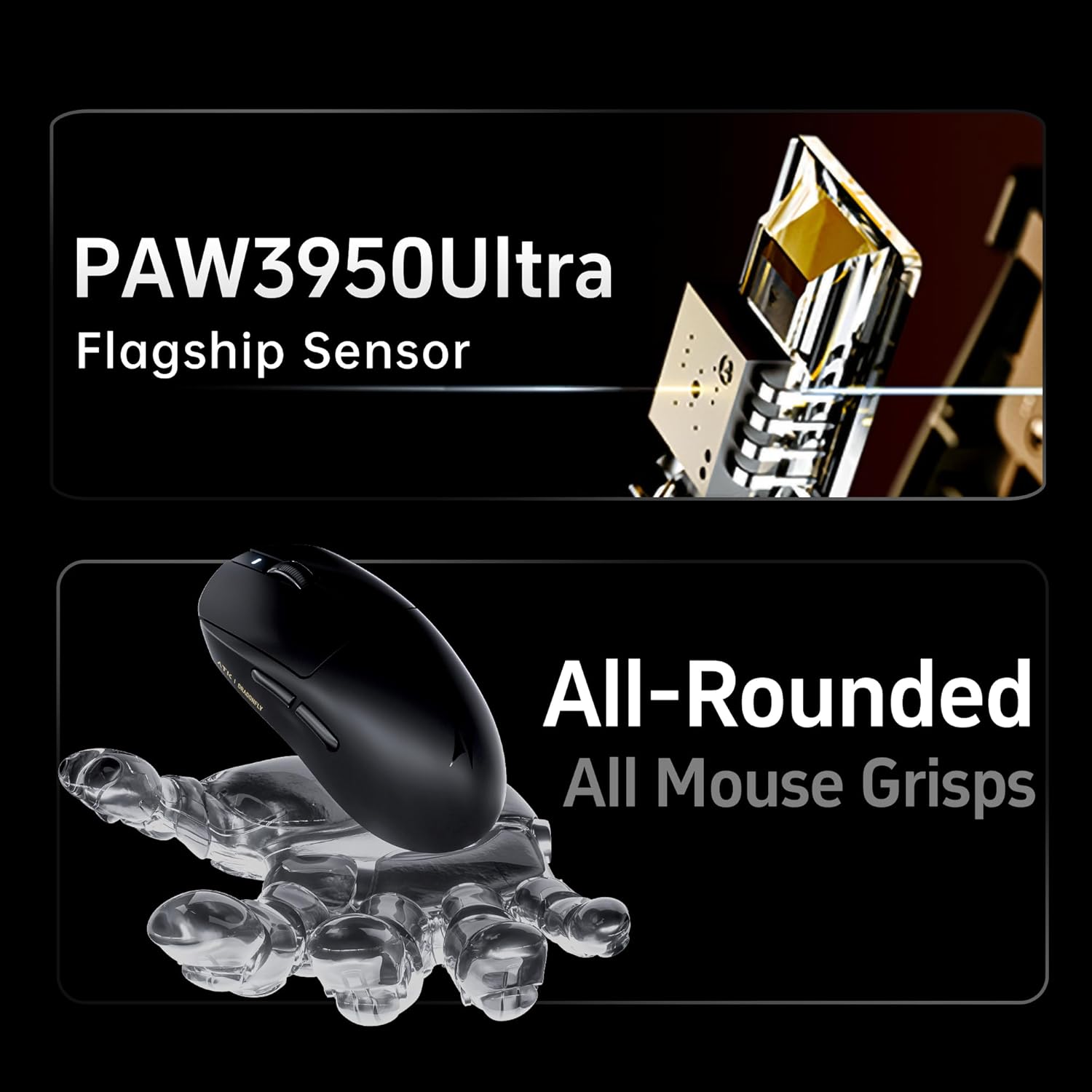
- Advanced PixArt Sensors: Equipped with PixArt PAW3311, PAW3395 SE, or the flagship PAW3950 Ultra sensors, providing accurate tracking and sensitivity up to 42,000 DPI.
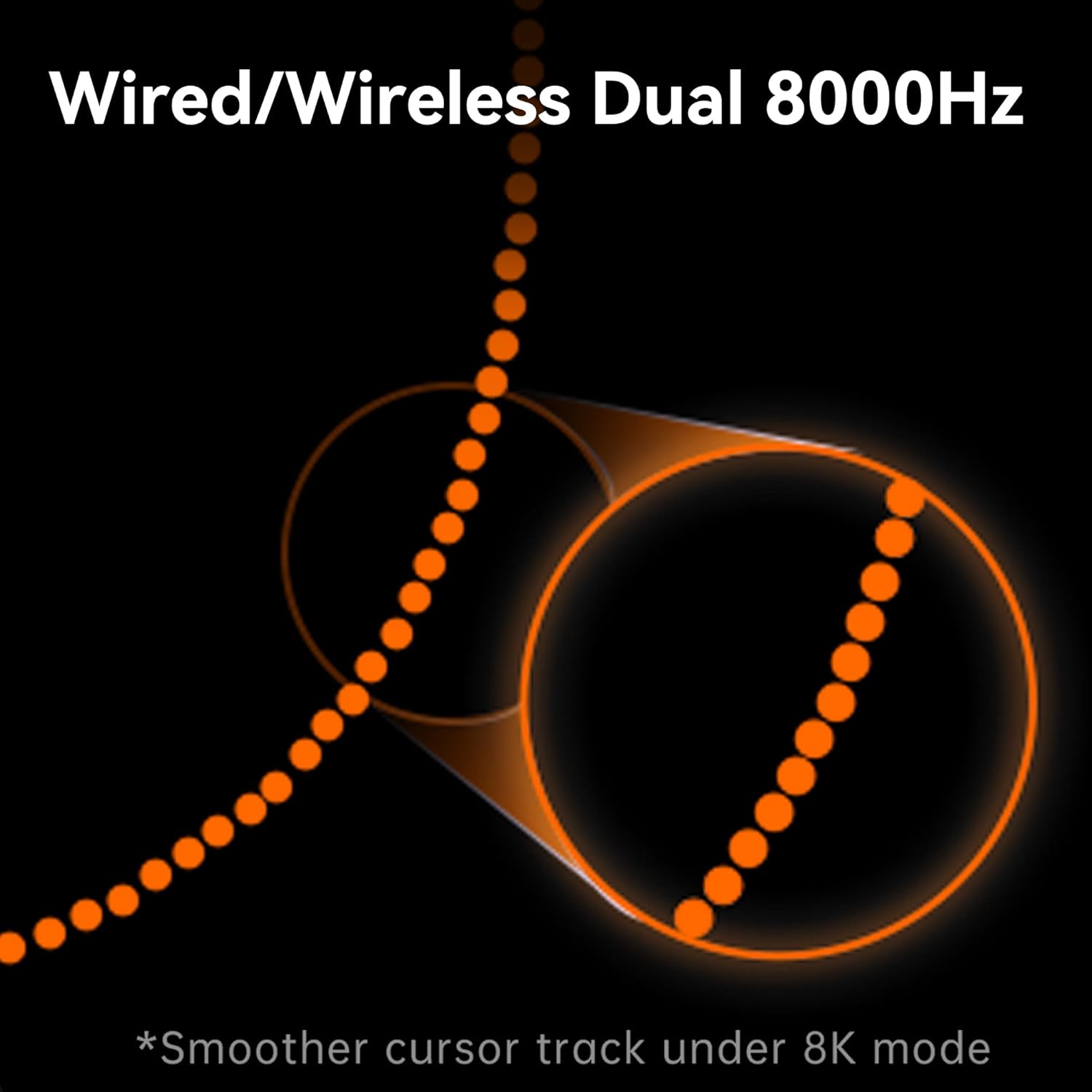
- Ultra-Fast Polling: Flexible polling rate options from 1K to 8K Hz. Pro, Pro Max, and Ultra models support wireless 8K polling for minimal latency.
- Tri-Mode Connectivity: Seamlessly switch between 2.4 GHz wireless (NearLink), Bluetooth 5.3, and USB-C wired connections for universal compatibility and flexibility.
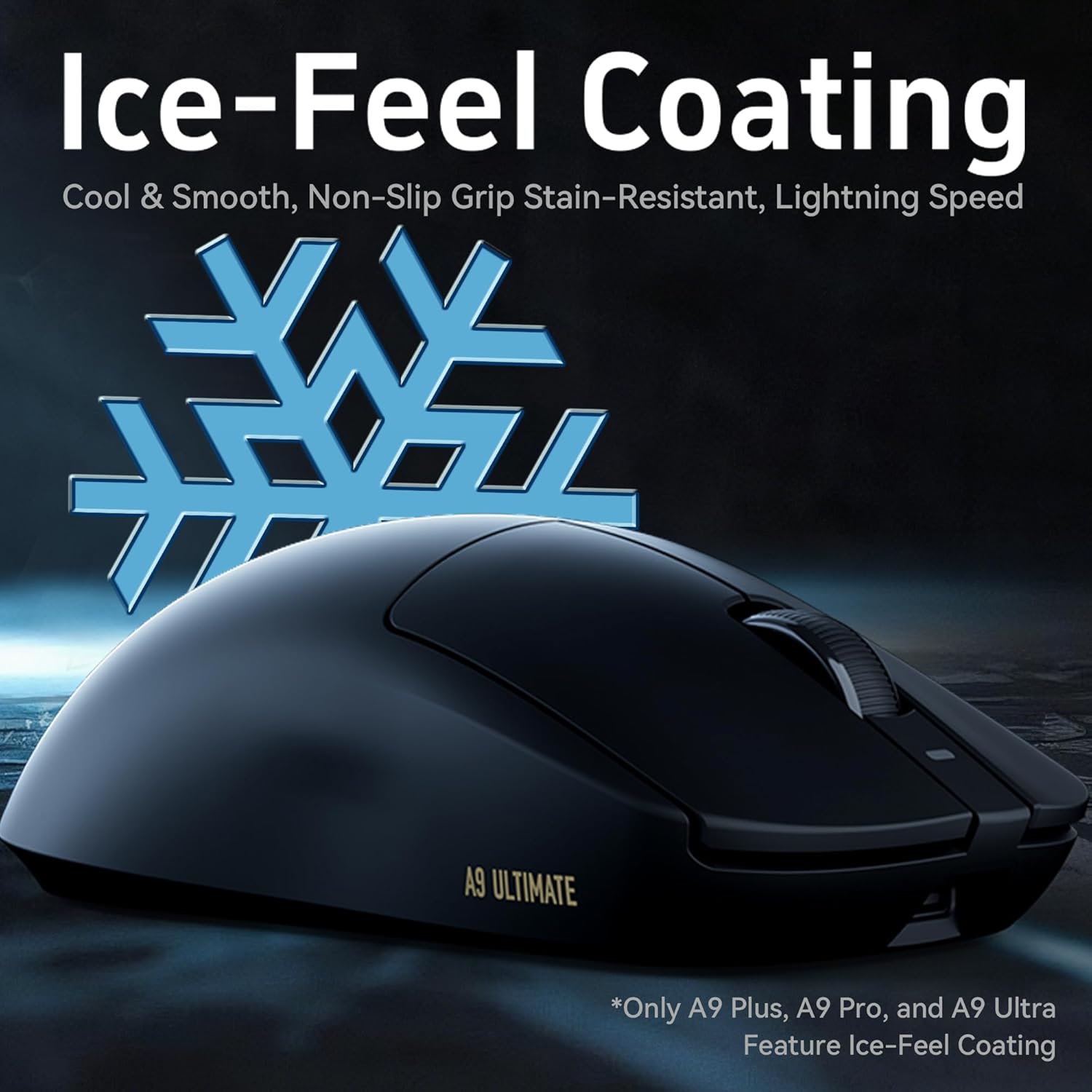
- Lightweight & Ergonomic Design: Weighing between 53-57g, the mouse features a classic 125 × 64 × 40 mm ergonomic shell. Most models include an Ice-Feel coating for a smooth, sweat-resistant grip.
- Esports Engineered: Utilizes Gen-2 Smart Speed Wireless with ATK ApexShark firmware, paired with high-performance MCUs (HiSilicon, PixArt, BEKEN, or Nordic) for professional-level stability.
3. Setup Guide
3.1 Initial Charging
Before first use, connect the mouse to your computer using the provided USB-C cable to ensure it is fully charged. The mouse can be used in wired mode while charging.
3.2 2.4 GHz Wireless Connection
- Locate the 2.4 GHz wireless dongle (1K or 8K depending on model) in the mouse packaging or within the mouse's storage compartment.
- Plug the dongle into an available USB port on your computer.
- Turn on the mouse using the switch on the bottom. Ensure it is set to the 2.4G wireless mode.
- The mouse should automatically connect. If not, press the pairing button (if available) on the mouse and dongle.
3.3 Bluetooth 5.3 Connection (Tri-Mode Models Only)
- Turn on the mouse and set the switch on the bottom to Bluetooth mode.
- On your computer, navigate to Bluetooth settings and enable Bluetooth.
- Select "Add a device" or "Pair new device" and choose the ATK Dragonfly A9 Series mouse from the list of available devices.
- Follow any on-screen prompts to complete the pairing process.
3.4 Wired Connection
Connect the mouse directly to your computer using the USB-C cable. The mouse will automatically switch to wired mode and begin charging.
4. Operating Instructions
4.1 DPI Adjustment
The mouse features a dedicated DPI button, usually located on the top or bottom of the mouse. Press this button to cycle through preset DPI levels. Refer to the software for custom DPI settings and indicator light meanings.
4.2 Polling Rate Selection
Polling rates can typically be adjusted via the mouse's software. For models supporting 8K polling, ensure your system and software are configured correctly to utilize this feature for optimal responsiveness.
4.3 Button Customization
The ATK Dragonfly A9 Series mouse features programmable buttons. Download the official ATK software from the ATK website to customize button assignments, macros, and other settings.
5. Connectivity Modes
The ATK Dragonfly A9 Series offers versatile connectivity options:
- 2.4 GHz Wireless (NearLink): Provides ultra-low latency for competitive gaming. Ideal for desktop setups where maximum performance is required.
- Bluetooth 5.3: Offers broad compatibility with laptops, tablets, and other Bluetooth-enabled devices. Suitable for general use and productivity.
- USB-C Wired: Ensures zero-lag performance and simultaneous charging. This mode is recommended for critical gaming sessions or when battery is low.
Switch between modes using the selector switch located on the underside of the mouse.
6. Battery and Weight Information
Battery capacity and approximate runtime vary by model:
- A9 SE: 500 mAh, ~120 hours runtime (NearLink), ~53 g weight.
- A9: 800 mAh, balanced endurance, ~56 g weight.
- A9 Plus: 800 mAh, ~240 hours runtime, ~57 g weight.
- A9 Pro: 500 mAh, ~150 hours runtime (1K), ~53 g weight.
- A9 Pro Max: 800 mAh, ~200 hours runtime (1K), ~57 g weight.
- A9 Ultra: 500 mAh, ~150 hours runtime (1K), ~53 g weight.
All models maintain an ergonomic shell design for comfortable use.
7. Maintenance
7.1 Cleaning
To clean your mouse, use a soft, dry cloth. For stubborn dirt, a slightly damp cloth with mild soap can be used, ensuring no liquid enters the mouse. Avoid harsh chemicals or abrasive materials.
7.2 Storage
Store the mouse in a cool, dry place away from direct sunlight and extreme temperatures. When transporting, consider using a protective case to prevent damage.
8. Troubleshooting
8.1 Mouse Not Responding
- Ensure the mouse is powered on and fully charged.
- Check the connectivity mode switch (2.4G, BT, Wired) and ensure it matches your connection method.
- For 2.4 GHz, ensure the dongle is securely plugged in and try a different USB port.
- For Bluetooth, ensure Bluetooth is enabled on your device and the mouse is paired correctly. Try re-pairing.
- Try connecting via USB-C cable to rule out wireless issues.
8.2 Erratic Tracking or Cursor Movement
- Clean the mouse sensor with a soft cloth.
- Ensure you are using the mouse on a suitable surface (e.g., a mouse pad).
- Adjust DPI settings to a lower value if tracking is too sensitive.
- Check for any software conflicts or outdated drivers. Update mouse drivers if necessary.
8.3 Short Battery Life
- Ensure the mouse is fully charged before use.
- Reduce polling rate if set to 8K, as higher polling rates consume more power.
- Disable any unnecessary RGB lighting effects via the software (if applicable).
9. Specifications
| Feature | A9 SE | A9 | A9 Plus | A9 Pro | A9 Pro Max | A9 Ultra |
|---|---|---|---|---|---|---|
| Dimensions | 125mm x 64mm x 40mm (Medium/Large Hands) | |||||
| Coating | None | Ice-Feel Coating | ||||
| Sensor | PAW3311 | PAW3395 SE | PAW3395 | PAW3395 Ultra | PAW3950 Ultra | |
| MCU | HiSilicon NearLink | Pixart flagship | BEKEN Custom Esport MCU | Nordic52840 | ||
| Transmission Technology | Gen-2 Smart Speed Wireless, ATK ApexShark Professional Esports Firmware | |||||
| Polling Rate | Wired 1K / Wireless 1K | Wired 1K / Wireless 8K | Wired 8K / Wireless 8K | |||
| Battery | 500mAh | 800mAh | 800mAh | 500mAh | 800mAh | 500mAh |
| Battery Life | 120 Hours (NearLink Connection) | 240 Hours (NearLink Connection) | 150 Hours (1000Hz) | 200 Hours (1000Hz) | 150 Hours (1000Hz) | |
| Weight | 53±3g | 57±3g | 53±3g | 57±3g | 53±3g | |
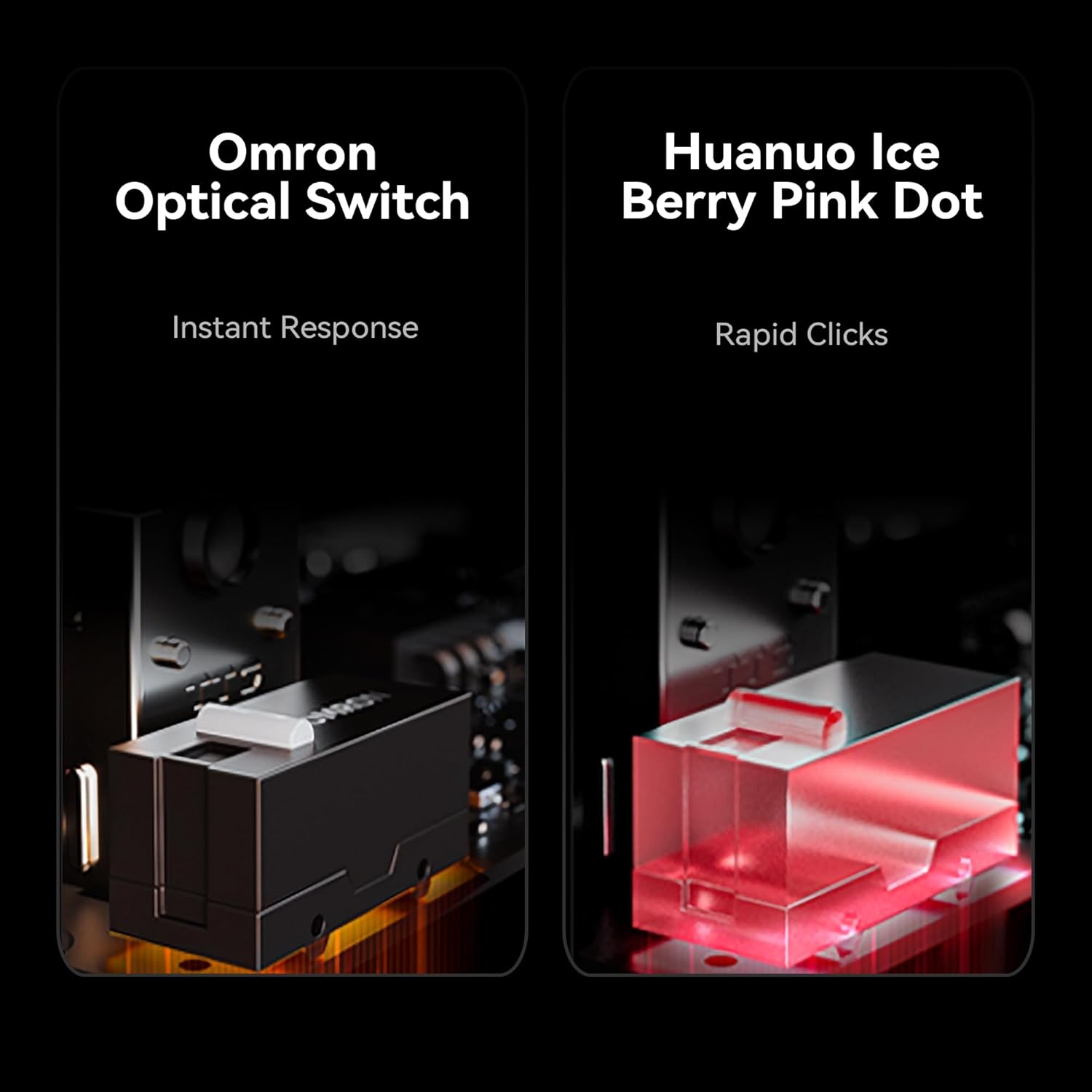
| Switch | Huano Blue Glow V2 | Huano Ice Berry Pink Dot | Omron Optical / ATK Custom Tuned Optical | Huano Ice Berry Pink Dot | Omron Optical / ATK Custom Tuned Optical | |
| Side Switch | Huano | |||||
| Scroll Wheel | F-Switch E10 Flagship | TTC Gold | ||||
| Mouse Feet | Full-Size Mouse Feet | Gaming Mouse Feet x2 | Gaming & Balanced Mouse Feet | |||
| Connectivity | NearLink / Bluetooth / Wired (Tri-Mode) or 2.4G / Wired (Dual-Mode) | |||||
| Dongle | Come With NearLink 1K Dongle | Come With NANO 8K Dongle | Come With 8K NANO 8K Dongle | Come With Nordic 1K & Nordic 8K Dongle | ||
General Specifications:
- Product Dimensions: 4.37 x 2.16 x 0.04 inches
- Item Weight: 1.62 ounces
- Batteries: 1 Nonstandard Battery (included)
- Movement Detection Technology: Optical
- Special Features: Lightweight, Programmable Buttons, Rechargeable
10. Product Visuals and Demonstrations
10.1 Product Images
10.2 Official Product Video
This video provides an overview of the ATK Dragonfly A9 Gaming Mouse, demonstrating its key features, design, and performance capabilities. It highlights the lightweight construction, Ice-Feel coating, advanced sensors, and tri-mode connectivity.
11. Warranty and Support
11.1 Return Policy
This product is subject to a 30-day return/replacement policy from the date of purchase. Please refer to your retailer's specific return guidelines for detailed information.
11.2 Customer Support
For technical assistance, troubleshooting, or warranty inquiries, please visit the official ATK website or contact ATK customer support through the contact information provided on their website. Ensure you have your product model number and purchase details ready.


