
Introduction
Thank you for choosing the ApeWeghr KC01 Rechargeable Coffee Scale with Timer. This high-precision digital scale is designed for accurate weighing of coffee beans, grounds, and water, essential for both espresso and pour-over brewing methods. Its compact design, dual timer modes, and long battery life make it a versatile tool for any coffee enthusiast.
What's in the Box
- Digital Scale
- USB Type-C Charging Cable (for internal rechargeable battery)
- User Manual
Product Overview
The ApeWeghr KC01 coffee scale features a compact design with a clear digital display and intuitive controls. It is equipped with a silicone pad for stability and heat resistance.

Image: The ApeWeghr KC01 coffee scale showing its compact dimensions: 4.3 inches (11 cm) in width, 4.1 inches (10.5 cm) in depth, and 0.67 inches (1.7 cm) in height. This image highlights its ultra-mini and pro-precision design, suitable for fitting under espresso machines.
Key Components:

Image: Close-up view of the ApeWeghr KC01 coffee scale's display and controls. Key indicators are numbered: (1) Timing Area, (2) Weighing Area, (3) Manual Mode Indicator, (4) Automatic Mode Indicator, (5) Sound Indicator, (6) Weight Unit Indicator. A cup of coffee beans is placed on the weighing platform.
- Timing Area: Displays the elapsed time during brewing.
- Weighing Area: Shows the current weight measurement.
- Manual Mode Indicator: Lights up when the manual timer mode is active.
- Automatic Mode Indicator: Lights up when the auto-start timer mode is active.
- Sound Indicator: Indicates if sound alerts are enabled.
- Weight Unit Indicator: Shows the currently selected unit of measurement (e.g., grams, ounces).
- M Button: Mode/Unit selection button.
- Power/Tare Button: Power on/off and tare function.
- Timer Button: Start/stop timer, switch timer modes.
Setup
Charging the Scale:
Before first use, fully charge the scale. Connect the provided USB Type-C charging cable to the scale's charging port (located on the side) and to a standard USB power adapter (not included). The battery indicator on the display will show charging status. A full charge can last up to 90-100 days depending on usage.
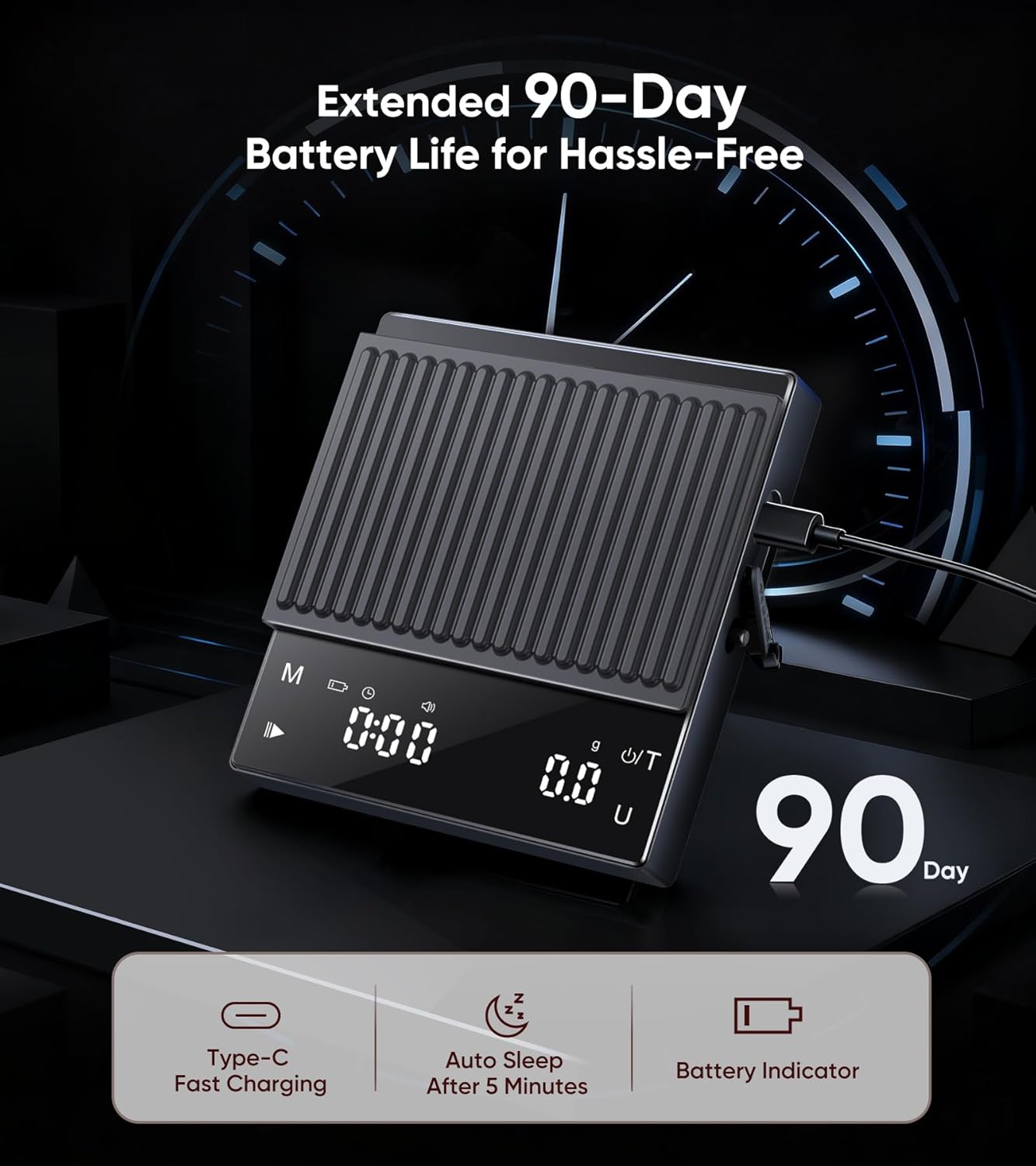
Image: The ApeWeghr KC01 coffee scale connected to a USB-C charging cable, illustrating its extended 90-day battery life. Icons indicate Type-C Fast Charging, Auto Sleep after 5 minutes, and a Battery Indicator.
Placing the Silicone Pad:
Place the included silicone pad on the weighing platform. This pad provides anti-slip grip, heat resistance, and protects the scale surface from scratches and spills.

Image: A hand peeling back the non-slip and heat-resistant silicone mat from the ApeWeghr KC01 coffee scale. Icons below highlight its features: Anti-Slip Grip, Heat Resistant, Scratch Protection, and Easy to Clean.
Operating Instructions
Power On/Off:
- To power on, press the Power/Tare button.
- To power off, press and hold the Power/Tare button for 3 seconds. The scale will also automatically shut off after 5 minutes of inactivity to conserve battery.
Unit Conversion:
- Press the M button to cycle through available units: grams (g) and ounces (oz). The selected unit will be indicated on the display.
Tare Function:
- Place an empty container on the weighing platform.
- Press the Power/Tare button briefly to zero out the weight of the container. The display will show "0".
- You can now add ingredients, and only their weight will be measured.
Weighing:
- Ensure the scale is on a flat, stable surface.
- Power on the scale and select your desired unit.
- If using a container, perform the tare function.
- Place the item(s) to be weighed on the center of the weighing platform. The weight will be displayed.

Image: The ApeWeghr KC01 coffee scale displaying a precise weight measurement of 0.1 oz (or 0.3g) with a pour-over coffee setup. This image emphasizes its ultra-precision weighing capability, with a capacity of 0.3g to 2000g and accuracy of 0.1g.
Timer Modes:
The scale offers two timer modes: Manual and Auto-Start.

Image: Two examples of the ApeWeghr KC01 coffee scale in use, demonstrating its dual timer modes. The top image shows the manual timer being started, while the bottom image shows the auto timer function during an espresso shot, where the timer starts automatically when liquid is detected.
- Switching Modes: Press the Timer button to cycle between Manual Timer, Auto-Start Timer, and Timer Off. The corresponding indicator (Manual Mode Indicator or Automatic Mode Indicator) will light up.
- Manual Timer:
- Select Manual Timer mode.
- Press the Timer button to start the timer.
- Press the Timer button again to pause/resume.
- Press and hold the Timer button to reset the timer to zero.
- Auto-Start Timer:
- Select Auto-Start Timer mode.
- Place your brewing vessel (e.g., espresso cup, pour-over dripper) on the scale and tare it to zero.
- Begin pouring water/coffee. The timer will automatically start when it detects a change in weight (i.e., when liquid touches the coffee).
- The timer will automatically stop when the weight stabilizes or after a period of inactivity.
- Press and hold the Timer button to reset the timer to zero.
Maintenance
Cleaning:
- Wipe the scale surface with a soft, damp cloth.
- The silicone pad can be removed and washed with mild soap and water. Ensure it is completely dry before placing it back on the scale.
- Do not immerse the scale in water or use abrasive cleaners.
Storage:
- Store the scale in a cool, dry place.
- Avoid placing heavy objects on the scale when not in use.
Troubleshooting
| Problem | Possible Cause | Solution |
|---|---|---|
| Scale does not turn on. | Low battery or no power. | Charge the scale using the USB Type-C cable. |
| Inaccurate readings. |
|
|
| Timer not starting automatically. |
|
|
| Display shows "Err". | Overload or unstable reading. | Remove items from the scale immediately. Ensure the scale is on a stable surface. |
Specifications
| Feature | Detail |
|---|---|
| Brand | ApeWeghr |
| Model Number | KC01 |
| Color | Black |
| Weight Capacity Maximum | 2000g (2kg) / 11 Pounds |
| Readout Accuracy | 0.1g / 0.1 Ounces (from 0.3g) |
| Display Type | LCD Digital Display |
| Material Type | Stainless Steel (platform), ABS (body) |
| Power Source | Rechargeable (USB Type-C) |
| Battery Life | Up to 90-100 days on a single charge |
| Special Features | Integrated Timer (Manual & Auto-Start), Tare Function, Unit Conversion, Auto-Off, Silicone Pad |
| Dimensions | Approx. 4.3 x 4.1 x 0.67 inches (11 x 10.5 x 1.7 cm) |
Warranty and Support
For warranty information and customer support, please refer to the contact details provided with your purchase documentation or visit the official ApeWeghr website. Keep your purchase receipt for warranty claims.
Note: The product is eligible for a 10-day replacement policy as per Amazon's terms. For extended warranty options, please check with your retailer.


