
Introduction
This manual provides essential information for the assembly, operation, and maintenance of your HAOBO Home Vanity Desk with Mirror and Lights. Please read these instructions carefully before beginning assembly or use to ensure safe and proper functionality of your new vanity desk.
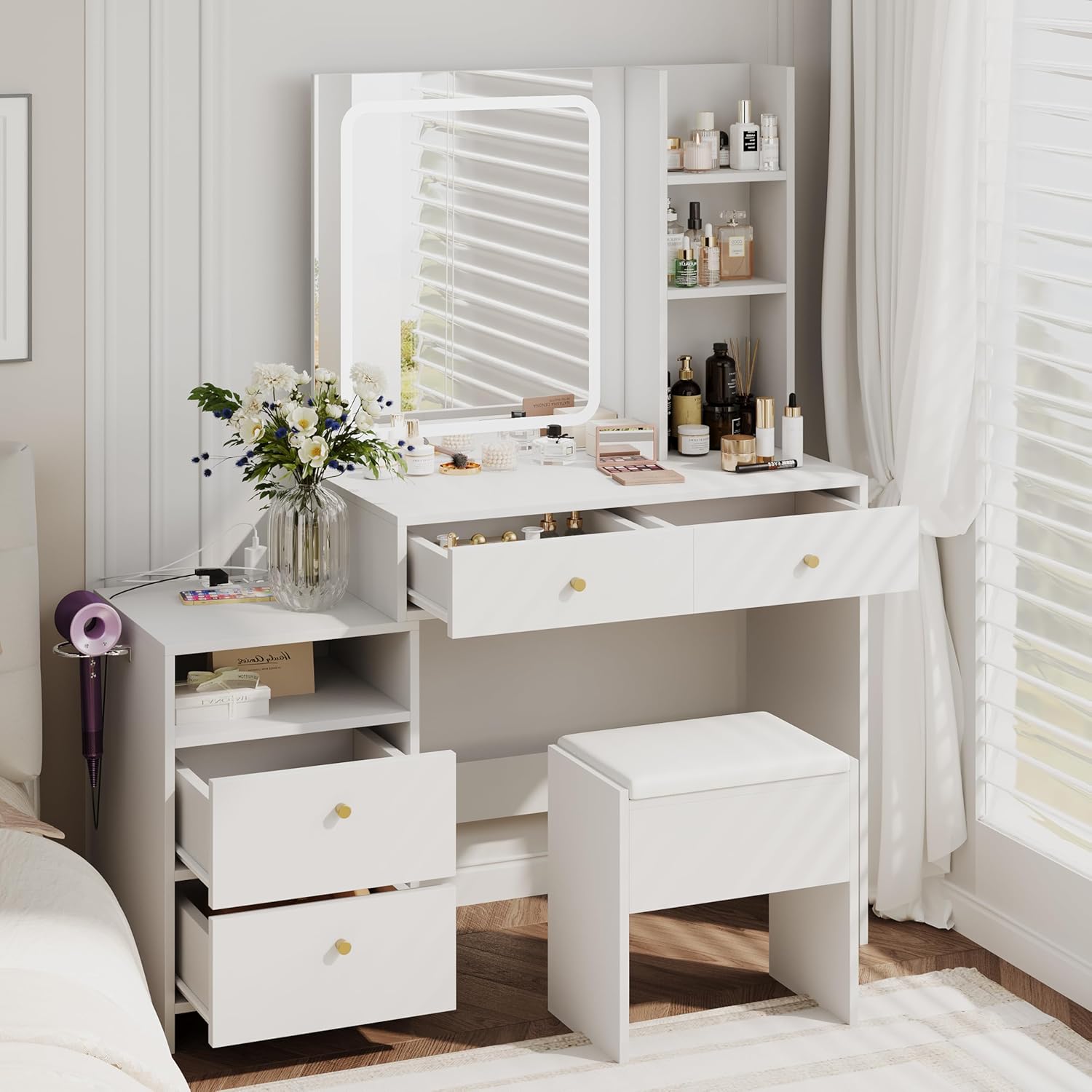
Image: Overview of the HAOBO Home Vanity Desk with Mirror and Lights.
Safety Instructions
WARNING: Failure to follow these safety instructions may result in injury or damage to the product.
- Always unplug the vanity when not in use.
- Keep the power cord and electrical components away from water.
- Do not place heavy objects on the anti-tip device.
- Keep the vanity away from heat sources.
- Always follow the assembly instructions carefully to avoid injury from sharp edges or pinch points.
Package Contents
Verify that all components are present before beginning assembly. The package should include:
- Vanity desk components
- Stool components
- Assembly hardware and tools (if applicable)
- Instruction manual
Assembly Instructions
Detailed assembly instructions are included with your product. Please refer to the separate assembly guide for step-by-step directions. Ensure all parts are correctly identified and assembled according to the diagrams provided.
Key Assembly Points:
- Identify all parts and hardware before starting.
- Assemble on a soft, clean surface to prevent scratches.
- Do not overtighten screws during initial assembly; tighten fully once the unit is stable.
- Install the anti-tip device securely to a wall stud to prevent accidental tipping.
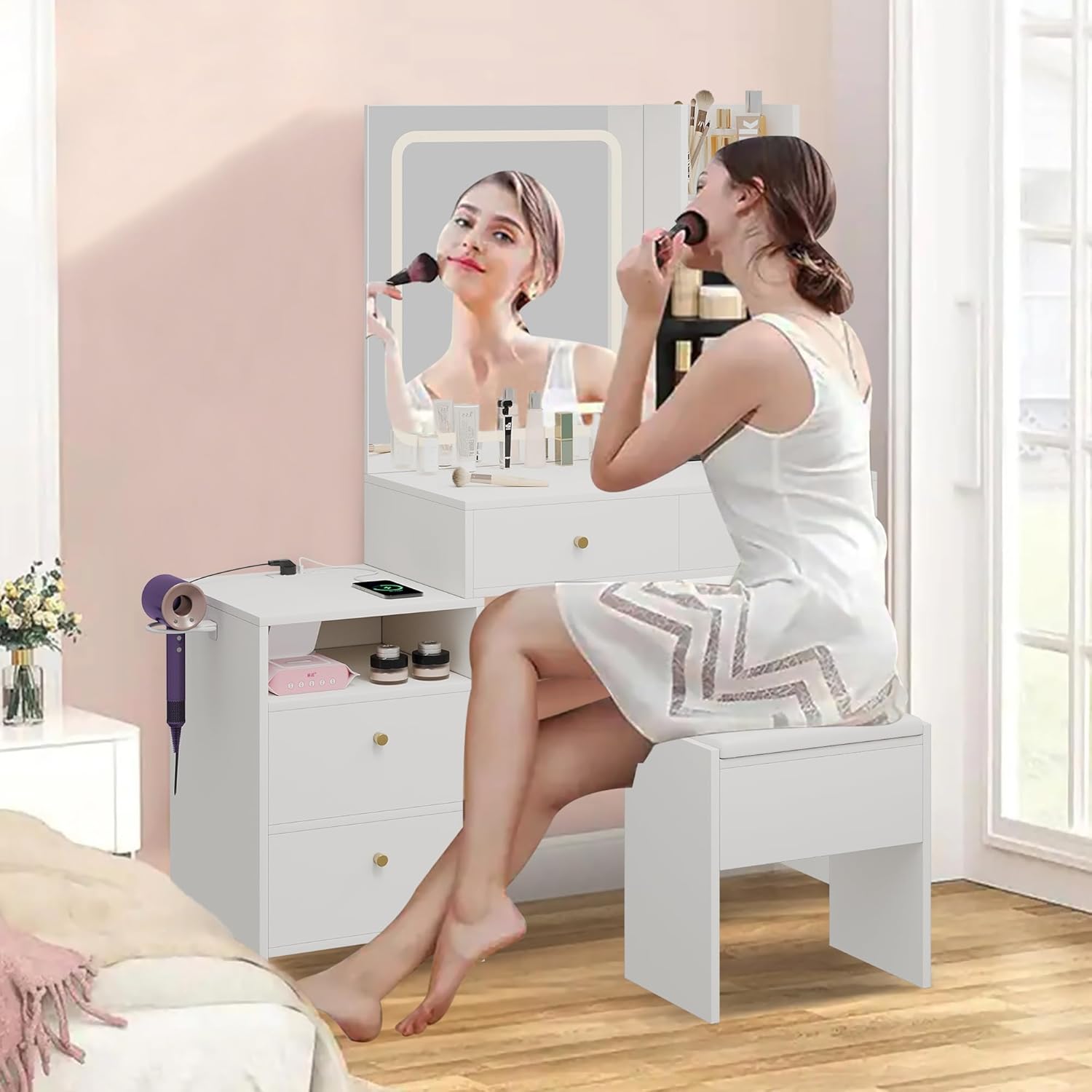
Image: Detailed view of vanity desk features and storage components.
Operating Instructions
Mirror Lighting
The integrated mirror features three color lighting modes and adjustable brightness. Locate the touch controls on the mirror surface.
- On/Off: Tap the power icon to turn the lights on or off.
- Change Color Mode: Tap the color change icon to cycle through Warm Yellow, Warm White, and Cool White light settings.
- Adjust Brightness: Press and hold the brightness icons (plus or minus) to increase or decrease the light intensity.

Image: Controls and visual representation of the 3-color lighting modes.
Power Outlet and USB Charging
The vanity desk is equipped with a built-in charging station for your electronic devices.
- AC Outlets: Two 125V/12A AC outlets are provided for standard electrical devices.
- USB Ports: Two 5V/2A USB ports are available for charging smartphones, tablets, and other USB-powered devices.
- The power cord for the charging station is 5.0 feet long.
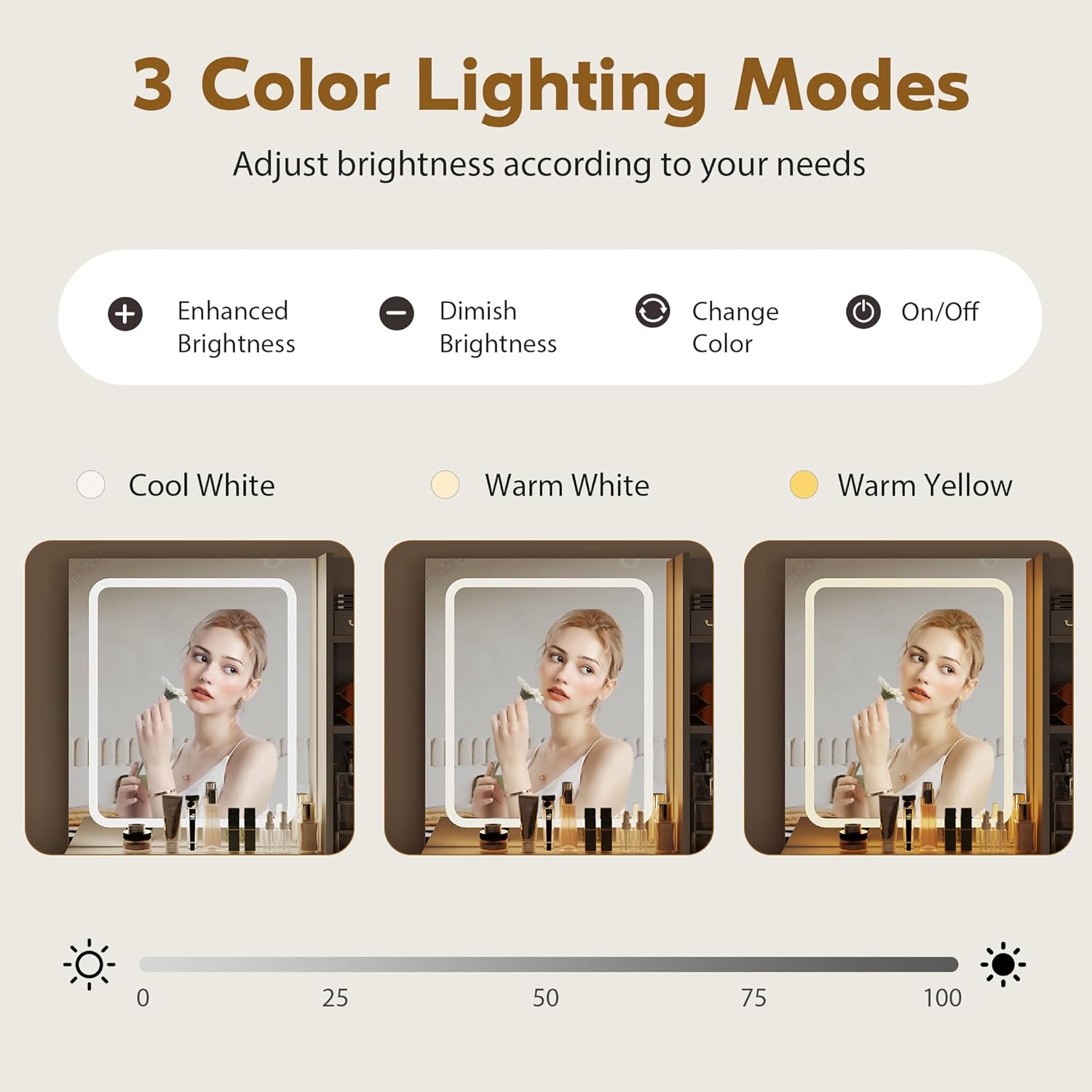
Image: Built-in charging station and hair dryer rack.
Storage Features
The vanity desk offers various storage options to organize your items:
- Drawers: Four large drawers provide concealed storage for cosmetics, jewelry, and other personal items. The drawers feature smooth guide rails for easy operation.
- Open Shelves: Three open storage shelves are available for displaying frequently used items or decorative pieces.
- Hair Dryer Rack: A dedicated rack is included for convenient storage of your hair dryer.
Care and Maintenance
To maintain the appearance and longevity of your vanity desk, follow these care guidelines:
- Cleaning: Wipe surfaces with a soft, damp cloth. Avoid abrasive cleaners or harsh chemicals that may damage the finish.
- Spills: Clean spills immediately to prevent staining.
- Mirror Care: Use a glass cleaner specifically designed for mirrors and a lint-free cloth.
- Electrical Components: Ensure all electrical connections are dry before use.
Troubleshooting
If you encounter issues with your vanity desk, refer to the following common problems and solutions:
- Mirror Lights Not Working:
- Ensure the vanity is properly plugged into a functional power outlet.
- Check if the power switch for the lights is in the 'On' position.
- Verify that the power cord is securely connected.
- Charging Station Not Providing Power:
- Confirm the vanity's main power cord is plugged in.
- Test the outlet with another device to ensure it is working.
- Check for any tripped circuit breakers in your home.
- Drawers Sticking or Not Sliding Smoothly:
- Ensure the drawer contents are not obstructing movement.
- Check that the drawer slides are clean and free of debris.
- Verify that the drawer slides were installed correctly during assembly.
Product Specifications
| Color | White |
| Material | Engineered Wood |
| Product Dimensions (D x W x H) | 15.7" x 44.9" x 55.3" |
| Number of Drawers | 4 |
| Mirror Lighting Modes | 3 (Warm Yellow, Warm White, Cool White) |
| Power Outlets | 2 AC (125V/12A) |
| USB Ports | 2 (5V/2A) |
| Included Components | Vanity desk and stool |
| Assembly Required | Yes |
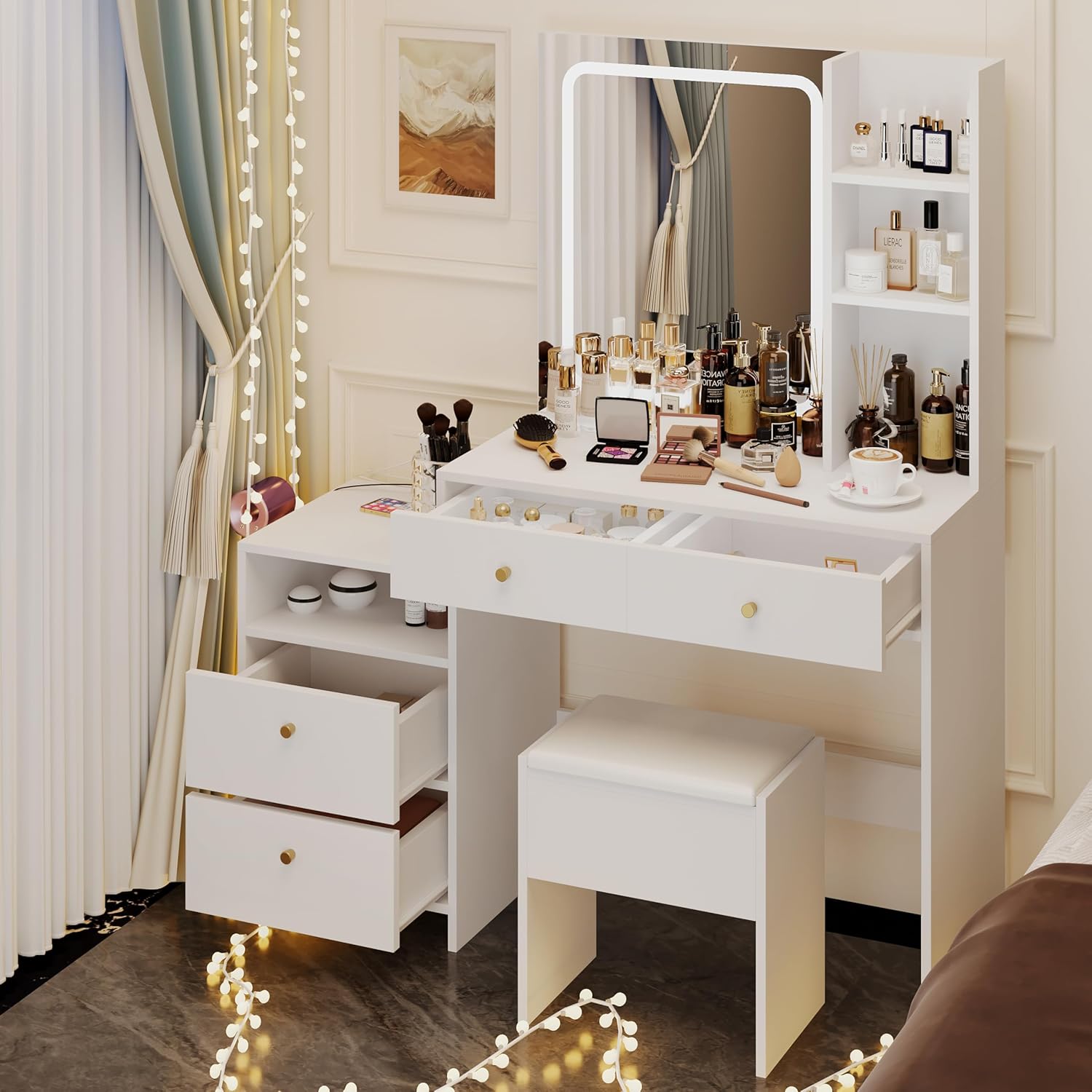
Image: Detailed dimensions of the vanity desk and stool.
Warranty and Support
For warranty information or technical support, please refer to the documentation included with your purchase or contact HAOBO Home customer service directly. Contact details can typically be found on the manufacturer's website or on your purchase receipt.