1. Introduction
This manual provides detailed instructions for the SJCAM ZV100 5K 80MP Digital Camera. Please read this manual thoroughly before using your camera to ensure proper operation and to maximize its performance. Keep this manual for future reference.
2. What's in the Box
Verify that all items are present in your package:
- 1x SJCAM ZV100 Digital Camera
- 1x Rechargeable Battery (750mAh)
- 1x Type-C USB Cable
- 1x Lanyard
- 1x Carry Bag
- 1x Wiping Cloth
- 1x User Manual
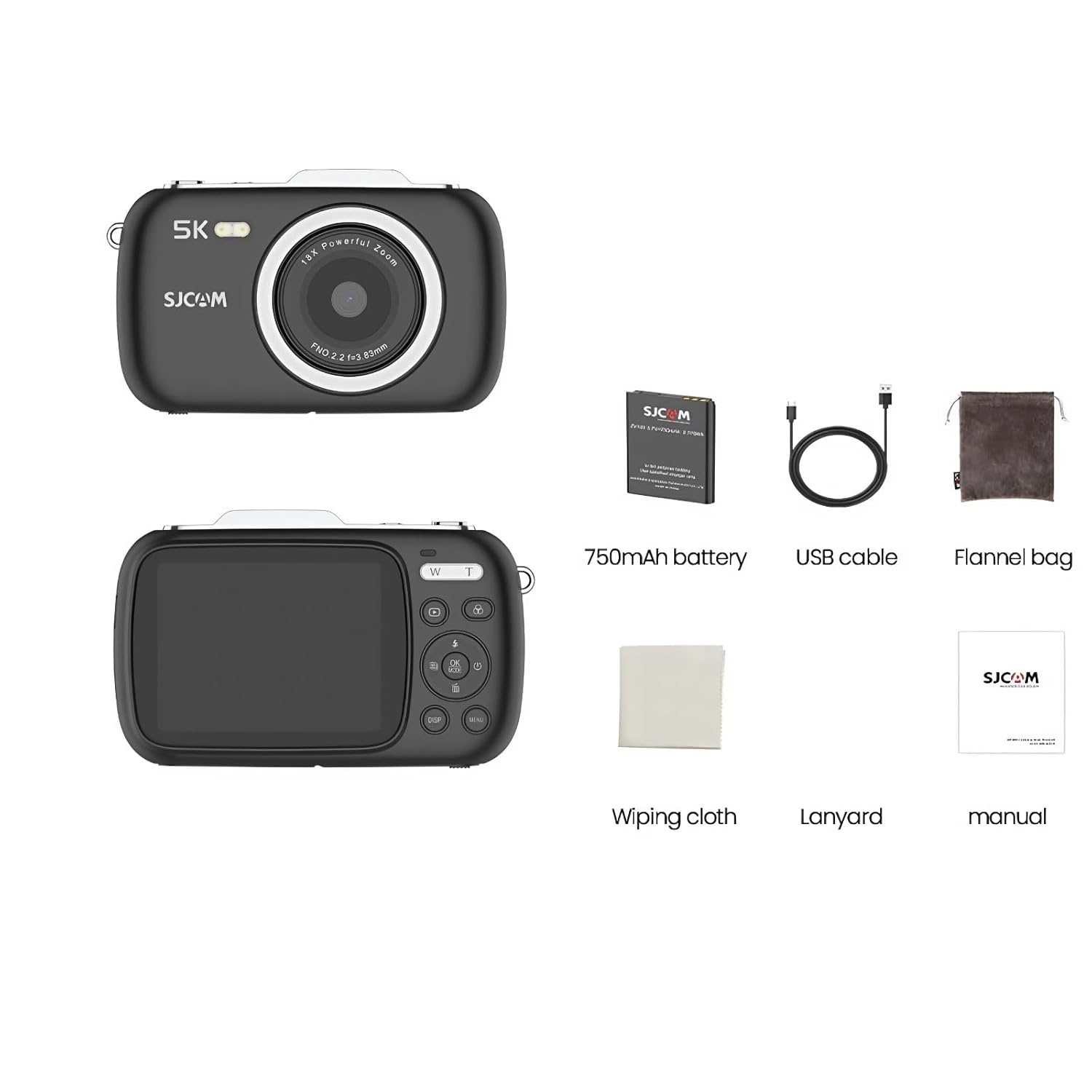
Image: All components included with the SJCAM ZV100 Digital Camera.
3. Product Overview
The SJCAM ZV100 is a compact digital camera designed for capturing high-quality photos and videos. It features an 80MP sensor for still images and supports 5K video recording.

Image: Front and rear views of the SJCAM ZV100 Digital Camera.
Key Features:
- 80 Megapixel Photos: Capture high-resolution still images.
- 5K Video Recording: Record video at 5K resolution (4608x2650) at 30 frames per second, or 4K at 60 frames per second.
- 18X Digital Zoom: Magnify subjects for detailed shots.
- Compact and Portable Design: Lightweight and easy to carry.
- Built-in Creative Tools: 5 preset scene modes and 8 filters for in-camera stylization.
- Webcam Functionality: Use as a high-quality webcam via USB.
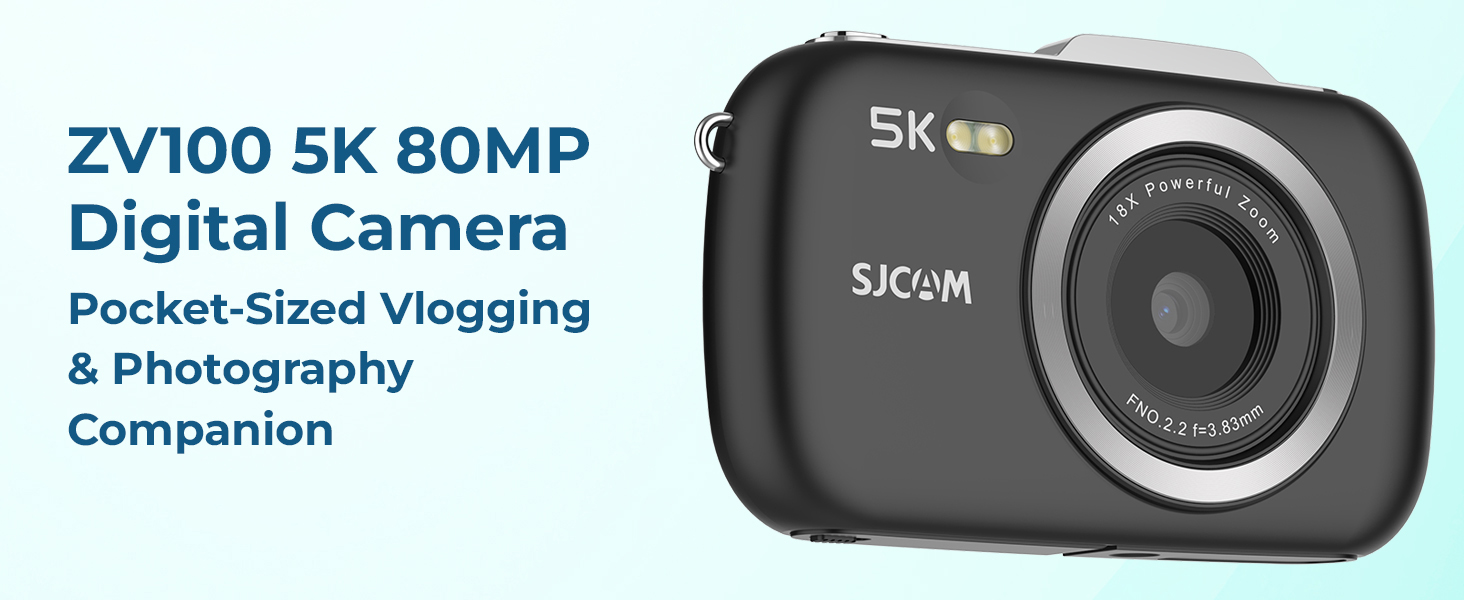
Image: Overview of the ZV100's main features.
4. Setup
4.1 Charging the Battery
- Insert the included 750mAh battery into the camera's battery compartment. Ensure correct orientation.
- Connect the camera to a power source (e.g., computer USB port or USB wall adapter) using the provided Type-C USB cable.
- The charging indicator light will illuminate. It will turn off or change color once charging is complete.
4.2 Inserting a Micro SD Card
A Micro SD card (not included) is required to store photos and videos. The camera supports cards up to 128GB (Class 10 or higher recommended).
- Locate the Micro SD card slot on the side or bottom of the camera.
- Gently insert the Micro SD card with the gold contacts facing the camera's front until it clicks into place.
- To remove, press the card inward until it springs out.
5. Operating the Camera
5.1 Power On/Off
- Power On: Press and hold the Power button (usually marked with Ⓘ) for a few seconds.
- Power Off: Press and hold the Power button again until the camera shuts down.
5.2 Taking Photos
- Turn on the camera.
- Frame your shot using the LCD screen.
- Press the Shutter button halfway down to focus.
- Press the Shutter button fully to capture the photo.
5.3 Recording Videos
- Turn on the camera.
- Switch to video mode (refer to your camera's specific mode button or menu).
- Press the Shutter button to start recording. A red indicator or timer will appear on the screen.
- Press the Shutter button again to stop recording.
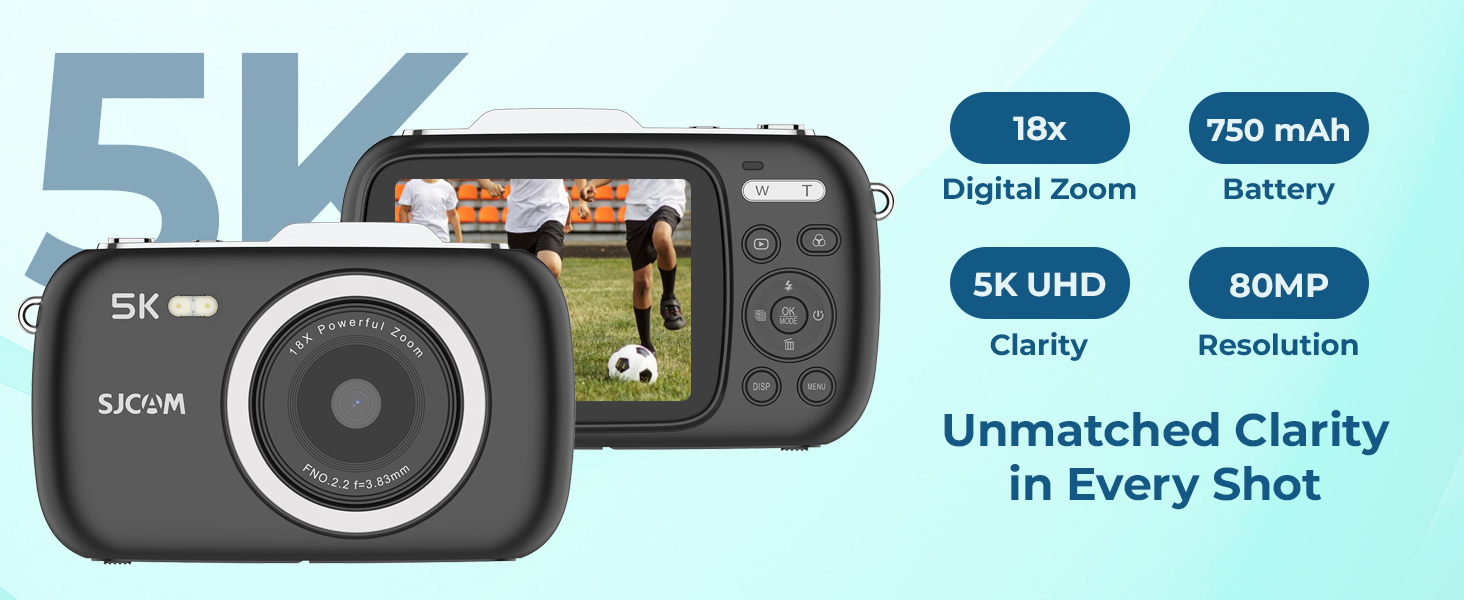
Image: The ZV100 supports 5K video at 30fps and 4K video at 60fps.
5.4 Using Digital Zoom
The ZV100 features 18X digital zoom. Use the 'W' (Wide) and 'T' (Telephoto) buttons, typically located near the shutter, to adjust the zoom level.
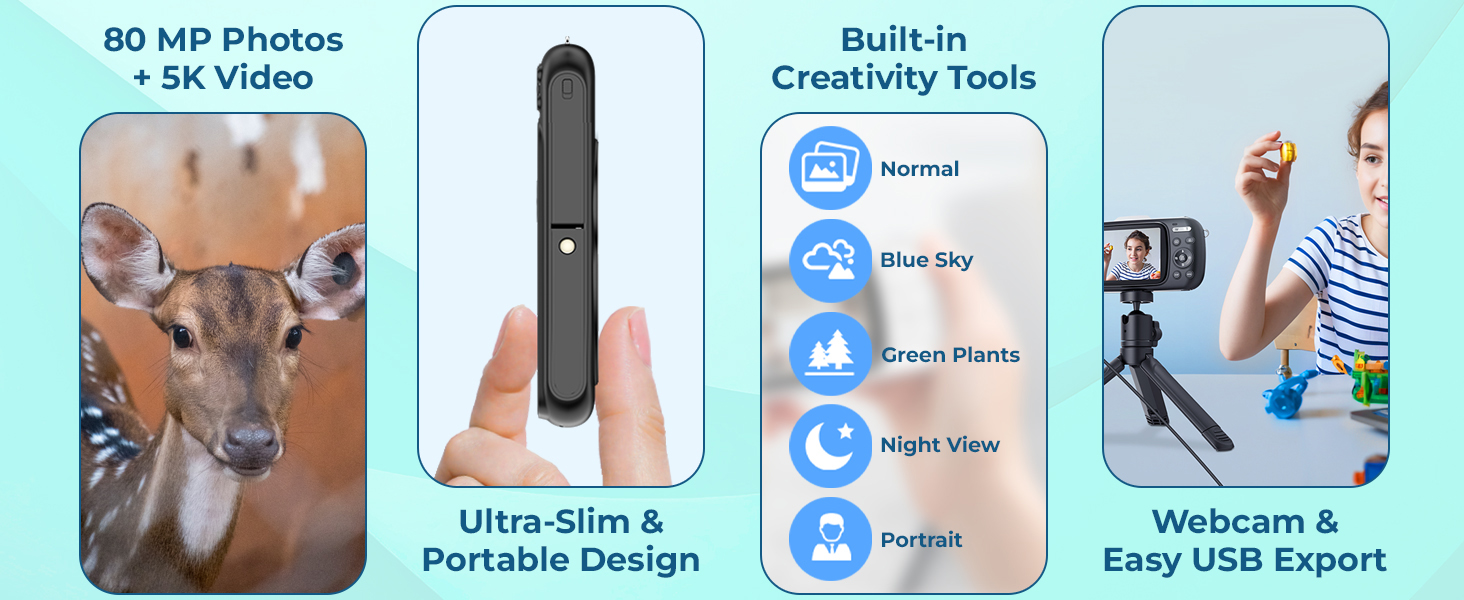
Image: Demonstration of 1X, 9X, and 18X digital zoom capabilities.
5.5 Scene Modes and Filters
The camera includes 5 preset scene modes and 8 built-in filters to enhance your photos and videos.
- Scene Modes: Normal, Blue Sky, Night View, Portrait, Green Plants.
- Filters: Color, Grayscale, Nostalgia, Dog's Eye, and more.
Access these options through the camera's menu system (usually by pressing the 'MENU' button) and navigate to the respective settings.
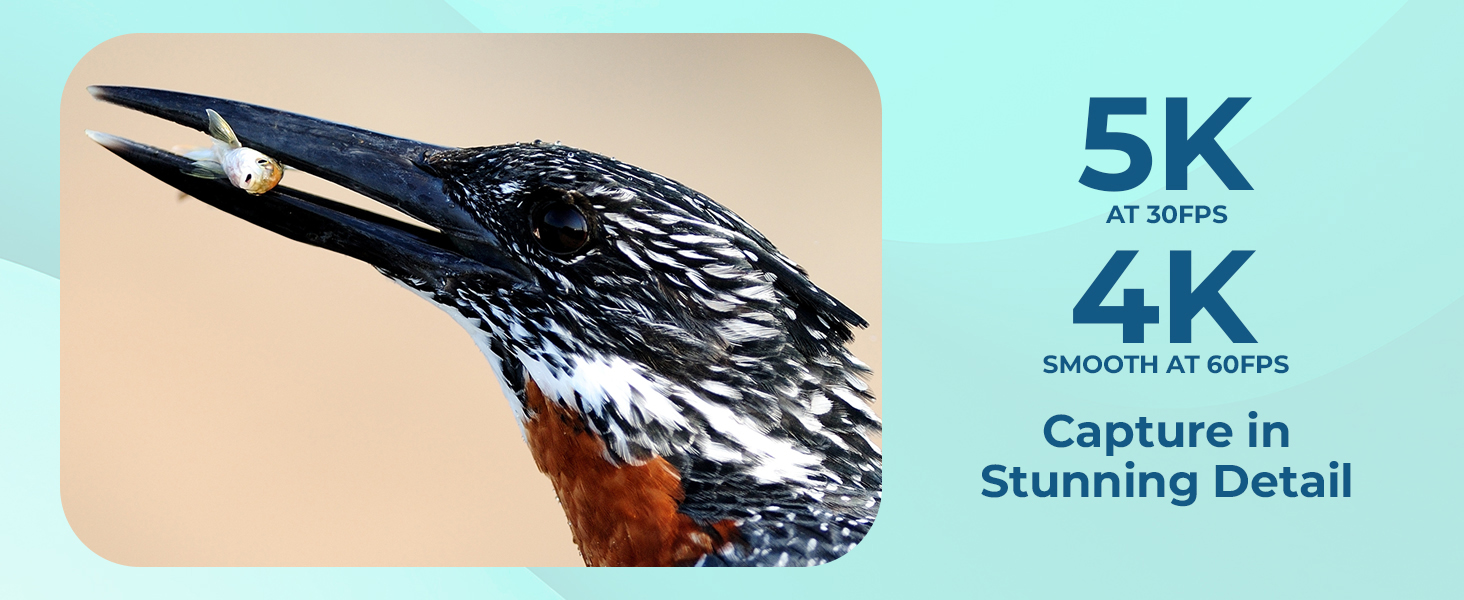
Image: Examples of various shooting modes and timer functions.
5.6 Using the Flash
The built-in flash can be used in low-light conditions. You can typically set the flash mode (Auto, On, Off, Red-eye Reduction) via the camera's menu or a dedicated flash button.
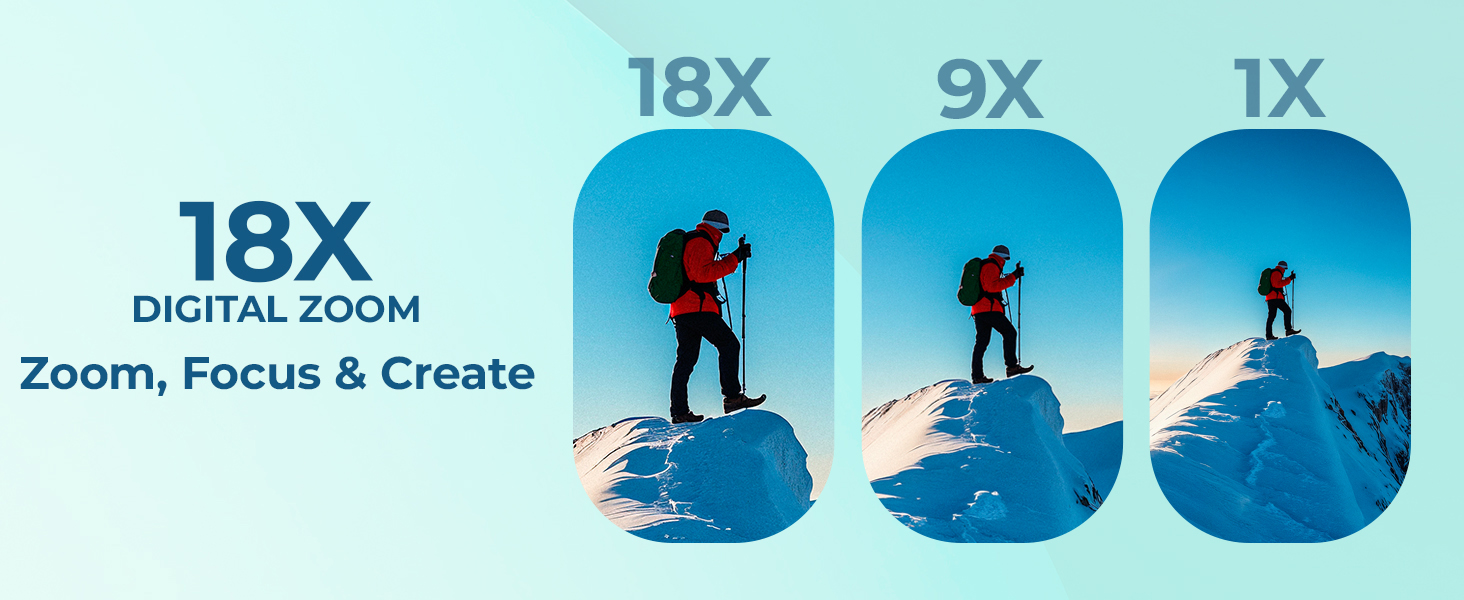
Image: Comparison of a scene captured without and with flash.
6. Connectivity
6.1 USB Quick Export
Connect the camera to your computer using the provided Type-C USB cable to transfer photos and videos. The camera will appear as a removable drive, allowing you to copy files directly.
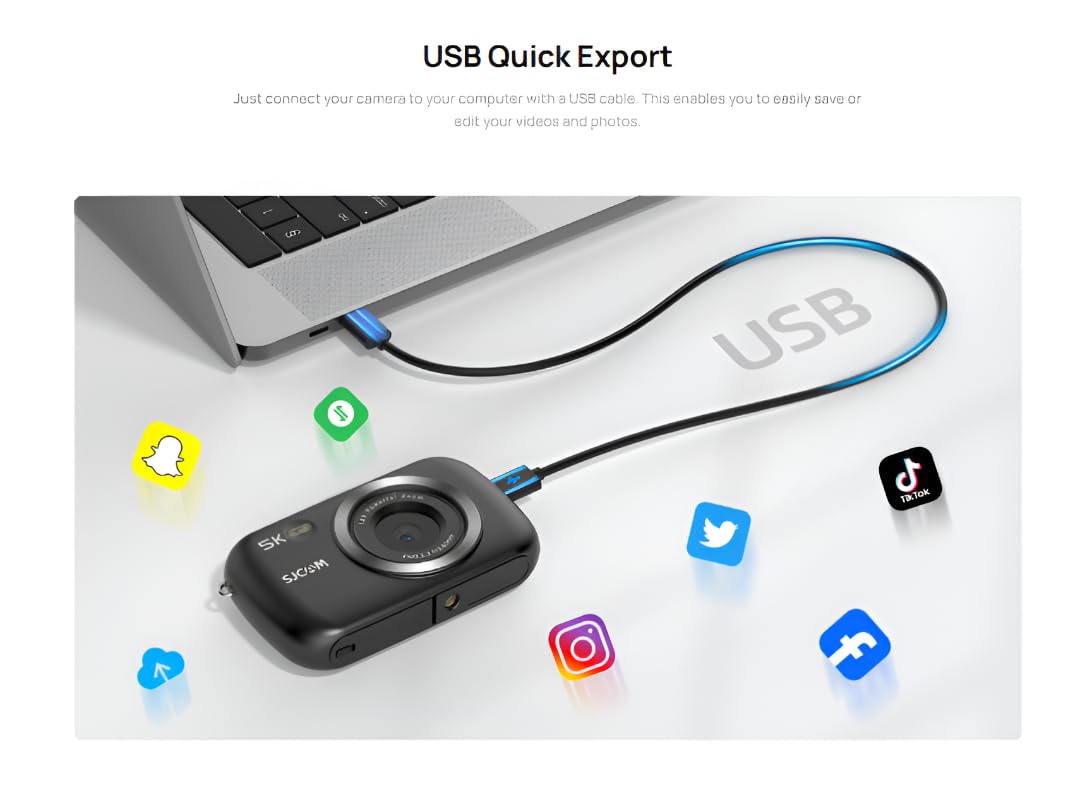
Image: USB connection for quick export of media files to a computer.
6.2 Webcam Functionality
The ZV100 can be used as a webcam. Connect the camera to your computer via USB. In your computer's settings or video conferencing software, select the ZV100 as your video input device.
7. Maintenance
7.1 Cleaning the Camera
- Use the included wiping cloth or a soft, lint-free cloth to clean the camera body.
- For the lens, use a specialized lens cleaning cloth and solution. Avoid touching the lens directly with your fingers.
- Do not use harsh chemicals or abrasive cleaners.
7.2 Battery Care
- Store the battery in a cool, dry place when not in use.
- Avoid fully discharging the battery frequently.
- If storing for extended periods, charge the battery to about 50% capacity.
7.3 Storage
When not in use, store the camera in its carry bag in a dry, dust-free environment away from direct sunlight and extreme temperatures.
8. Troubleshooting
| Problem | Possible Cause | Solution |
|---|---|---|
| Camera does not power on. | Low battery or incorrect battery insertion. | Charge the battery fully. Ensure the battery is inserted correctly. |
| Cannot take photos/record videos. | No Micro SD card, card full, or card error. | Insert a Micro SD card. Delete unnecessary files or format the card (this will erase all data). Try a different card. |
| Images are blurry. | Lens is dirty, insufficient light, or camera shake. | Clean the lens. Use flash in low light. Hold the camera steady or use a tripod. |
| Computer does not recognize camera. | Faulty USB cable or port, or incorrect camera mode. | Try a different USB cable or port. Ensure the camera is in the correct USB mode (e.g., Mass Storage or PC Camera). |
9. Specifications
| Feature | Detail |
|---|---|
| Brand | SJCAM |
| Model Number | ZV100 |
| Photo Sensor Technology | CMOS |
| Video Capture Resolution | 5K (4608*2650) 30fps, 4K 60fps |
| Maximum Focal Length | 3.83 Millimeters |
| Maximum Aperture | 2.2 f |
| Flash Memory Type | Micro SD (up to 128GB) |
| Video Capture Format | MP4 |
| Supported Audio Format | MP4 |
| Screen Size | 2.8 Inches |
| Connectivity Technology | USB |
| Battery | 1 A battery (750mAh, included) |
| Product Dimensions | 3 x 10 x 7 cm; 700 g |
10. Warranty and Support
10.1 Warranty Information
The SJCAM ZV100 Digital Camera comes with a 1-year limited warranty from the date of purchase. This warranty covers manufacturing defects and workmanship. It does not cover damage caused by misuse, accidents, unauthorized modifications, or normal wear and tear.
Please retain your proof of purchase for warranty claims.
10.2 Customer Support
For technical assistance, troubleshooting, or warranty inquiries, please contact SJCAM customer support through their official website or the retailer where the product was purchased.
Visit the SJCAM Store on Amazon for more information and support resources.


