
1. Introduction
The ATK VXE Dragonfly R1 Pro is a high-performance wireless gaming mouse designed for precision and comfort. Featuring an ultra-lightweight design, a PixArt PAW3395 sensor, and adjustable polling rates, it offers a responsive and reliable experience for gaming and productivity. This manual provides essential information for setting up, operating, maintaining, and troubleshooting your device.
2. Package Contents
Verify that all items are present in your product packaging:
- ATK VXE Dragonfly R1 Pro Wireless Gaming Mouse
- 2.4G Wireless Receiver (USB Dongle)
- USB-C to USB-A Charging/Data Cable
- User Manual (this document)
Video: ATK R1 Gaming Mouse Unboxing. This video demonstrates the unboxing process and shows the included accessories.

Image: The ATK VXE Dragonfly R1 Pro mouse shown with its USB-C charging cable and 2.4G wireless receiver.
3. Setup
3.1. Charging the Mouse
Before first use, it is recommended to fully charge the mouse. Connect the provided USB-C cable to the mouse's front port and the USB-A end to your computer or a USB power adapter. The mouse features a 500mAh battery, providing approximately 75 hours of continuous use at 1000Hz polling rate.
3.2. Connecting the Mouse
The R1 Pro supports dual-mode connectivity: 2.4G Wireless and Wired USB-C.
2.4G Wireless Mode:
- Locate the 2.4G wireless receiver (USB dongle) stored in the compartment on the underside of the mouse.
- Remove the receiver and plug it into an available USB port on your computer.
- Slide the power switch on the bottom of the mouse to the '2.4G' position.
- Your computer should automatically detect and connect to the mouse.
Wired USB-C Mode:
- Connect the provided USB-C cable to the mouse's front port and the USB-A end to your computer.
- The mouse will automatically switch to wired mode and begin charging.
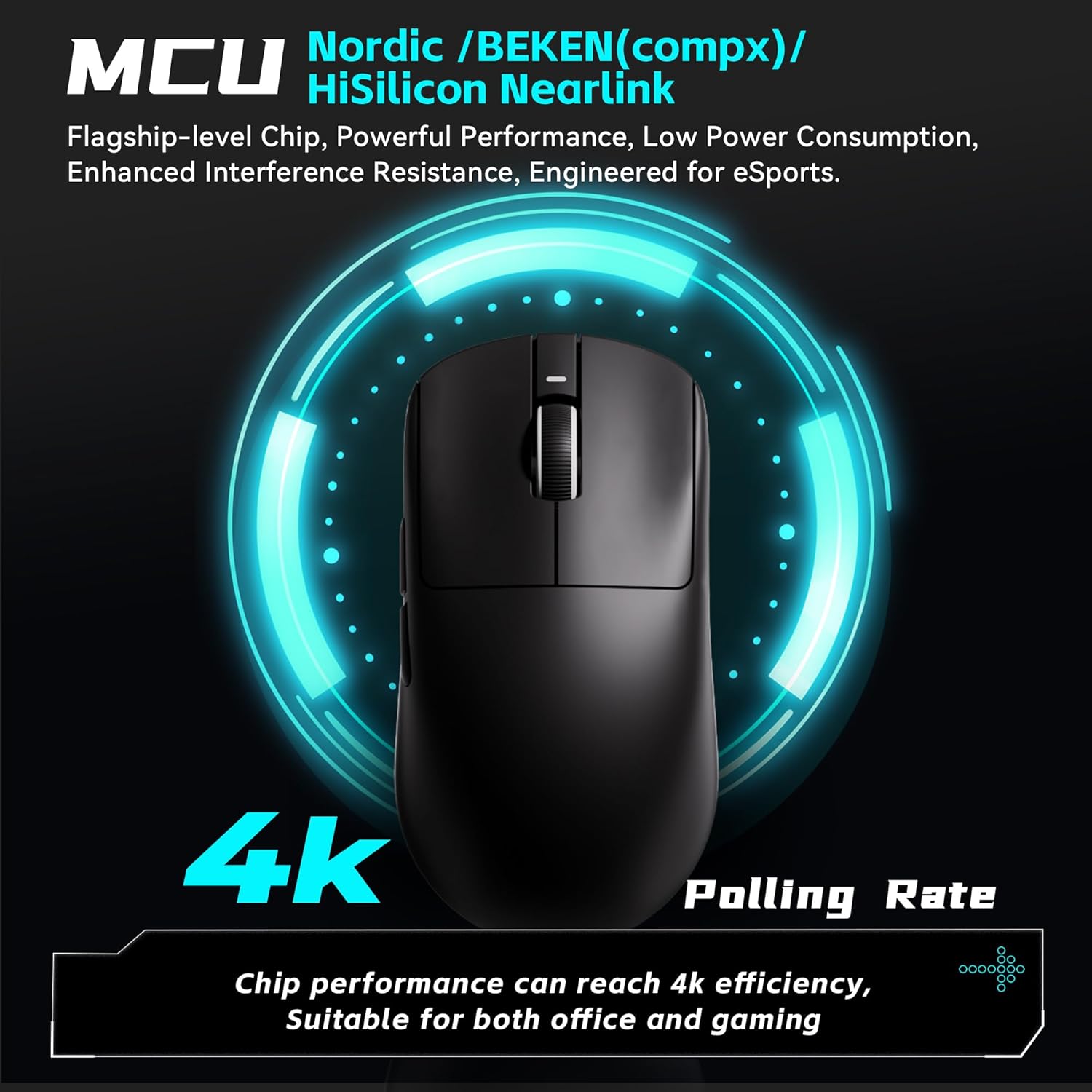
Image: The underside of the mouse, highlighting the power switch for connectivity modes and the DPI adjustment button.
4. Operating Instructions
4.1. DPI Adjustment
The R1 Pro features a PixArt PAW3395 sensor with adjustable DPI up to 26,000. You can cycle through pre-set DPI levels using the dedicated DPI button on the bottom of the mouse. Default pre-set profiles typically include 400 DPI (Red), 800 DPI (Green - Default), 1600 DPI (Blue), and 3200 DPI (Purple).

Image: Details of the PixArt PAW3395 sensor, showing DPI ranges and pre-set profiles.
4.2. Polling Rate Adjustment
The R1 Pro supports adjustable polling rates from 125Hz to 4,000Hz. A 4K polling rate requires a separate 4K receiver (not included with the standard mouse package) for optimal performance. The polling rate can be adjusted via the ATK V HUB software.

Image: Illustration of the mouse's 4K polling rate capability and the high-performance MCU.
4.3. Programmable Buttons
The R1 Pro features multiple programmable buttons (left click, right click, scroll wheel click, two side buttons). These buttons can be customized for various functions, macros, and key remapping using the ATK V HUB software. The software supports Windows 10 and above systems.

Image: An example of the ATK V HUB software interface for managing mouse settings.
5. Maintenance
- Cleaning: Use a soft, dry cloth to clean the mouse. Avoid using harsh chemicals or abrasive materials.
- Storage: When not in use, store the mouse in a dry, cool place away from direct sunlight.
- Battery Care: To prolong battery life, avoid fully discharging the mouse frequently. Charge it when the low battery indicator appears.
6. Troubleshooting
- Mouse not responding: Ensure the mouse is charged and the power switch is in the correct position (2.4G or Wired). Re-insert the USB receiver.
- Lag or Disconnection: Ensure the USB receiver is plugged into a direct USB port, not a hub. Move the mouse closer to the receiver. Check for interference from other wireless devices.
- DPI not changing: Press the DPI button firmly. If using software, ensure settings are applied correctly.
- Software not detecting mouse: Ensure the mouse is connected and powered on. Reinstall the ATK V HUB software.
7. Specifications
| Feature | Detail |
|---|---|
| Product Dimensions | 4.72 x 2.51 x 0.1 inches |
| Item Weight | 1.69 ounces (approx. 48g) |
| Model Number | ATK R1 Series |
| Sensor | PixArt PAW3395 |
| DPI Range | Up to 26,000 DPI |
| Polling Rate | 125-4,000Hz (4K polling requires separate receiver) |
| Connectivity Technology | 2.4G Wireless, USB-C Wired |
| Battery Life (R1 Pro) | ~75 hours (at 1000Hz) |
| Special Features | Lightweight, Programmable Buttons, Rechargeable |
| Manufacturer | ATK |

Image: A comprehensive table outlining the specifications for various models in the VXE Dragonfly R1 Series, including the R1 Pro.
8. Warranty and Support
For warranty information and customer support, please refer to the official ATK website or contact your retailer. Keep your proof of purchase for any warranty claims.


