
Introduction
Thank you for choosing the Pebble Blissbuds Hue TWS Earbuds. These earbuds are designed to provide a superior audio experience with advanced features such as Hybrid Active Noise Cancellation (ANC), Environmental Noise Cancellation (ENC), and powerful 13mm dynamic drivers. This manual will guide you through the setup, operation, and maintenance of your new earbuds to ensure optimal performance.
What's in the Box
Carefully unpack your Pebble Blissbuds Hue TWS Earbuds and ensure all items are present:
- Pebble Blissbuds Hue TWS Earbuds (Left and Right)
- Charging Case
- Type-C Charging Cable
- User Manual
- Warranty Card

Image: The box contents, showing the earbuds, charging case, Type-C cable, user manual, and warranty card.
Setup
1. Charging the Earbuds and Case
Before first use, fully charge the earbuds and the charging case. Place the earbuds into the charging case and connect the Type-C cable to the charging port on the case and a power source. The LED indicator on the case will show charging status. A full charge provides up to 40 hours of total playtime with the charging case.

Image: Earbuds in their charging case, highlighting the extended playtime.
2. Bluetooth Pairing
- Initial Pairing: Open the charging case. The earbuds will automatically enter pairing mode.
- On your device (smartphone, tablet, laptop), enable Bluetooth and search for available devices.
- Select "Blissbuds Hue" from the list of devices. Once connected, you will hear a confirmation tone.
- Auto Pairing: After the initial pairing, the earbuds will automatically connect to the last paired device when removed from the case.
- Dual Pairing: The earbuds support dual pairing, allowing seamless switching between two connected devices.

Image: Bluetooth pairing process shown on a smartphone, with the earbuds and case.

Image: Seamless switching between a laptop and a smartphone with the earbuds.
Operating Instructions
1. Active Noise Cancellation (ANC) and Environmental Noise Cancellation (ENC)
The Blissbuds Hue feature Hybrid ANC to reduce ambient noise by up to 45dB, allowing for an immersive listening experience. ENC technology with 4 microphones ensures your voice remains crystal clear during calls by filtering out background noise.
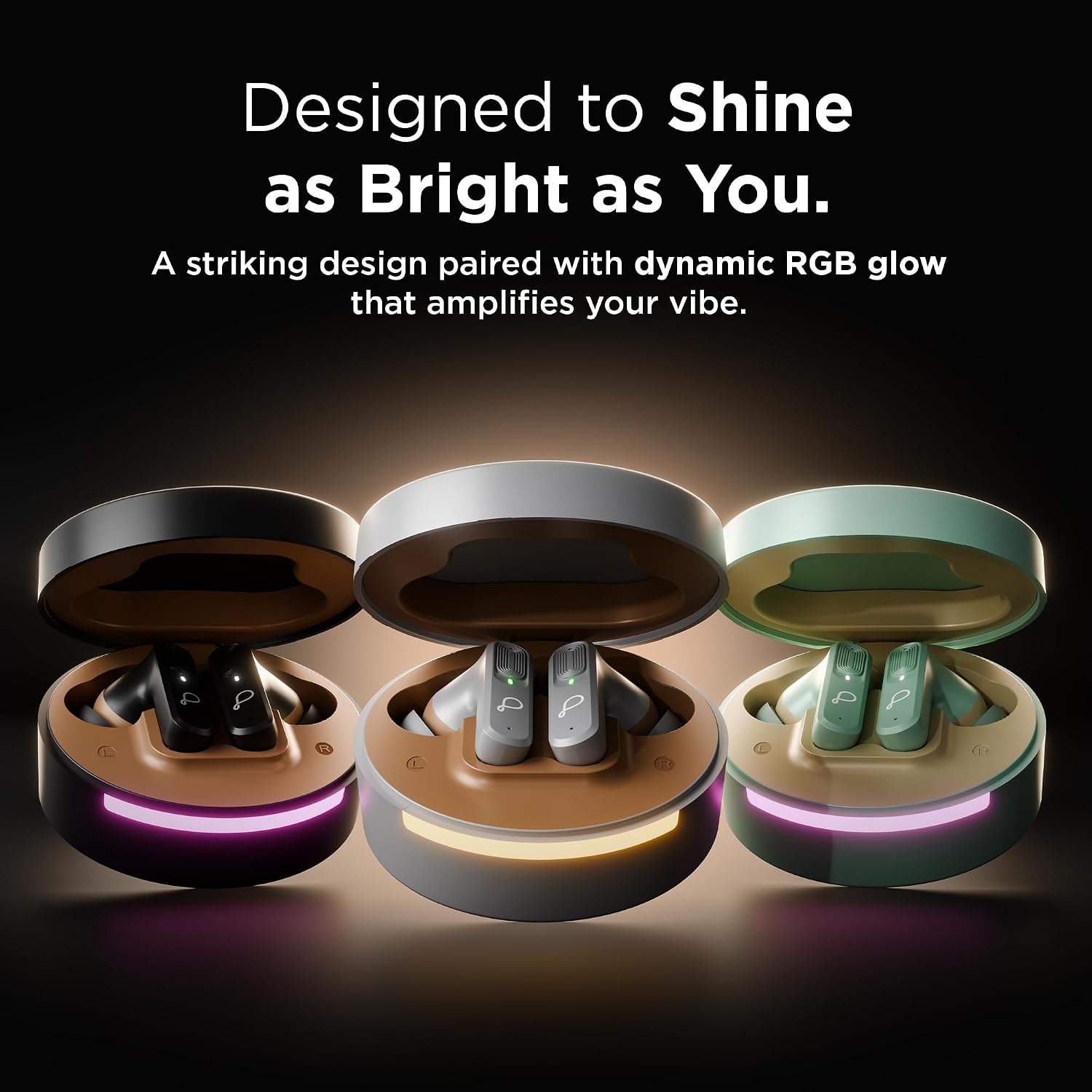
Image: Earbud demonstrating Active Noise Cancellation (ANC) capability.

Image: Man on a bus using earbuds, highlighting Environmental Noise Cancellation (ENC) for clear calls.
2. Audio Quality and Gaming Mode
Equipped with 13mm Dynamic Drivers, these earbuds deliver deep bass and high-quality sound. For gaming, activate the Low Latency Mode to ensure perfect synchronization between audio and video, enhancing your gaming and media experience.

Image: Earbuds highlighting the 13mm Dynamic Drivers for superior sound.
3. Voice Assistant
The earbuds support voice control. Refer to the quick start guide for specific touch controls to activate your device's voice assistant.
Maintenance
1. Cleaning
- Regularly clean the earbuds and charging case with a soft, dry, lint-free cloth.
- Do not use abrasive cleaners, alcohol, or chemical solvents.
- Gently remove any earwax or debris from the ear tips and speaker mesh using a small, soft brush or cotton swab.
2. Storage
- When not in use, always store the earbuds in their charging case to protect them and keep them charged.
- Store in a cool, dry place away from extreme temperatures and direct sunlight.
Troubleshooting
If you encounter issues with your earbuds, try the following solutions:
- No Sound: Ensure earbuds are charged, connected to your device, and volume is up.
- Pairing Issues: Turn off Bluetooth on your device, then turn it back on. Forget "Blissbuds Hue" from your device's Bluetooth list and re-pair.
- One Earbud Not Working: Place both earbuds back in the case, close it, wait a few seconds, then open it and try again.
- Poor Call Quality: Ensure ENC is active and you are in an area with good network coverage.
- Earbuds Not Charging: Check the charging cable and power source. Ensure the earbuds are correctly seated in the charging case.
Specifications
| Brand | Pebble |
| Model Number | PTWE202 |
| Model Name | Blissbuds Hue |
| Colour | Black |
| Ear Placement | In Ear |
| Noise Control | Active Noise Cancellation (ANC) |
| Audio Driver Type | 13mm Dynamic Driver |
| Battery Average Life | 40 Hours (with charging case) |
| Bluetooth Version | 5.4 |
| Wireless Technology | Bluetooth |
| Control Method | Voice |
| Compatible Devices | Smartphones, Tablets, Laptops, Smart Speakers |
| Material | Polycarbonate (PC) |
| Item Weight | 120 Grams |
| Water Resistance Level | Not Water Resistant |
Warranty and Support
The Pebble Blissbuds Hue TWS Earbuds come with a 1-year brand warranty. This warranty ensures reliable performance and provides hassle-free support for any manufacturing defects or issues that may arise during normal use.
For warranty claims or technical assistance, please refer to the contact information provided on your warranty card or visit the official Pebble support website.