
Infinix HOT 60i 5G
Infinix HOT 60i 5G Smartphone User Manual
Model: HOT 60i 5G (X6730)
Introduction
This manual provides essential information for setting up, operating, maintaining, and troubleshooting your Infinix HOT 60i 5G smartphone. Please read this guide thoroughly to ensure optimal performance and longevity of your device.

Figure 1: Infinix HOT 60i 5G Smartphone Overview
The Infinix HOT 60i 5G is designed to offer a premium user experience with its advanced features, including 5G connectivity, a large 6000mAh battery, a powerful MediaTek Dimensity 6400 processor, and intelligent AI capabilities.
1. Setup
1.1 Unboxing
Verify that the following items are included in your package:
- Infinix HOT 60i 5G Smartphone
- Power Adapter
- USB Cable
- SIM Tray Ejector
- Phone Case
1.2 Inserting SIM/SD Card
- Locate the SIM tray on the side of the device.
- Insert the SIM tray ejector tool into the small hole next to the tray and press gently until the tray pops out.
- Place your Nano-SIM card(s) and/or microSD card into the designated slots on the tray. Ensure the gold contacts face downwards.
- Carefully reinsert the tray into the phone until it clicks into place.
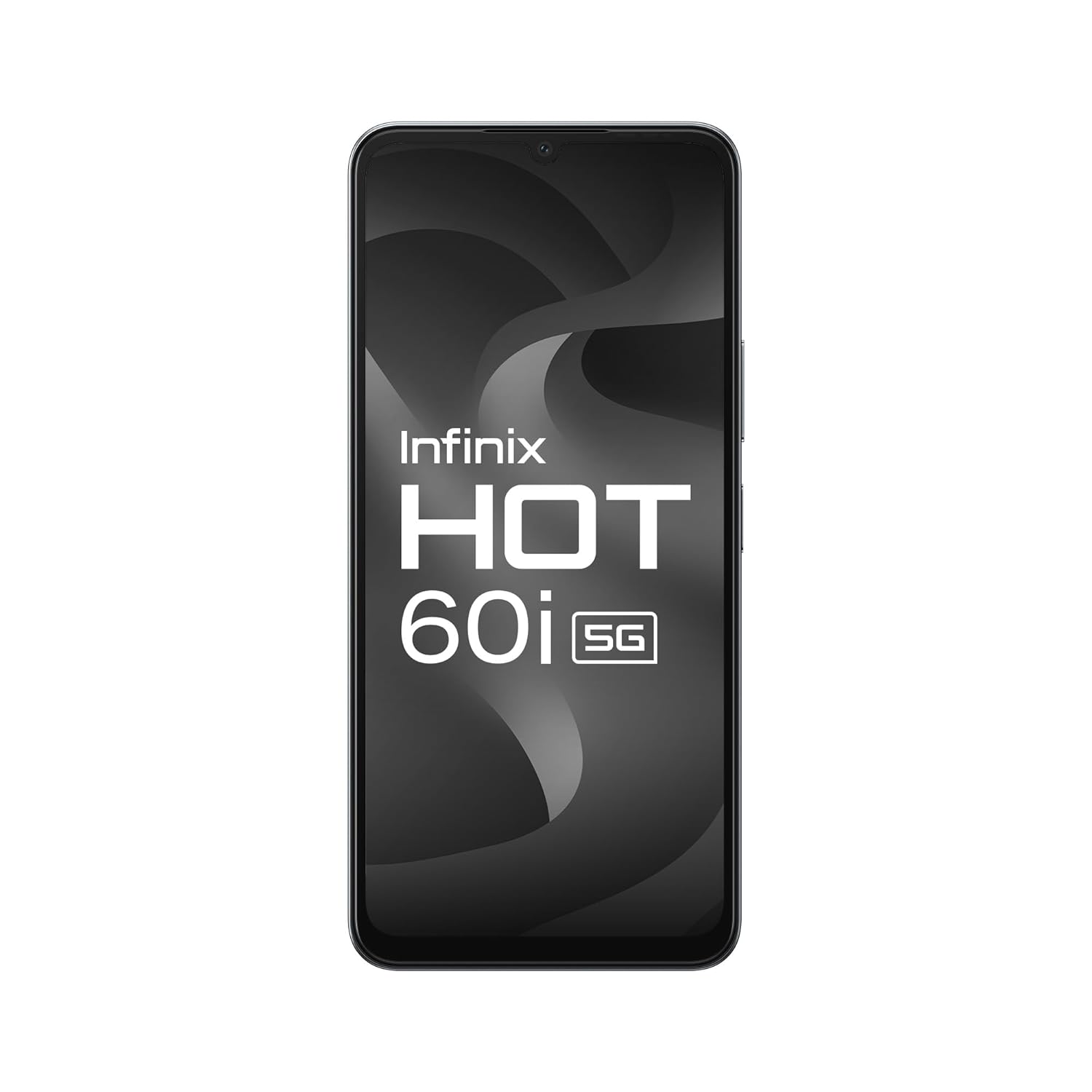
Figure 2: Front View of Device
1.3 Initial Charging
Before first use, it is recommended to fully charge your device. Connect the USB cable to the power adapter and then to your phone's charging port. Plug the adapter into a power outlet. The battery indicator will show charging status.
2. Operating Instructions
2.1 Power On/Off and Screen Lock
- Power On: Press and hold the Power button until the Infinix logo appears.
- Power Off: Press and hold the Power button, then select 'Power off' from the options.
- Screen Lock: Briefly press the Power button to turn off the screen and lock the device.
- Screen Unlock: Press the Power button or double-tap the screen, then swipe up or use your configured unlock method (PIN, pattern, fingerprint, face unlock).
2.2 Navigation
Your device supports gesture navigation and traditional three-button navigation. You can configure your preferred method in Settings > System > Gestures.
2.3 Key Features Overview
- True 5G Connectivity: Experience high-speed internet and seamless communication. The HOT 60i 5G supports major 5G networks.
- 6000mAh Battery: Enjoy extended usage with the large capacity battery. Supports fast charging for quick power-ups.
- MediaTek Dimensity 6400 Processor: Provides powerful performance for multitasking, gaming, and 5G connectivity.
- Infinix AI: Utilize intelligent features like Circle to Search, AI Eraser, and Call Translation for enhanced usability.
- 50MP Clear Camera: Capture high-quality photos with various camera modes.
- 6.75-inch HD+ 120Hz Display: Enjoy a smooth and immersive visual experience.
- IP64 Dust and Water Resistance: Provides protection against dust ingress and splashes.
- XOS 15 (Based on Android 15): Offers an intuitive, secure, and feature-rich user interface.
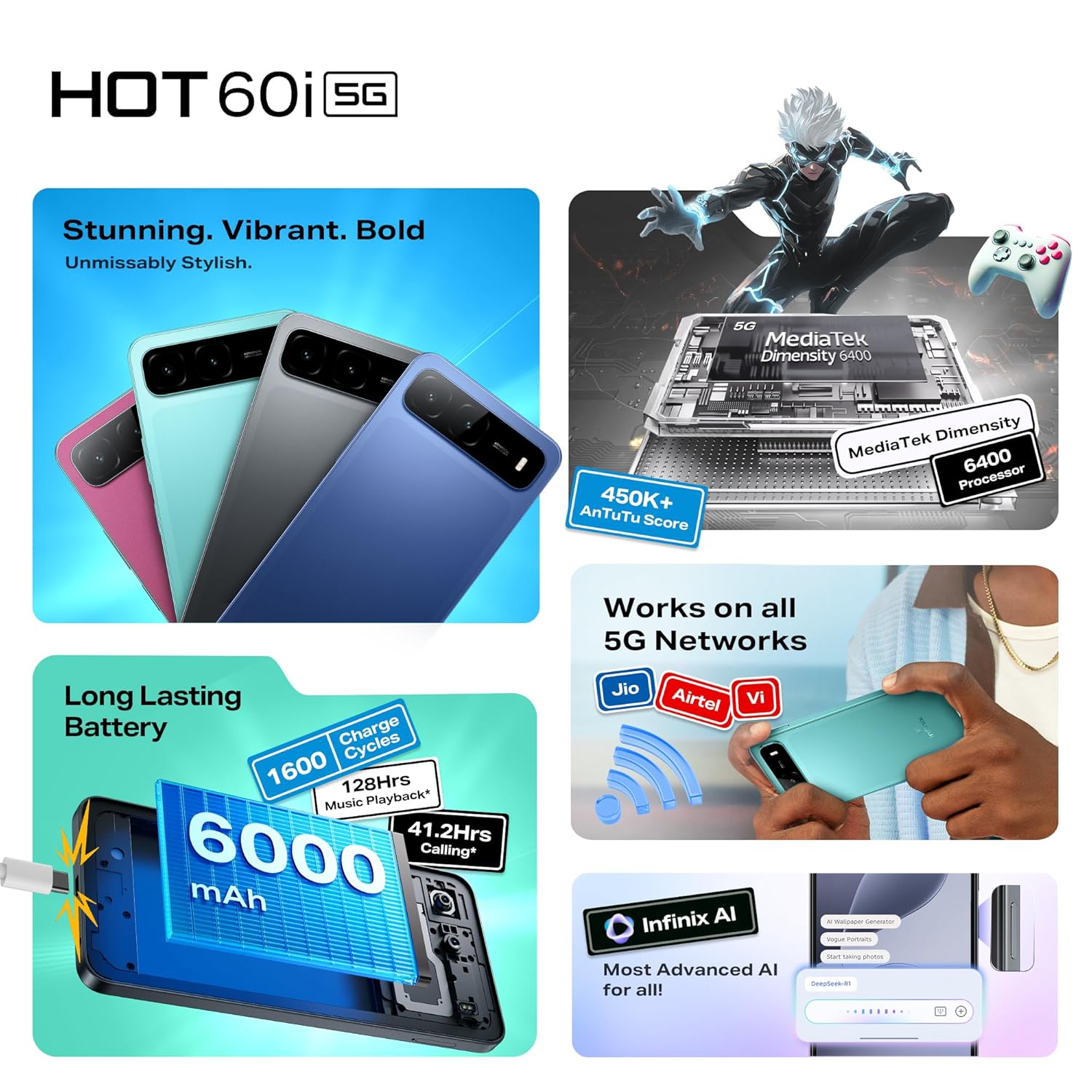
Figure 3: 5G Network Compatibility
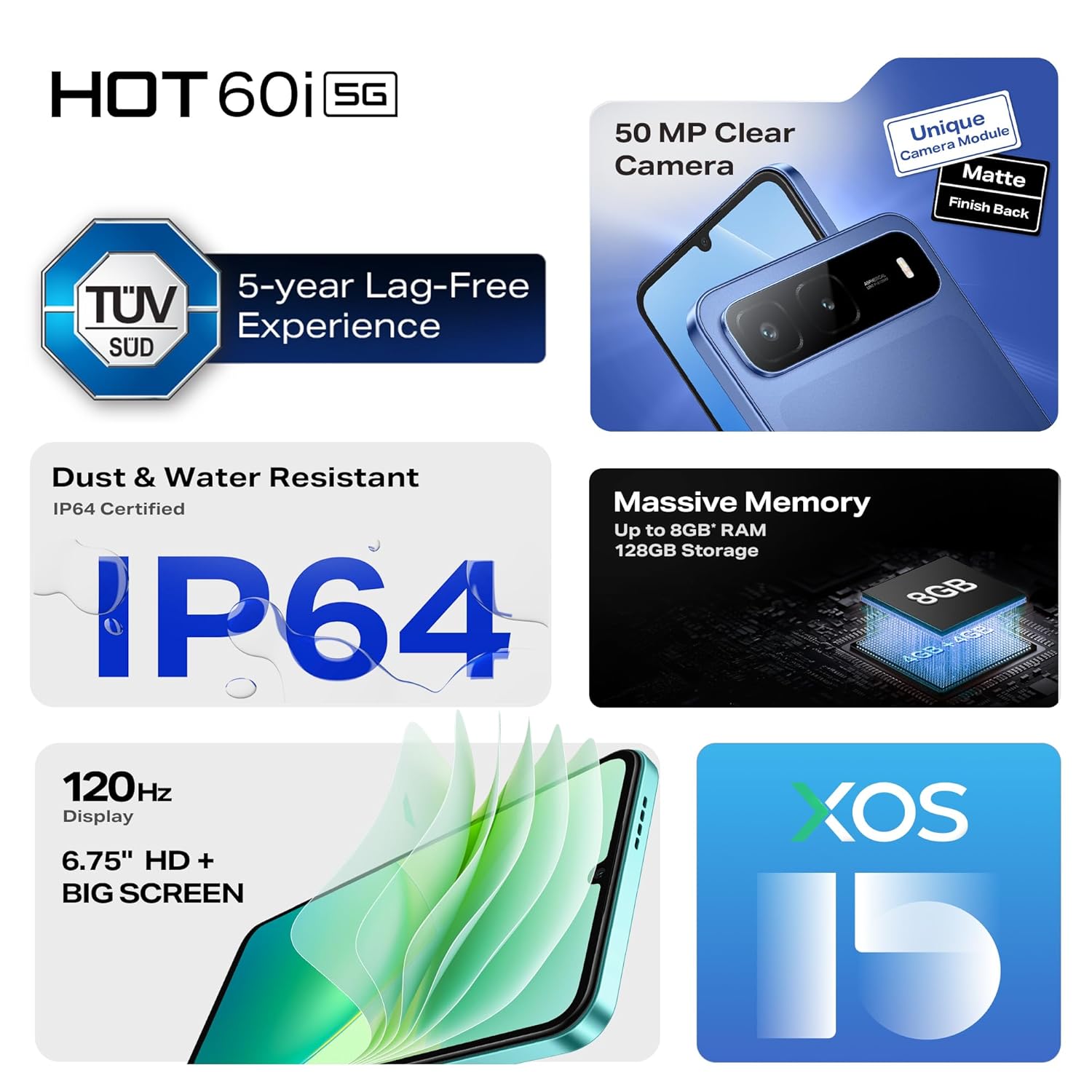
Figure 4: 6000mAh Battery Performance

Figure 5: MediaTek Dimensity 6400 Processor
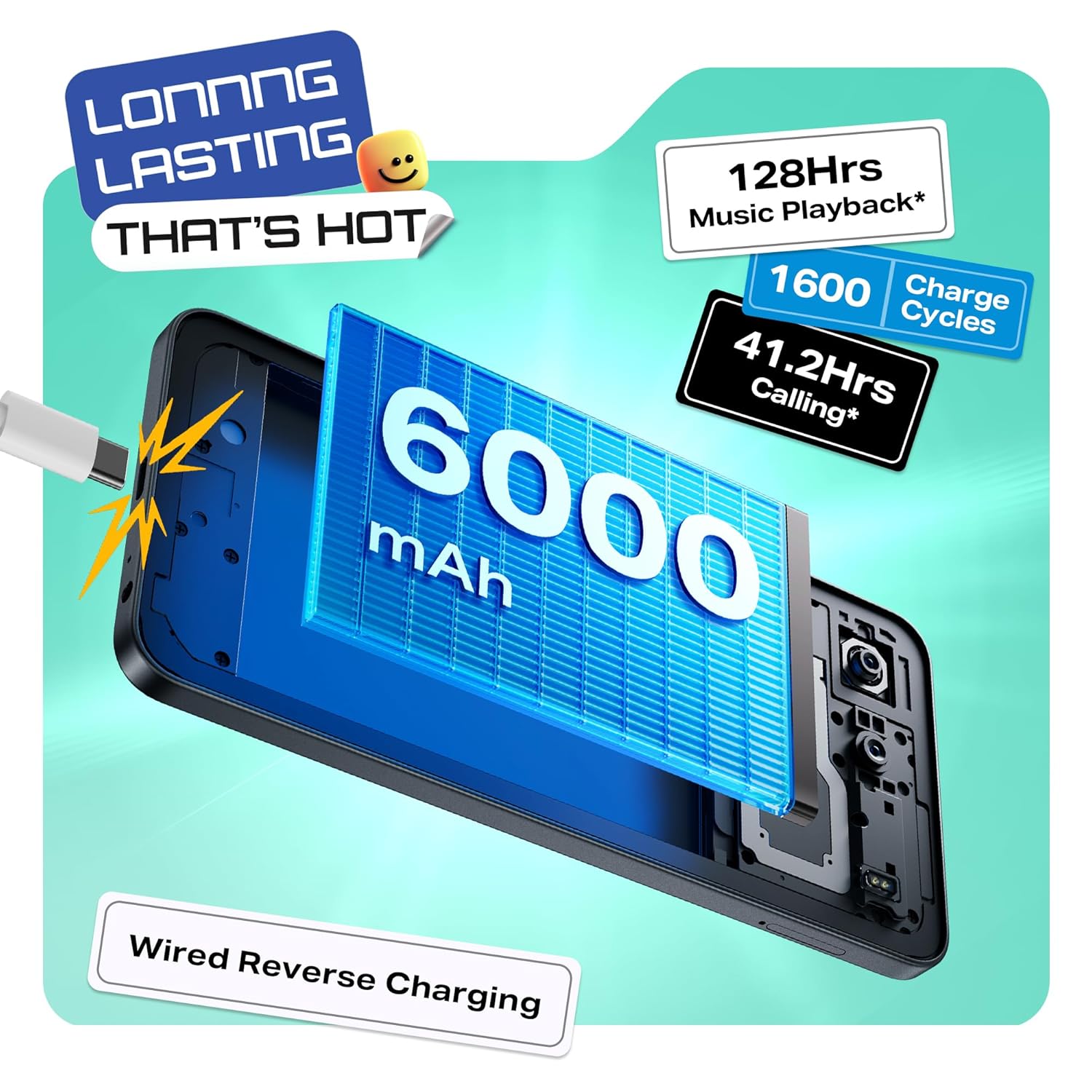
Figure 6: Infinix AI Features
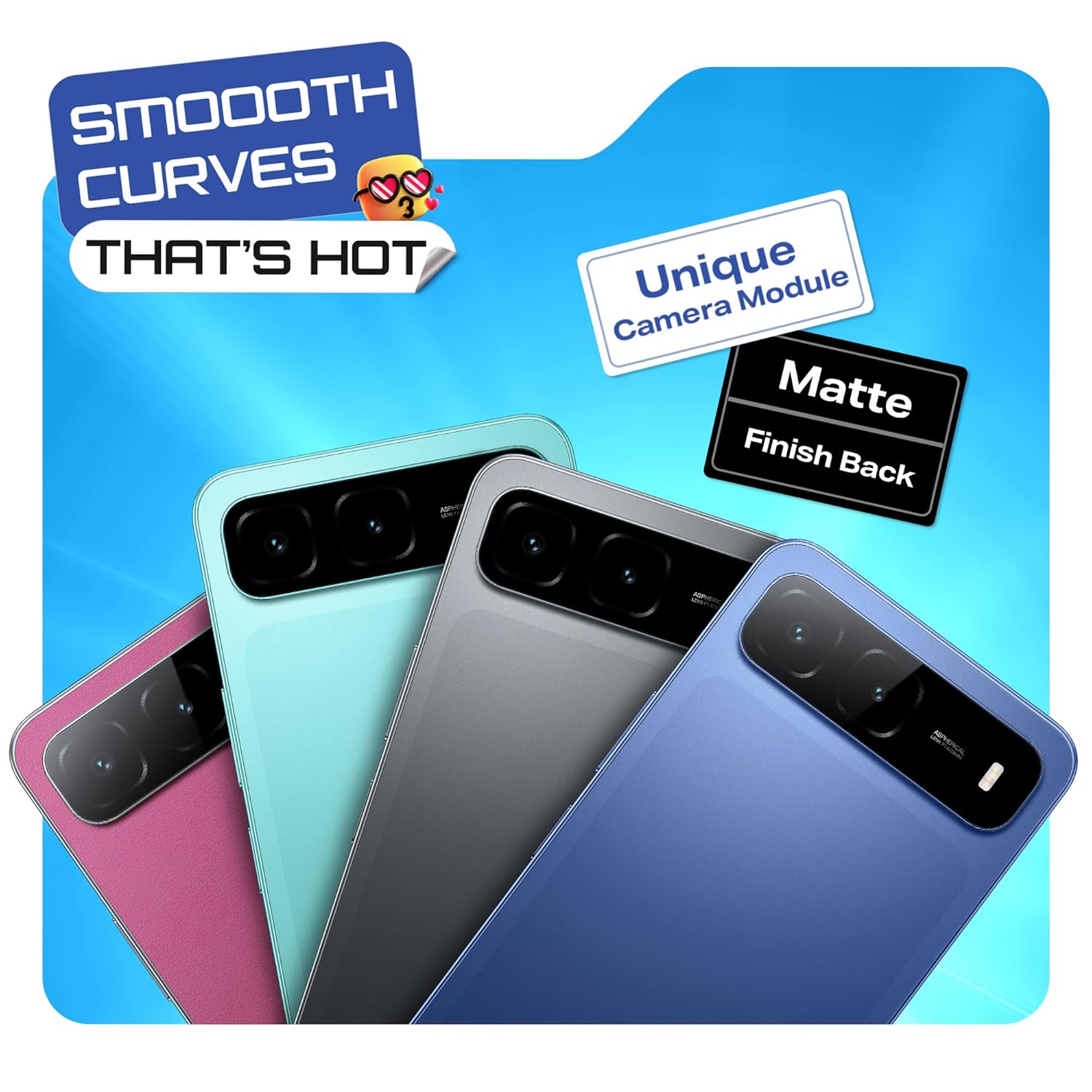
Figure 7: 50MP Camera Capabilities

Figure 8: Immersive Display

Figure 9: IP64 Rating

Figure 10: XOS 15 Interface
3. Maintenance
3.1 Cleaning Your Device
Use a soft, lint-free cloth to clean the screen and body of your phone. Avoid using harsh chemicals or abrasive materials that could damage the device.
3.2 Software Updates
Regularly check for and install software updates to ensure your device has the latest features, security patches, and performance improvements. Go to Settings > System > System Update.
3.3 Battery Health
To prolong battery life, avoid extreme temperatures, do not overcharge for extended periods, and use the original charger provided.
4. Troubleshooting
4.1 Device Not Powering On
- Ensure the battery is charged. Connect the charger and wait a few minutes before attempting to power on.
- Press and hold the Power button for at least 10-15 seconds to force a restart.
4.2 Network Connectivity Issues
- Check if your SIM card is properly inserted and activated.
- Toggle Airplane Mode on and off.
- Restart your device.
- Verify network settings in Settings > Network & internet > Mobile network.
4.3 Apps Crashing or Freezing
- Clear the cache and data for the problematic app (Settings > Apps > [App Name] > Storage > Clear cache/Clear data).
- Update the app to its latest version from the Google Play Store.
- Restart your device.
5. Technical Specifications
| Feature | Specification |
|---|---|
| Model Name | HOT 60i 5G |
| Item Model Number | X6730 |
| Operating System | Android 15 || XOS 15 (Based on Android 15) |
| Processor | MediaTek Dimensity 6400 |
| RAM Memory Installed Size | 4 GB (Up to 8GB with extended RAM) |
| Memory Storage Capacity | 128 GB |
| Display | 6.75-inch HD+ with 120Hz Refresh Rate |
| Rear Camera | 50MP Clear Camera |
| Battery Capacity | 6000mAh |
| Water & Dust Resistance | IP64 Certified |
| Product Dimensions | 16.8 x 7.7 x 0.8 cm |
| Item Weight | 199 g |
| Special Features | Always On Display, Built-In GPS, Dual SIM, Fast Charging Support, Mobile Hotspot Capability, Infinix AI (Circle to Search, AI Eraser) |
6. Warranty and Support
6.1 Warranty Information
Your Infinix HOT 60i 5G smartphone comes with a limited manufacturer's warranty. Please refer to the warranty card included in your product packaging or visit the official Infinix website for detailed terms and conditions, including warranty period and coverage.
6.2 Customer Support
For further assistance, technical support, or service inquiries, please contact Infinix customer support through their official website or designated service centers. Contact information can typically be found on the Infinix website or in your product documentation.
Related Documents - HOT 60i 5G
 |
Infinix HOT 60i (X6728) User Manual Official user manual for the Infinix HOT 60i (X6728) smartphone, covering device layout, SIM/SD card installation, charging instructions, and regulatory compliance information. |
 |
Infinix HOT 60i (X6728) User Manual User manual for the Infinix HOT 60i smartphone, including device layout, SIM installation, charging instructions, and regulatory compliance information. |
 |
Infinix HOT 60i 5G User Manual Official user manual for the Infinix HOT 60i 5G smartphone (Model X6730B), covering device layout, SIM/SD card installation, charging instructions, and regulatory compliance information. |
 |
Infinix X6728 HOT 60i Kullanım Kılavuzu ve Güvenlik Rehberi Infinix X6728 (HOT 60i) cep telefonu için kapsamlı kullanım kılavuzu; kurulum, güvenlik, teknik özellikler, garanti ve uyumluluk bilgilerini kapsar. |
 |
Руководство пользователя Infinix HOT 60i (X6728) Полное руководство пользователя для смартфона Infinix HOT 60i (модель X6728), включая технические характеристики, описание устройства, инструкции по установке SIM/SD-карт, зарядке и информацию о безопасности. |
 |
Infinix HOT 60i User Manual: Setup, Features, and Safety Information This user manual provides comprehensive information for the Infinix HOT 60i smartphone, model X6728. It covers setup, features, charging, safety guidelines, and regulatory compliance. |
Ask a question about this manual
Ask about setup, troubleshooting, compatibility, parts, safety, or missing instructions. Manuals+ will review the question and use this page’s manual context to help answer it.