
AKASO Magnetic Neck Mount
AKASO Magnetic Neck Mount Instruction Manual
Model: Magnetic Neck Mount (ASIN: B0FN3RXSJC)
Introduction
The AKASO Magnetic Neck Mount provides a convenient and hands-free solution for recording videos with your action camera or smartphone. Its innovative magnetic design allows for quick attachment and detachment, while supporting various shooting angles, including 180-degree rotation. This manual will guide you through the setup, operation, and maintenance of your new neck mount.
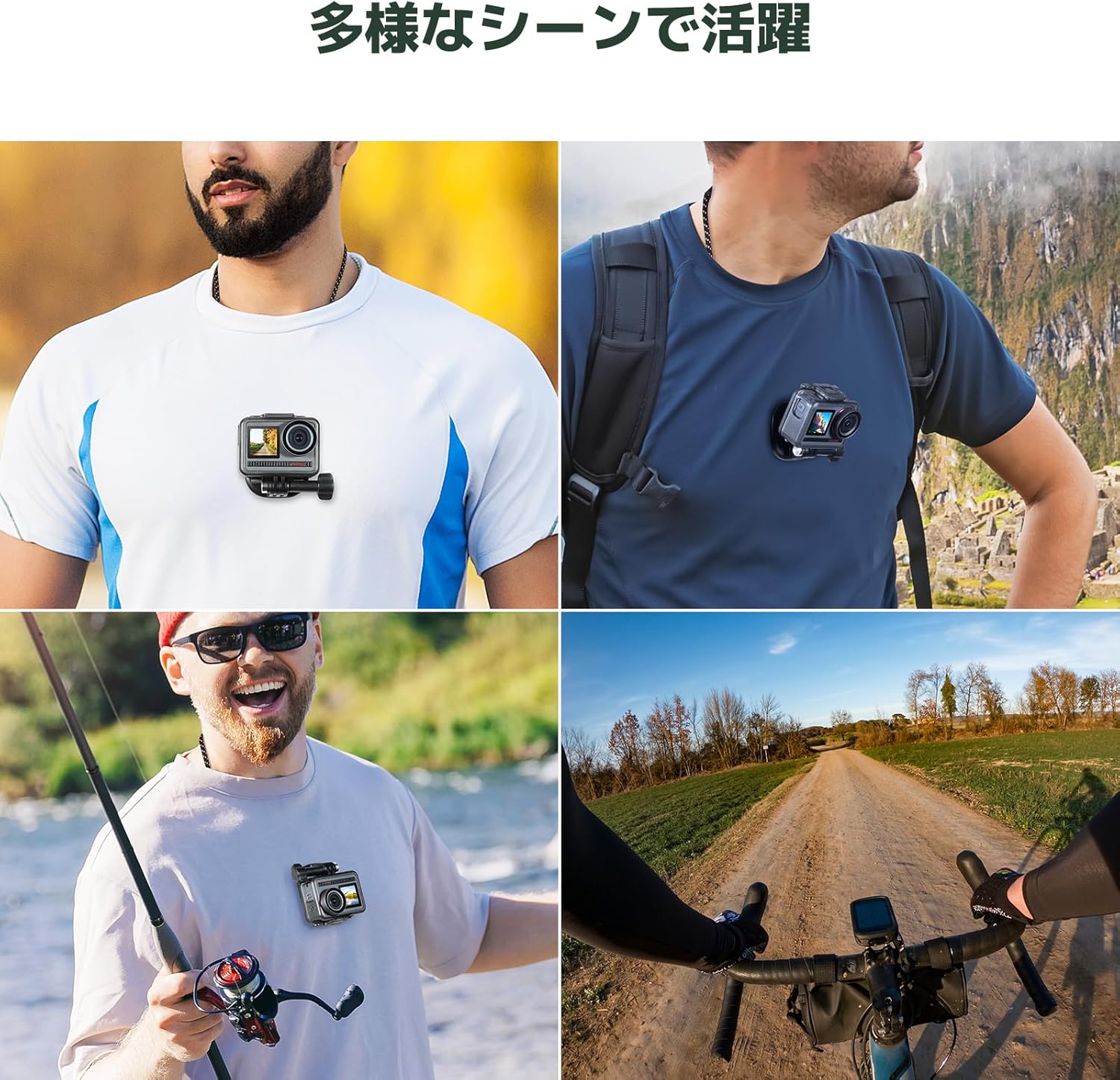
Image: The AKASO Magnetic Neck Mount being used in various scenarios such as hiking, fishing, and cycling, demonstrating its versatility.
Package Contents
Please check that all items are present in your package:
- AKASO Magnetic Neck Mount (main unit with neck strap)
- Magnetic Plate
- Universal Action Camera Adapter
Note: Additional accessories like a chest strap for enhanced stability are sold separately.

Image: The main components of the AKASO Magnetic Neck Mount, including the neck strap, magnetic plate, and universal adapter, alongside various compatible action cameras and smartphones.
Setup Guide
- Attach Camera to Adapter: Secure your action camera or smartphone holder to the universal action camera adapter. Ensure it is tightened firmly.
- Connect Adapter to Magnetic Plate: Attach the adapter with your camera to the magnetic plate.
- Wear the Neck Mount: Place the neck strap around your neck. The magnetic base should rest inside your clothing, against your chest.
- Secure the Camera: Position the magnetic plate (with camera attached) on the outside of your clothing, aligning it with the magnetic base worn inside. The strong magnets will snap into place, securing your camera for hands-free recording.
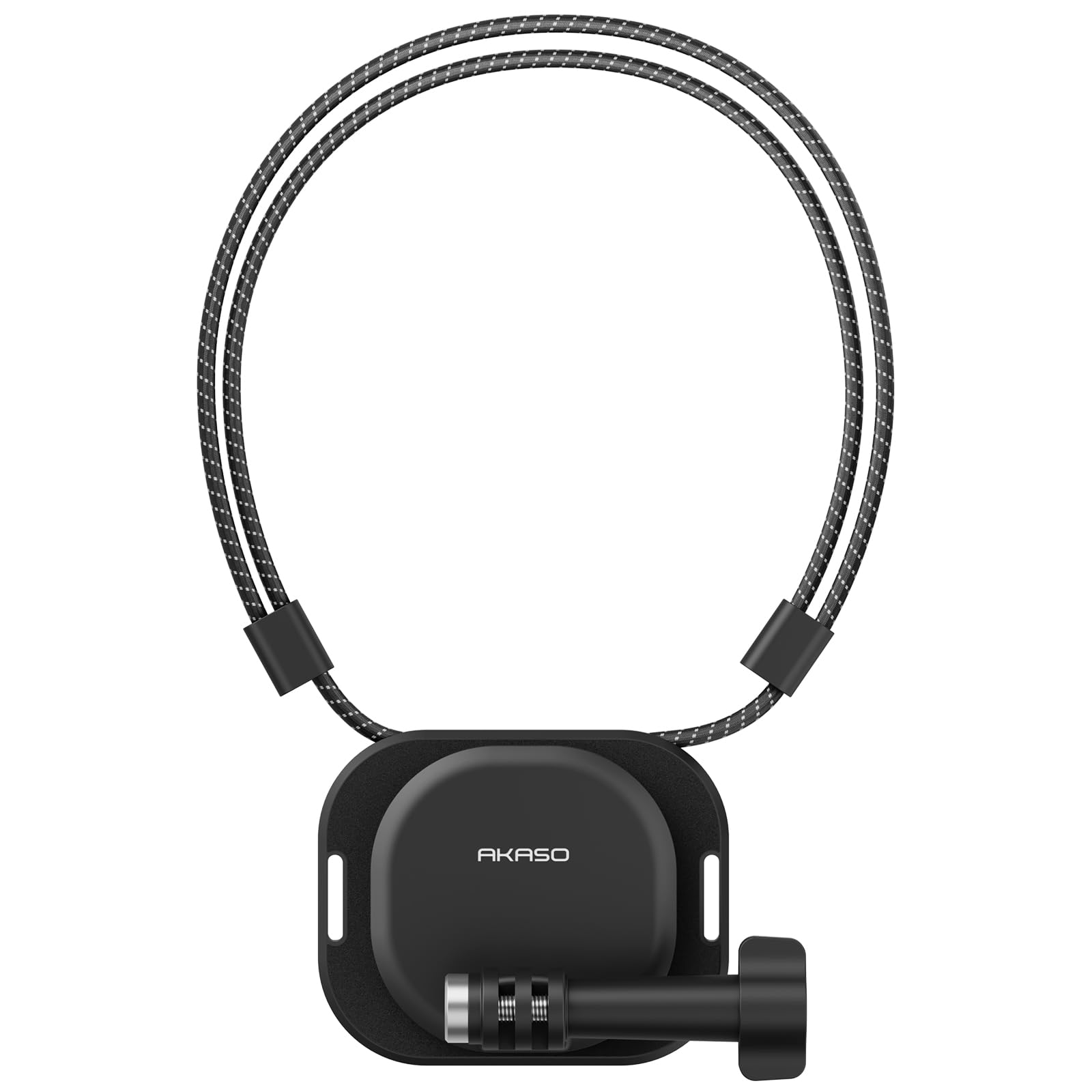
Image: A person wearing the AKASO Magnetic Neck Mount with an action camera attached, demonstrating the hands-free setup.

Image: A close-up view illustrating the strong magnetic connection between the neck mount's internal base and external plate, ensuring secure camera attachment.
Operating Instructions
- Hands-Free Recording: Once securely mounted, your camera will record from a natural, first-person perspective, leaving your hands free for other activities.
- Quick Release: To detach the camera, simply pull the magnetic plate away from the base. Reattachment is just as easy by bringing the magnets close together.
- Angle Adjustment: The mount allows for 180-degree rotation, enabling you to switch between vertical and horizontal shooting modes or adjust the camera angle as needed.
- Magnetic Stand Function: The magnetic plate can also be used independently to attach your camera to any magnetic metal surface, transforming it into a temporary stand.

Image: Demonstrates the multi-angle shooting capabilities of the neck mount, showing how the camera can be oriented vertically or horizontally.
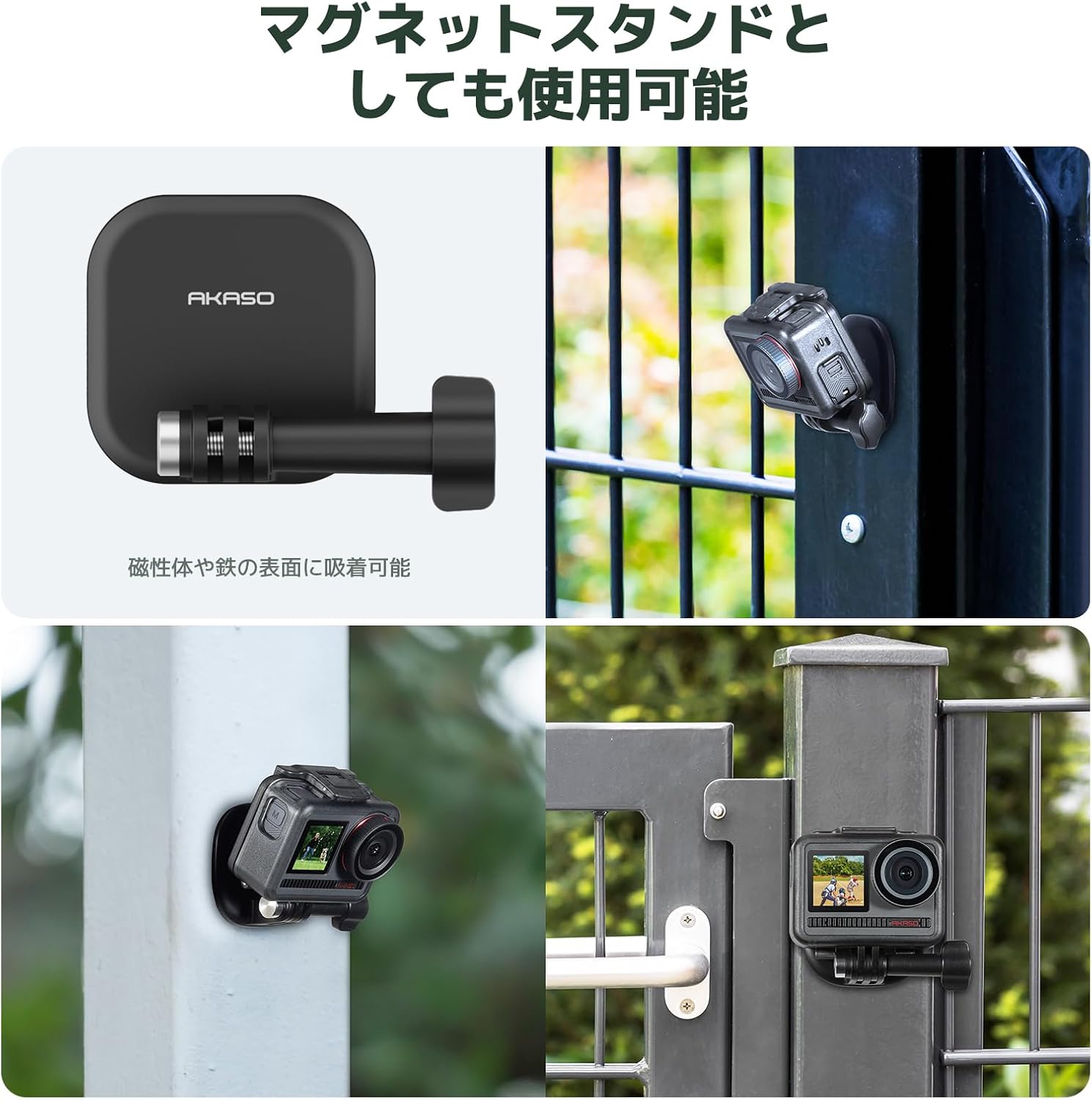
Image: Shows the magnetic plate being used to attach an action camera to a metal surface, highlighting its functionality as a versatile magnetic stand.
Maintenance
- Cleaning: Wipe the mount with a soft, damp cloth to remove dirt or sweat. Do not use harsh chemicals.
- Storage: Store the mount in a cool, dry place away from direct sunlight when not in use.
- Magnet Care: Keep the magnetic surfaces clean and free from debris to ensure a strong connection. Avoid placing the mount near sensitive electronic devices that could be affected by magnets.
Troubleshooting
| Problem | Solution |
|---|---|
| Camera feels loose or unstable. |
|
| Difficulty detaching the camera. |
|
| Camera angle is not optimal. |
|
Specifications
- Brand: AKASO
- Model: Magnetic Neck Mount
- Color: Black
- Dimensions (Packaged): 9 x 6.5 x 5.2 cm
- Weight (Packaged): 130 g
- ASIN: B0FN3RXSJC
- UPC: 810082456608
- Compatibility: AKASO Brave 4, AKASO Brave 7, AKASO EK7000, GoPro HD Hero2, Insta360, DJI Action, Smartphones (with appropriate adapter)
Warranty and Support
For warranty information, technical support, or further assistance, please refer to the official AKASO website or contact their customer service directly. Keep your purchase receipt for warranty claims.
Official AKASO Store on Amazon: AKASO Store
Ask a question about this manual
Ask about setup, troubleshooting, compatibility, parts, safety, or missing instructions. Manuals+ will review the question and use this page’s manual context to help answer it.