
ACE N520-100M
Tripp Lite Eaton Series N520-100M Duplex Multimode Fiber Patch Cable User Manual
1. Introduction
This manual provides essential information for the proper installation, operation, and maintenance of the Tripp Lite Eaton Series N520-100M Duplex Multimode Fiber Patch Cable. This cable is designed for high-performance connectivity in data centers and enterprise networks, supporting Gigabit Ethernet and 10Gbps applications.
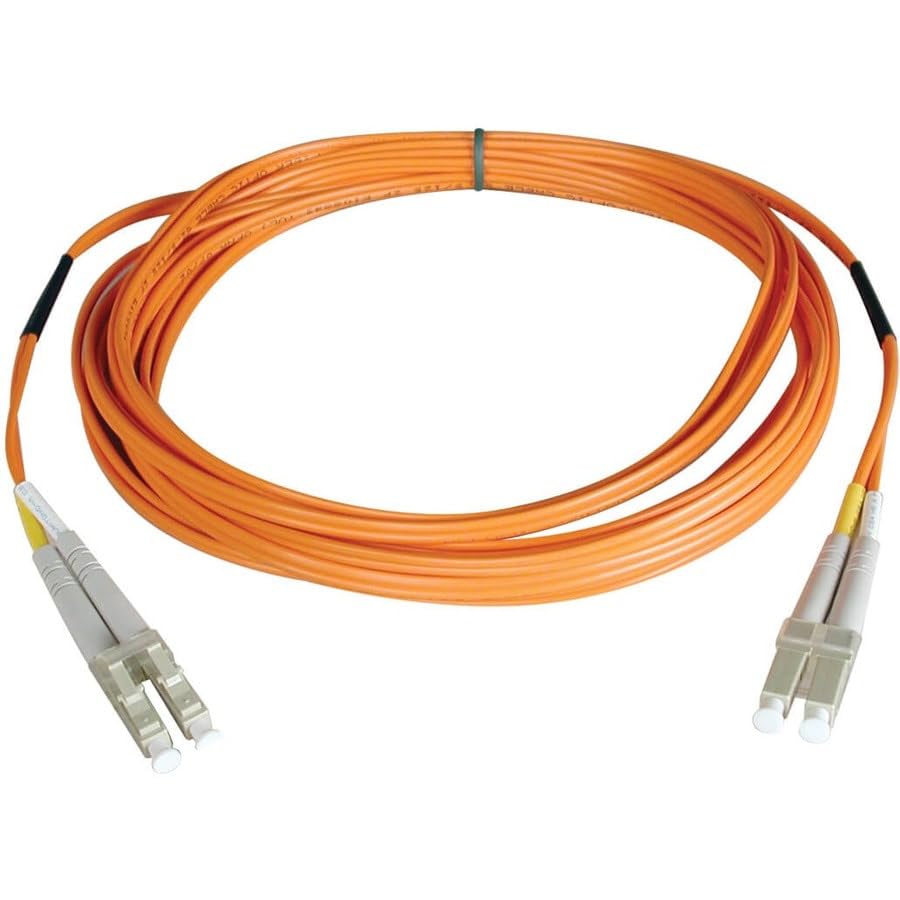
Figure 1: Tripp Lite Eaton Series N520-100M Duplex Multimode Fiber Patch Cable. This image shows the orange fiber optic cable coiled, with LC connectors visible at both ends.
The N520-100M is a 100-meter (328 ft) 50/125 micron fiber optic cable featuring duplex LC to LC connectors. Its durable orange PVC jacket is rated OFNR and FDDI, making it suitable for indoor network installations. It is backward compatible with 62.5 micron fiber and engineered to support future bandwidth requirements.
2. Key Features
- High-Speed Data Transmission: Supports 10Gbps for ultra-low loss data transmission in Gigabit Ethernet, SAN, cloud computing, and virtualization environments.
- Duplex LC to LC Connectors: Offers plug-and-play integration with switches, routers, and patch panels for quick deployment.
- Durable Construction: Features an orange PVC jacket rated OFNR and FDDI, providing resistance to bends, abrasion, and flame. This jacket also helps in identifying multimode runs.
- Optimized Fiber Core: 50/125 micron OM2 fiber core meets or exceeds attenuation standards, ensuring compatibility with existing 62.5 micron installations and supporting future bandwidth upgrades.
- Versatile Application: Ideal for enterprise switches, servers, storage area networks, VoIP, CCTV, media converters, virtualization hosts, and cloud infrastructure.
3. Package Contents
The package for the Tripp Lite Eaton Series N520-100M Duplex Multimode Fiber Patch Cable includes:
- One (1) N520-100M Duplex Multimode Fiber Patch Cable
4. Setup and Installation
Follow these steps for proper installation of your fiber patch cable:
- Inspect the Cable: Before installation, visually inspect the cable and connectors for any signs of damage. Ensure the protective caps are in place on the LC connectors.
- Clean Connectors: Always clean fiber optic connectors before use to prevent signal degradation. Use a specialized fiber optic cleaning tool or lint-free wipes with isopropyl alcohol.
- Connect to Devices: Carefully remove the protective caps from both ends of the cable. Align the LC connectors with the corresponding ports on your network devices (e.g., switches, routers, patch panels). Insert the connectors firmly until they click into place.
- Secure Cable Routing: Route the cable in a manner that avoids sharp bends, kinks, or excessive tension. Use cable ties or management panels to secure the cable and prevent accidental disconnections or damage.
- Verify Connection: After connecting, verify the link status on your network devices to ensure proper signal transmission.
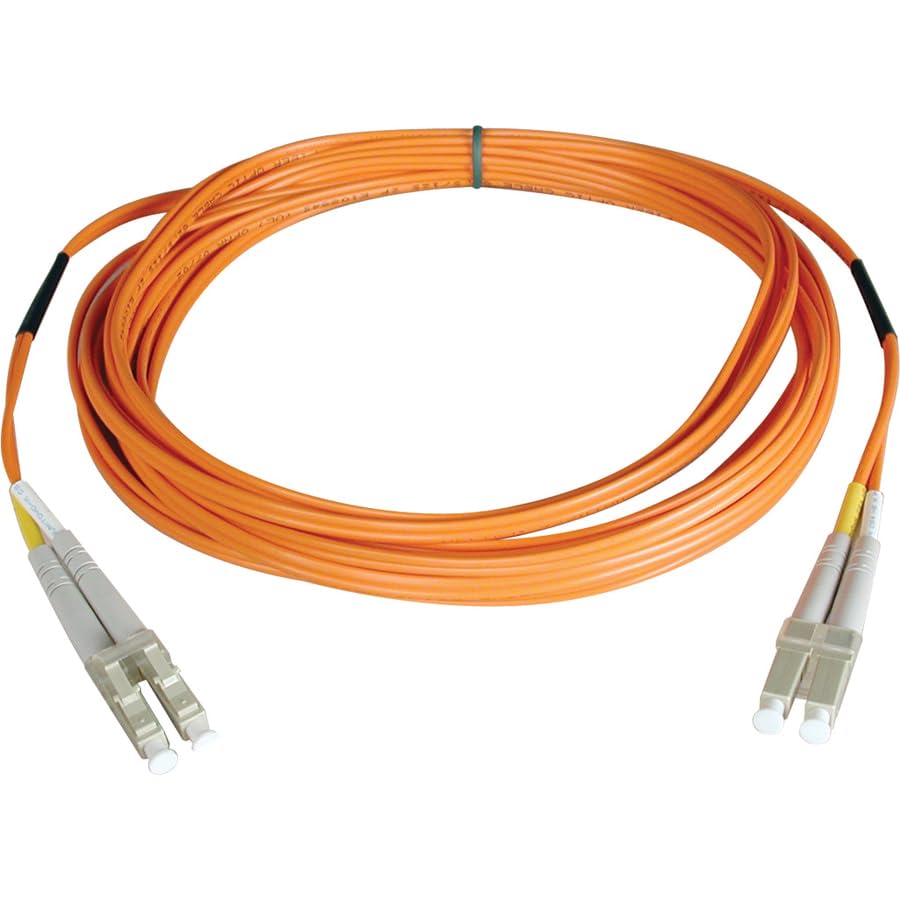
Figure 2: Close-up of LC Fiber Optic Connectors. This image displays the small form-factor LC connectors, highlighting their design for secure connections.
5. Operation
The Tripp Lite Eaton Series N520-100M is a passive fiber optic patch cable. Once properly installed and connected between compatible network devices, it facilitates the transmission of optical signals. No user intervention is required for its operation beyond initial setup. Ensure that both connected devices are powered on and configured correctly for fiber optic communication.
6. Care and Maintenance
- Keep Connectors Clean: Dust and dirt are the primary causes of signal loss in fiber optic systems. Always keep connectors clean using appropriate fiber optic cleaning tools. When not in use, keep protective caps on the connectors.
- Avoid Bending: Do not bend the fiber optic cable beyond its minimum bend radius. Excessive bending can damage the optical fibers and lead to signal loss.
- Handle with Care: Avoid pulling, twisting, or crushing the cable. Handle connectors by their housing, not by the fiber itself.
- Environmental Conditions: Store and operate the cable within recommended temperature and humidity ranges. The OFNR jacket is designed for indoor use.
7. Troubleshooting
If you experience connectivity issues, consider the following:
- No Link Light:
- Ensure both ends of the cable are securely connected to the correct ports.
- Clean the fiber optic connectors thoroughly.
- Verify that the connected network devices are powered on and functioning correctly.
- Check for any visible damage to the cable (e.g., kinks, cuts).
- Intermittent Connection:
- Re-seat the connectors to ensure a firm connection.
- Clean the connectors again.
- Ensure the cable is not under stress or experiencing excessive vibration.
- Slow Speed/Performance Issues:
- Confirm that both connected devices support the desired speed (e.g., 10Gbps).
- Check network device configurations.
- Ensure the cable length is within the maximum supported distance for the specific fiber type and speed.
If issues persist, consult the documentation for your network devices or contact technical support.
8. Specifications
| Feature | Detail |
|---|---|
| Model Number | N520-100M |
| Cable Type | Duplex Multimode Fiber Optic |
| Fiber Type | 50/125 µm OM2 |
| Connectors | LC to LC |
| Cable Length | 100 meters (328 feet) |
| Jacket Material | Orange PVC (OFNR, FDDI Rated) |
| Data Rate Support | Gigabit Ethernet, 10Gbps |
| Manufacturer | Eaton Tripp Lite & ACE |
| Brand | ACE |
| Special Feature | High Speed |
9. Warranty and Support
For specific warranty information and technical support, please refer to the documentation provided with your purchase or visit the official website of the manufacturer, Eaton Tripp Lite & ACE. Contact details for support are typically available on the product packaging or the manufacturer's website.
Ask a question about this manual
Ask about setup, troubleshooting, compatibility, parts, safety, or missing instructions. Manuals+ will review the question and use this page’s manual context to help answer it.