Introduction
This manual provides essential information for setting up, operating, maintaining, and troubleshooting your iBUYPOWER Scale Gaming PC Desktop, model SCA5N5501. Please read this manual thoroughly before using your new computer to ensure proper functionality and longevity.
Setup
Follow these steps to set up your iBUYPOWER Scale Gaming PC:
- Unpacking: Carefully remove the PC and all accessories from the packaging. Ensure all components listed in the packing slip are present.
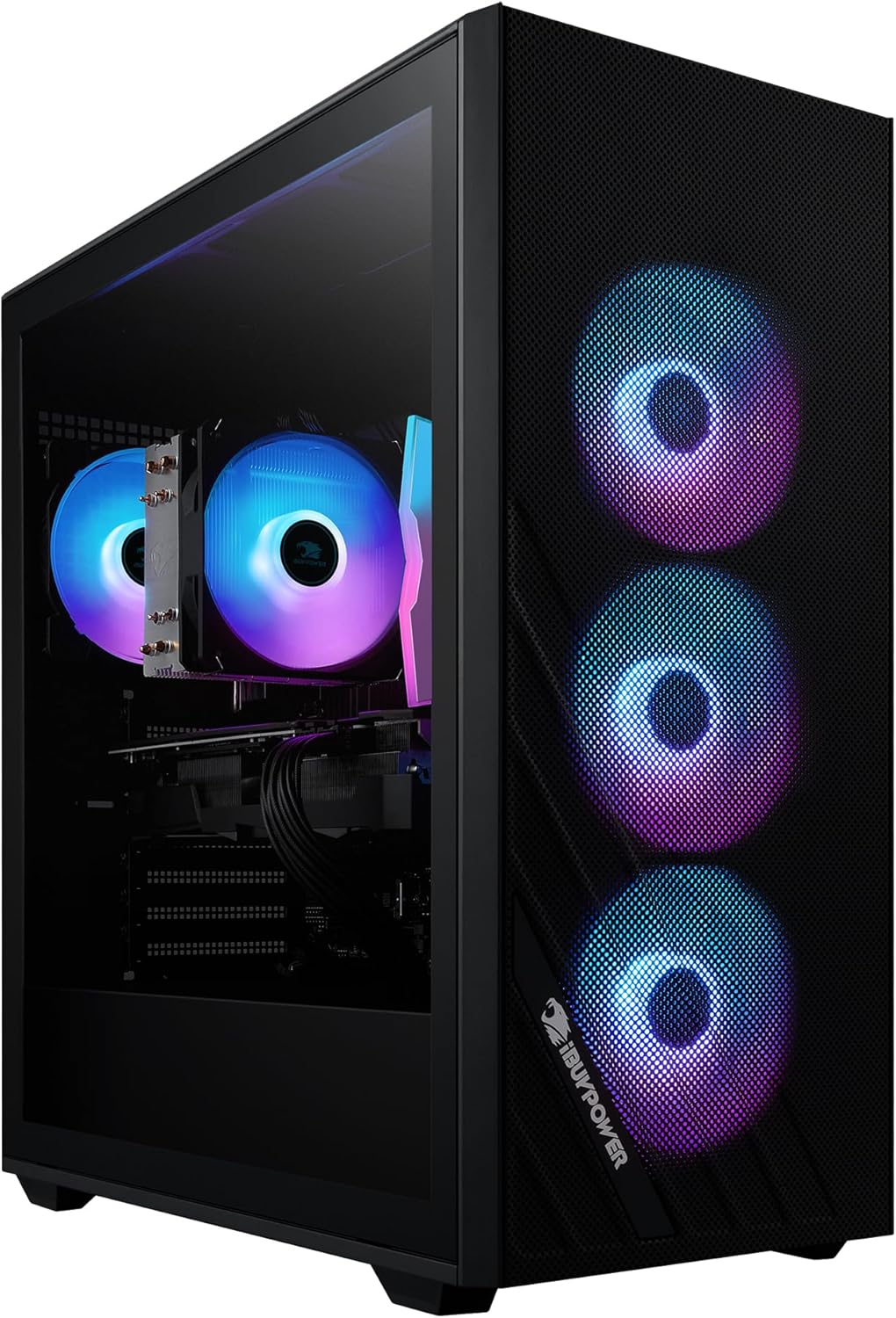
- Placement: Place the PC tower on a stable, flat surface with adequate ventilation. Avoid placing it directly against a wall or in an enclosed space that could restrict airflow.
- Connect Peripherals:
- Connect your monitor(s) to the graphics card ports (HDMI, DisplayPort).
- Connect the included iBUYPOWER gaming keyboard and mouse to available USB ports.
- Connect any other peripherals such as speakers, headphones, or external drives.
- Power Connection: Connect the power cable to the PC's power supply unit and then to a grounded electrical outlet.
- Network Connection: Connect an Ethernet cable to the RJ-45 port for a wired internet connection, or ensure the Wi-Fi antennas are securely attached for wireless connectivity.
- First Boot: Press the power button on the PC tower. The system will guide you through the initial Windows 11 Home setup process. Allow time for all necessary software updates and driver installations.
Operating
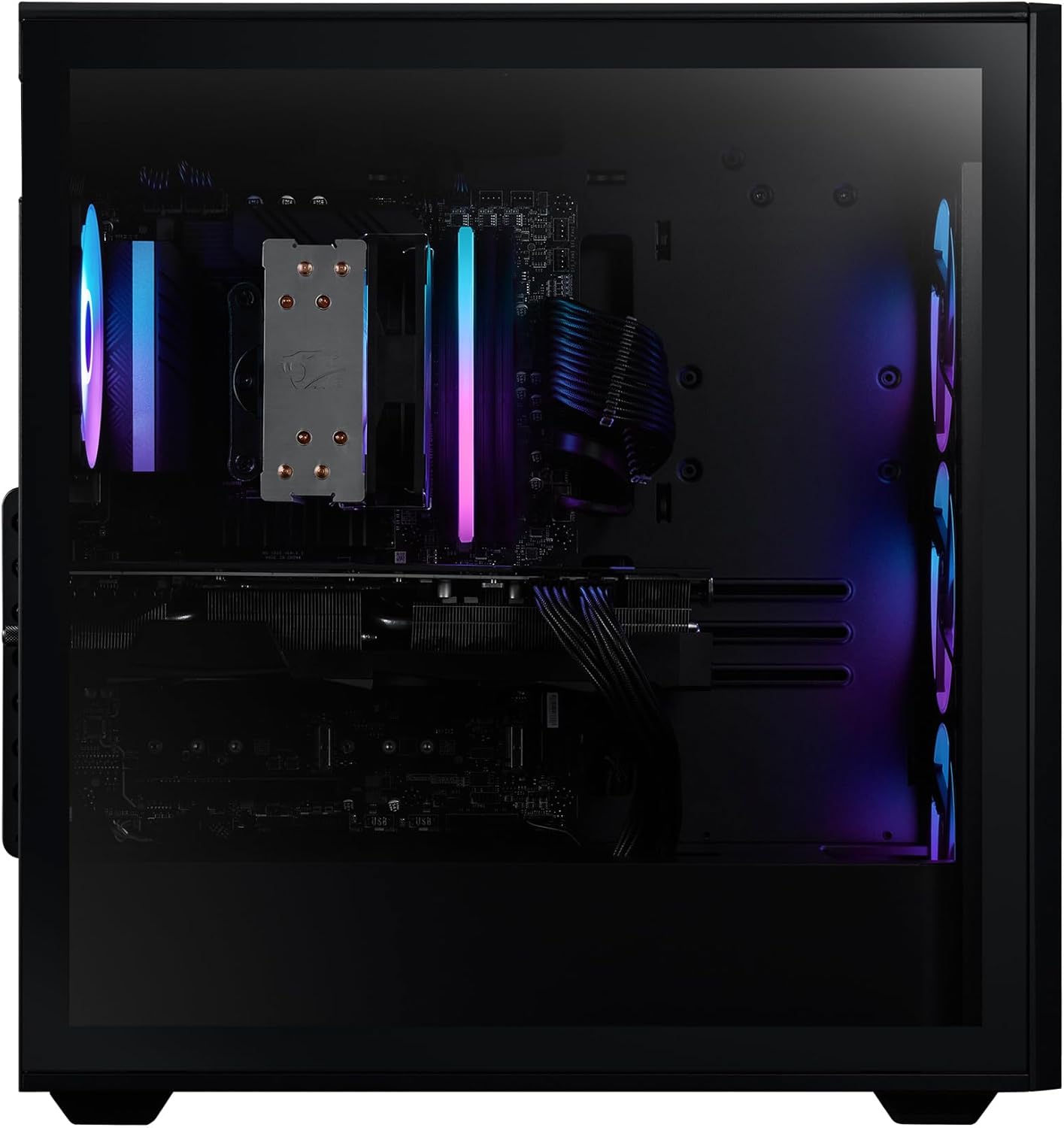
Your iBUYPOWER Scale Gaming PC comes pre-installed with Windows 11 Home, providing a user-friendly interface for all your computing needs. The included gaming keyboard and mouse are designed for optimal performance and comfort.
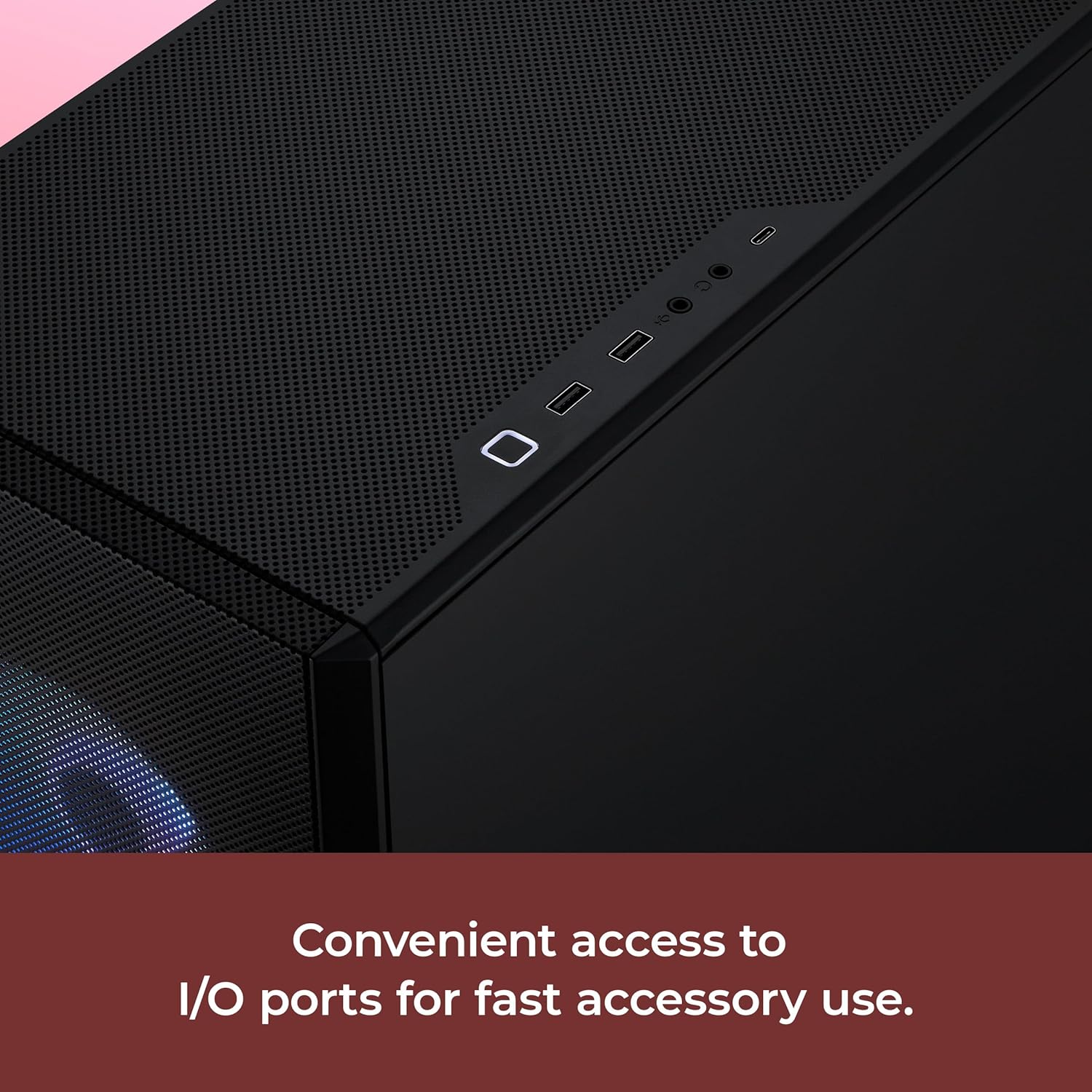
- Power On/Off: Press the power button on the front of the PC to turn it on. To shut down, use the Windows Start menu options.
- Keyboard and Mouse: The included iBUYPOWER gaming keyboard and mouse feature customizable RGB lighting. Refer to the respective peripheral manuals or iBUYPOWER's support website for software to customize lighting effects and keybinds.
- Connectivity: Utilize the multiple USB 3.1 ports for high-speed data transfer and peripheral connections. The integrated 802.11AC Wi-Fi provides reliable wireless internet access.
- Gaming and Applications: The AMD Ryzen 5 8400F CPU and NVIDIA GeForce RTX 5050 8GB GPU are designed to handle demanding games and applications. Ensure your graphics drivers are always up to date for the best performance.


Maintenance
Regular maintenance helps ensure the optimal performance and lifespan of your PC.
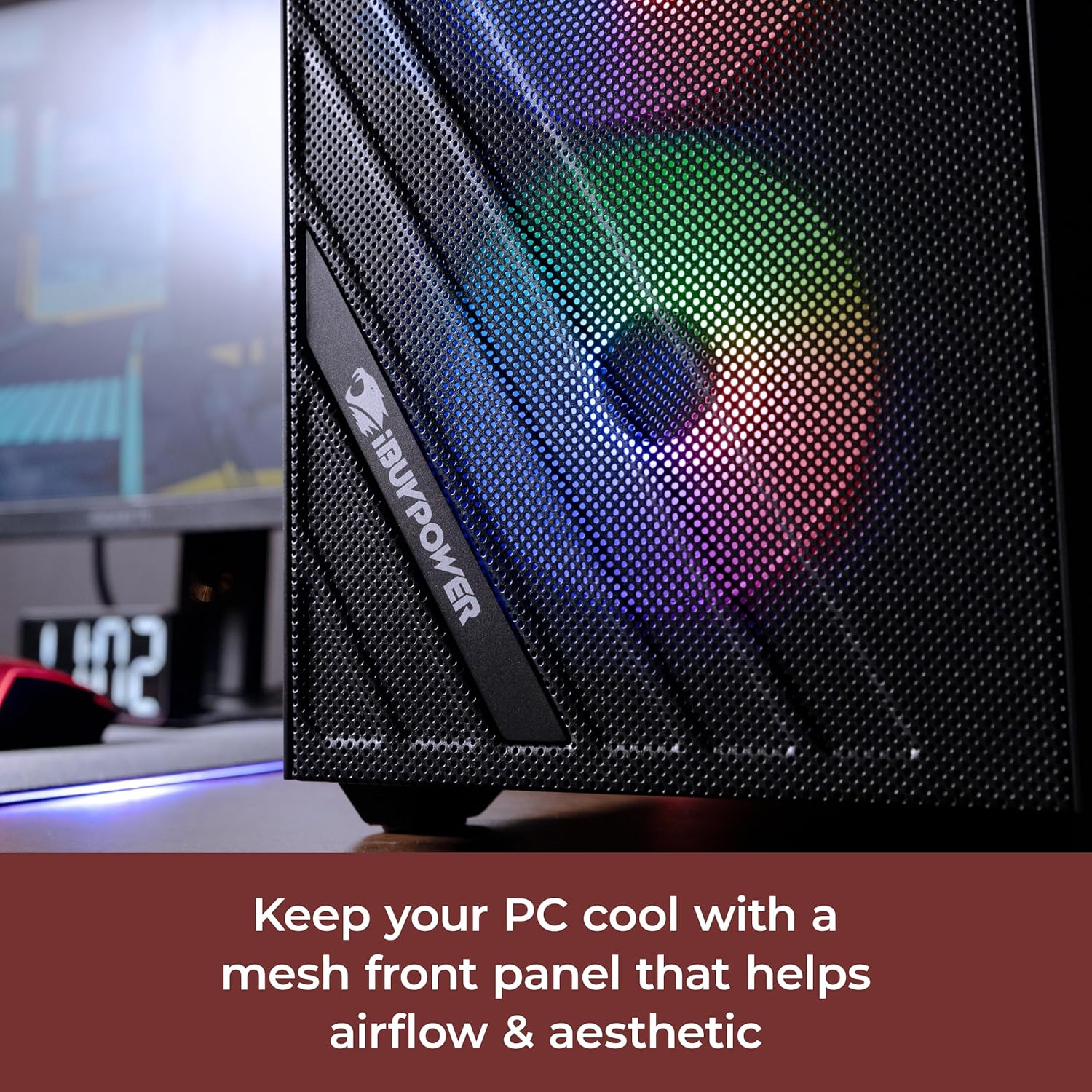
- Dust Management: Periodically clean dust from the PC's interior, especially from fans and heatsinks, using compressed air. The mesh front panel is designed for improved airflow and can be cleaned externally.
- Software Updates: Keep your Windows operating system, drivers (especially graphics drivers), and applications updated to the latest versions.
- System Monitoring: Monitor CPU and GPU temperatures during heavy use to prevent overheating.
- Cable Management: Ensure internal and external cables are neatly organized to maintain good airflow and prevent accidental disconnections.
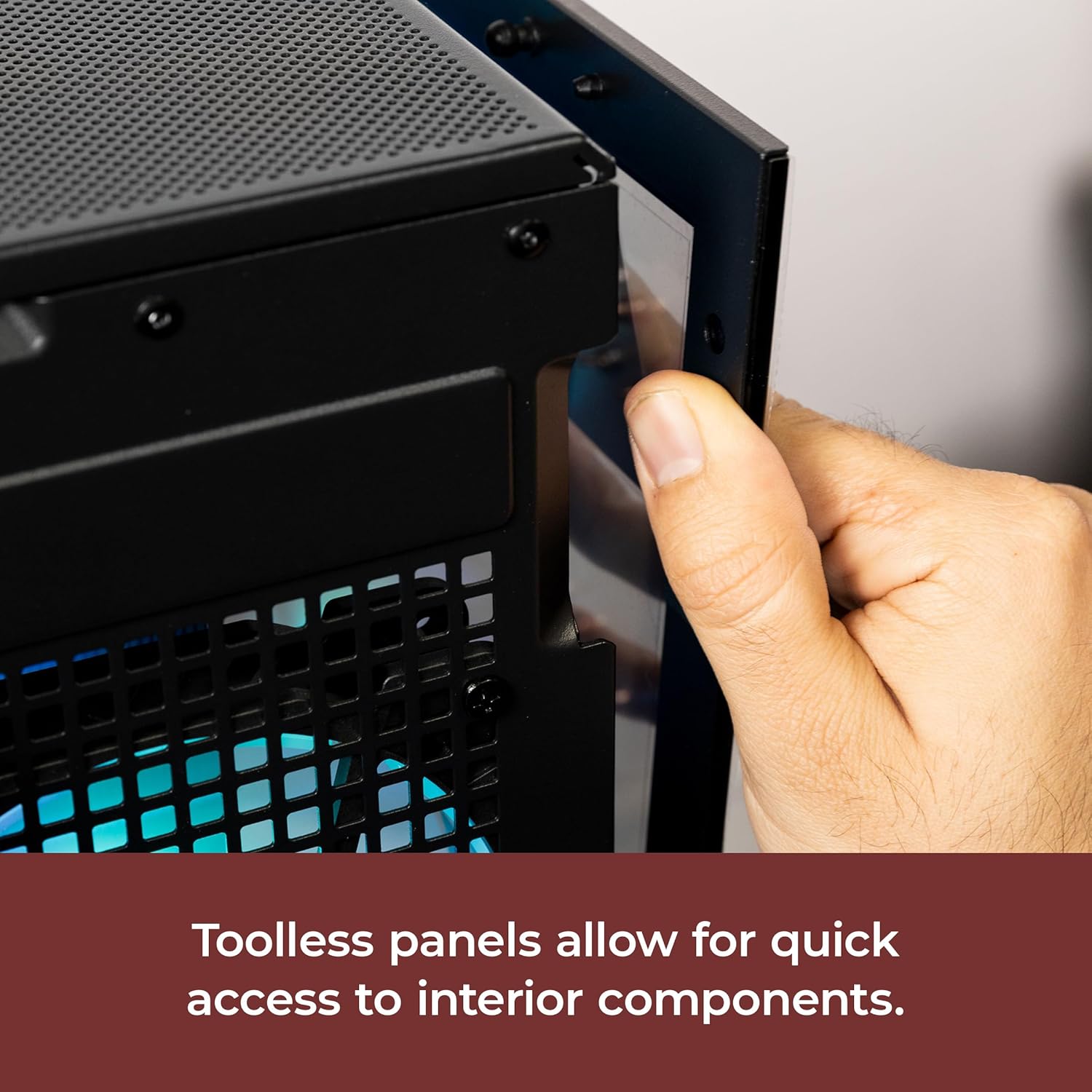
- Toolless Access: The PC case features toolless panels for easy access to internal components for cleaning or upgrades.
Troubleshooting
If you encounter issues with your PC, try these common troubleshooting steps:
- No Power: Ensure all power cables are securely connected to the PC and the wall outlet. Test the outlet with another device.
- No Display: Verify that the monitor is connected to the graphics card (not the motherboard's integrated graphics ports) and that the monitor is powered on and set to the correct input source.
- System Freezes/Crashes: Check for overheating by monitoring CPU/GPU temperatures. Ensure all drivers are updated. Run a memory diagnostic tool.
- Peripheral Issues: Try connecting the keyboard or mouse to different USB ports. Ensure drivers for specialized peripherals are installed.
- Slow Performance: Check for background applications consuming resources. Ensure sufficient free space on your NVMe SSD. Run a malware scan.
Specifications
| Component | Detail |
|---|---|
| Processor | AMD Ryzen 5 8400F (4.2 GHz) |
| Graphics Card | NVIDIA GeForce RTX 5050 8GB |
| RAM | 16GB DDR5 5200MHz |
| Storage | 1TB NVMe SSD |
| Operating System | Windows 11 Home |
| Wireless Connectivity | 802.11ac Wi-Fi |
| USB Ports | 6 x USB 3.1, 4 x USB 2.0 |
| Ethernet | 1x RJ-45 Network Ethernet 10/100/1000 |
| Dimensions (LxWxH) | 18.5 x 8.66 x 19.4 inches |
| Item Weight | 36 pounds |
Official Product Videos
iBUYPOWER 2024 AW4 RGB AIO Liquid Cooler
This video showcases the iBUYPOWER 2024 AW4 RGB All-in-One Liquid Cooler, highlighting its design and cooling capabilities within a PC build.
iBUYPOWER Scale Gaming Desktop PC Showcase 2025
A detailed showcase of the iBUYPOWER Scale Gaming Desktop PC, presenting its aesthetic features and internal components.
Warranty and Support
For warranty information and technical support, please refer to the documentation included with your product or visit the official iBUYPOWER support website. Contact information for customer service can typically be found on the manufacturer's website.


