1. Important Safety Information
Please read this manual thoroughly before operating your dehumidifier. Keep these instructions for future reference.
- Always place the dehumidifier on a stable, level surface.
- Ensure the power cord is not damaged and is properly plugged into a grounded outlet.
- Do not block the air inlets or outlets. Maintain at least 6 inches of clearance around the unit.
- Do not immerse the unit, power cord, or plug in water or other liquids.
- Unplug the dehumidifier before cleaning or performing any maintenance.
- Keep out of reach of children and pets.
2. Product Overview
2.1 Components Included
- 1 × boglvr CT6-Dehumidifier
- 1 × Drain Hose
- 1 × Replacement Filter Cotton
- 1 × User Manual (this document)
2.2 Key Features
- Dual-Core Semiconductor Dehumidification: Efficiently removes moisture.
- Dual Operating Modes: Day Mode for powerful dehumidification and Sleep Mode for ultra-quiet operation (<30 dB).
- Smart Timer: Set for 8, 16, or 24 hours with automatic shut-off.
- Customizable 7-Color LED Light: Ambient lighting with color cycle, fixed color, or off options.
- Auto Shut-Off & Dual Drainage: Automatically turns off when the 2.5L water tank is full, with an option for continuous drainage via the included hose.
- Coverage: Effective for areas up to 800 sq.ft.
2.3 Product Diagram and Control Panel
Familiarize yourself with the main parts of your dehumidifier.

Figure 1: Front view of the boglvr CT6-Dehumidifier, highlighting the water tank and control panel.

Figure 2: Internal view illustrating the dual-core semiconductor dehumidification system and the 85 OZ water tank.
The touch control panel is located on the top of the unit:
- On/Off Button: Powers the unit on or off.
- Light Button: Controls the 7-color LED ambient light. Press to cycle colors, hold to fix a color, press again to turn off.
- Sleep Button: Activates ultra-quiet Sleep Mode.
- Timer Button: Sets the operating time for 8, 16, or 24 hours.
3. Setup Instructions
3.1 Unpacking
- Carefully remove the dehumidifier and all accessories from the packaging.
- Remove any protective films or packaging materials from the unit.
3.2 Placement
- Place the dehumidifier in an area where humidity is high, such as a bedroom, bathroom, basement, closet, or RV.
- Ensure the unit is placed on a firm, level surface to prevent tipping and ensure proper water collection.
- For optimal performance, operate the unit in sealed areas with doors and windows closed.
- Maintain at least 6 inches (15 cm) of space around the air inlets and outlets for proper airflow.
3.3 Power Connection
- Plug the power adapter into a standard electrical outlet (100-240V AC, 50/60Hz).
- The unit is now ready for operation.
4. Operating Instructions
4.1 Power On/Off
- Press the On/Off button on the control panel to turn the dehumidifier on. The unit will start operating in Day Mode.
- Press the On/Off button again to turn the unit off.
4.2 Day Mode (Standard Dehumidification)
This is the default operating mode, providing powerful moisture removal suitable for active hours.
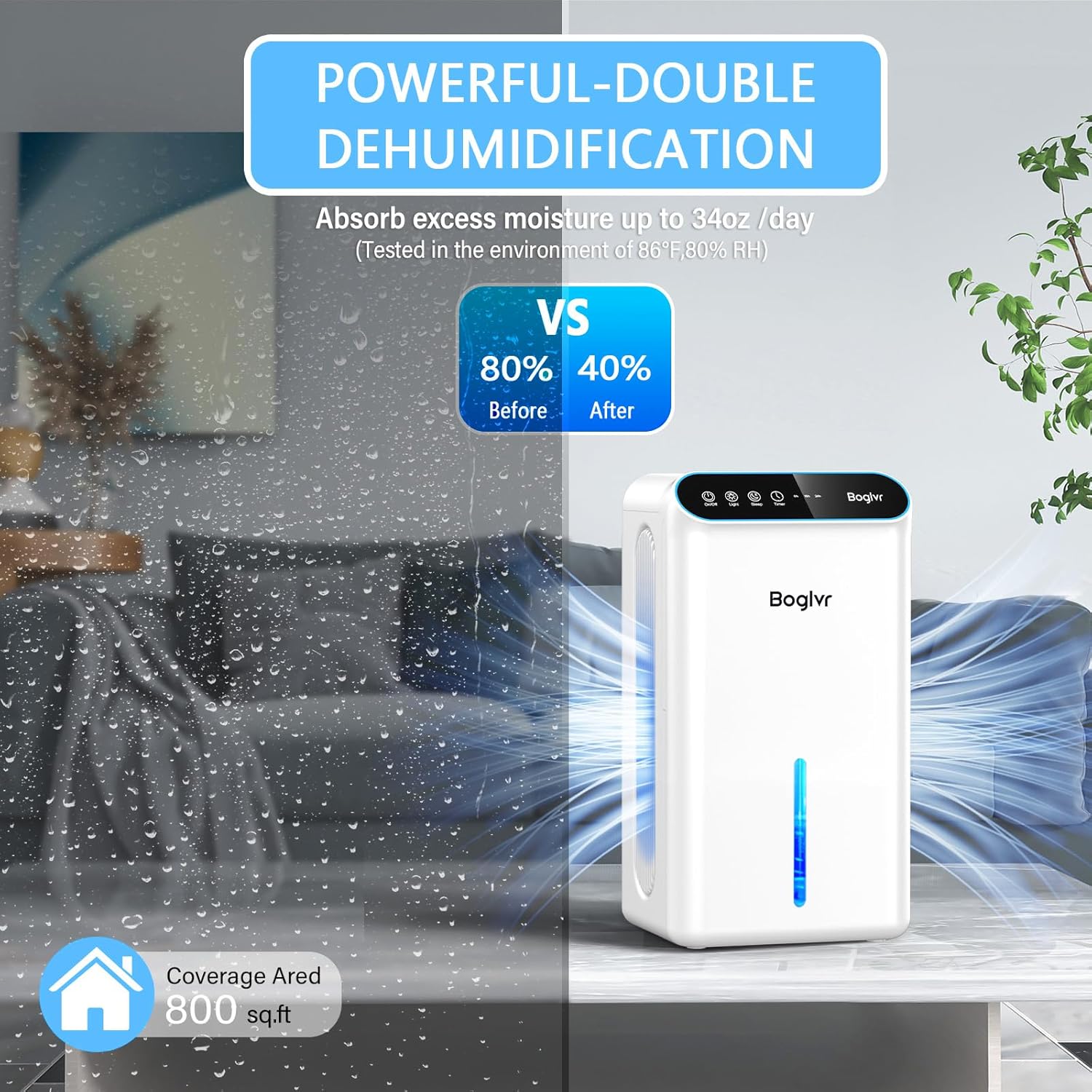
Figure 3: Dehumidifier operating in Day Mode, effectively reducing humidity.
4.3 Sleep Mode (Quiet Operation)
For undisturbed rest, activate Sleep Mode to reduce operational noise to below 30 dB.
- Press the Sleep button on the control panel. The unit will switch to a quieter operation.
- To exit Sleep Mode, press the Sleep button again.

Figure 4: Comparison of Day Mode and Sleep Mode, highlighting noise levels and light status.
4.4 Timer Function
Set the dehumidifier to operate for a specific duration:
- Press the Timer button repeatedly to select 8 hours, 16 hours, or 24 hours.
- The unit will automatically turn off after the selected time has elapsed.
4.5 LED Light Control
Customize the ambient lighting:
- Press the Light button to cycle through the 7 available colors.
- Hold the Light button to fix the current color.
- Press the Light button again to turn off the light.
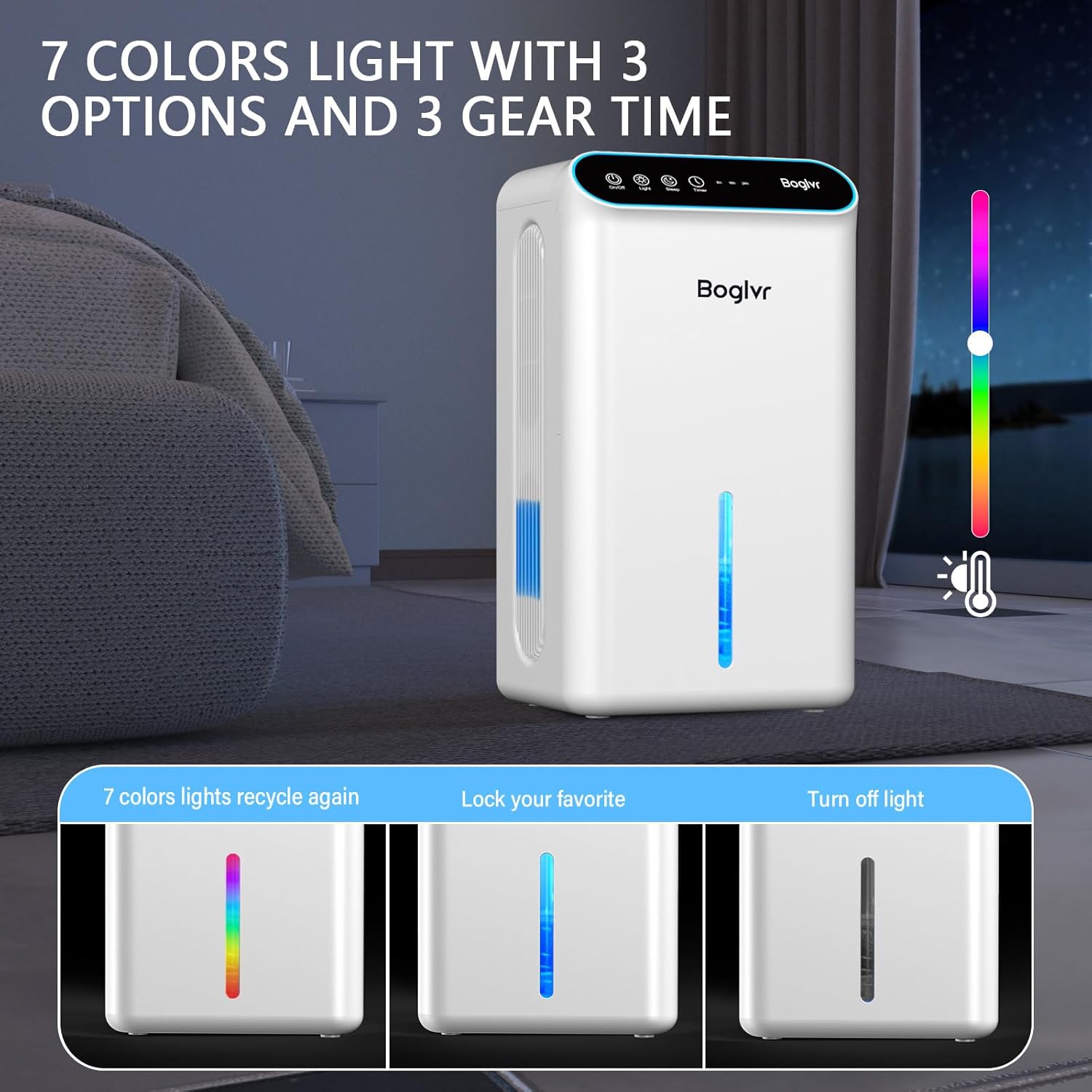
Figure 5: Demonstrating the 7-color LED light options for ambiance.
5. Maintenance
5.1 Emptying the Water Tank
The dehumidifier will automatically shut off and display a red indicator light when the 2.5L water tank is full.
- Carefully pull out the water tank from the back of the unit.
- Empty the collected water into a sink or drain.
- Slide the empty water tank back into the unit until it clicks into place. The dehumidifier will resume operation.

Figure 6: Visual water tank and auto shut-off indicator.
5.2 Continuous Drainage Setup
For continuous operation without needing to empty the tank, use the included drain hose.
- Locate the drainage port on the back of the unit.
- Remove the rubber plug from the drainage port.
- Connect one end of the provided drain hose to the drainage port.
- Direct the other end of the hose to a suitable drain (e.g., floor drain, large container). Ensure the hose is sloped downwards to allow gravity drainage.
5.3 Filter Maintenance
Regularly clean or replace the filter cotton to maintain optimal performance.
- Open the filter cover on the side of the unit.
- Remove the filter cotton.
- Clean the filter with a soft brush or vacuum cleaner. If heavily soiled, replace it with the provided spare filter cotton.
- Reinsert the clean/new filter and close the cover securely.
6. Troubleshooting
If you encounter any issues, refer to the following table for common problems and solutions:
| Problem | Possible Cause | Solution |
|---|---|---|
| Dehumidifier does not turn on. | No power supply. | Check if the power cord is securely plugged in and the outlet is functional. |
| No water collected. | Humidity level is too low. / Room temperature is too low. / Air inlets/outlets are blocked. | Ensure humidity is above 40%RH and temperature is above 5°C (41°F). Clear any obstructions. |
| Unit is noisy. | Operating in Day Mode. / Unit is not on a level surface. | Switch to Sleep Mode for quieter operation. Place the unit on a stable, level surface. |
| Water tank full indicator is on, but tank is not full. | Float sensor malfunction. | Remove and reinsert the water tank. If the issue persists, contact customer support. |
If the problem persists after trying these solutions, please contact boglvr customer support.
7. Technical Specifications
| Specification | Value |
|---|---|
| Brand | boglvr |
| Model Name | CT6-Dehumidifier |
| Floor Area Coverage | 800 Square Feet |
| Water Tank Capacity | 2.5 Liters (85 OZ) |
| Dehumidification Capacity | 1 Liter per Day |
| Product Dimensions | 7.88"D x 13.98"W x 6.25"H |
| Item Weight | 5.5 Pounds |
| Wattage | 80W |
| Noise Level (Sleep Mode) | <30 dB |
| Special Features | Dual-Core Dehumidification, Quiet Mode, Drain Hose, 3-Setting Timer, Sleep Mode, Auto Power-Off, 7-Color LED Night Light, Portable |
8. Warranty and Support
Your boglvr CT6-Dehumidifier comes with a standard manufacturer's warranty. Please refer to the product packaging or contact customer support for specific warranty details.
For any questions, technical assistance, or warranty claims, please contact boglvr customer support through the retailer where you purchased the product or visit the official boglvr website.