
PG Split System Air Conditioner 12,000 BTU Heat Pump User Manual
Model: PG-12S14HP-C/PG-12S14HP-E
Introduction
This manual provides essential information for the safe and efficient operation, installation, and maintenance of your PG Split System Air Conditioner with Heat Pump. Please read this manual thoroughly before using the unit and keep it for future reference.
The PG Mini Split Air Conditioner delivers 12,000 BTU of cooling power, suitable for rooms up to approximately 700 sq ft. It features inverter technology for energy-efficient performance and consistent temperature control. With built-in Wi-Fi connectivity, you can control the unit remotely using your smartphone. The use of R-32 refrigerant makes it an environmentally friendly choice. The heat pump functionality provides both heating and cooling for year-round comfort.
Key Features:
- 12,000 BTU Cooling Capacity: Ideal for rooms up to 700 sq ft.
- Inverter Technology: Ensures energy-efficient performance and stable temperature control.
- Wi-Fi Connectivity: Allows remote operation via smartphone.
- R-32 Refrigerant: Eco-friendly refrigerant with low global warming potential.
- Heat Pump Function: Offers both heating and cooling functionalities for all-season use.
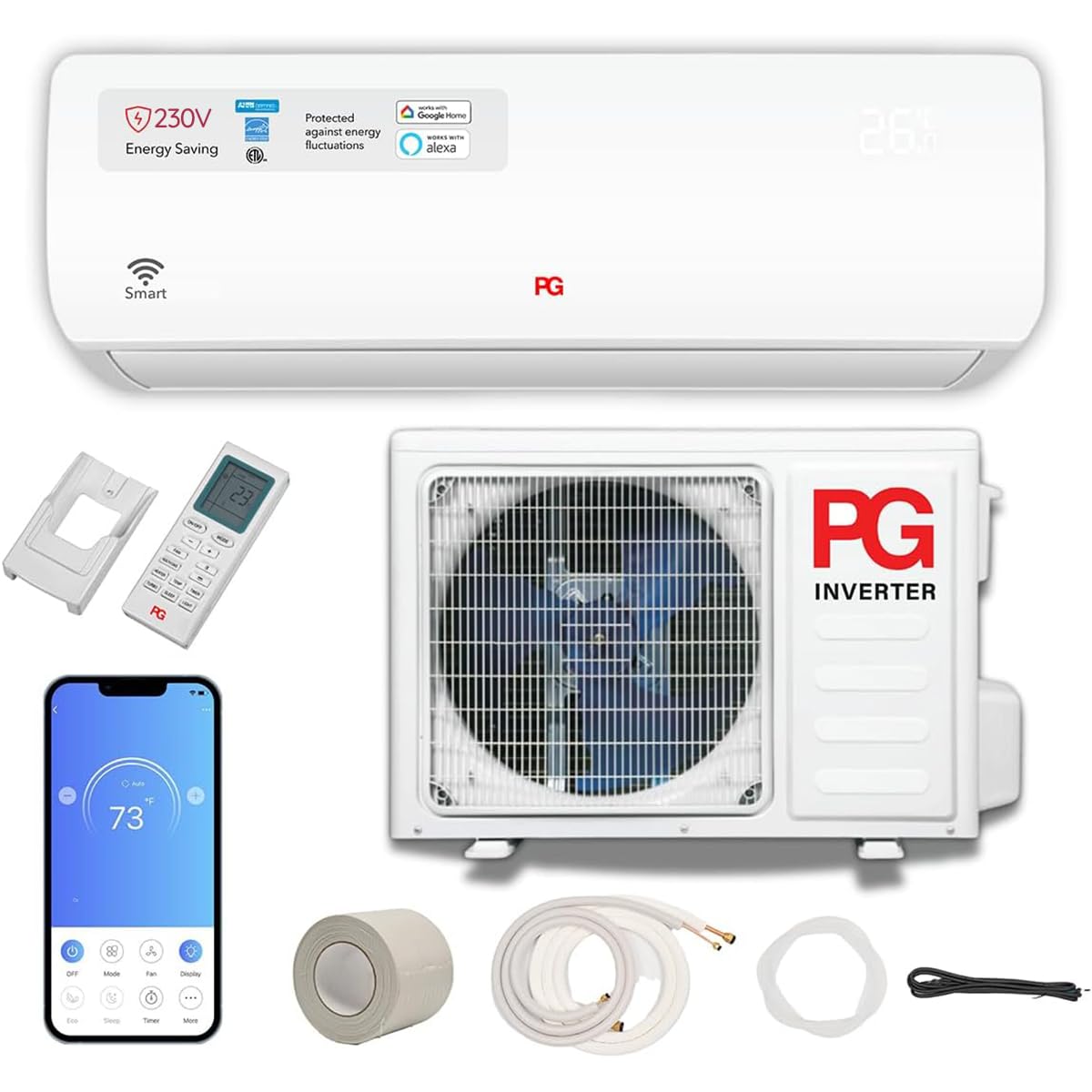
Image: The PG Split System Air Conditioner indoor unit effectively distributing both cool and warm air, highlighting its dual heating and cooling capabilities for comprehensive climate control.
Safety Information
WARNING: Failure to follow these instructions could result in electric shock, fire, property damage, or personal injury.
- Professional Installation: This split system air conditioner requires professional installation by a qualified HVAC technician. Do not attempt to install the unit yourself.
- Electrical Safety: Ensure the unit is connected to a properly grounded 230V power supply. Do not use extension cords. Disconnect power before any maintenance or cleaning.
- Refrigerant: This unit uses R-32 refrigerant. Only qualified personnel should handle refrigerant. Improper handling can cause injury or environmental damage.
- Clearances: Maintain adequate clearances around both indoor and outdoor units for proper airflow and safe operation.
- Children and Pets: Keep children and pets away from the unit during operation and maintenance.
- Flammable Materials: Do not store or use flammable liquids or gases near the air conditioner.
Product Components
Your PG Split System Air Conditioner package includes the following items:
- Indoor Unit
- Outdoor Unit
- Remote Control
- Installation Kit (typically includes copper tubing, communication wire, drain hose, and wall sleeve - consult installer for exact contents)
- User Manual (this document)
Setup and Installation
Installation of the PG Split System Air Conditioner must be performed by a certified HVAC professional. This ensures proper functioning, safety, and compliance with local regulations.
Installation Steps (Overview for Professional):
- Site Selection: Choose appropriate locations for both indoor and outdoor units, considering airflow, drainage, and structural support.
- Mounting: Securely mount the indoor unit to the wall and the outdoor unit on a stable, level surface.
- Refrigerant Piping: Connect the refrigerant lines between the indoor and outdoor units, ensuring proper vacuum and leak testing.
- Electrical Wiring: Connect the power supply (230V) and communication wiring according to the wiring diagram provided with the unit.
- Drainage: Install the condensate drain line to ensure proper water removal.
- System Check: Perform a thorough system check, including refrigerant charge verification and test run.
For detailed installation instructions, refer to the separate Installation Manual provided to your professional installer.
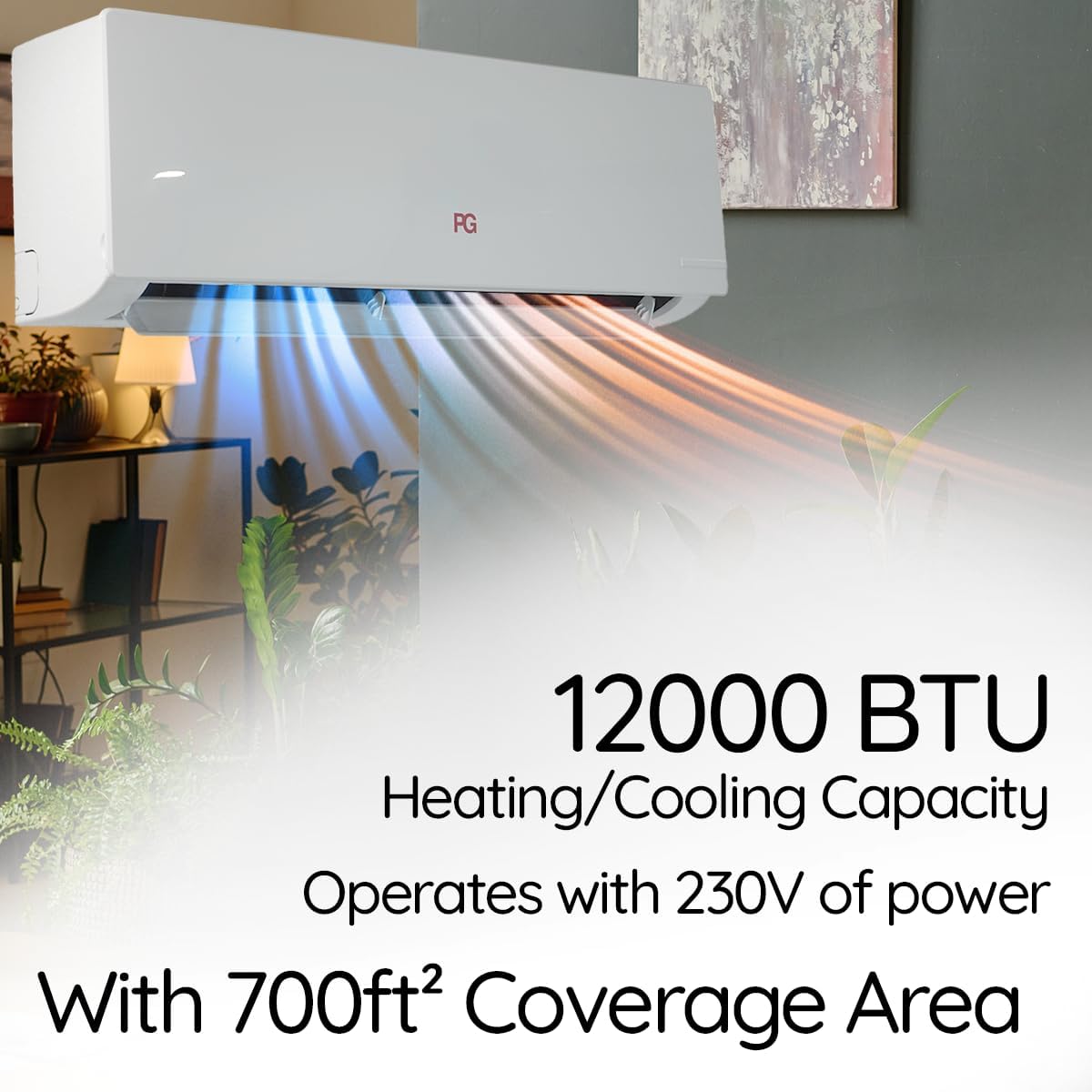
Image: The indoor unit of the PG Split System Air Conditioner, neatly mounted on a wall, illustrating a typical installation scenario.
Operating Instructions
Your PG Split System Air Conditioner can be controlled using the included remote control or via the Wi-Fi smart control feature on your smartphone.
Remote Control Operation:
The remote control allows you to adjust various settings for optimal comfort. Ensure the remote has batteries installed (requires 2 AAA batteries, not included).

Image: The remote control for the PG Split System Air Conditioner, displaying its LCD screen and various function buttons for temperature, mode, fan speed, and special features.
Remote Control Functions:
- LCD Display: Shows current temperature setting (°C/°F), fan mode, and operational status.
- Power Button (ON/OFF): Turns the AC unit on or off.
- Mode Button: Cycles through different operating modes: Cool, Heat, Fan, and Auto.
- Fan Button: Adjusts fan speed (e.g., Low, Medium, High, Auto).
- Heater Button: Activates the heating function.
- TEMP Button: Switches between Fahrenheit (°F) and Celsius (°C) temperature display.
- Turbo Button: Boosts cooling or heating to maximum for rapid temperature adjustment.
- Sleep Button: Enables sleep mode, which gradually adjusts temperature for nighttime comfort and energy efficiency.
- Timer Button: Sets a countdown timer to automatically turn the AC on or off after a set duration.
- Light Button: Controls the display backlight or AC panel lighting.
Wi-Fi Smart Control:
Control your air conditioner remotely using your smartphone. Download the dedicated PG smart home app (refer to the app store for "PG Smart AC" or similar). Follow the in-app instructions to connect your unit to your home Wi-Fi network.
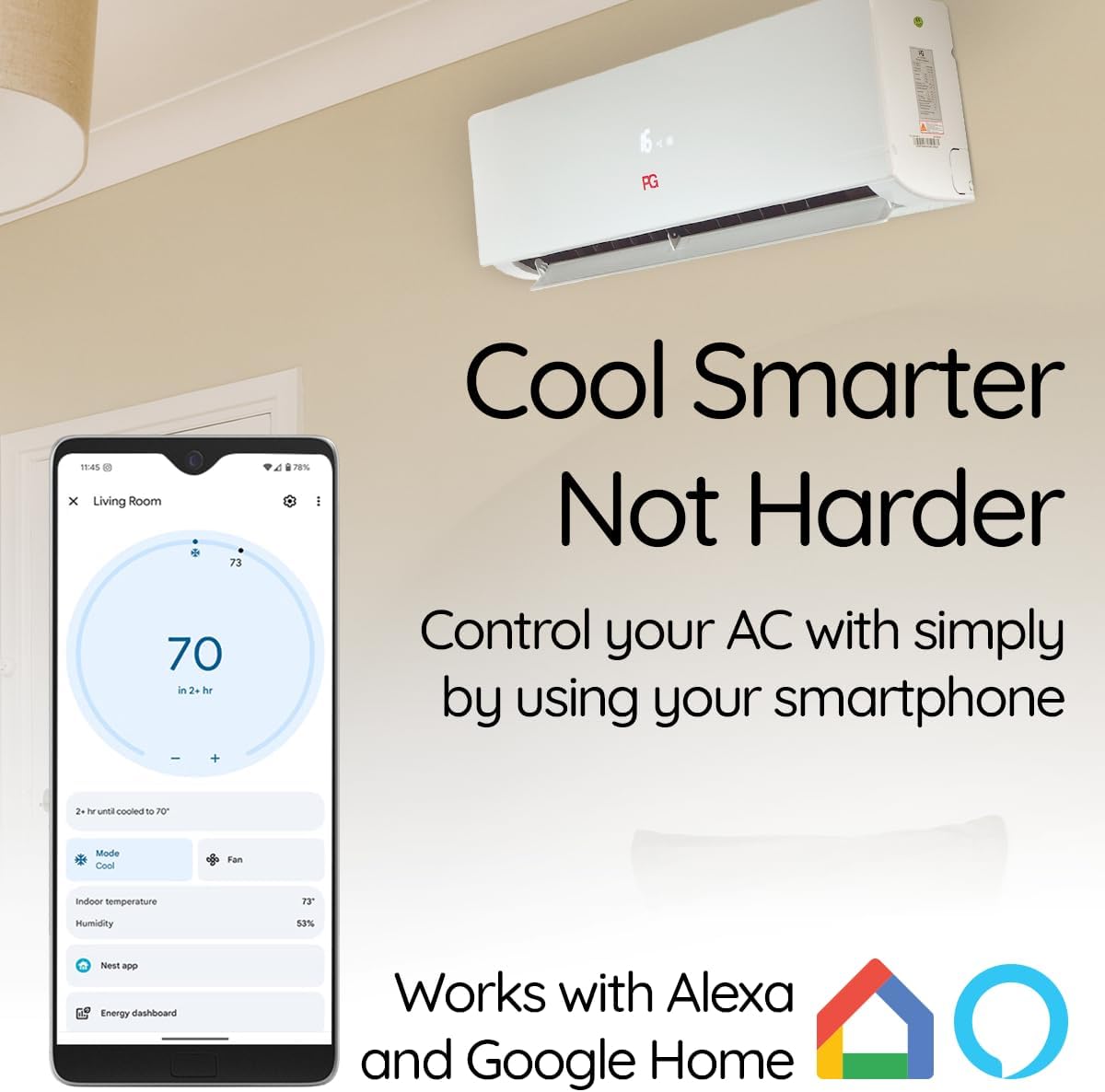
Image: A smartphone displaying the PG smart control application, illustrating how users can remotely manage their air conditioner settings, including temperature and mode.
The Wi-Fi smart control allows you to:
- Turn the unit on/off.
- Adjust temperature settings.
- Change operating modes (Cool, Heat, Fan, Auto).
- Set schedules and timers.
- Monitor energy consumption (if available in app).
- Integrate with smart home systems like Alexa and Google Home.
Special Features:
Sleep Mode:
Designed for nighttime comfort and energy efficiency, Sleep Mode gradually adjusts the temperature while you sleep, preventing overcooling or overheating and reducing energy consumption.

Image: A serene bedroom scene with individuals sleeping, emphasizing the quiet operation and comfortable temperature regulation provided by the air conditioner's Sleep Mode.
4D Air Supply:
The unit features 4D Air Supply technology, which optimizes airflow to avoid direct blowing, enhancing comfort by distributing air more evenly throughout the room.

Image: The indoor unit of the air conditioner demonstrating its 4D Air Supply feature, which ensures comfortable and indirect airflow distribution throughout the room.
Maintenance
Regular maintenance ensures optimal performance and longevity of your air conditioner. Always disconnect power before performing any maintenance.
Air Filter Cleaning:
- Frequency: Clean air filters every 2-4 weeks, or more frequently if the unit is used heavily or in dusty environments.
- Access: Open the front panel of the indoor unit and remove the air filters.
- Cleaning: Wash filters with lukewarm water and a mild detergent. Rinse thoroughly and allow them to air dry completely before reinstallation. Do not expose to direct sunlight.
- Reinstallation: Insert the dry filters back into the indoor unit and close the front panel.
Outdoor Unit Cleaning:
Periodically check the outdoor unit for debris, leaves, or dirt that may obstruct airflow. Carefully remove any obstructions. Do not spray water directly onto electrical components.
Professional Servicing:
It is recommended to have a qualified technician perform annual maintenance, including checking refrigerant levels, cleaning coils, and inspecting electrical connections.
Troubleshooting
Before contacting customer support, review the following common issues and solutions:
| Problem | Possible Cause | Solution |
|---|---|---|
| Unit does not turn on. | No power supply; Remote control batteries dead; Circuit breaker tripped. | Check power connection; Replace remote batteries; Reset circuit breaker. |
| Insufficient cooling/heating. | Dirty air filters; Blocked outdoor unit; Incorrect mode setting; Room size too large. | Clean air filters; Clear obstructions from outdoor unit; Select correct mode (Cool/Heat); Ensure unit capacity matches room size. |
| Unusual noise. | Loose parts; Debris in fan; Unit not level. | Contact professional service; Check for debris; Ensure unit is level. |
| Water leakage from indoor unit. | Clogged drain pipe; Improper installation. | Clear drain pipe; Contact professional service for inspection. |
If the problem persists after attempting these solutions, please contact customer support.
Specifications
Detailed technical specifications for the PG Split System Air Conditioner:
| Feature | Specification |
|---|---|
| Brand | PG |
| Model Number | PG-12S14HP-C/PG-12S14HP-E |
| Cooling Power | 12,000 British Thermal Units (BTU) |
| Heating/Cooling Function | Yes (Heat Pump) |
| Capacity | 1 Ton |
| Seasonal Energy Efficiency Ratio (SEER) | 17 |
| Refrigerant | R-32 |
| Voltage | 230 Volts |
| Wattage | 1220 watts |
| Noise Level | 49 Decibels |
| Product Dimensions (Indoor Unit) | 20.07"D x 27.55"W x 11.88"H (approximate) |
| Item Weight | 24.3 pounds (approximate, likely indoor unit) |
| Installation Type | Split System |
| Special Features | Inverter Compressor, Remote Controlled, Sleep Mode, Wi-Fi Connectivity |
| Annual Energy Consumption | 530 Kilowatt Hours Per Year |
Warranty and Support
For warranty information, please refer to the warranty card included with your product or contact PG customer support directly. Keep your purchase receipt as proof of purchase.
If you require technical assistance, troubleshooting beyond this manual, or have questions regarding your PG Split System Air Conditioner, please contact PG Customer Support. You can often find contact information on the manufacturer's website or through the retailer where you purchased the unit.
Thank you for choosing PG.