
1. Introduction
This manual provides essential information for the safe and efficient operation of your PECRON E500LFP Solar Generator and accompanying 100W Solar Panel. Please read this manual thoroughly before using the product to ensure proper function and to prevent damage.
Included Components:
- PECRON E500LFP Power Station (x1)
- 100W Solar Panel (x1)
- AC Charging Cable (x1)
- Car Charging Cable (x1)
- Accessory Pouch (x1)
- User Manual (x1)
2. Safety Instructions
Always adhere to the following safety guidelines to prevent injury or damage to the device:
- Do not disassemble, repair, or modify the unit.
- Keep the unit away from heat sources, direct sunlight, and flammable materials.
- Avoid exposure to water or high humidity.
- Do not drop or subject the unit to strong impacts.
- Ensure proper ventilation during use and charging.
- Keep out of reach of children.
The E500LFP portable power station incorporates multiple safety features to protect both the device and connected equipment. These include built-in overcharge, over-voltage, overheat, overload, short-circuit, and self-recovery protection mechanisms.

Image: The internal Battery Management System (BMS) ensures safe and reliable power delivery by protecting against various electrical faults.
3. Product Overview
The PECRON E500LFP is a portable power station designed to provide reliable power for various devices. It features a 576Wh LiFePO4 battery and a 600W pure sine wave inverter.

Image: The PECRON E500LFP power station, showcasing its compact design and accessible ports.
Output Options:
The E500LFP is equipped with multiple output ports to charge a variety of devices:
- 2x AC Output
- 2x USB-A Output
- 1x USB-C Output
- 1x Cigar Port (12V)
- 2x DC 5525 Output
- 1x Top Wireless Charger

Image: Visual representation of the nine distinct output options available on the E500LFP power station.
Display Indicators:
The integrated display provides real-time information about the power station's status:

Image: Detailed breakdown of the E500LFP's display panel, explaining each indicator and its function.
4. Setup and Initial Charging
Before first use, it is recommended to fully charge the PECRON E500LFP power station.
AC Wall Charging:
- Connect the provided AC Charging Cable to the AC input port on the power station.
- Plug the other end of the AC Charging Cable into a standard wall outlet.
- The display will indicate charging status. The unit can fully charge in approximately 1.5 hours using 500W AC fast charging.
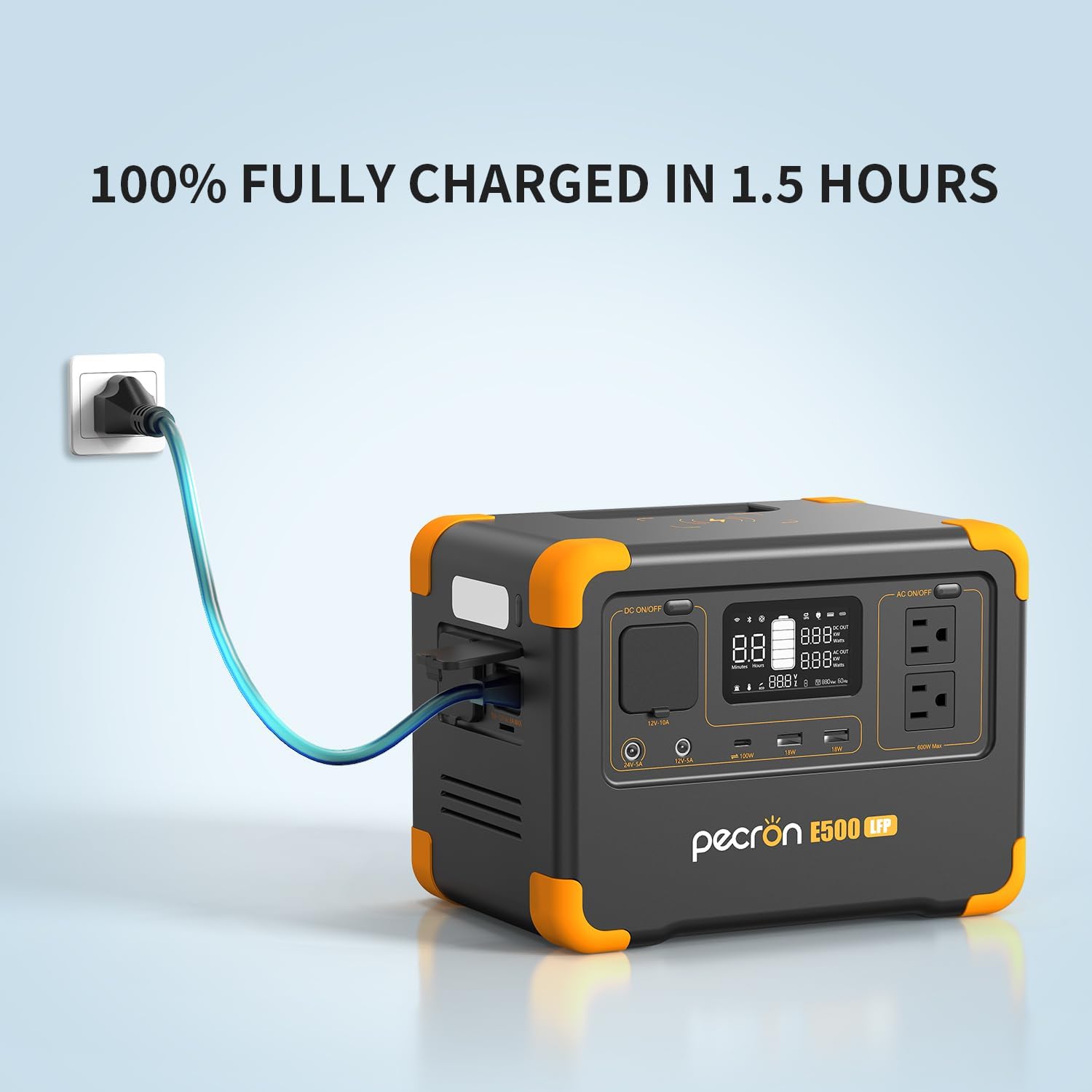
Image: The E500LFP power station connected to a wall outlet for rapid AC charging.
Solar Panel Charging:
- Unfold the 100W solar panel and place it in direct sunlight.
- Connect the solar panel to the DC input port on the power station using the appropriate cable.
- The display will show the input wattage and charging status. Charging time with the 100W solar panel is approximately 6 hours under optimal sunlight conditions.
Car Charging:
- Connect the Car Charging Cable to the DC input port on the power station.
- Plug the other end into your vehicle's 12V cigarette lighter socket.
- The display will show the input wattage and charging status. Car charging takes approximately 6 hours.
USB-C Charging:
- Connect a USB-C cable to the USB-C port on the power station.
- Connect the other end to a compatible USB-C power adapter (not included).
- The display will show the input wattage and charging status. USB-C charging takes approximately 6 hours.
5. Operating Instructions
Powering On/Off:
- To power on the unit, press and hold the main power button until the display illuminates.
- To power off, press and hold the main power button until the display turns off.
Using Output Ports:
After powering on the unit, activate the desired output section (AC, DC, USB) by pressing its respective button. The indicator light for that section will turn on.
- AC Output: Press the 'AC ON/OFF' button. Plug your AC devices into the AC outlets.
- DC Output (Cigar Port, DC 5525): Press the 'DC ON/OFF' button. Connect your 12V DC devices.
- USB Output (USB-A, USB-C): USB ports are typically active when the unit is on. Connect your USB devices.
- Wireless Charger: Place your compatible device on the wireless charging pad on top of the unit.
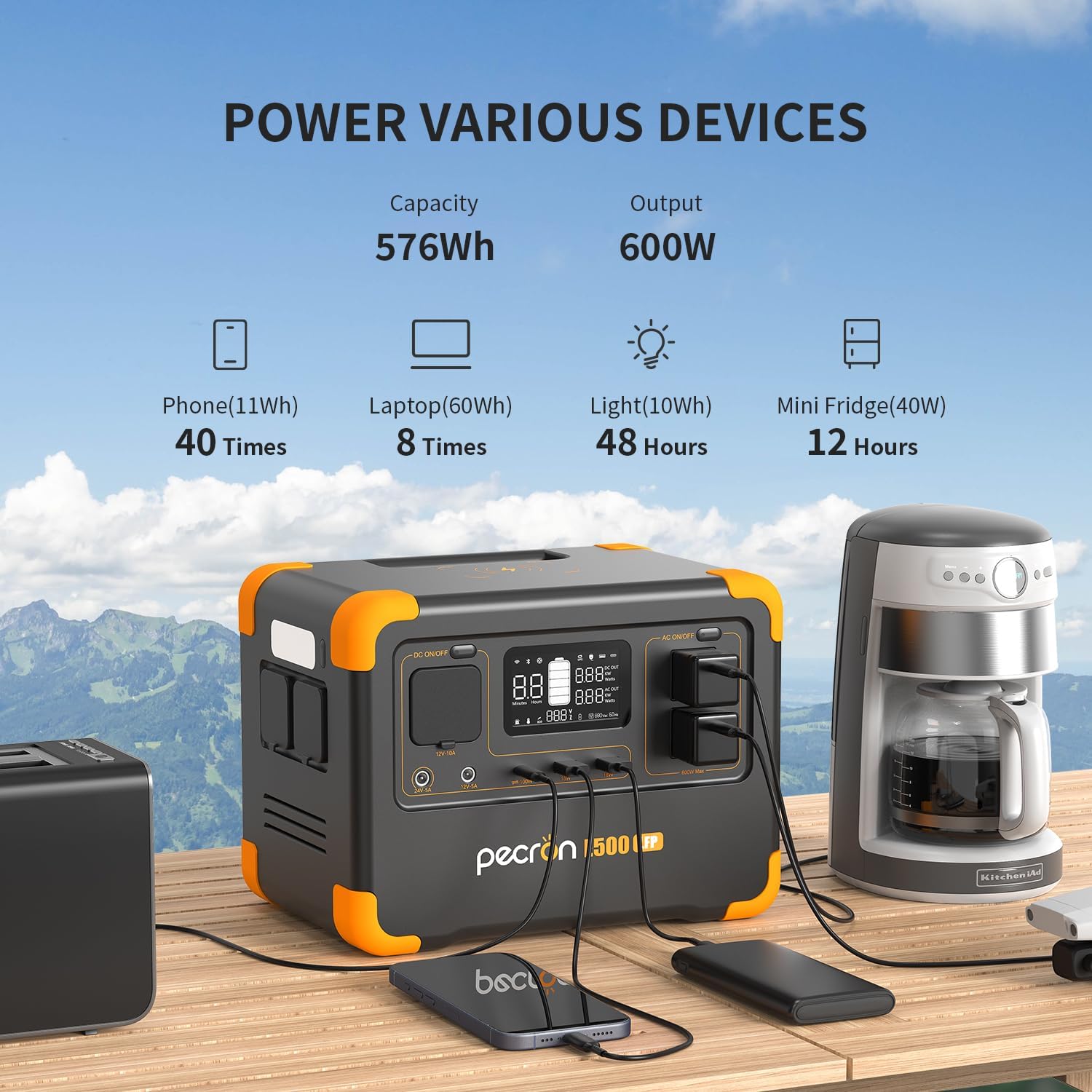
Image: The E500LFP powering various devices, demonstrating its versatility for different power needs.
LED Light Function:
The E500LFP includes an integrated LED light for illumination.
- Press the LED light button once to turn it on.
- Press again to cycle through different brightness modes or SOS mode (if available).
- Press and hold to turn off the LED light.

Image: The E500LFP's LED light providing illumination during an outdoor activity.
App Smart Control:
The E500LFP can be controlled and monitored via a smartphone application. Download the official PECRON app from your device's app store.
- Ensure your power station is powered on and Bluetooth/Wi-Fi is enabled on your smartphone.
- Open the PECRON app and follow the on-screen instructions to pair your device.
- Through the app, you can check machine status, view power levels, and customize charging power settings.

Image: The PECRON smartphone application interface, demonstrating remote monitoring and control capabilities.
UPS Function:
The E500LFP features an Uninterruptible Power Supply (UPS) function, allowing it to provide backup power during outages.
- Connect the E500LFP to a wall outlet via the AC input.
- Connect your critical device (e.g., computer) to the AC output of the E500LFP.
- In case of a power failure, the E500LFP will automatically switch to battery power within 8-20 milliseconds, providing continuous power to your connected device.

Image: The E500LFP operating in UPS mode, providing seamless power to a connected computer.
6. Maintenance and Storage
Battery Information:
The E500LFP utilizes LiFePO4 battery technology, known for its long lifespan and thermal stability. This battery can retain 80% of its original capacity after 3500 complete charge cycles.
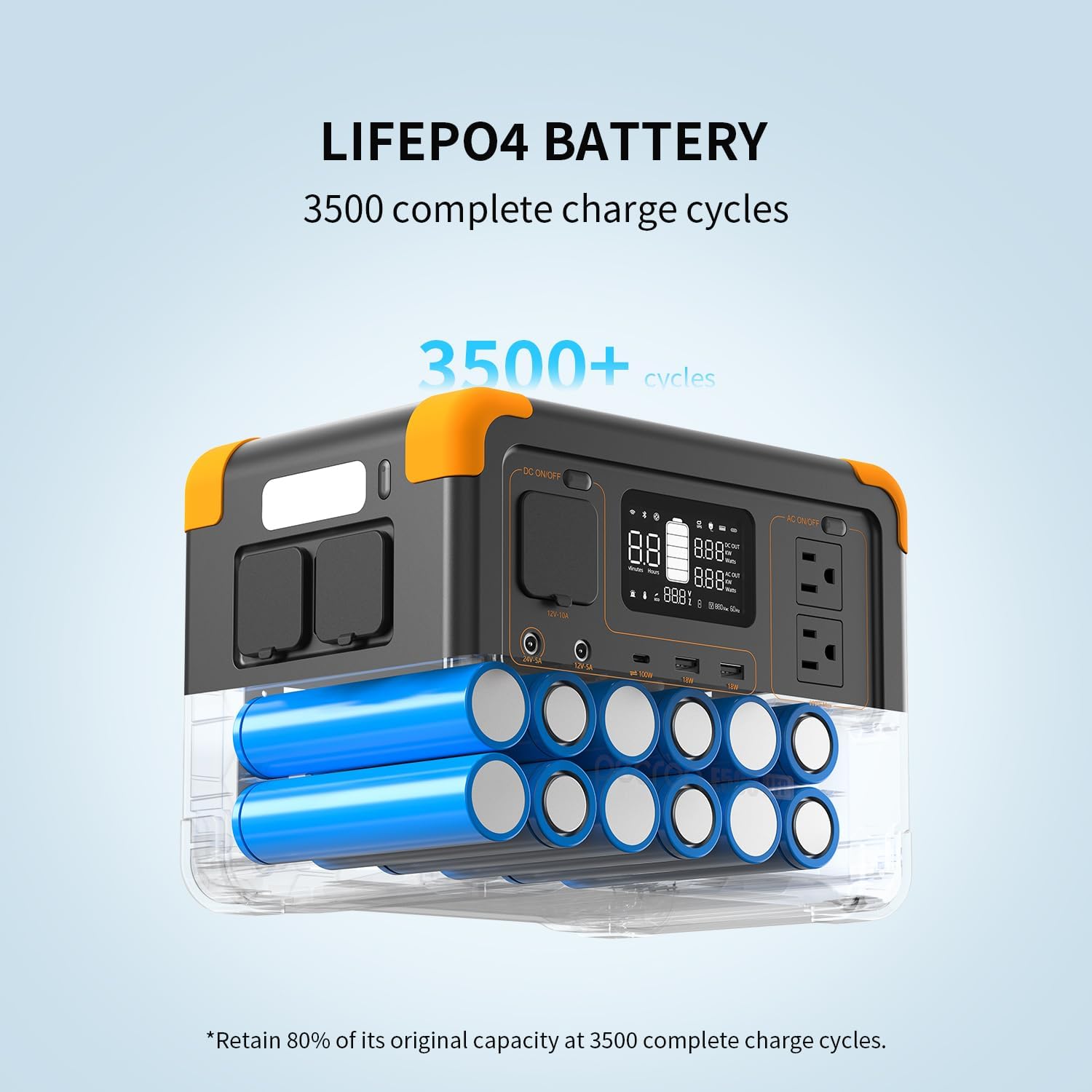
Image: Illustration of the durable LiFePO4 battery cells within the E500LFP, highlighting its extended cycle life.
Storage Recommendations:
- Turn off the unit completely before storing.
- Store the power station in a dry, well-ventilated area at normal room temperature.
- For long-term storage, it is recommended to discharge the battery to approximately 30% every three months and then recharge it to 60% to help sustain battery life.

Image: Guidelines for proper storage of the PECRON E500LFP to ensure battery longevity.
7. Troubleshooting
If you encounter issues with your PECRON E500LFP, please refer to the following general troubleshooting steps:
- Unit Not Turning On: Ensure the battery is charged. Try connecting to an AC outlet to see if it powers on.
- No Output Power: Verify that the specific output section (AC, DC, USB) is activated by pressing its respective button. Check if the device you are trying to power exceeds the unit's maximum output wattage (600W).
- Charging Issues: Ensure all charging cables are securely connected. For solar charging, confirm the solar panel is in direct sunlight and free from obstructions. Check the display for any error codes or warnings.
- App Connectivity Problems: Ensure Bluetooth and Wi-Fi are enabled on your phone and the power station. Try restarting both devices and the app.
- Unusual Noises/Smells: Immediately turn off the unit and disconnect all power sources. Do not attempt to operate the unit and contact customer service.
For more detailed diagnostics, utilize the PECRON app which can provide machine status and alarm records.
8. Specifications
| Feature | Specification |
|---|---|
| Brand | PECRON |
| Model Number | E500LFP |
| Battery Type | LiFePO4 |
| Capacity | 576Wh |
| AC Output Wattage | 600W (Pure Sine Wave) |
| Voltage | 120 Volts |
| Input Charging Methods | AC, Solar, Car, USB-C |
| AC Fast Charging Time | 1.5 hours (500W) |
| Solar/Car/USB-C Charging Time | 6 hours (100W Solar Panel) |
| Output Ports | 2x AC, 2x USB-A, 1x USB-C, 1x Cigar Port, 2x DC 5525, 1x Wireless Charger |
| Special Features | Portable, Fast Charging, Large Capacity, Long Lasting, Safety Protections, Smart Control (App), UPS Function |
| Item Weight | 14 Pounds |
| Product Dimensions | 10"L x 6.8"W x 7.4"H |
9. Warranty and Support
The PECRON E500LFP Solar Generator comes with a 2+1 year worry-free warranty. This includes a standard 2-year warranty, with an additional 1 year upon product registration or specific conditions.
For technical support, warranty claims, or any inquiries, please contact PECRON customer service. They offer 24 hours/7 days friendly customer service.
Manufacturer: HuiZhou pecron technology co.,LTD


