
Introduction
This manual provides detailed instructions for the BIGGERFIVE BW03 Smartwatch, designed for children and teens aged 5-16. Please read this manual carefully to ensure proper use and to maximize the benefits of your device. Keep this manual for future reference.
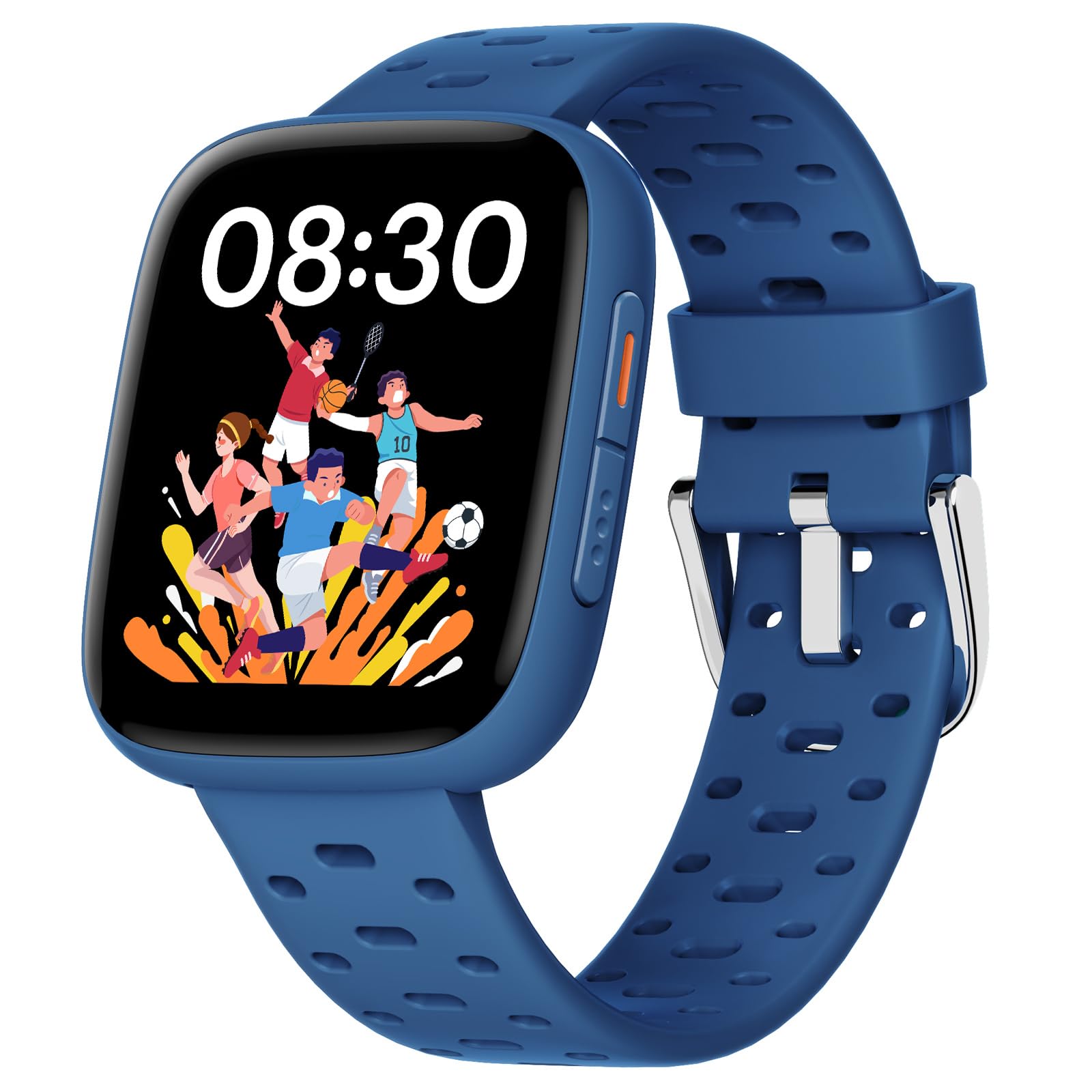
Image: The BIGGERFIVE BW03 Smartwatch in blue, displaying its main interface.
Setup
1. Unboxing and Initial Charge
Upon receiving your BIGGERFIVE BW03 Smartwatch, carefully unbox all components. The package should include the smartwatch, a charging cable, and this user manual.
Before first use, fully charge the smartwatch. Connect the magnetic charging cable to the charging points on the back of the watch and plug the USB end into a compatible power adapter (not included) or a computer's USB port.
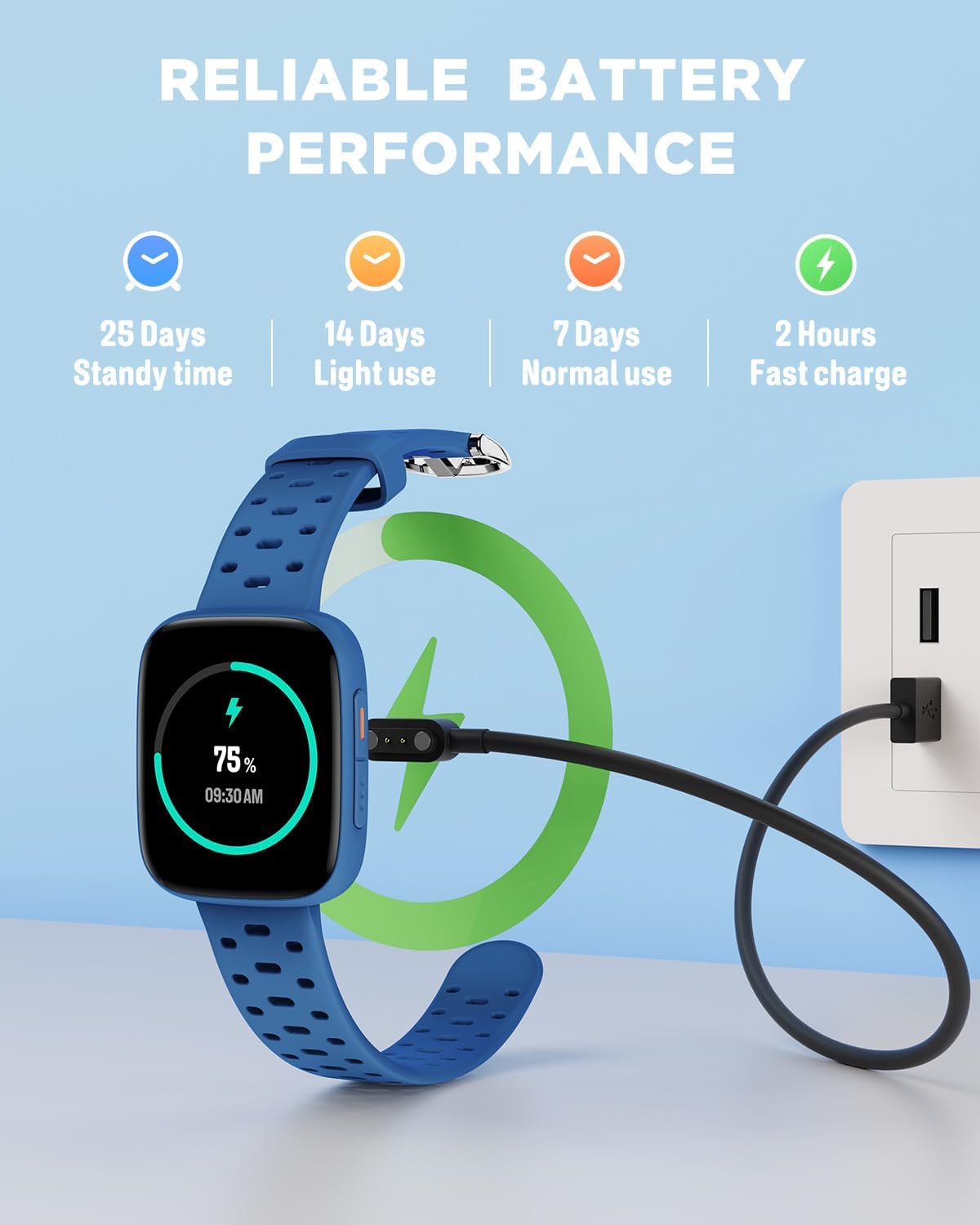
Image: The smartwatch connected to its charging cable, demonstrating the charging process and battery life indicators.
- Charging Time: Approximately 2.5 hours for a full charge.
- Battery Life: Up to 7 days with normal use, 14 days with light use, and 25 days standby time.
2. Powering On/Off
To power on the smartwatch, press and hold the side button until the screen illuminates. To power off, navigate to the settings menu on the watch, select "Power Off," and confirm.
3. App Installation (Optional)
While the smartwatch can function independently, installing the BIGGERFIVE app on a compatible smartphone (Android 6.0+ / iOS 9.0+) unlocks additional features and watch faces.
- Scan the QR code provided in the manual or search for "BIGGERFIVE" in your smartphone's app store.
- Download and install the application.
- Follow the on-screen instructions to create an account and set up a profile.
4. Pairing with the App (Optional)
To pair your smartwatch with the BIGGERFIVE app via Bluetooth:
- Ensure Bluetooth is enabled on your smartphone.
- Open the BIGGERFIVE app and navigate to the device pairing section.
- The app will search for available devices. Select "BW03" from the list.
- Confirm the pairing request on both your smartphone and the smartwatch.
Bluetooth can be deactivated on the watch to extend battery life and reduce radiation, if the app is not being used.
5. Customizing Watch Faces
The smartwatch features a 1.8-inch AMOLED touchscreen with over 100 customizable watch faces available through the BIGGERFIVE Cloud App.

Image: A collection of diverse watch faces available for the BIGGERFIVE BW03 Smartwatch.
- On the Watch: Long-press the current watch face, then swipe left or right to browse pre-installed options. Tap to select.
- Via App: Open the BIGGERFIVE app, go to the watch face store, and select from over 100 designs. Sync to apply.
Operating Instructions
1. Basic Navigation
The BIGGERFIVE BW03 Smartwatch features a responsive 1.8-inch AMOLED touchscreen for easy navigation.
- Swipe Up/Down: Scroll through menus and notifications.
- Swipe Left/Right: Access quick functions or different widgets (e.g., activity data, heart rate).
- Tap: Select an item or confirm an action.
- Side Button: Press to return to the home screen or wake the device.

Image: Two smartwatches showcasing the 1.8-inch AMOLED screen and emphasizing features like super waterproof, wear-resistant screen, and high resolution.
2. Activity Tracking
The smartwatch automatically tracks daily activity, including steps taken, distance covered, calories burned, and active minutes.

Image: The smartwatch screen showing steps, distance, and calorie counts, alongside a list of sports modes like running, cycling, and swimming.
- View your daily summary directly on the watch by swiping to the activity screen.
- For detailed historical data and trends, synchronize the watch with the BIGGERFIVE app.
3. Sports Modes
The BIGGERFIVE BW03 supports over 100 sports modes, including walking, running, cycling, swimming, and basketball. To start a workout:
- Navigate to the "Workout" or "Sports" menu on the watch.
- Select your desired activity.
- Tap to begin tracking. The watch will record duration, heart rate, and other relevant metrics.
- Tap to pause or long-press to end the workout.
4. Health Monitoring
The smartwatch provides real-time heart rate monitoring and tracks sleep patterns to promote well-being.
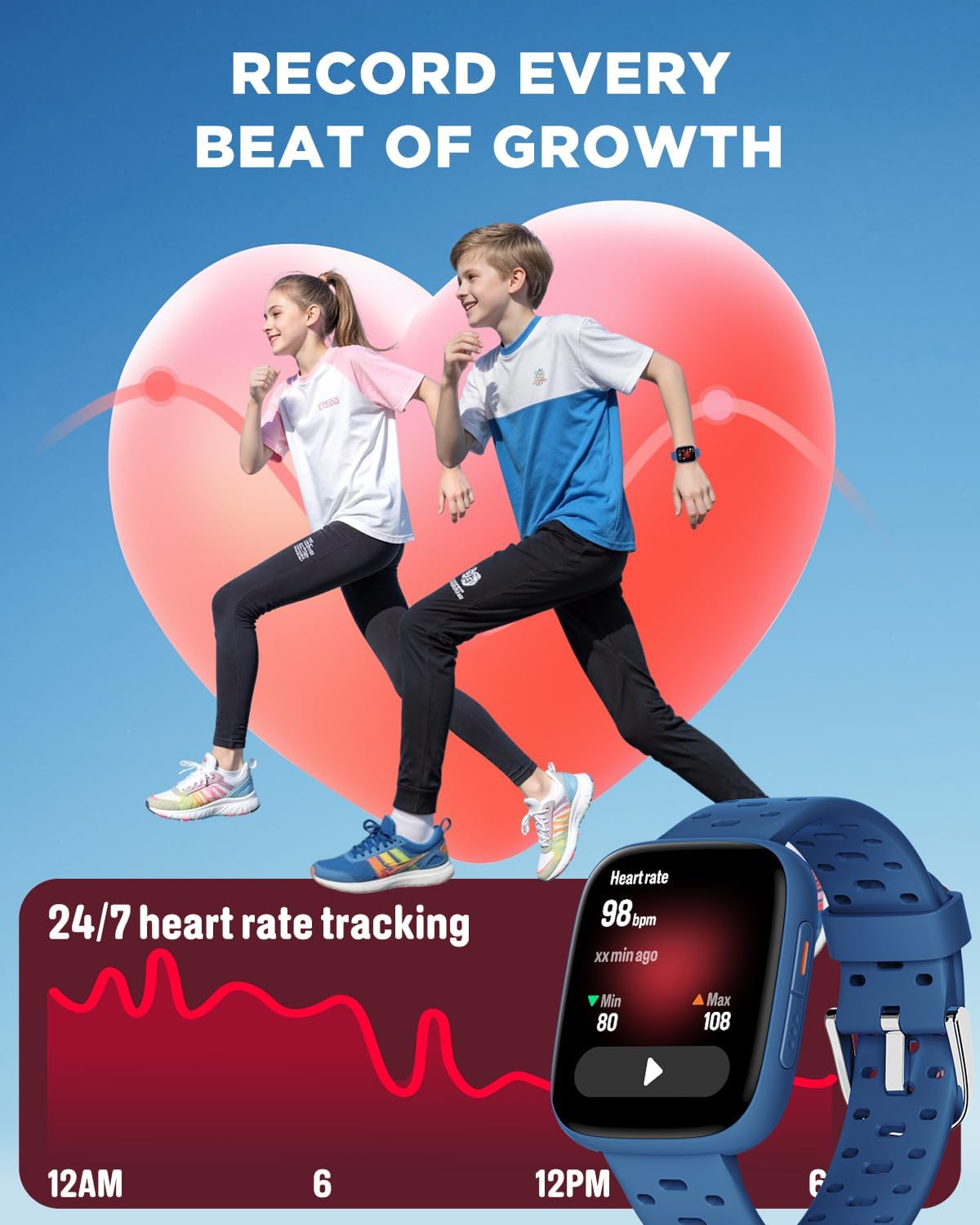
Image: The smartwatch screen showing a graph of 24/7 heart rate tracking with minimum and maximum values.
- Heart Rate: Swipe to the heart rate screen to view your current heart rate. The app provides historical data and analysis.
- Sleep Monitor: Wear the watch to bed for automatic sleep tracking. It records awake time, REM sleep, light sleep, and deep sleep.

Image: The smartwatch screen showing sleep duration breakdown (awake, REM, light, deep sleep) and an alarm clock interface for setting reminders.
5. Alarms and Reminders
Set up to 10 daily alarms with vibration mode to help develop regular habits.
- Access the "Alarm" function on the smartwatch or through the BIGGERFIVE app.
- Set the desired time and frequency for each alarm.
- The watch will vibrate at the set times to remind your child of tasks or routines.
6. Puzzle Games
The smartwatch includes 7 built-in puzzle games designed to train reaction and calculation abilities. Parents can control game access and play time.

Image: The smartwatch screen showing a selection of puzzle games and options for setting game start time, end time, and repeat cycle.
- Access games from the main menu.
- Parental Control: Use the BIGGERFIVE app to limit game play during school hours or set daily time limits. A code can be set to prevent children from modifying these settings.
7. Water Resistance (30m)
The BIGGERFIVE BW03 Smartwatch is water-resistant up to 30 meters, making it suitable for swimming and showering. It is not recommended for diving or high-pressure water activities.
Important: Do not operate the watch buttons underwater. Avoid exposure to hot water or steam, as this can compromise the water resistance.
Maintenance
1. Cleaning
Regularly clean your smartwatch to ensure optimal performance and hygiene.
- Wipe the screen and strap with a soft, damp, lint-free cloth.
- Avoid using harsh chemicals, abrasive cleaners, or solvents, as these can damage the device.
- Ensure the charging contacts are clean and dry before charging.
2. Battery Care
- To prolong battery life, avoid fully discharging the battery frequently.
- Charge the device using the provided charging cable.
- Store the smartwatch in a cool, dry place when not in use for extended periods.
3. Water Resistance Precautions
- While water-resistant, avoid exposing the watch to high-velocity water or extreme temperatures (e.g., saunas, hot tubs).
- If the watch gets wet, dry it thoroughly before charging or operating buttons.
Troubleshooting
If you encounter issues with your BIGGERFIVE BW03 Smartwatch, refer to the following common solutions:
| Problem | Possible Solution |
|---|---|
| Watch does not turn on | Ensure the watch is fully charged. Press and hold the side button for at least 10 seconds. |
| Cannot pair with smartphone | Check if Bluetooth is enabled on your phone. Ensure the watch is within range. Restart both the watch and the phone. Make sure the BIGGERFIVE app is updated. |
| Inaccurate activity data | Ensure the watch is worn snugly on the wrist. Calibrate the watch through the app if available. |
| Screen is unresponsive | Restart the watch. If the issue persists, ensure the screen is clean and dry. |
| Short battery life | Reduce screen brightness. Turn off unused features like Bluetooth if not connected to the app. Limit notifications. |
For further assistance, please refer to the BIGGERFIVE app's help section or contact customer support.
Specifications
| Feature | Detail |
|---|---|
| Model Name | BW03 |
| Brand | BIGGERFIVE |
| Screen Size | 1.8 Inches |
| Display Type | AMOLED |
| Connectivity Technology | Bluetooth |
| Water Resistance Depth | 30 Meters (Waterproof) |
| Battery Capacity | 350 mAh Lithium-ion |
| Average Battery Life | 7 days (normal use) |
| Charging Time | 2.5 hours |
| Compatible Devices | Smartphone Android 6.0+ / iOS 9.0+ |
| Special Features | Heart Rate Monitor, Sleep Monitor, Vibration Alarm, Puzzle Games, 30m Waterproof |
| Activity Tracking | Pedometer, Calories Burned, Sleep Duration |
| Sports Modes | Basketball, Running, Fitness, Multi-sport, Soccer (100+ modes) |
| Input Type | Touchscreen |
| Band Material Type | Silicone |
| Item Weight | 40 Grams |
| Item Dimensions | 23.6 x 3.6 x 0.9 cm |
| UPC | 850073580134 |
Warranty and Support
1. Warranty Information
The BIGGERFIVE BW03 Smartwatch comes with a two-year warranty from the date of purchase. This warranty covers manufacturing defects and malfunctions under normal use. It does not cover damage caused by misuse, accidents, unauthorized modifications, or failure to follow the instructions in this manual.
Please retain your proof of purchase for warranty claims.
2. Customer Support
For technical assistance, troubleshooting not covered in this manual, or warranty inquiries, please contact BIGGERFIVE customer support through the following channels:
- Refer to the help section within the BIGGERFIVE mobile application.
- Visit the official BIGGERFIVE website for FAQs and contact information.
- Contact the retailer from whom you purchased the product.
When contacting support, please have your product model (BW03) and proof of purchase ready.


