
Introduction
Thank you for choosing the TIMU S11 Portable Bluetooth Speaker. This manual provides essential information for setting up, operating, and maintaining your speaker. Please read it thoroughly before use to ensure optimal performance and longevity of your device.
Safety Information
- Do not expose the speaker to extreme temperatures or direct sunlight for extended periods.
- Avoid dropping or subjecting the speaker to strong impacts.
- Keep the speaker away from water and liquids, unless specifically designed for such exposure (this speaker is IPX7 waterproof, but avoid prolonged submersion).
- Do not attempt to disassemble, repair, or modify the speaker yourself. Contact qualified service personnel if needed.
- Use only the provided charging cable or a certified equivalent.
- Clean the speaker with a soft, dry cloth. Do not use abrasive cleaners or solvents.
What's in the Box
Upon unpacking, please ensure all the following items are present:
- 1 x TIMU S11 Portable Bluetooth Speaker
- 1 x Type-C Charging Cable
- 1 x User Manual (this document)
- 1 x Nylon Braided Hanging Rope
- 1 x AUX Connecting Cable

Image: The TIMU S11 Portable Bluetooth Speaker shown with its Type-C charging cable, AUX cable, and nylon hanging rope.
Product Overview
The TIMU S11 speaker is designed for high-quality audio and portability. Key features include:
- 30W Stereo Sound: Equipped with two 60mm full-range speakers and DSP digital audio processing for clear, distinct sound.
- Enhanced Bass 3.0: Delivers deep bass down to 30Hz with reduced total harmonic distortion (THD).
- Bluetooth 5.4: Ensures stable and efficient wireless connection with low latency.
- IPX7 Waterproof: Designed to withstand immersion in water up to 1 meter for 30 minutes.
- 30-Hour Playtime: Extended battery life for prolonged listening.
- 8 RGB Modes: Customizable lighting effects to enhance your audio experience.
- TWS Pairing: Connect two S11 speakers for true wireless stereo sound.
- Multiple Connection Methods: Supports Bluetooth, TF card, AUX, and USB-Audio.
Controls and Ports
Image: The top panel of the TIMU S11 speaker showing the control buttons and the side panel revealing the protected ports.
- Power Button: Press and hold to turn on/off. Short press to play/pause.
- Volume Up (+): Increase volume.
- Volume Down (-): Decrease volume.
- Mode Button (M): Switch between Bluetooth, AUX, TF Card, and USB-Audio modes.
- Light Mode Button (Sun icon): Cycle through 8 RGB lighting modes or turn lights off.
- AUX Port: For wired audio connection.
- Type-C Charging Port: For charging the speaker.
- TF Card Slot: Insert a TF card for direct music playback.
- USB-A Port: For USB-Audio input.
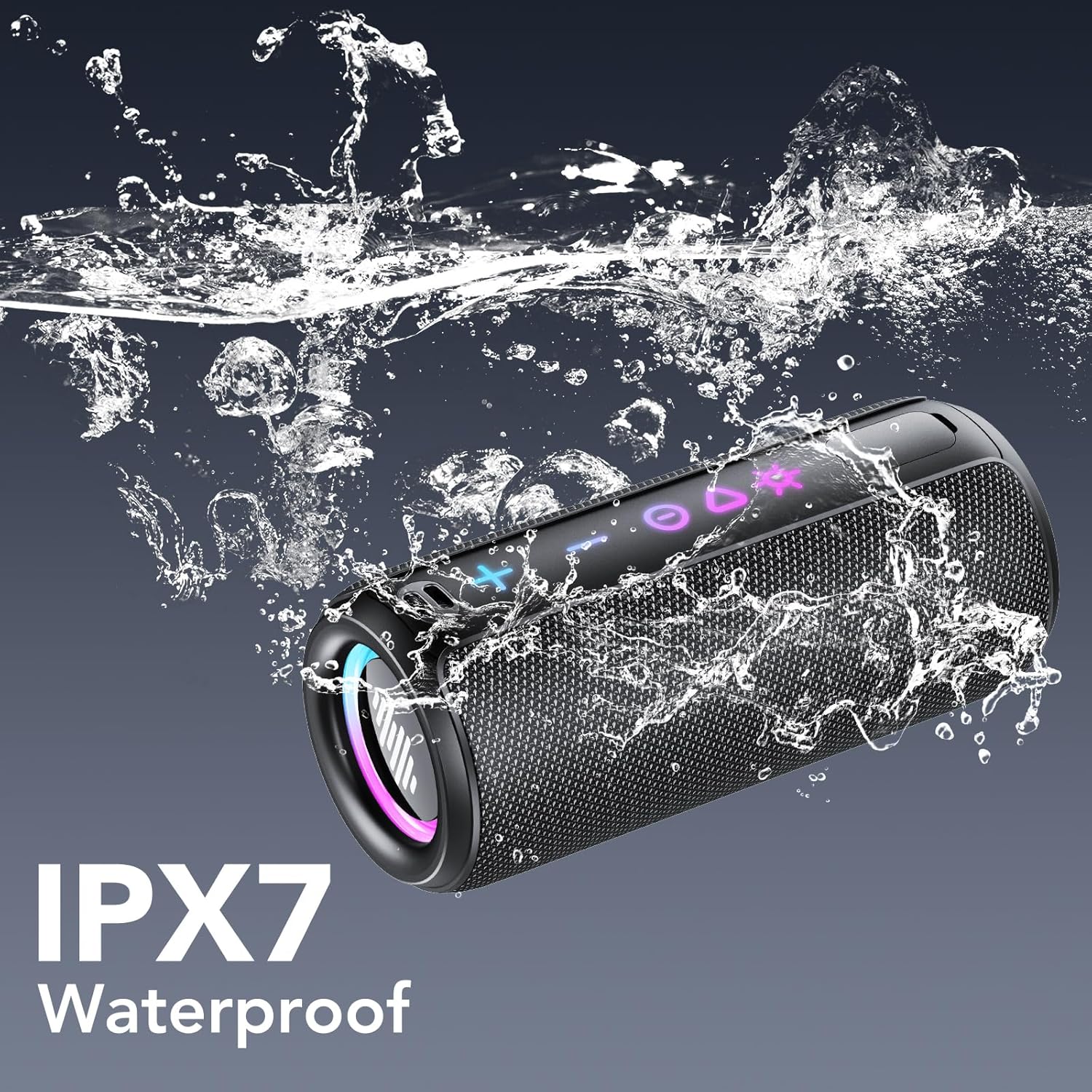
Image: The TIMU S11 speaker partially submerged in water, highlighting its IPX7 waterproof capability.

Image: An illustrative diagram of the TIMU S11 speaker's internal components, emphasizing its 30W stereo sound and Enhanced Bass 3.0 technology.
Setup
1. Initial Charging
Before first use, fully charge your TIMU S11 speaker. Connect the provided Type-C charging cable to the speaker's charging port and the other end to a USB power adapter (not included) or a computer's USB port. The charging indicator will show the charging status and turn off when fully charged. A full charge takes approximately 3 hours.

Image: The TIMU S11 speaker connected to a Type-C charging cable, illustrating its 30-hour playtime capability.
2. Power On/Off
Press and hold the Power Button for 2-3 seconds to turn the speaker ON or OFF. A sound prompt will indicate the power status.
3. Bluetooth Pairing
- Turn on the speaker. It will automatically enter Bluetooth pairing mode, indicated by a flashing LED light.
- On your device (smartphone, tablet, computer), enable Bluetooth and search for available devices.
- Select "S11" from the list of devices.
- Once connected, the LED indicator will stop flashing and remain solid, and you will hear a confirmation sound.
The speaker will automatically reconnect to the last paired device when powered on, if the device is within range and Bluetooth is enabled.
Operating Instructions
Audio Playback
- Play/Pause: Short press the Power Button.
- Volume Control: Press the + button to increase volume, and the - button to decrease volume.
- Next Track: Long press the + button.
- Previous Track: Long press the - button.
Changing Modes
Short press the Mode Button (M) to cycle through available input modes: Bluetooth, AUX, TF Card, and USB-Audio.
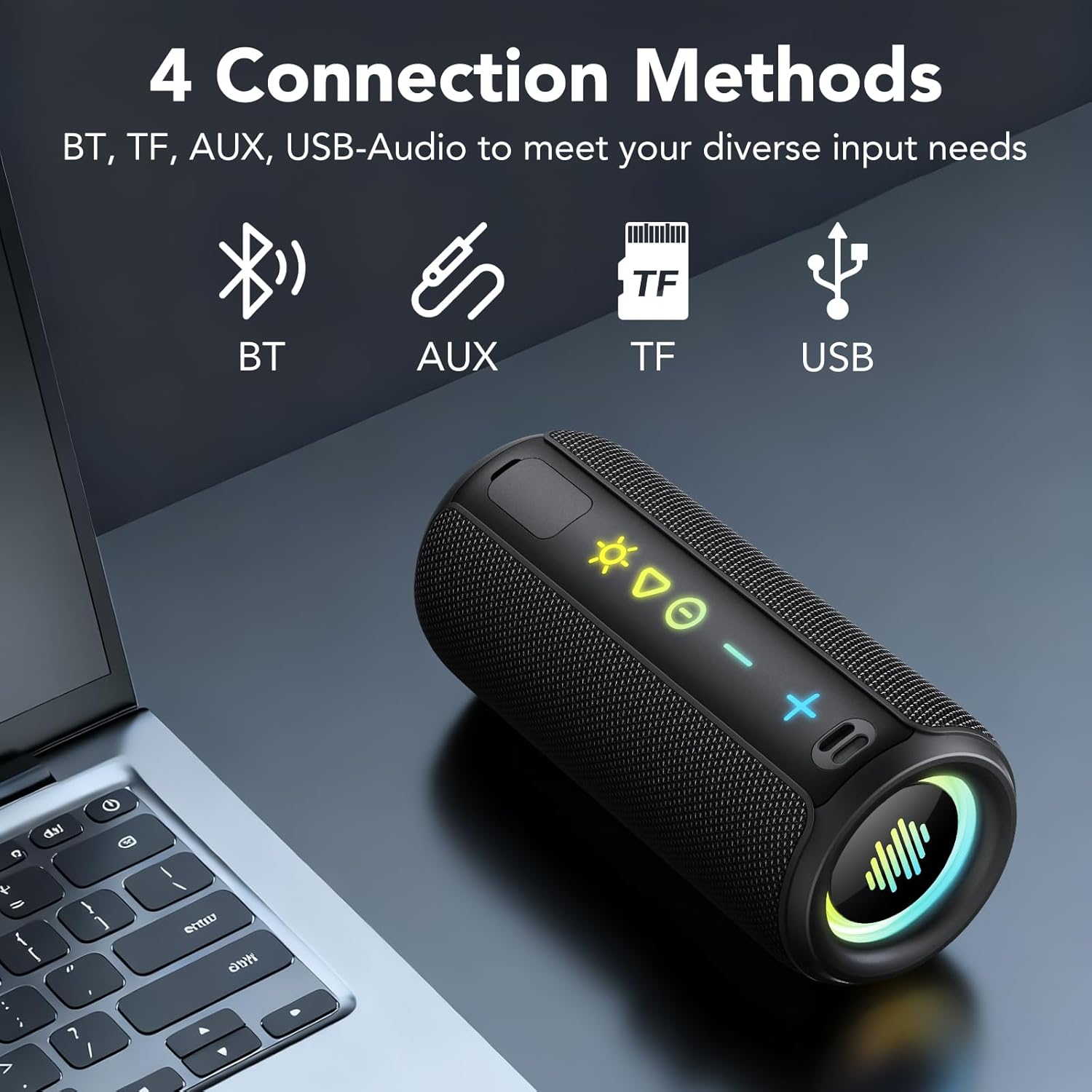
Image: The TIMU S11 speaker illustrating its four connection methods: Bluetooth, AUX, TF card, and USB.
RGB Lighting Modes
The speaker features 8 different RGB lighting modes. Short press the Light Mode Button (Sun icon) to cycle through the modes. Long press to turn the lights off.
True Wireless Stereo (TWS) Pairing
To achieve a more immersive stereo sound experience, you can pair two TIMU S11 speakers together:
- Ensure both S11 speakers are powered on and not connected to any other Bluetooth device.
- On one of the speakers (this will be the primary speaker), double-press the Power Button. The speaker will enter TWS pairing mode.
- The primary speaker will search for the secondary speaker. Once connected, you will hear a confirmation sound, and the LED indicators on both speakers will synchronize.
- Now, connect your device to the primary speaker via Bluetooth as described in the "Bluetooth Pairing" section.
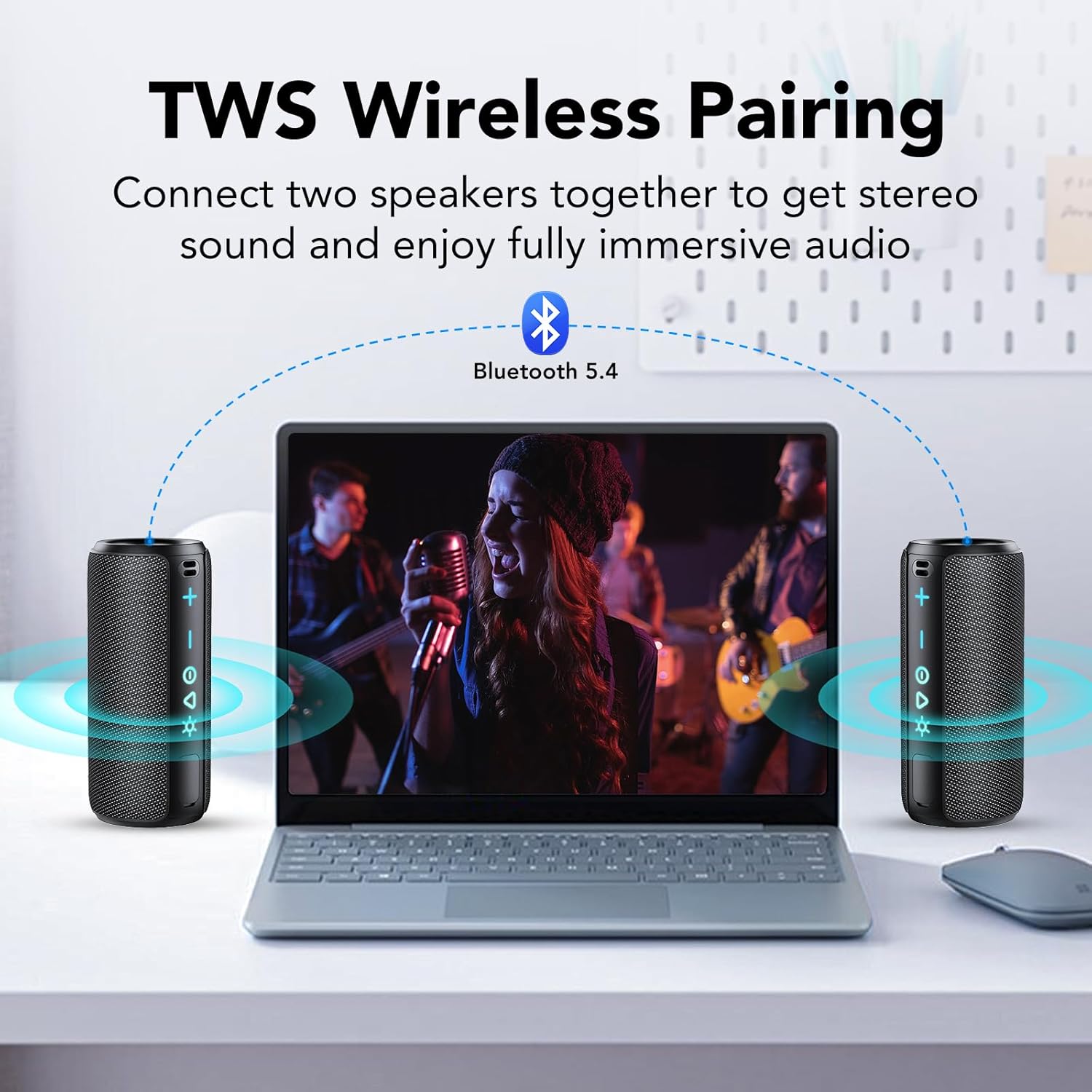
Image: Two TIMU S11 speakers wirelessly paired, demonstrating the True Wireless Stereo (TWS) feature for enhanced audio.
Maintenance
- Cleaning: Wipe the speaker with a soft, damp cloth. Do not use harsh chemicals or abrasive materials.
- Storage: Store the speaker in a cool, dry place away from direct sunlight and extreme temperatures when not in use for extended periods.
- Battery Care: To prolong battery life, avoid fully discharging the battery frequently. Charge the speaker regularly, even if not in use.
Troubleshooting
| Problem | Possible Cause | Solution |
|---|---|---|
| Speaker does not turn on. | Low battery. | Charge the speaker fully. |
| Cannot pair via Bluetooth. | Speaker is not in pairing mode; device Bluetooth is off; speaker is too far from device. | Ensure speaker is in pairing mode (flashing LED). Turn on device Bluetooth. Move speaker closer to device (within 20 meters). |
| No sound. | Volume too low; incorrect input mode; device not playing audio. | Increase speaker and device volume. Press Mode button to select correct input. Ensure audio is playing on your device. |
| TWS pairing fails. | Speakers are too far apart; one speaker is already paired to a device. | Ensure speakers are close to each other. Disconnect any existing Bluetooth connections from both speakers before attempting TWS pairing. |
Specifications
| Feature | Detail |
|---|---|
| Model Name | S11 |
| Brand | TIMU |
| Speaker Type | Outdoor |
| Connectivity Technology | Wireless (Bluetooth 5.4) |
| Bluetooth Range | 20 Meters |
| Speaker Maximum Output Power | 30 Watts |
| Audio Driver Size | 60 Millimeters |
| Water Resistance Level | IPX7 Waterproof |
| Battery Capacity | 4000 Milliamp Hours |
| Charging Time | 3 Hours |
| Product Dimensions | 2.6"D x 2.6"W x 6.3"H |
| Item Weight | 1.63 pounds |
| Control Method | Touch |
| Special Features | Bass Boost, Built-in Microphone, Portable, Lightweight, 8 RGB Modes |
Warranty and Support
The TIMU S11 Portable Bluetooth Speaker comes with a Limited Warranty. Please refer to the warranty card included in your package for specific terms and conditions. For technical support, troubleshooting assistance, or warranty claims, please contact TIMU customer service through the contact information provided on the warranty card or the official TIMU website.
Disposal Information
This product should not be disposed of with household waste. Please recycle it at an appropriate collection point for electrical and electronic equipment. By ensuring this product is disposed of correctly, you will help prevent potential negative consequences for the environment and human health, which could otherwise be caused by inappropriate waste handling of this product.