
Introduction
Thank you for choosing the ZOVIMAX X7 MAX Bone Conduction Headphones. These open-ear headphones are designed for various activities, including swimming, running, and fitness, offering both Bluetooth and MP3 modes. This manual provides detailed instructions for setup, operation, maintenance, and troubleshooting to ensure optimal performance and longevity of your device.
What's in the Box
Carefully unpack your ZOVIMAX X7 MAX headphones and ensure all items are present:
- Bone Conduction Headphones (1 unit)
- Magnetic Charging Cable (1 unit)
- Adjustable Cord (1 unit)
- User Guide (1 unit)
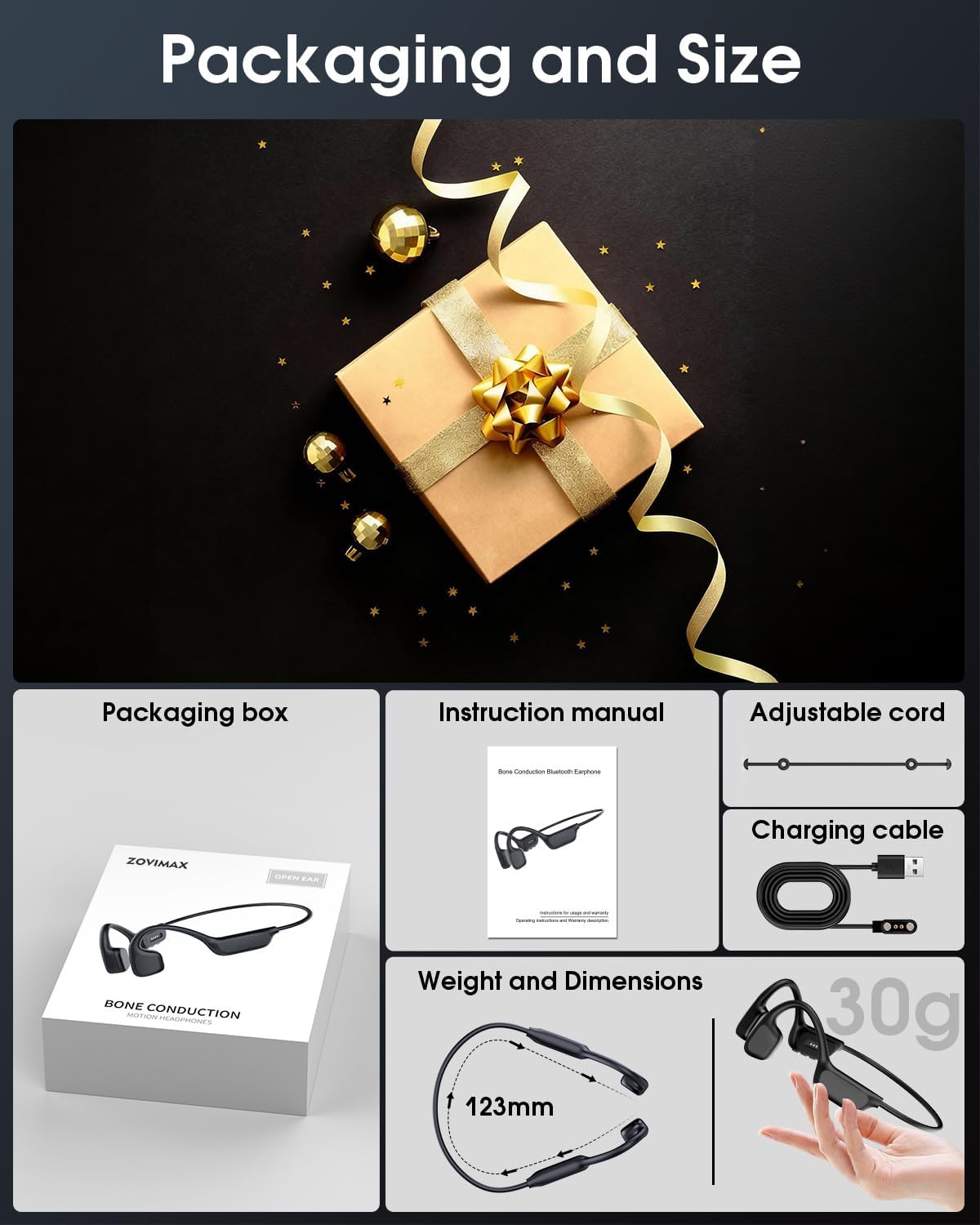
Image: The ZOVIMAX X7 MAX headphones and included accessories laid out next to their packaging.
Product Overview
The ZOVIMAX X7 MAX headphones feature an open-ear design, allowing you to remain aware of your surroundings while enjoying audio. They are IPX8 waterproof, suitable for swimming, and include both Bluetooth and an integrated MP3 player with 32GB of memory.

Image: Headphones in water, highlighting IPX8 waterproof design.
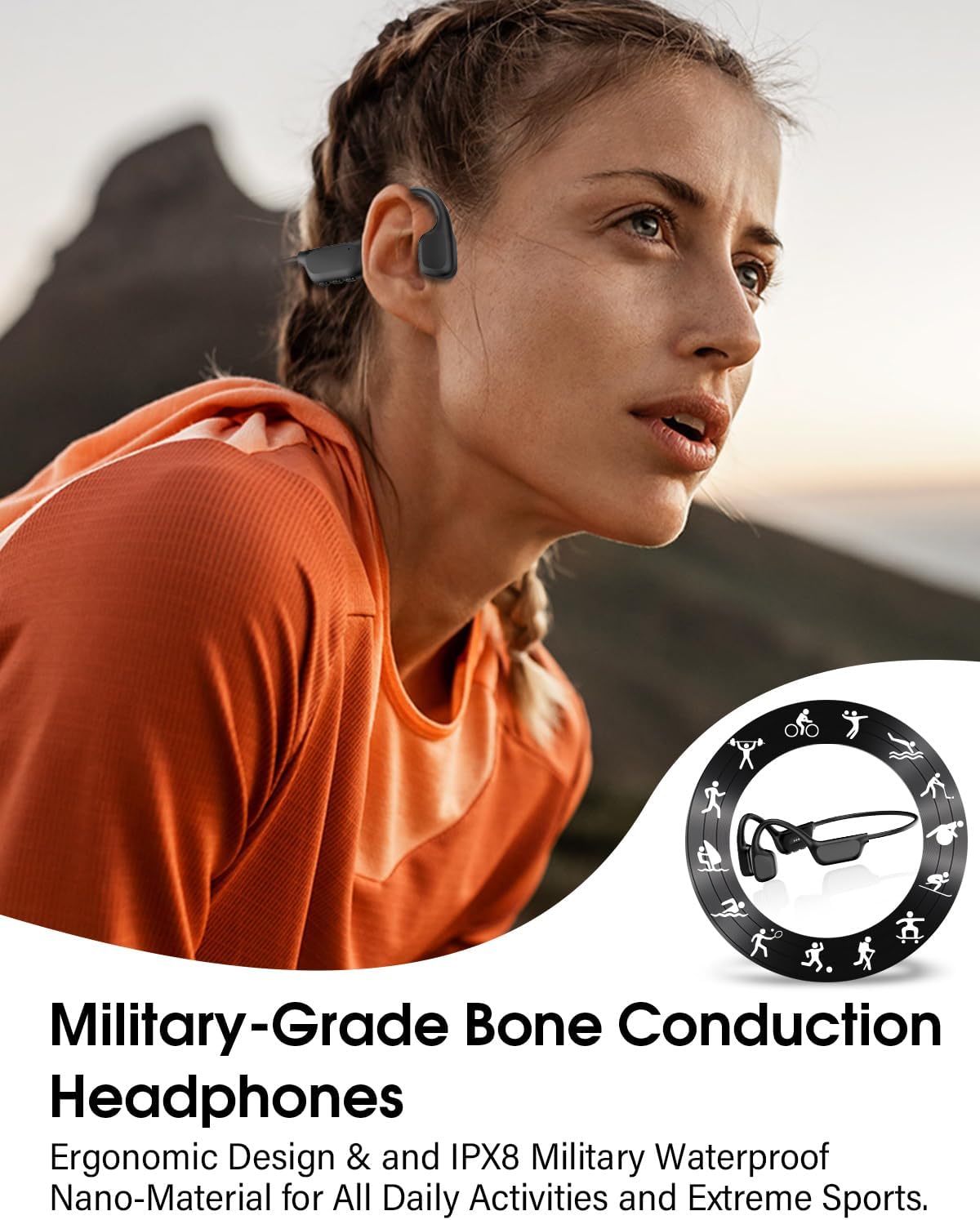
Image: User wearing headphones during outdoor activity, illustrating open-ear comfort.
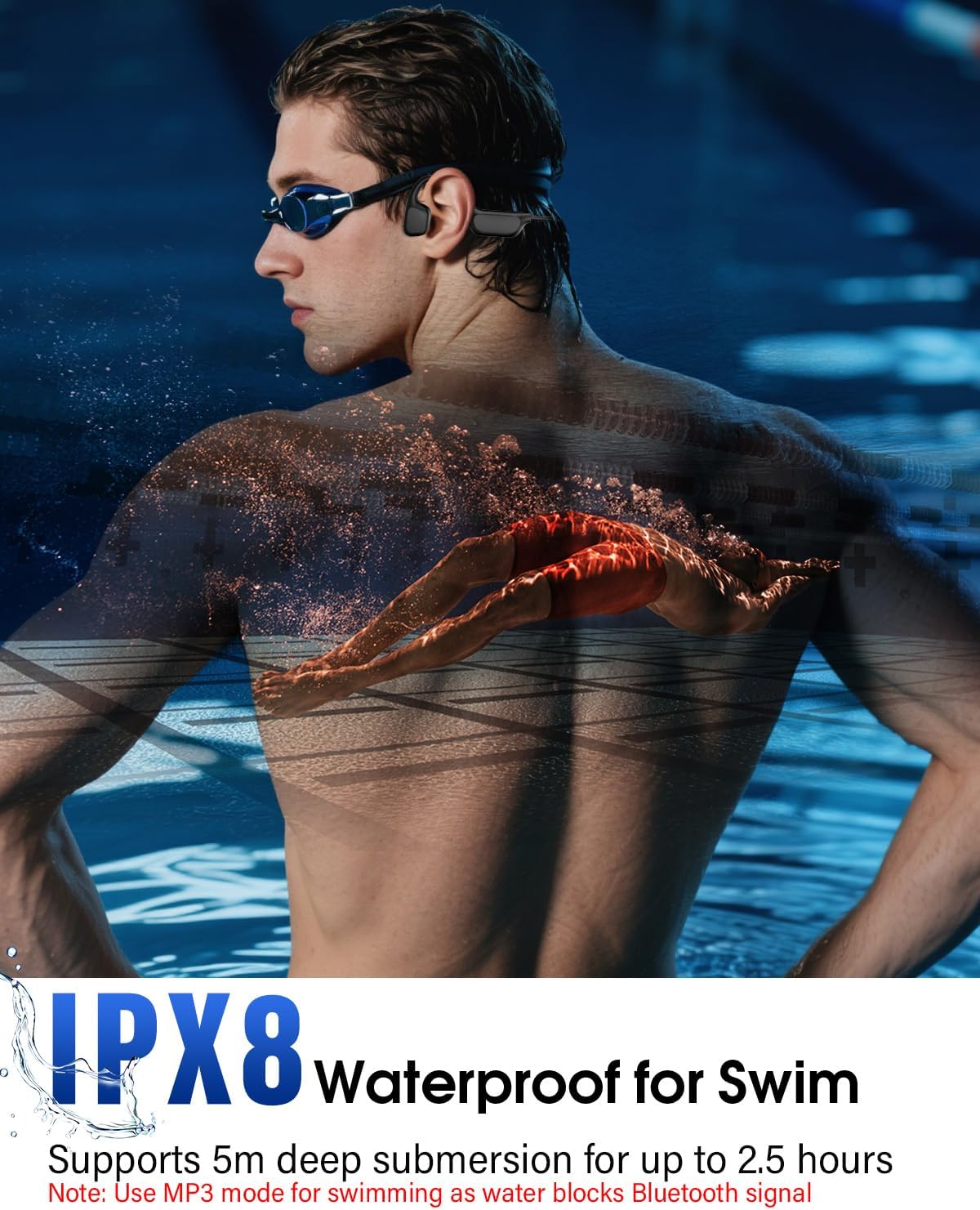
Image: Headphones being used while swimming, demonstrating IPX8 waterproof rating.

Image: Diagram of Bluetooth and MP3 dual modes.
Official Product Video
Video: An overview of the ZOVIMAX X7 MAX Bone Conduction Headphones, showcasing their features and design.
Setup
1. Charging the Headphones
Before first use, fully charge your headphones. Connect the magnetic charging cable to the charging port on the headphones and plug the USB end into a power source (e.g., computer USB port, USB wall adapter). The charging indicator lights will show the charging status. A full charge typically takes approximately 2 hours.

Image: Magnetic charging cable connection.
2. Powering On/Off
- Power On: Press and hold the Power button for 3-5 seconds until the indicator light flashes.
- Power Off: Press and hold the Power button for 3-5 seconds until the indicator light turns off.
3. Bluetooth Pairing
- Ensure the headphones are powered off.
- Press and hold the Power button for approximately 5-7 seconds until the indicator light flashes red and blue alternately, indicating pairing mode.
- On your device (smartphone, tablet, laptop), enable Bluetooth and search for available devices.
- Select "X7 MAX" from the list of found devices.
- Once connected, the indicator light will flash blue slowly.
4. MP3 File Transfer
The headphones have 32GB of internal memory for MP3 mode. To transfer music:
- Connect the headphones to your computer using the magnetic charging cable.
- The headphones will appear as a removable disk drive on your computer.
- Drag and drop your MP3 audio files into the headphone's storage folder.
- Safely eject the device from your computer before disconnecting the cable.
Operating Instructions
Wearing the Headphones
For optimal comfort and sound quality, wear the headphones as follows:
- Gently pull the headphones open with your hands.
- Hang the ear hooks over your ears, ensuring the transducers rest on your cheekbones, just in front of your ears.
- Adjust the frame size using the included adjustable strap for a stable fit, especially during active use.

Image: Visual guide for wearing the headphones.
Controls
The headphones feature intuitive buttons for various functions:

Image: Control button functions diagram.
- Power On/Off: Press and hold for 3-5 seconds.
- Play/Pause: Single click the multi-function button.
- Volume Up: Click the "+" button.
- Volume Down: Click the "-" button.
- Next Track: Press and hold "+" for 1 second.
- Previous Track: Press and hold "-" for 1 second.
- Answer/End Call: Single click the multi-function button.
- Reject Call: Press and hold the multi-function button for 2 seconds.
- Switch Game/Music Mode: 5-click the multi-function button.
Switching Between Bluetooth and MP3 Modes
To switch between Bluetooth and MP3 modes, triple-click the multi-function button. Note that Bluetooth functionality is limited underwater due to signal interference; MP3 mode is recommended for swimming.
Maintenance
- Cleaning: Wipe the headphones with a soft, damp cloth. Avoid using harsh chemicals or abrasive materials.
- Storage: Store the headphones in a cool, dry place away from direct sunlight and extreme temperatures.
- Waterproof Care: While IPX8 rated, ensure the charging port is dry before charging to prevent damage. Rinse with fresh water after use in chlorinated or saltwater.
- Battery Life: To preserve battery life, fully charge the headphones at least once every three months if not used regularly.
Troubleshooting
| Issue | Possible Cause | Solution |
|---|---|---|
| Headphones do not power on. | Low battery. | Charge the headphones fully. |
| Cannot pair via Bluetooth. | Headphones not in pairing mode; device Bluetooth off. | Ensure headphones are in pairing mode (red/blue flashing light). Turn Bluetooth on your device and retry. |
| No sound in MP3 mode. | No music files transferred; low volume. | Transfer MP3 files to the internal memory. Increase volume. |
| Sound quality is poor. | Improper placement; dirty transducers. | Adjust headphone placement on cheekbones. Clean transducers. |
| Headphones disconnect frequently. | Out of Bluetooth range; interference. | Stay within 10 meters of the connected device. Avoid strong electromagnetic interference. |
Specifications
| Feature | Detail |
|---|---|
| Model Name | X7 MAX |
| Brand | ZOVIMAX |
| Connectivity Technology | Wireless (Bluetooth) |
| Wireless Communication Technology | Bluetooth 6.0 |
| Water Resistance Level | IPX8 Waterproof |
| Internal Memory | 32GB (for MP3 Mode) |
| Audio Driver Type | Dynamic Driver |
| Audio Driver Size | 14.2 Millimeters |
| Ear Placement | Open Ear |
| Playtime | Up to 12 Hours |
| Charging Time | Approx. 2 Hours |
| Item Weight | 5.6 ounces |
| Compatible Devices | Cellphones, Laptops, Tablets |
| Special Features | Adjustable Headband, Fast Charging, Lightweight, Sweatproof, Waterproof |
Warranty and Support
ZOVIMAX offers a 2-year warranty for the X7 MAX Bone Conduction Headphones. This warranty covers manufacturing defects and ensures the quality of our product. If you encounter any issues during this period, please contact our customer support for assistance.
For support, please refer to the contact information provided with your purchase or visit the official ZOVIMAX website.