
Introduction
This manual provides essential information for using your realme 15T 5G Smartphone. Please read it carefully to ensure proper operation and to maximize the device's capabilities. Keep this manual for future reference.
Setup
What's in the Box
- realme 15T 5G Smartphone
- USB Cable
- Phone Case
- Power Adapter
- SIM Tray Ejector
Inserting the SIM Card
- Locate the SIM card tray on the side of your device.
- Insert the SIM tray ejector tool into the small hole next to the tray and press gently until the tray pops out.
- Place your Nano SIM card(s) into the designated slots on the tray. Ensure the gold contacts face downwards.
- Carefully push the tray back into the phone until it is flush with the device.
Initial Power On and Setup
- Press and hold the power button until the realme logo appears.
- Follow the on-screen prompts to select your language, region, and connect to a Wi-Fi network.
- Sign in with your Google account or create a new one to access Android services.
- Set up your preferred security methods, such as Face Recognition or a PIN/pattern.
Operating Instructions
Basic Navigation
- Power Button: Press to wake/sleep the screen. Press and hold to power off or restart.
- Volume Buttons: Adjust media volume, call volume, or notification volume.
- Touchscreen Gestures: Swipe, tap, pinch-to-zoom for various functions.
Mini Capsule Feature
The Mini Capsule feature provides quick access to important notifications and information at the top of your screen, such as charging status, power saving mode, flashlight status, and more.

Image: The Mini Capsule displays real-time information like weather, charging status, and power-saving mode alerts.
Connectivity
- Wi-Fi: Go to Settings > Network & internet > Wi-Fi to connect to available networks.
- Bluetooth: Go to Settings > Connected devices > Bluetooth to pair with other devices.
- 5G Cellular: The device supports 5G connectivity. Ensure your SIM card and plan support 5G for optimal speeds.
Camera Usage
The realme 15T features dual 50MP cameras on both the front and rear, enhanced with AI capabilities for improved photo quality.
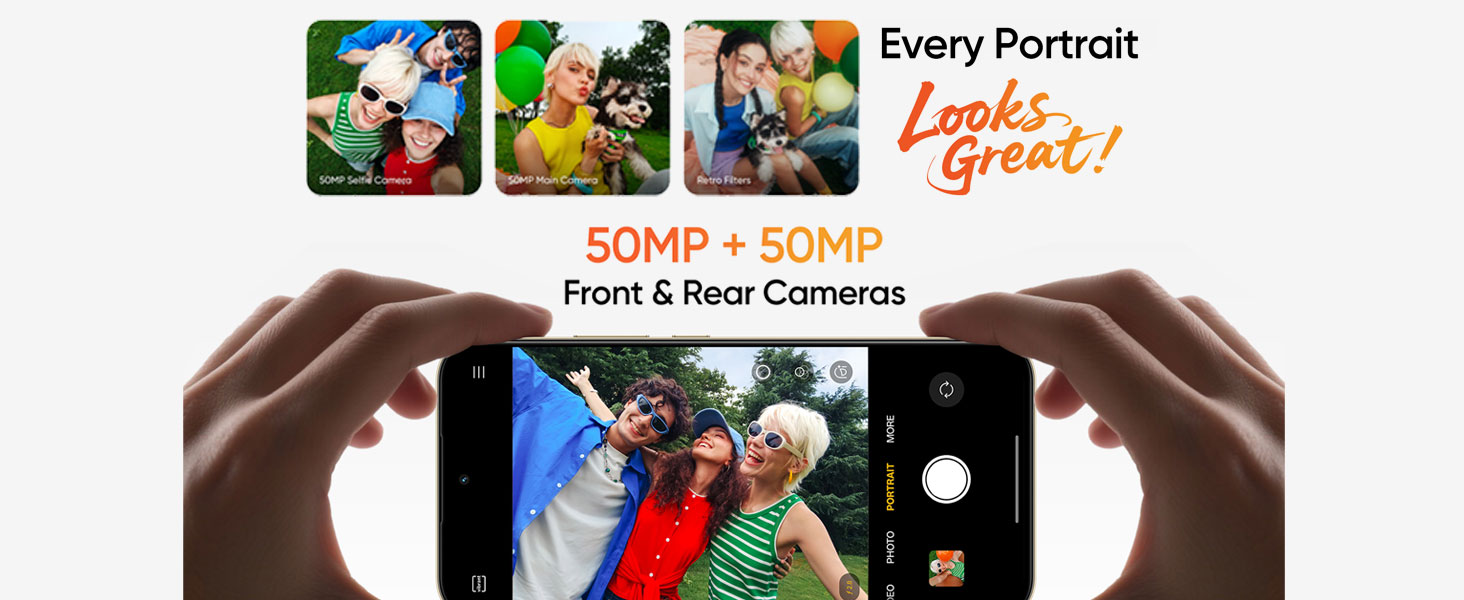
Image: Diagram highlighting the 50MP front and rear AI cameras on the realme 15T.
Taking Photos and Videos
- Open the Camera application.
- Select your desired mode (Photo, Video, Portrait, Night, etc.).
- Tap the shutter button to capture a photo or start/stop video recording.
- Utilize AI enhancements for scene recognition and optimal settings.
Battery and Charging
The realme 15T is equipped with a 7000mAh battery and supports 60W fast charging.

Image: The realme 15T highlighting its 7000mAh battery, capable of extended usage for YouTube, Spotify, and gaming.
Charging Your Device
- Use the provided 60W power adapter and USB Type-C cable for optimal fast charging.
- Connect the USB cable to the phone's charging port and the power adapter to a wall outlet.
- Avoid using damaged chargers or cables, as this may harm the device or battery.
Battery Optimization Tips
- Reduce screen brightness or enable adaptive brightness.
- Close unused applications running in the background.
- Enable power-saving mode when battery is low.
- Disable Wi-Fi, Bluetooth, and GPS when not in use.
Display Features
The realme 15T features a 6.67-inch 120Hz AMOLED display with 4000 nits peak brightness, 2160Hz PWM Dimming, and 1.07 billion colors for a vivid and comfortable viewing experience.
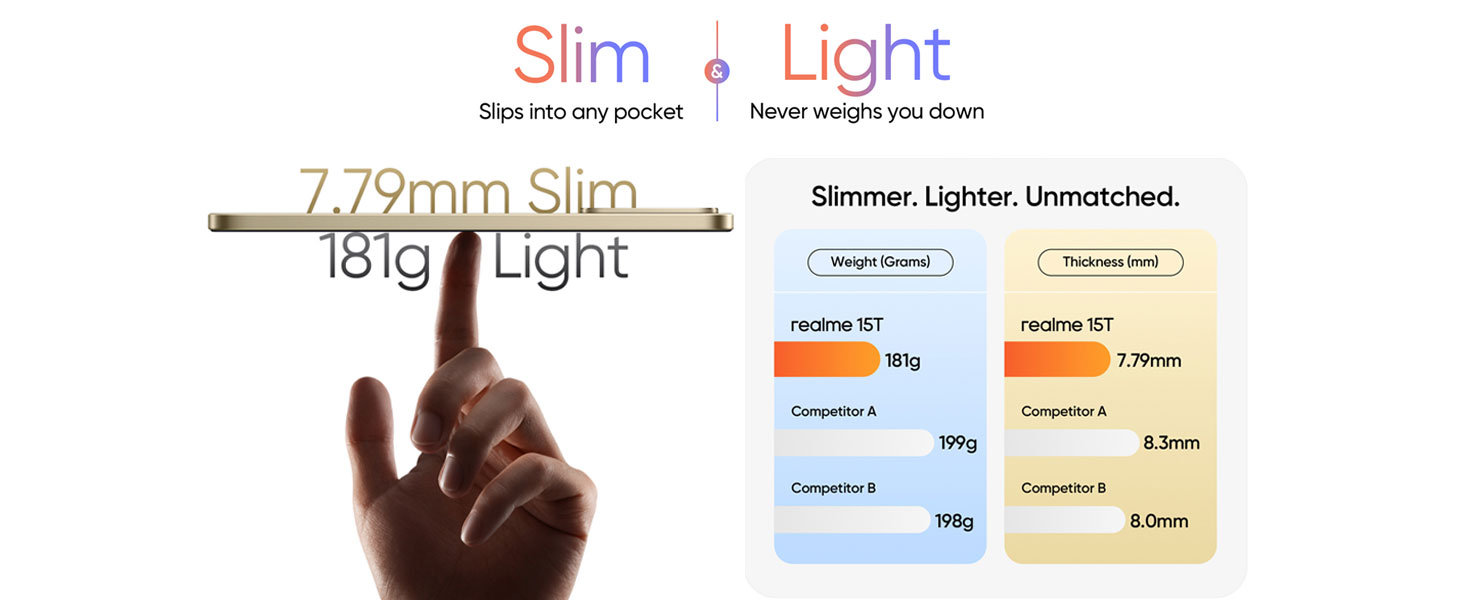
Image: The realme 15T's AMOLED display, showcasing 4000 nit peak brightness, 4R rounded corners, eye protection with 2160Hz PWM Dimming, and vivid 1.07 billion colors.
Display Settings
- Refresh Rate: Adjust between 60Hz and 120Hz in display settings for smoother scrolling or battery saving.
- Brightness: Manually adjust or enable adaptive brightness for automatic adjustment based on ambient light.
- Eye Comfort: Enable eye comfort mode to reduce blue light emission, especially useful during nighttime use.
Performance
The realme 15T is powered by the MediaTek Dimensity 6400 Max 5G chipset, ensuring seamless multitasking and efficient performance. It also features 8GB of dynamic RAM and 256GB of ROM.
Image: The realme 15T showcasing the Dimensity 6400 Max 5G Chipset, enabling smooth operation of multiple applications.
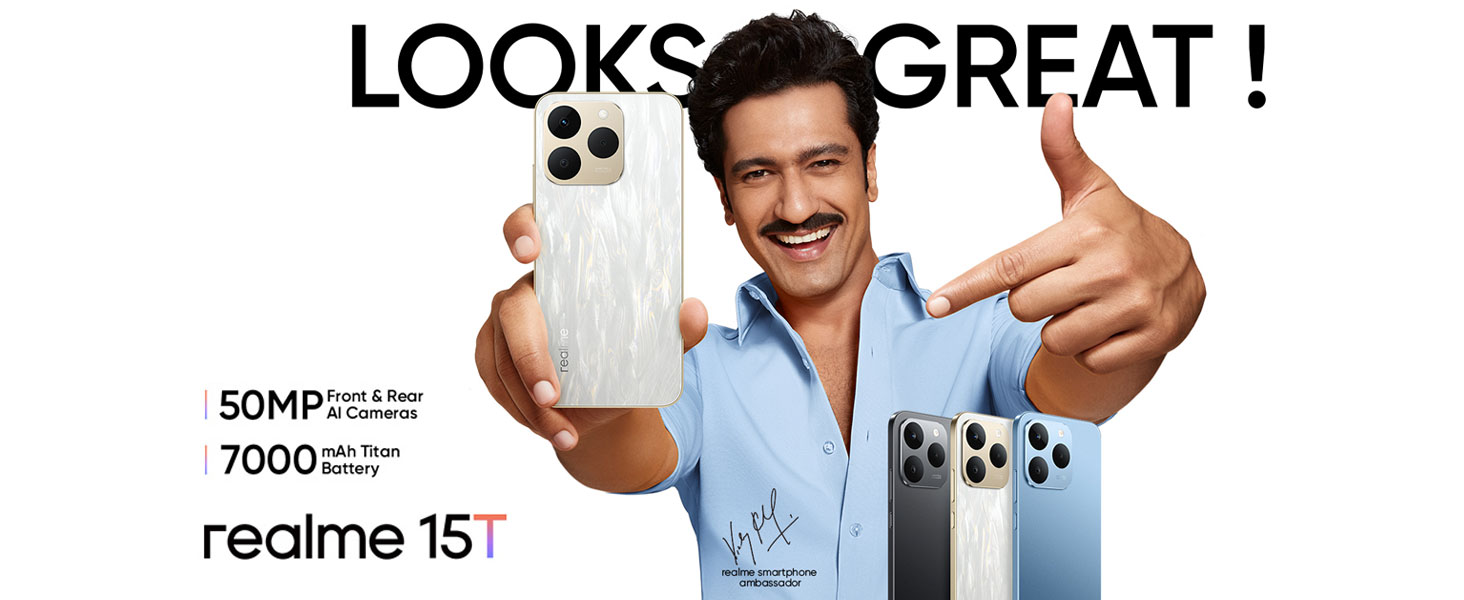
Image: Visual representation of the realme 15T's 8GB dynamic RAM and 128GB ROM for enhanced performance.
Cooling System
The device incorporates a 6050mm² AirFlow VC (Vapor Chamber) cooling system to dissipate heat efficiently, preventing throttling during intensive use like gaming or heavy multitasking.
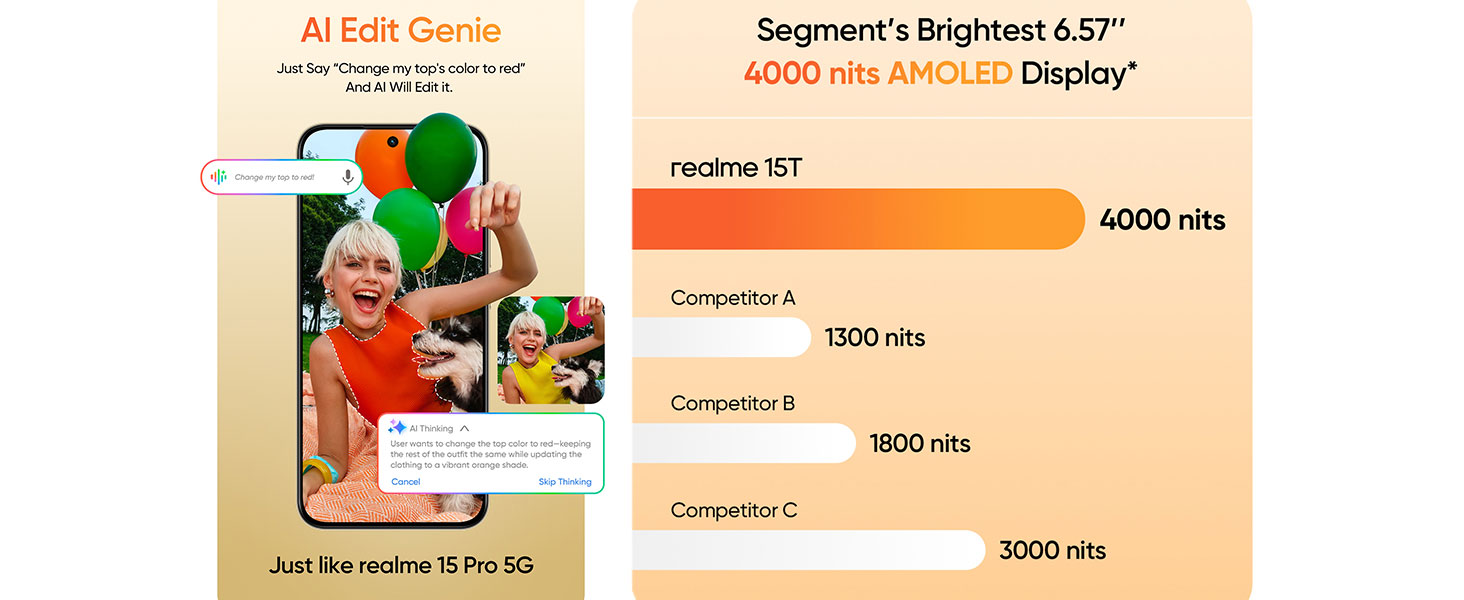
Image: Diagram illustrating the 6050mm² AirFlow VC cooling system within the realme 15T, designed to maintain optimal temperature during use.
Durability
The realme 15T 5G Smartphone features an IP69 rating for dust and water resistance, providing protection against dust ingress and high-pressure water jets from any direction.

Image: The realme 15T shown with water splashing, demonstrating its IP69 dust and water resistance.
While the device is water resistant, it is not waterproof. Avoid intentional submersion in water or exposure to harsh chemicals. Damage caused by liquids is not covered under warranty.
Maintenance
Cleaning Your Device
- Use a soft, lint-free cloth to wipe the screen and body.
- Avoid using abrasive cleaners, solvents, or aerosol sprays.
- For stubborn smudges, slightly dampen the cloth with water.
Software Updates
Regularly check for and install software updates to ensure optimal performance, security, and access to new features. Go to Settings > About phone > Software update.
Storage Management
Periodically clear unnecessary files, apps, and cache to maintain device speed and free up storage space. You can manage storage in Settings > Storage.
Troubleshooting
Common Issues and Solutions
- Device not turning on: Ensure the battery is charged. Connect to the charger for at least 15 minutes, then try powering on.
- Apps crashing or freezing: Close the problematic app and reopen it. If the issue persists, clear the app's cache (Settings > Apps > [App Name] > Storage & cache > Clear cache).
- Poor battery life: Refer to the 'Battery Optimization Tips' section. Check for background app usage and disable unnecessary features.
- Network connectivity issues: Restart your device. Check if airplane mode is off. Verify your SIM card is properly inserted.
- Screen unresponsive: Force restart the device by holding the power button for approximately 10-15 seconds.
Specifications
| Feature | Specification |
|---|---|
| Brand | realme |
| Model | 15T |
| Operating System | Android 15 |
| RAM Memory | 8 GB |
| Storage Capacity | 256 GB |
| CPU Model | Dimensity 6400 Max 5G (Others) |
| CPU Speed | 2.3 GHz |
| Display Size | 6.67 inches (15.84 Centimetres) |
| Display Type | AMOLED |
| Refresh Rate | 120 Hz |
| Max Display Resolution | 1080x2372 Pixels |
| Rear Camera Resolution | 50 MP (Main), 8 MP, 2 MP |
| Front Camera Resolution | 50 MP |
| Battery Capacity | 7000 mAh |
| Fast Charging | 60W |
| SIM Card Slot Count | Dual SIM |
| Biometric Security | Face Recognition |
| Water Resistance Level | IP69 (Water Resistant) |
| Connectivity | 5G, Bluetooth, USB Type-C, Wi-Fi |
| Item Weight | 181 Grams |
| Item Dimensions | 15.8 x 7.2 x 0.8 Centimeters |
Warranty and Support
Warranty Information
Your realme 15T 5G Smartphone comes with a standard manufacturer's warranty. Please refer to the warranty card included in your product packaging for specific terms, conditions, and duration. Keep your proof of purchase for warranty claims.
Customer Support
For technical assistance, service, or further inquiries, please contact realme customer support. Contact details can typically be found on the official realme website or in the warranty documentation.
- Manufacturer: DBG TECHNOLOGY (INDIA) PRIVATE LIMITED
- Packer/Importer Contact: DBG TECHNOLOGY (INDIA) PRIVATE LIMITED PLOT NO 10, SECTOR-5, HSIIDC INDUSTRIAL MODEL TOWNSHIP, BAWAL, REWARI, HARYANA - 123501