
1. Introduction
Thank you for choosing the Hupoaf S5 Bluetooth Shower Speaker. This manual provides essential information for setting up, operating, and maintaining your speaker. Please read it carefully to ensure optimal performance and longevity of your device.
The Hupoaf S5 is a portable, waterproof Bluetooth speaker designed for various environments, including showers, outdoor activities, and parties. It features Bluetooth 5.3 connectivity, IPX7 waterproofing, LED lighting, and a time display.
2. Package Contents
Before use, please verify that all items are present in the package:
- 1 x Hupoaf S5 Bluetooth Shower Speaker
- 1 x Suction Cup
- 1 x Type-C Charging Cable
- 1 x User Manual (this document)
- 1 x Warranty Card

Image: Contents of the Hupoaf S5 package, including the speaker, charging cable, suction cup, and user manual.
3. Product Overview

Image: Front view of the Hupoaf S5 Bluetooth Shower Speaker, showcasing its circular design, central display, control buttons, and LED light ring, with water splashing around it.
Key Features:
- High Fidelity 360° Surround Sound: Delivers clear treble and deep bass for an immersive audio experience.
- Advanced Bluetooth 5.3: Ensures stable and fast wireless connectivity up to 33 feet (10 meters).
- IPX7 Waterproof Design: Fully submersible for up to 30 minutes at 1 meter depth, ideal for shower and outdoor use.
- Vibrant LED Light Show: Features 6 selectable light modes to enhance atmosphere.
- Portable Design: Equipped with a sturdy rubber case, built-in lanyard, and powerful suction cup for versatile placement.
- Long Playtime: Up to 10 hours of continuous music playback on a single charge.
- Hands-free Calling: Built-in microphone supports voice and hands-free calls.
- Time Display: Integrated digital clock display.
4. Setup Instructions
4.1 Charging the Speaker
- Locate the Type-C charging port on the speaker.
- Connect the provided Type-C charging cable to the speaker and a compatible USB power adapter (not included).
- The LED indicator will show charging status. A full charge typically takes approximately 2 hours.
- Once fully charged, the speaker provides up to 10 hours of playtime.
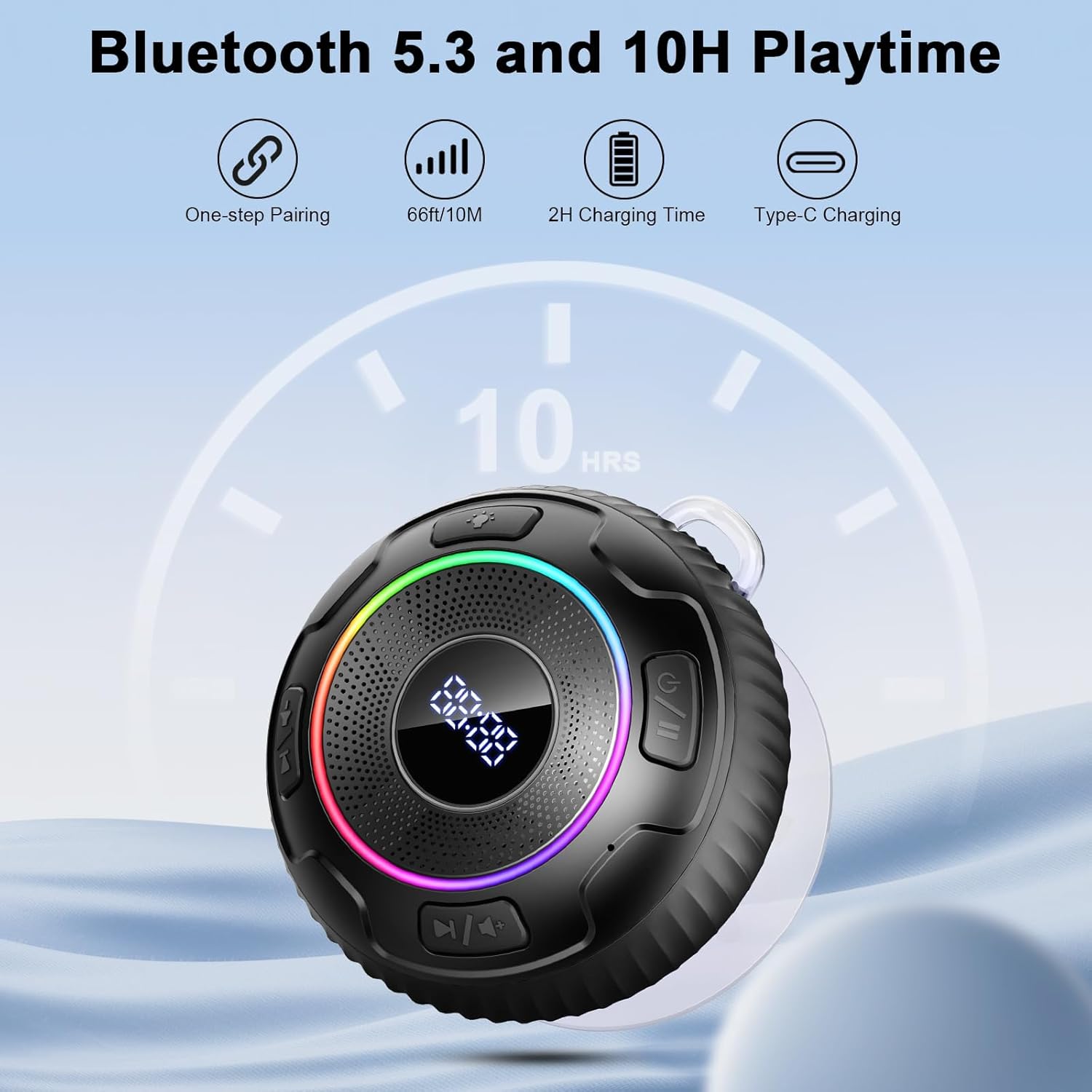
Image: Visual representation of the speaker's Bluetooth 5.3 connectivity, 10-hour playtime, 2-hour charging time, and Type-C charging port.
4.2 Powering On/Off
- To Power On: Press and hold the Power button (U/I) for approximately 3 seconds until you hear an audible prompt and the LED lights activate.
- To Power Off: Press and hold the Power button (U/I) for approximately 5 seconds until the LED lights turn off and you hear an audible prompt.
4.3 Bluetooth Pairing
- Ensure the speaker is powered on and in pairing mode (the LED indicator will typically flash).
- On your device (smartphone, tablet, computer), enable Bluetooth and search for available devices.
- Select "Hupoaf S5" from the list of found devices.
- Once paired, the speaker will emit an audible confirmation, and the LED indicator will stop flashing.
- The speaker has a wireless range of up to 33 feet (10 meters).

Image: The Hupoaf S5 speaker positioned among a group of people, demonstrating its Bluetooth 5.3 range for shared listening experiences.
5. Operating Instructions
5.1 Button Functions

Image: Detailed diagram illustrating the location and function of each button on the Hupoaf S5 speaker, including controls for volume, track selection, play/pause, call management, LED lights, and power.
- Power Button (U/I):
- Press and hold for 3 seconds: Power On
- Press and hold for 5 seconds: Power Off
- Play/Pause Button (►/❚❚):
- Short press: Play/Pause music
- Short press: Answer/End a call
- Press and hold for 2 seconds: Reject an incoming call
- Volume Down / Previous Track Button (-/◀◀):
- Short press: Decrease volume
- Press and hold for 3 seconds: Go to previous track
- Volume Up / Next Track Button (+/▶▶):
- Short press: Increase volume
- Press and hold for 3 seconds: Go to next track
- LED Control Button (Light Icon):
- Short press: Cycle through 6 different LED light modes.
5.2 LED Light Modes
The Hupoaf S5 offers 6 distinct LED light modes. Press the LED Control Button to switch between them:
- Gradient Breathing Flash
- Red Light
- Blue Light
- Green Light
- Purple Light
- Yellow Light

Image: Three Hupoaf S5 speakers shown in different colors (red, blue, black), each with its LED light ring illuminated in various RGB hues, demonstrating the dynamic light show feature.
6. Maintenance
6.1 Waterproofing (IPX7)
The Hupoaf S5 speaker is IPX7 waterproof, meaning it can be submerged in water up to 1 meter (3 feet) for 30 minutes. This makes it suitable for use in showers, by the pool, or during light rain. However, please observe the following:
- Ensure the charging port cover is securely closed before exposing the speaker to water.
- Avoid prolonged submersion or exposure to high-pressure water jets.
- Do not charge the speaker if it is wet. Ensure the charging port is completely dry before connecting the charging cable.
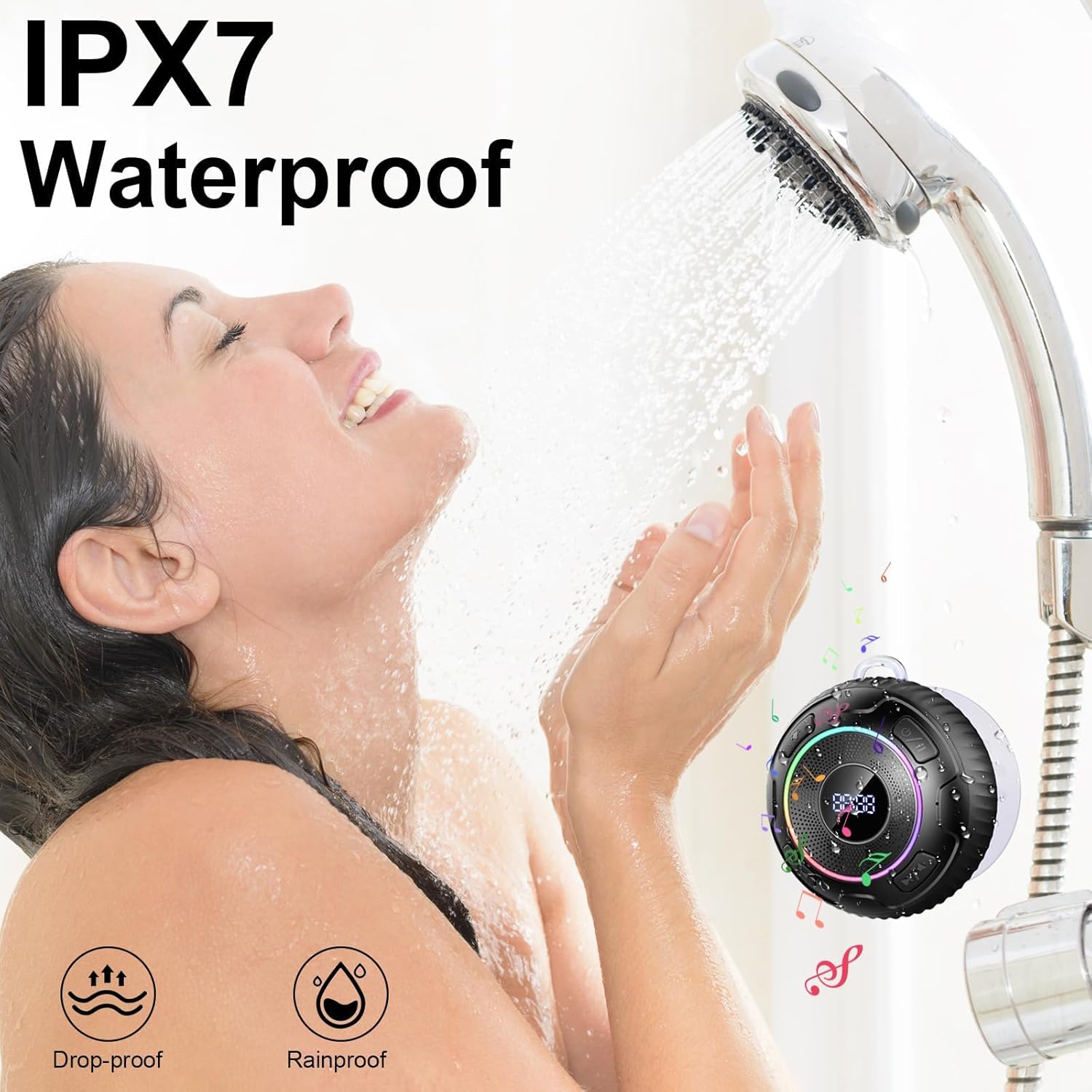
Image: A person enjoying a shower with the Hupoaf S5 speaker mounted on the wall, highlighting its IPX7 waterproof capability for bathroom use.
6.2 Cleaning and Storage
- Clean the speaker with a soft, damp cloth. Do not use abrasive cleaners or solvents.
- Store the speaker in a cool, dry place away from direct sunlight and extreme temperatures.
- If not used for an extended period, charge the speaker at least once every three months to maintain battery health.
7. Troubleshooting
If you encounter any issues with your Hupoaf S5 speaker, please refer to the following common problems and solutions:
| Problem | Possible Cause | Solution |
|---|---|---|
| Speaker does not turn on. | Low battery. | Charge the speaker for at least 30 minutes. |
| Cannot pair via Bluetooth. | Speaker not in pairing mode; Bluetooth disabled on device; too far from device. | Ensure speaker is on and flashing LED; enable Bluetooth on your device; move speaker closer to device (within 10m). |
| No sound or low volume. | Volume too low on speaker or connected device; speaker not connected. | Increase volume on both speaker and connected device; re-pair the speaker. |
| Sound quality is poor. | Interference; device too far; low battery. | Move speaker closer to device; ensure no obstacles; charge speaker. |
| LED lights are not working. | Light mode off or specific mode selected. | Press the LED Control Button to cycle through light modes. |
If the problem persists after trying these solutions, please contact Hupoaf customer support for further assistance.
8. Specifications
| Feature | Specification |
|---|---|
| Model Name | S5 |
| Brand | Hupoaf |
| Speaker Type | Portable Speaker |
| Connectivity Technology | Bluetooth 5.3 |
| Wireless Range | Up to 33 feet (10 meters) |
| Waterproof Rating | IPX7 |
| Speaker Maximum Output Power | 150 Watts |
| Battery Life | Up to 10 hours |
| Charging Time | Approximately 2 hours |
| Charging Port | Type-C |
| Product Dimensions | 1"D x 1"W x 2"H |
| Item Weight | 8.9 ounces |
| Included Components | Speaker, Suction Cup, Type-C Cable, User Manual, Warranty Card |
9. Warranty and Support
The Hupoaf S5 Bluetooth Shower Speaker comes with a warranty as detailed on the included Warranty Card. Please refer to the card for specific terms and conditions.
For technical support, warranty claims, or any other inquiries, please contact Hupoaf customer support through the retailer where you purchased the product or visit the official Hupoaf brand store online.
Online Brand Store: Hupoaf Store on Amazon