
Introduction
The ATK Blazing Sky Duckbill Ultra is a high-performance wireless gaming mouse engineered for precision and speed. Designed with a lightweight 46-gram frame, it offers agility and comfort for extended gaming sessions. This mouse features the advanced PAW3950 Ultra sensor and a Nordic 54H20 MCU, supporting a dynamic polling rate up to 8000 Hz in both wired and wireless modes. It incorporates ATK custom optical switches for consistent actuation, a TTC gold encoder scroll wheel, and anti-dent PTFE feet for smooth glide. The integrated 500 mAh battery provides extended operation, powered by ATK’s 3rd-generation Juesha wireless technology for stable, low-latency performance.
Package Contents
Verify that all items listed below are included in your package:
- ATK Blazing Sky Duckbill Ultra Wireless Gaming Mouse
- Nordic 8K Dongle
- USB-C Cable
- Bonus: Balanced Mouse Feet
- Duckbill Graffiti-Style Grip Tape
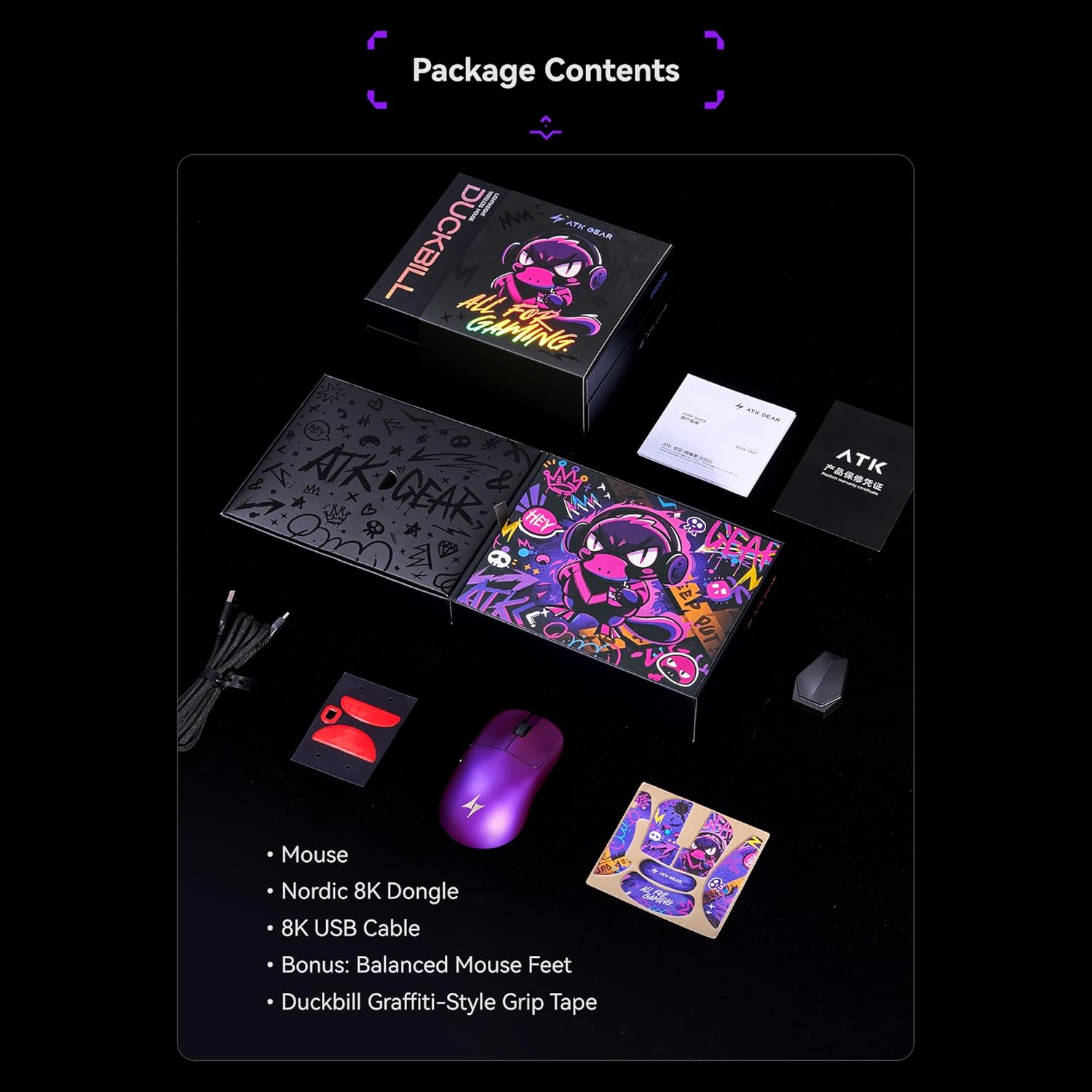
Image: Package contents of the ATK Blazing Sky Duckbill Ultra mouse, including the mouse, dongle, cable, and accessories.
Setup
Charging the Mouse
Before initial use, fully charge the mouse. Connect the provided USB-C cable to the mouse's charging port and the other end to a powered USB port on your computer or a USB wall adapter. The mouse's indicator light will show charging status and turn off when fully charged. A full charge provides up to 150 hours of use in 1000 Hz mode.
Wireless Connection (2.4GHz)
For wireless operation, insert the Nordic 8K Dongle into an available USB port on your computer. Ensure the mouse is powered on. The mouse should automatically connect to the dongle. If connection is not established, refer to the troubleshooting section or consult the ATK HUB software for pairing instructions.
Wired Connection
To use the mouse in wired mode, connect the provided USB-C cable directly from the mouse to your computer's USB port. The mouse will function immediately and charge simultaneously. This mode also supports an 8000 Hz polling rate.
Operation
Basic Functions
The ATK Blazing Sky Duckbill Ultra features standard left and right click buttons, a scroll wheel with a TTC gold encoder, and two programmable side buttons. These buttons are equipped with ATK custom optical switches for durability and consistent response.
Polling Rate Adjustment
The mouse supports a polling rate from 125 Hz up to 8000 Hz in both wired and wireless modes. Polling rate settings can be adjusted via the ATK HUB software to match your preference and system capabilities.
Software Customization
For advanced customization, download and install the ATK HUB 3.0 software. This software allows you to configure button assignments, adjust DPI settings, manage polling rates, and update the ATK ApexShark Firmware MAX for optimal performance.

Image: Internal components of the ATK Blazing Sky Duckbill Ultra mouse, highlighting the PAW3950 Ultra sensor, Nordic 54H20 MCU, and other features.
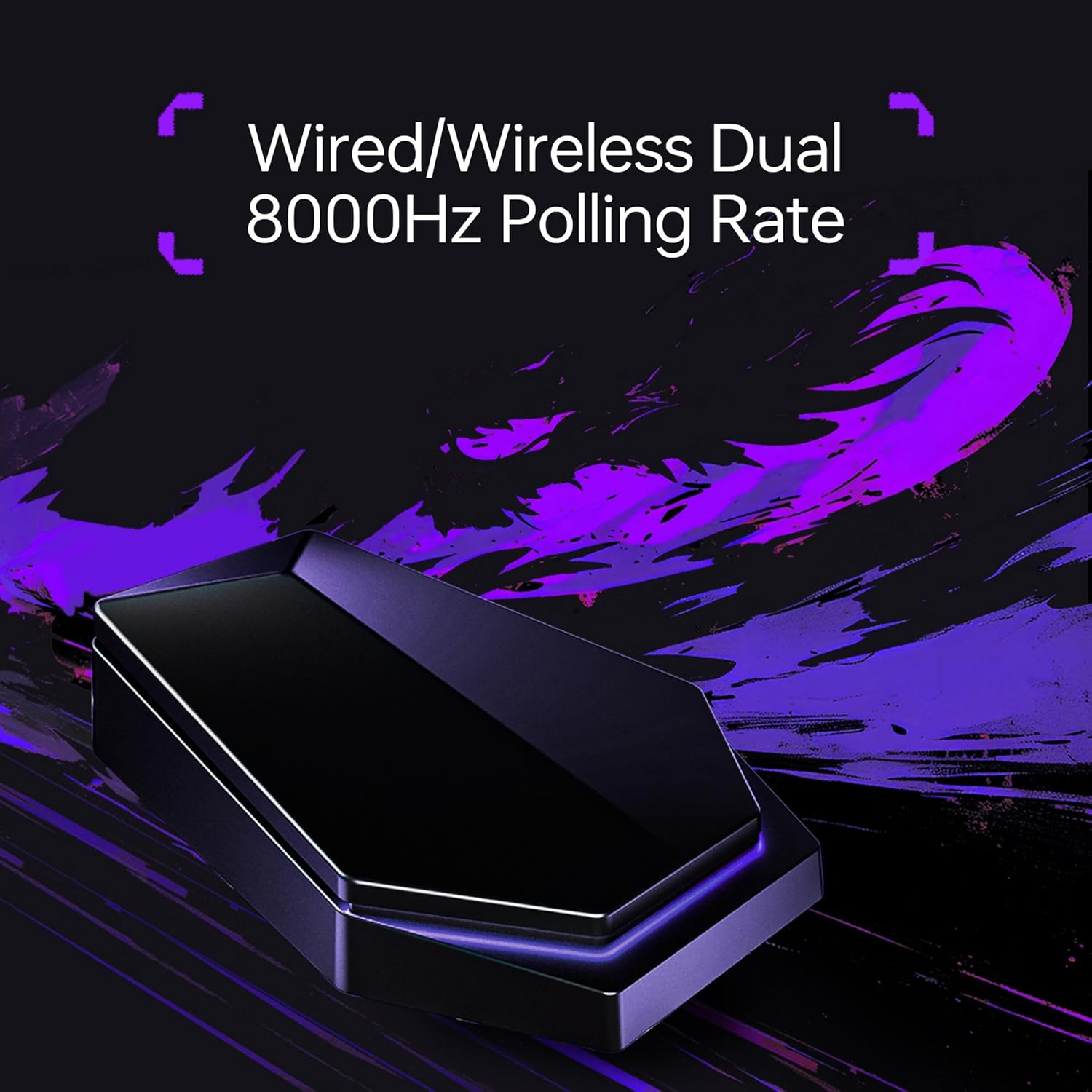
Image: Nordic 8K receiver for the ATK Blazing Sky Duckbill Ultra mouse, emphasizing dual 8000Hz polling rate.
Video: Official product video demonstrating the features and usage of the ATK Blazing Sky Duckbill Ultra Wireless Gaming Mouse.
Maintenance
Cleaning
To maintain optimal performance, regularly clean your mouse. Use a soft, dry cloth to wipe the exterior. For stubborn dirt, a slightly damp cloth can be used, ensuring no moisture enters the internal components. Avoid harsh chemicals or abrasive materials.
Battery Care
To prolong battery life, avoid fully discharging the mouse frequently. Charge the mouse when the battery indicator suggests low power. Store the mouse in a cool, dry place when not in use for extended periods.
PTFE Feet
The mouse is equipped with anti-dent PTFE feet for smooth gliding. If the glide performance degrades over time, replacement PTFE feet are available. Refer to the package contents for bonus balanced mouse feet.
Troubleshooting
Mouse Not Connecting Wirelessly
- Ensure the Nordic 8K Dongle is securely plugged into a USB port.
- Verify the mouse is powered on.
- Try plugging the dongle into a different USB port.
- Re-pair the mouse using the ATK HUB software if necessary.
Inconsistent Tracking or Lag
- Clean the mouse sensor area to remove any dust or debris.
- Ensure you are using a suitable mouse pad.
- Check for wireless interference from other devices; try moving the dongle closer to the mouse.
- Update mouse firmware via ATK HUB software.
Battery Not Charging
- Ensure the USB-C cable is properly connected to both the mouse and the power source.
- Try a different USB port or charging adapter.
- Verify the USB-C cable is not damaged.
Specifications
| Feature | Detail |
|---|---|
| Product Name | ATK Blazing Sky Duckbill Lightweight Wireless Mouse |
| Model | Ultra |
| Color | Black/White/Metallic Purple |
| Dimensions | 118mm x 55mm x 37.4mm (small to medium hands) |
| Grip Width | 55mm |
| Coating | Ice-Feel |
| Sensor | PAW3950 Ultra |
| MCU | Nordic 54H20 |
| Battery | 500mAh |
| Wireless Technology | ATK Gen-3 ApexShark Wireless Transmission Technology ApexShark Esports Firmware MAX |
| Polling Rate | Wired 8K/Wireless 8K |
| Weight | 46±2g |
| Battery Life (1KHz) | 150 Hours |
| Scroll Wheel | TTC Gold |
| Primary Button Switch | ATK Custom Tuned Optical Switches |
| Connectivity | 2.4GHz/Wired |
| Receiver | Come With Nordic 8K Dongle |
| Mouse Feet | Gaming Mouse Feet x1, Balanced Mouse Feet x1 |
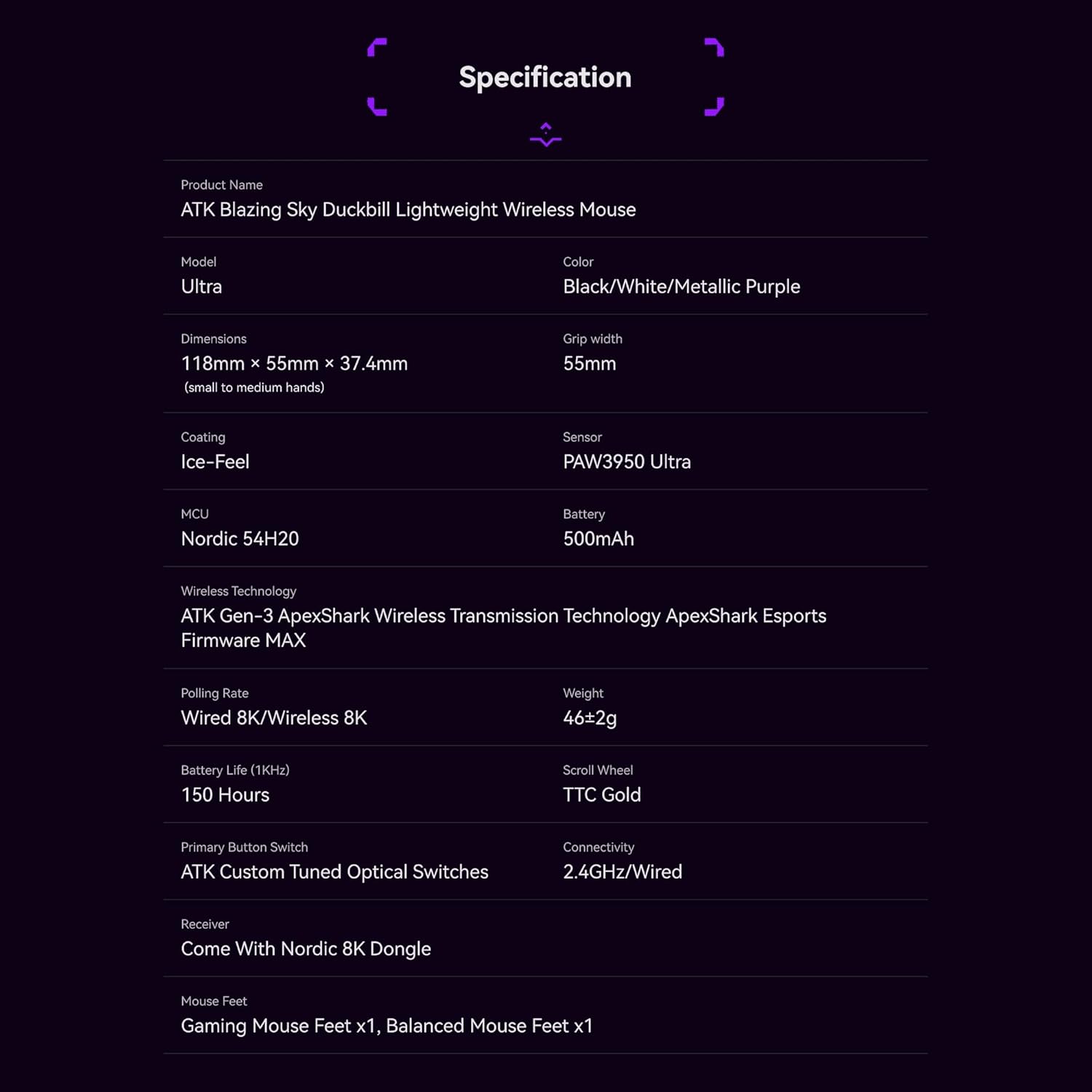
Image: Detailed specifications table for the ATK Blazing Sky Duckbill Ultra mouse.
Warranty and Support
ATK products are manufactured to high-quality standards. For information regarding warranty coverage, terms, and conditions, please refer to the warranty card included in your product packaging or visit the official ATK website.
For technical support, product inquiries, or assistance with your ATK Blazing Sky Duckbill Ultra Wireless Gaming Mouse, please visit the ATK Store on Amazon or the official ATK support channels.


