
1. Introduction
Thank you for choosing the 1Mii E700 Wireless Bluetooth Over-Ear Headphones. This manual provides essential information for setting up, operating, and maintaining your headphones to ensure optimal performance and longevity. The 1Mii E700 headphones offer a premium audio experience with features such as Hi-Res Audio support, Active Noise Cancelling, and extended battery life.
2. Package Contents
- E700 Noise Cancelling Headphones
- Aux-TypeC Cable
- USB-C Charging Cable
- Headphones Pouch
- User Manual (this document)
3. Product Overview
The 1Mii E700 headphones are designed for comfort and high-fidelity audio. They feature a foldable and rotatable design for portability, ultra-soft memory foam ear cushions, and an adjustable padded headband for a secure and comfortable fit.

Figure 1: 1Mii E700 Headphones and Carrying Case
3.1 Controls and Ports
The headphone controls are intuitively placed for easy access:
- Power/Bluetooth Button: Used to power the headphones on/off and initiate Bluetooth pairing.
- Volume Up/Down Buttons: Adjusts the audio volume.
- ANC Button: Toggles between Active Noise Cancelling, Transparency, and Normal modes.
- USB-C Port: For charging the headphones and for wired audio connection.
- 3.5mm Jack: For wired audio connection using the Aux-TypeC cable.
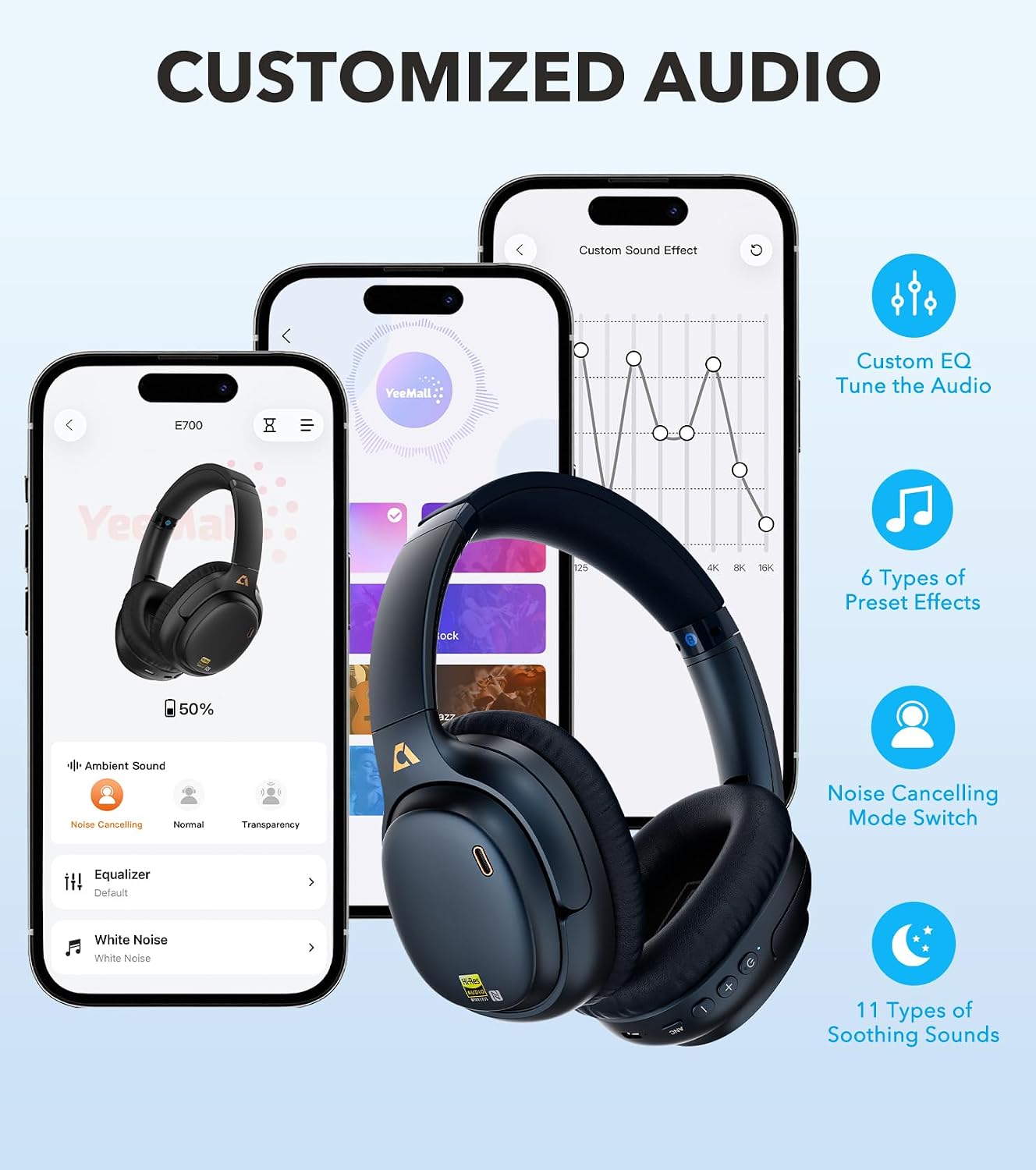
Figure 2: Headphone Controls and USB-C Port
4. Setup
4.1 Charging the Headphones
Before first use, fully charge your headphones. Connect the provided USB-C charging cable to the headphone's USB-C port and the other end to a compatible USB power source. A full charge provides up to 54 hours of playback. A quick 10-minute charge can provide approximately 5 hours of listening time.
4.2 Power On/Off
- To Power On: Press and hold the Power button until the indicator light illuminates.
- To Power Off: Press and hold the Power button until the indicator light turns off.
4.3 Bluetooth Pairing
- Ensure the headphones are powered off.
- Press and hold the Power/Bluetooth button until the indicator light flashes blue and red, indicating pairing mode.
- On your device (smartphone, tablet, etc.), enable Bluetooth and search for available devices.
- Select "1Mii E700" from the list of devices.
- Once connected, the indicator light will turn solid blue.
5. Operating Instructions
5.1 Active Noise Cancelling (ANC) Modes
The E700 features Hybrid Active Noise Cancelling to reduce ambient noise. Use the ANC button to cycle through the following modes:
- Active Noise Cancelling (ANC): Reduces up to 90% of ambient noise, particularly low-frequency sounds like airplane engines and traffic.
- Transparency Mode: Allows you to hear your surroundings while still enjoying your audio, ideal for staying aware of your environment.
- Normal Mode: ANC is off, providing standard audio playback.

Figure 3: Active Noise Cancelling in use
5.2 Call Functions
The headphones are equipped with cVc 8.0 noise cancellation for clear calls, ensuring your voice comes through crisp and natural by blocking background noise.
5.3 1Mii App (YeeMall App)
Personalize your audio experience with the dedicated 1Mii app (YeeMall App), available on iOS and Android. The app allows you to:
- Custom EQ: Fine-tune bass and treble to match your preferences.
- Preset EQ Profiles: Choose from various pre-configured sound profiles (e.g., Pop, Deep Bass, Rock, Classic, Jazz, Country).
- Noise Cancelling Mode Switch: Control ANC modes directly from the app.
- Sleep Sounds: Access 11 types of soothing sounds (e.g., Rain, Ocean Waves, Bird Chirping) to help you relax or sleep.

Figure 4: Customizing Audio via the 1Mii App
5.4 Official Product Video
Watch this official video from 1MiiDirect-US for an overview of the E700 headphones' features, including noise cancelling and Hi-Res Audio capabilities.
Video 1: 1Mii E700 Wireless Bluetooth Over Ear Headphones with Noise Canceling Hi-Res Audio aptX Low Latency
6. Comfort and Fit
The E700 headphones are designed for extended wear with ultra-soft memory foam cushions that evenly distribute pressure. The padded headband is adjustable to ensure a balanced, fatigue-free fit for various head sizes.

Figure 5: All-Day Comfort Design
7. Connectivity
The 1Mii E700 headphones offer versatile connectivity options:
- Bluetooth 5.1: Provides a stable wireless connection with a range of up to 32.8 feet.
- Hi-Res Audio Codecs: Supports LDAC and aptX HD for lossless, high-fidelity audio streaming.
- aptX Low Latency: Delivers smooth, immersive sound with only 40ms latency when paired with compatible transmitters, ideal for TV or gaming.
- Wired Connection: Use the included Aux-TypeC cable for a direct wired connection to devices with a 3.5mm jack or USB-C port.
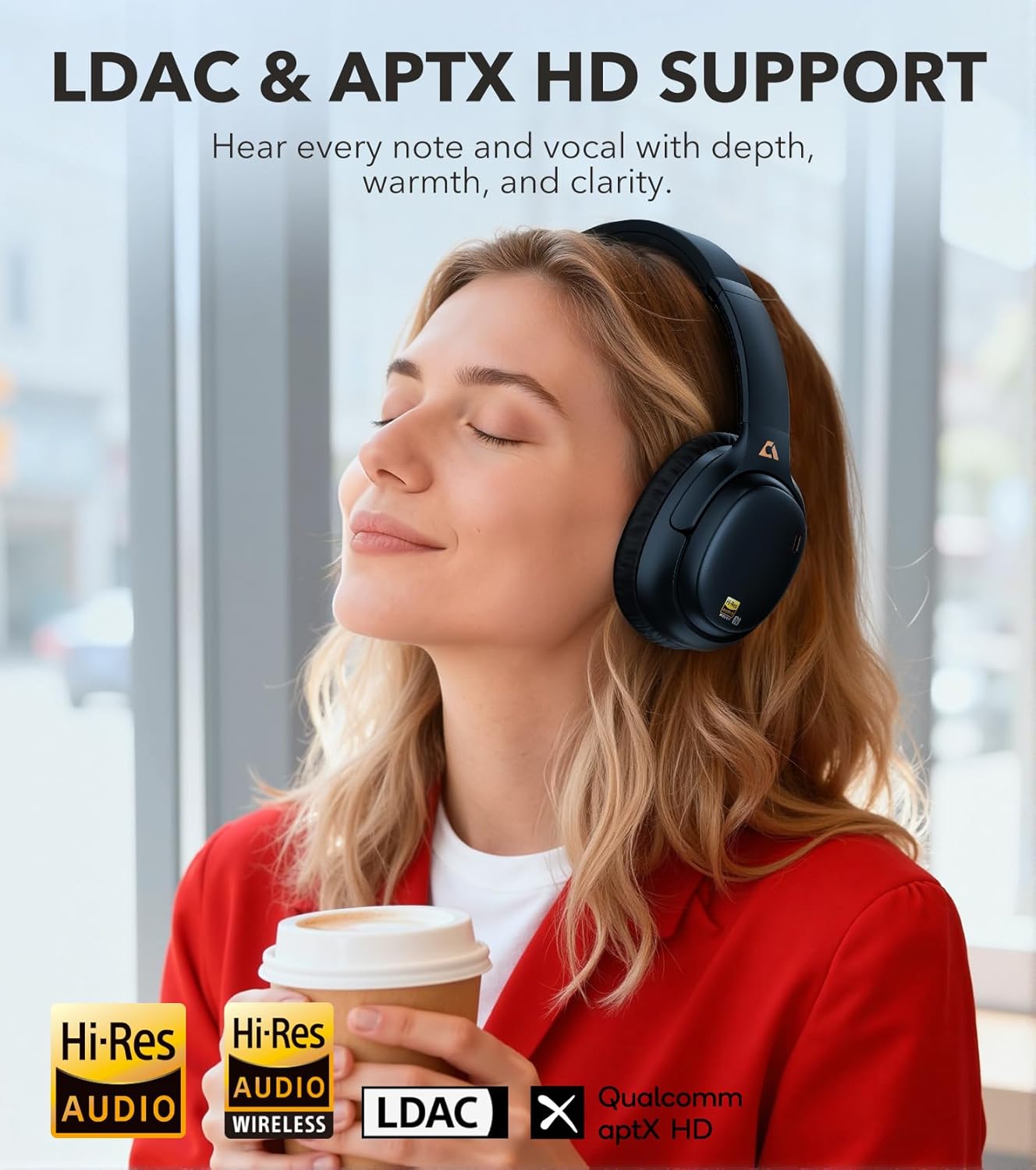
Figure 6: Hi-Res Audio with LDAC & aptX HD

Figure 7: aptX Low Latency for Synchronized Audio
8. Battery Information
The 1Mii E700 headphones provide up to 54 hours of continuous playback on a single charge. For quick power-ups, a 10-minute charge delivers approximately 5 hours of battery life.
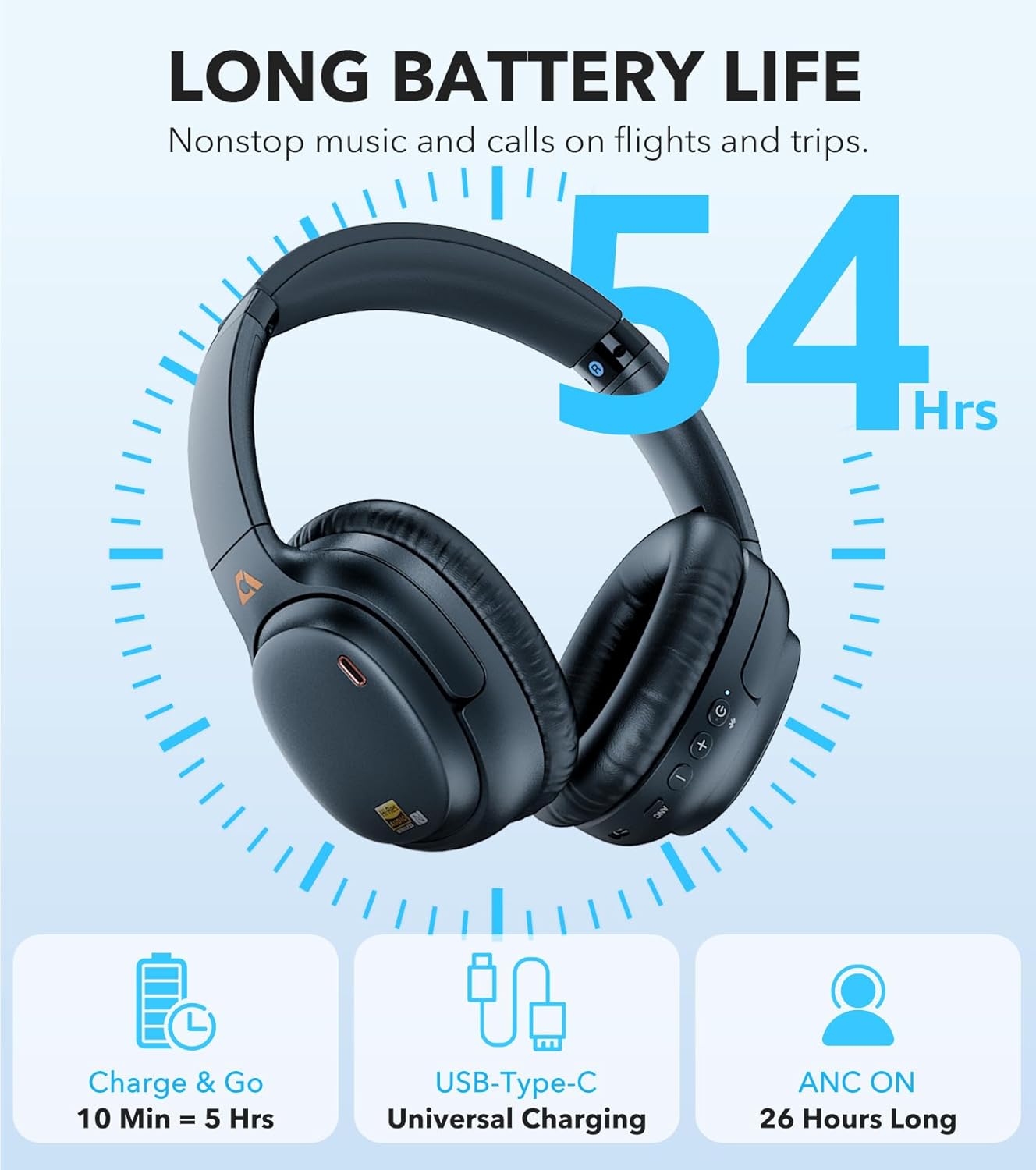
Figure 8: Extended Battery Life
9. Maintenance and Care
- Clean the headphones regularly with a soft, dry cloth.
- Avoid exposing the headphones to extreme temperatures, moisture, or direct sunlight.
- Store the headphones in the provided carrying pouch when not in use to protect them from dust and damage.
- Do not attempt to disassemble or modify the headphones, as this will void the warranty.
10. Troubleshooting
10.1 ANC Feature Not Working as Expected
If you find that the noise cancellation feature is not working as expected, please try the following:
- Press the ANC button until you hear the "Noise Cancelling" prompt to ensure the ANC mode is activated.
- Ensure L/R markings match your ears.
- Adjust the headband so ear cups fully cover and seal your ears.
- Try the headphones in a different environment.
10.2 Pairing Issues
- Ensure the headphones are in pairing mode (flashing blue and red light).
- Check that Bluetooth is enabled on your device.
- Move the headphones closer to your device and away from potential interference sources.
- Forget/remove the headphones from your device's Bluetooth list and attempt to pair again.
10.3 No Sound/Poor Sound Quality
- Check the volume levels on both the headphones and your connected device.
- Ensure the headphones are properly paired via Bluetooth or the wired connection is secure.
- If using a wired connection, ensure the Aux-TypeC cable is fully inserted into both the headphones and the audio source.
- Verify that the audio source is playing and not muted.
11. Specifications
| Feature | Detail |
|---|---|
| Model Name | E700 |
| Noise Control | Hybrid Noise Cancellation |
| Connectivity Technology | Bluetooth, LDAC/APTX HD/APTX LL/APTX/AAC/SBC, Wired |
| Bluetooth Version | 5.1 |
| Bluetooth Range | 32.8 Feet |
| Battery Life | 54 Hours |
| Charging Time | 10 minutes for 5 hours playback |
| Audio Latency | 40 Milliseconds (with aptX Low Latency) |
| Headphones Jack | 3.5 mm Jack, USB-C |
| Audio Driver Size | 40 Millimeters |
| Frequency Response | 40 KHz |
| Sensitivity | 105 dB |
| Impedance | 32 Ohms |
| Material | Faux Leather, Memory Foam, Metal, Plastic |
| Weight | 1.28 pounds |
12. Warranty and Support
For warranty information and customer support, please refer to the official 1Mii website or contact their customer service directly. The included User Manual in your package may also contain specific warranty details.


